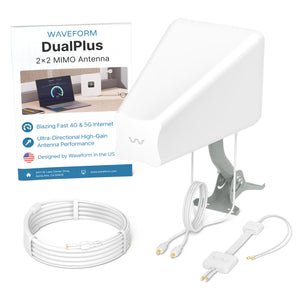
Are you tired of your outdoor gatherings being interrupted by shaky WiFi signals? Or perhaps you’re working on your patio and your devices struggle to stay connected?
You’re not alone. Many of us rely on robust internet connections to keep multiple devices running smoothly, even outside. The question is, can outdoor WiFi extenders handle multiple devices efficiently? Imagine being able to stream music, host video calls, or browse the web seamlessly from your backyard, without any hiccups.
This article dives into the capabilities of outdoor WiFi extenders, exploring whether they can truly support all your gadgets at once. Keep reading to discover how you can transform your outdoor space into a reliable, internet-connected haven.
Credit: www.tomsguide.com
How Outdoor Wifi Extenders Work
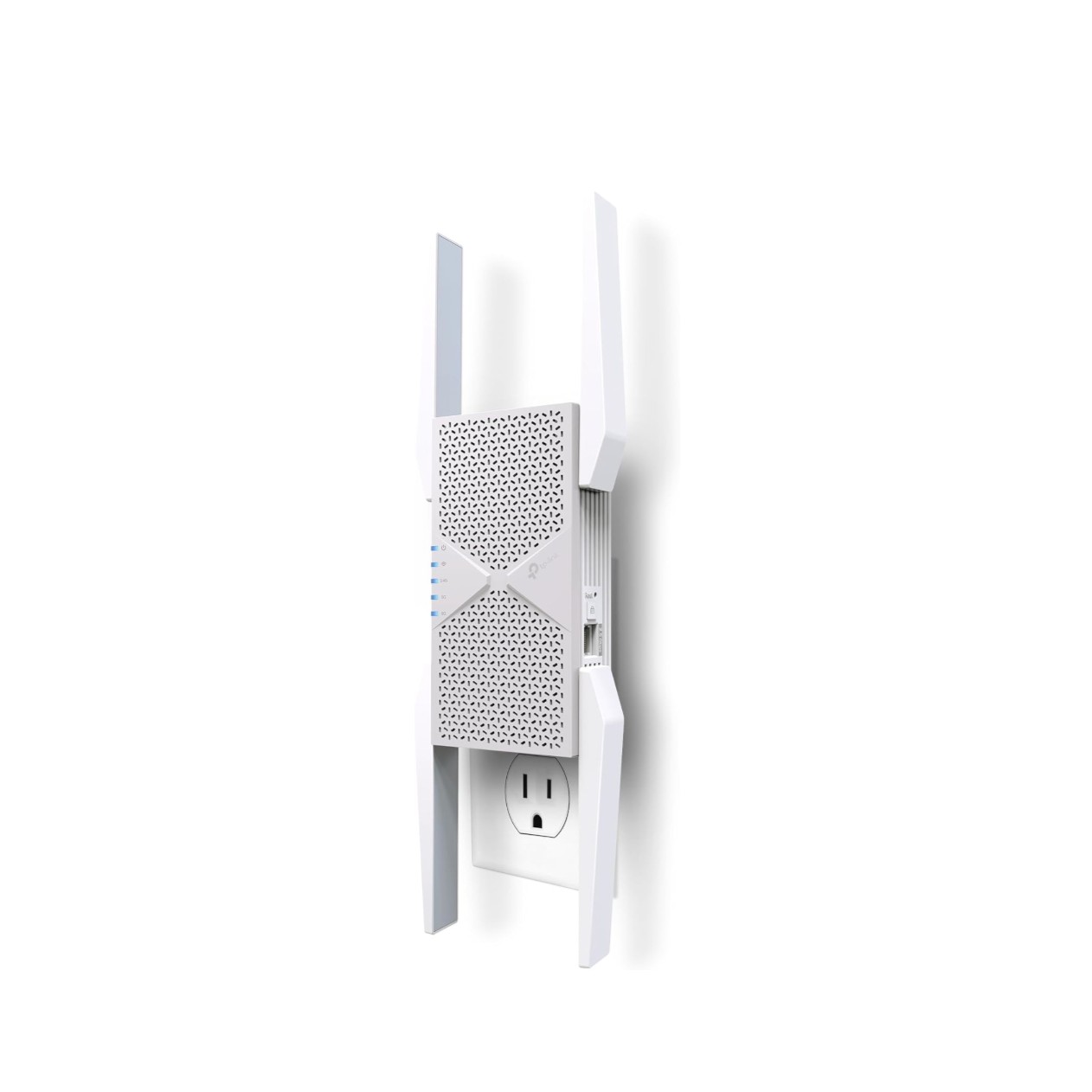
Outdoor WiFi extenderswork by catching the existing WiFi signal. Then, they boostit to cover larger outdoor areas. This helps places like gardens and patios get better internet.
They use antennas to catch weak signals. Then, these signals get stronger before sending them out again. The goal is to reduce spots with no WiFi.
- Signal strengthdepends on how far the extender is from the main router.
- Obstacles like walls and trees can block or weakensignals.
- Placing extenders too far means weak or no signal.
- Closer placement gives a stronger and clearerWiFi boost.
Outdoor extenders have a range limit. Too many devices at once can slow the speed. But good extenders handle multiple devices well within their range.

Credit: www.amazon.ca
Device Capacity Limits
Outdoor WiFi extendersshare their available bandwidth among all connected devices. This means the more devices connected, the slower the internet speed for each device. Bandwidth is like a pipe carrying water; if many taps open, water flow to each tap decreases.
Most outdoor extenders support a maximum number of devices. This usually ranges from 10 to 50 devices, depending on the model and brand. Connecting more than this can cause network lag and slow speeds.
| Device Type | Typical Max Devices Supported | Effect on Speed |
|---|---|---|
| Basic Outdoor Extender | 10-20 devices | Speed drops quickly with more devices |
| Mid-Range Outdoor Extender | 20-35 devices | Moderate speed drop as devices increase |
| High-End Outdoor Extender | 35-50 devices | Better speed management with many devices |
Performance With Multiple Devices
Outdoor WiFi extenderscan support several devices but their performance varies. As more devices connect, speed often drops. This happens because the extender splits its bandwidth among all users.
Latency, or delay time, may increase with many devices. This can make online games and video calls less smooth. Extenders with better technology handle this better, but some slowdown is common.
| Device Type | Effect on WiFi Extender |
|---|---|
| Smartphones and Tablets | Use moderate data; less impact on speed |
| Laptops and PCs | Use more data; may slow network more |
| Smart Home Devices | Usually low data but constant connection |
| Streaming Devices | High data use; can cause major slowdowns |
Choosing The Right Extender
Choose an extender that works well with your router brand and model.
Check if the extender supports the same Wi-Fi standards as your router. For example, 802.11ac or 802.11ax.
Extenders that use the same frequency bands as your router help keep signals strong.
Some extenders can connect to routers from different brands easily. Others cannot.
Look for models that mention wide compatibilityor universal support.
Ensuring compatibility avoids slow speeds and connection drops.
Installation Tips For Best Performance
Place the outdoor WiFi extender where it gets a clear signal from your main router. Avoid walls, metal objects, or thick trees that block signals. The extender should be close enough to the router but also near the area needing coverage.
Keep the extender away from devices that cause interference like microwaves, cordless phones, and baby monitors. These devices can weaken the WiFi signal and reduce performance.
- Choose a high spot for better signal spread.
- Check signal strength with a phone or laptop before fixing the extender.
- Use weatherproof covers if the extender is exposed to rain or sun.
- Avoid placing extenders near large metal surfaces.

Credit: www.youtube.com
Troubleshooting Common Issues
Connection dropscan happen if the extender is too far from the main router. Walls and trees may block the signal. Moving the extender closer often helps. Sometimes, restarting the extender fixes the problem. Check if the firmware is up to date; outdated software can cause drops.
Slow speeds with multiple devicesoccur when many devices use the extender at once. Each device gets less bandwidth. Reducing the number of connected devices can improve speed. Also, placing the extender in a central spot helps share signal evenly. Using a dual-band extender can support more devices better.
Alternative Solutions For Heavy Usage
Mesh network systemsuse multiple devices to spread WiFi evenly. They help cover large areas with a strong signal. Each device connects to the others, creating a single network. This setup supports many devices without slowing down. It is great for homes with many users or heavy internet use.
Upgrading router equipmentmeans getting a newer, faster router. Modern routers can handle many devices at once. They use better technology to send data quickly. Some routers have special settings to prioritize devices. This keeps important devices working well during heavy use.
Frequently Asked Questions
Can Outdoor Wifi Extenders Support Many Devices?
Yes, many outdoor WiFi extenders can handle multiple devices. However, performance depends on the extender’s capacity and bandwidth. High-quality extenders manage several connections simultaneously without significant speed drops.
How Do Outdoor Wifi Extenders Manage Device Traffic?
Outdoor WiFi extenders use advanced technology to prioritize data. They distribute bandwidth efficiently among connected devices. This helps maintain stable connections and reduces lag during heavy usage.
Will Multiple Devices Slow Down My Wifi Extender?
Yes, connecting many devices can slow down speeds. Bandwidth is shared among all devices, so more users may reduce performance. Choosing a powerful extender helps minimize speed loss.
Are Outdoor Wifi Extenders Ideal For Large Device Numbers?
Outdoor WiFi extenders are suitable for moderate device numbers. For very large groups, professional-grade extenders or mesh networks are better. Always check device support limits before purchase.
Conclusion
Outdoor WiFi extenders can support many devices, but it depends on the model. Quality extenders manage traffic well and keep connections stable. Signal strength and placement also affect performance. Expect slower speeds if too many devices connect at once. Choose a reliable extender for your needs to avoid problems.
Testing your setup helps find the best spot and settings. With the right extender, outdoor WiFi can serve multiple devices smoothly. Simple steps make your network work better outside.


