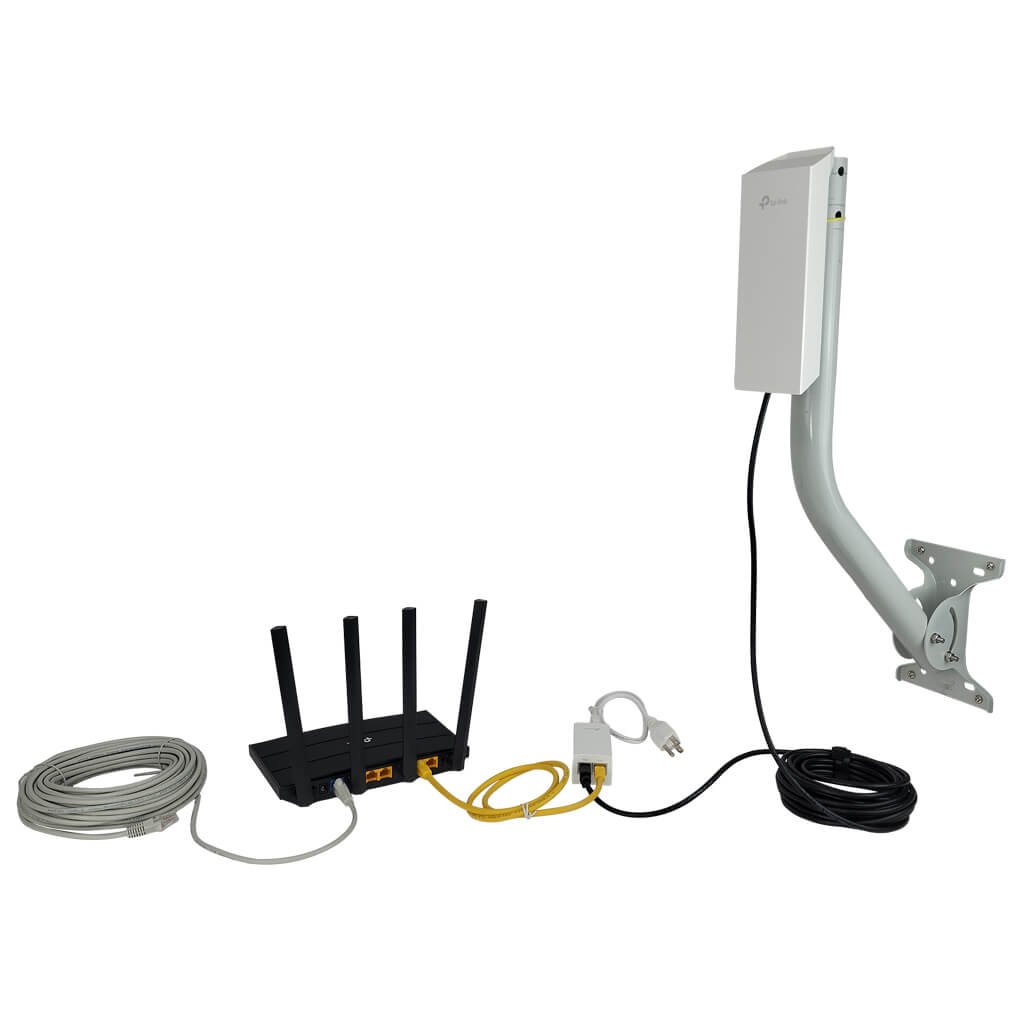
Are you relying on a long range WiFi extender to boost your internet signal at home or work? You might wonder if these devices need firmware updates to keep working smoothly.
Ignoring updates could slow down your connection or leave your network vulnerable. But how often should you update? And what benefits can you expect? Keep reading to discover why firmware updates matter for your WiFi extender and how they can improve your online experience.

Credit: simplewifi.com
How Firmware Affects Wifi Extenders
Firmwareacts as the brain inside wifi extenders. It controls how the device works and talks to other devices. Without good firmware, the extender may not work well or could stop working.
Firmware updatesfix bugs, add new features, and improve security. These updates help the extender run faster and more stable. They can also fix connection problems and improve speed.
Old firmware can cause slow internet or dropouts. New updates keep the device compatible with the latest routers and standards. This ensures better coverageand fewer interruptions in your wifi signal.
Reasons To Update Firmware
Security enhancementskeep your wifi extender safe from new threats. Updates fix weak spots in the system. This helps stop hackers from breaking in.
Bug fixes and stabilityimprove how well your device works. Updates correct errors that cause crashes or slow speeds. This keeps your connection steady and reliable.
Feature improvementsadd new functions or make old ones better. Updates can boost signal strength or add user-friendly tools. This makes your extender more useful and easier to use.
Risks Of Skipping Firmware Updates
Skipping firmware updates can create serious security risks. Hackers often exploit old software to access your network. Firmware updates fix these vulnerabilitiesand protect your devices from attacks.
Network reliability also suffers without regular updates. Outdated firmware may cause slow connectionsor frequent dropouts. Updates improve performance and keep your WiFi extender running smoothly.
- Security holes:Older firmware allows cyber threats.
- Unstable connection:More frequent disconnects.
- Slow speeds:Network runs less efficiently.
- Compatibility issues:New devices may not work well.
How To Check For Firmware Updates
Checking firmware updates for long-range WiFi extenders helps keep devices secure and working well. Visit the extender’s settings page or the manufacturer’s website to find the latest firmware version. Regular updates fix bugs and improve performance.
Accessing Extender Settings
Open a web browser and enter the extender’s IP address. This address is usually found in the user manual or on the device label. Log in using your username and password. Look for a section named “Firmware Update” or “System.” Check the current firmware version and see if a newer version is available. Follow the instructions to download and install the update.
Using Manufacturer Tools
Many manufacturers offer a desktop or mobile app for their devices. Download the app from the official website or app store. The app can detect your extender automatically. It will notify you if a firmware update is available. Updates can often be installed with a single tap or click. This method is simple and safe for most users.
Step-by-step Firmware Update Process
Long range WiFi extenders sometimes need firmware updates to improve performance and security. Download the latest update from the manufacturer’s website and follow their instructions carefully. This keeps your device running smoothly and fixes bugs.
Preparing Your Device
Make sure the extender is plugged in and powered on. Connect your computer or phone to the extender’s Wi-Fi network. Note the current firmware version from the extender’s settings page. Ensure the device battery is full or keep it plugged in during the update. Close other apps to avoid interruptions.
Downloading And Installing Updates
Visit the extender manufacturer’s official website. Find the support or downloads section. Download the latest firmware for your model. Open the extender’s settings page and look for the firmware update option. Upload the downloaded file and start the update. Wait patiently; do not turn off the device.
Post-update Checks
- Verify the new firmware version in settings.
- Test the Wi-Fi connection strength.
- Restart the extender if needed.
- Reset the device if problems appear.
Credit: www.signalbooster.com
Best Practices For Firmware Management
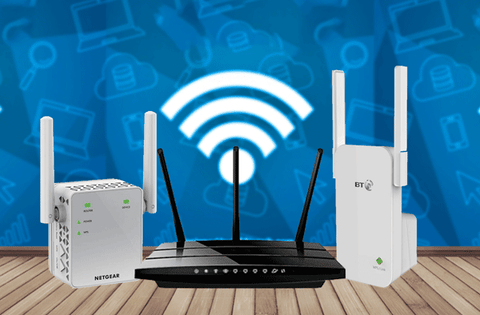
Regular firmware updates keep your WiFi extenderworking well. Set a schedulefor updates, like once every few months. This helps fix bugs and improve security.
Before updating, always backup settings. This keeps your custom setup safe. If something goes wrong, you can restorethe old settings quickly.
- Check your internet connection before starting.
- Do not turn off the extender during updates.
- Use the official update files from the manufacturer’s website.
- Restart the device after the update completes.
Following these tips helps avoid common update problems and keeps your network stable.
When To Avoid Firmware Updates
Firmware updates can sometimes cause compatibility issues. Devices that worked well before may stop working correctly after an update. This is common with older long range WiFi extenders that may not support new firmware versions.
Stable network environments often do not need frequent updates. If your WiFi extender runs smoothly without problems, updating firmware might introduce bugs or connection drops. It is safer to avoid updates when your setup is stable.
- Old extenders might not support new firmware
- Updates can cause unexpected errors
- Stable networks usually do not need updates
- Avoid updating if no problems exist

Credit: www.amazon.ca
Frequently Asked Questions
Do Wifi Extenders Need Firmware Updates?
Yes, long-range WiFi extenders need firmware updates. These updates enhance performance, fix bugs, and improve security. Regular updates ensure your device remains compatible with evolving technology. Check the manufacturer’s website or device settings for available updates. Keeping your firmware current maximizes the extender’s efficiency and longevity.
How Often Should You Update Firmware?
Updating firmware every few months is recommended. However, if the manufacturer releases urgent updates, apply them immediately. Regular updates ensure optimal performance and security. Always follow the manufacturer’s guidelines for update frequency. Keeping your firmware up-to-date helps maintain a robust and reliable WiFi connection.
Can Outdated Firmware Affect Performance?
Yes, outdated firmware can affect performance. It may cause slower speeds, connectivity issues, and security vulnerabilities. Keeping firmware updated ensures optimal functionality and protection against potential threats. Regular updates help maintain the best possible performance for your long-range WiFi extender.
How Do You Update Wifi Extender Firmware?
To update, visit the extender’s official website. Download the latest firmware version for your model. Access the extender’s settings via a web browser. Navigate to the firmware update section and upload the downloaded file. Follow the on-screen instructions to complete the update process.
Conclusion
Long range WiFi extenders often need firmware updates to work well. Updates fix bugs and improve speed. They can also add new features. Regular updates keep your connection strong and secure. Check for updates on the extender’s app or website.
Don’t ignore update alerts. Staying updated helps avoid problems and saves time. Simple steps can boost your WiFi’s performance. Keep your extender’s firmware fresh for a smooth internet experience.


