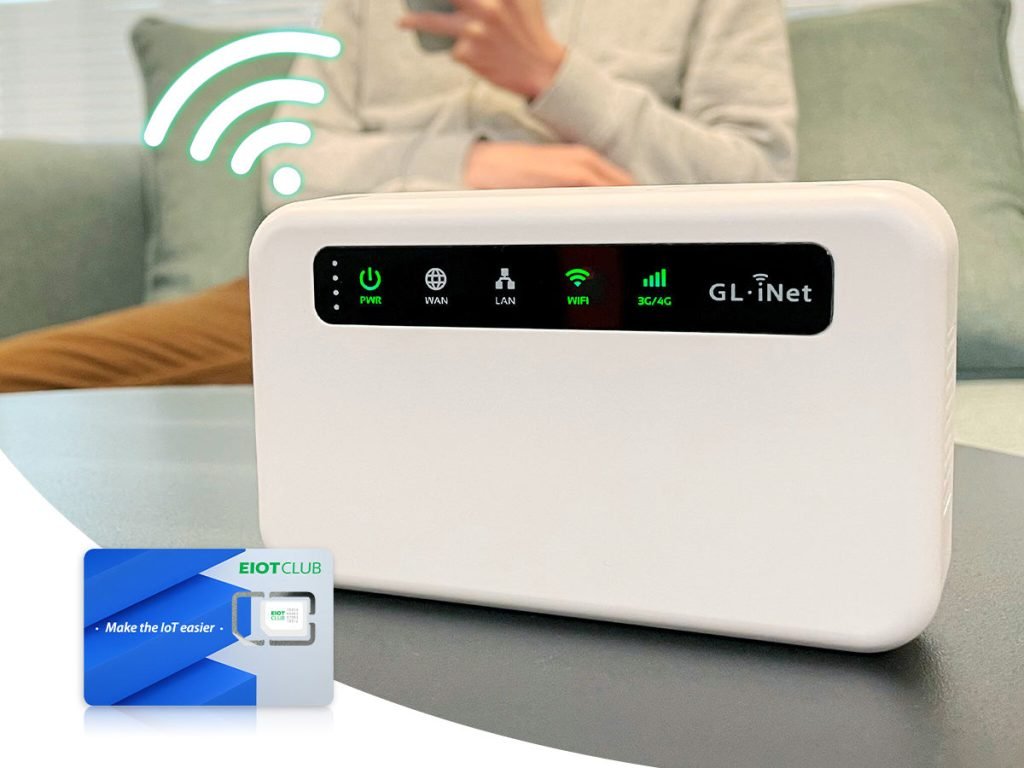
Are you wondering if your gaming modem can work with a mobile hotspot? If you’ve ever tried to play online games away from home or during travel, you know how tricky it can be to get a stable connection.
Imagine turning your phone’s hotspot into a powerful gaming setup—sounds great, right? But does it really work? You’ll discover the truth about using gaming modems with mobile hotspots, what to expect, and how to get the best performance. Keep reading to unlock the secrets that can level up your gaming experience anywhere you go.
Gaming Modems Basics
Understanding the basics of gaming modems is crucial if you want to improve your online gaming experience. These devices are designed to handle high-speed internet connections, reduce lag, and provide a stable connection. But what exactly sets a gaming modem apart from a regular one?
What Is A Gaming Modem
A gaming modem is a specialized device that connects your home network to the internet with the primary goal of optimizing gaming performance. Unlike standard modems, it focuses on minimizing latency and packet loss, which are common issues that can disrupt gameplay.
Think of it as a gateway that prioritizes gaming traffic over other types of data. This ensures your games run smoothly, even if others are streaming videos or browsing the web on the same network.
Key Features Of Gaming Modems
- Low Latency:Gaming modems are engineered to reduce the delay between your inputs and the game server’s response.
- Quality of Service (QoS) Settings:These allow you to prioritize gaming traffic over other internet activities.
- High-Speed Connectivity:Support for the latest broadband standards ensures faster download and upload speeds.
- Stable Connection:Advanced error correction and signal optimization help maintain a steady connection, avoiding sudden drops.
- Customizable Network Controls:Users can manage ports, firewall settings, and other network parameters to suit gaming needs.
Have you noticed how a few milliseconds of lag can change the outcome of a game? These features are designed to give you that competitive edge. But how do these modems perform when paired with mobile hotspots? That’s a question worth exploring next.
Mobile Hotspot Essentials
Understanding the essentials of a mobile hotspot is key before deciding if a gaming modem can work with it. A mobile hotspot turns cellular data into a Wi-Fi signal you can connect to with your devices. This technology offers flexibility, especially if you need internet on the go or in places without wired connections.
How Mobile Hotspots Work
Mobile hotspots connect to the internet using a cellular network, just like your smartphone does. They convert this cellular signal into a Wi-Fi network that multiple devices can join. This means your laptop, tablet, or gaming console can access the internet without needing a physical cable.
Think of it as a mini Wi-Fi router powered by a SIM card. The strength and speed of your connection depend on your cellular provider’s coverage and network quality. Have you ever noticed your phone’s internet speed change when moving from one area to another? That same variability affects mobile hotspots.
Types Of Mobile Hotspots
- Dedicated Mobile Hotspot Devices:These are standalone gadgets designed solely to create Wi-Fi networks using cellular data. They often provide better battery life and more stable connections than phones.
- Smartphone Hotspots:Most smartphones can act as hotspots by sharing their cellular data over Wi-Fi. This is convenient but can drain your phone’s battery quickly and may limit the number of devices connected.
- Built-in Hotspot in Laptops or Tablets:Some laptops and tablets come with built-in cellular modems that can share their connection as a hotspot.
Each type serves different needs. If you want to game seriously, a dedicated mobile hotspot might give you a steadier connection. But if you’re just trying to get by occasionally, your phone’s hotspot might do the trick.
Compatibility Factors
Compatibility factors play a key role in deciding if a gaming modem works with a mobile hotspot. These factors include the network setup and the devices involved. Each element affects the connection quality and gaming experience. Understanding these helps set the right expectations and avoid frustration.
Network Requirements
Network strength and speed are vital for gaming. Mobile hotspots often rely on cellular data, which can vary in quality. A stable 4G or 5G connection is usually necessary to support a gaming modem. Latency, or delay, must be low to avoid lag during gameplay.
Data limits and network congestion can also affect performance. Some mobile hotspots may restrict heavy data use. Check if your mobile data plan supports extended gaming sessions. Network compatibility with the gaming modem’s frequency bands matters too.
Device Compatibility Issues
Not all gaming modems work smoothly with mobile hotspots. Some modems expect a fixed IP address, which mobile hotspots may not provide. Firmware and software differences between devices can cause connection problems.
Compatibility with the hotspot’s Wi-Fi standards is essential. Older modems might not support newer Wi-Fi protocols used by mobile hotspots. Power supply and physical connectivity options also matter. A modem needing Ethernet might not connect if the hotspot lacks that port.

Credit: www.popsci.com
Connecting Gaming Modem To Hotspot
Connecting a gaming modem to a mobile hotspot can expand your gaming options. It allows you to use cellular data for your gaming sessions. This setup is useful when no wired internet is available or when traveling. The connection process requires attention to detail to ensure smooth gameplay.
Step-by-step Setup
- Turn on your mobile hotspot on the smartphone or device.
- Activate the Wi-Fi on your gaming modem.
- Search for available networks on the modem’s interface.
- Select your mobile hotspot network from the list.
- Enter the hotspot password carefully to connect.
- Wait for the modem to confirm the connection.
- Test the connection by running a speed check or game.
Troubleshooting Common Problems
- Check if the hotspot signal is strong and stable.
- Restart both the modem and the mobile device.
- Ensure the hotspot password is correct without typos.
- Verify that the modem supports the hotspot’s frequency band.
- Disable any firewall or VPN that might block the connection.
- Update the modem’s firmware for better compatibility.
- Limit the number of devices connected to the hotspot.
Performance And Latency
Performance and latency are key factors that determine your gaming experience when using a mobile hotspot with a gaming modem. Latency, or ping, is the delay between your actions and the game’s response. Even a slight lag can make fast-paced games frustrating, so understanding how a mobile hotspot affects these aspects is crucial.
Impact Of Hotspot On Gaming
Using a mobile hotspot often introduces higher latency compared to wired connections. This happens because data travels through cellular networks, which can be less stable and slower than fiber or cable internet. You might notice delays, stuttering, or even occasional disconnections during intense gaming moments.
However, this doesn’t mean gaming over a hotspot is impossible. Many users have successfully played games like Fortnite or Call of Duty on mobile data, but the quality heavily depends on your cellular signal strength and network congestion.
Have you ever experienced sudden lag spikes during a crucial match? That’s often the hotspot struggling to maintain a steady connection, which impacts your overall performance.
Optimizing Connection Speed
To improve gaming performance over a mobile hotspot, start by placing your phone or hotspot device in an area with the strongest signal. Avoid obstructed spots like behind furniture or inside cabinets.
- Use a 5GHz Wi-Fi band if your hotspot supports it, as it offers faster speeds and less interference than 2.4GHz.
- Limit other devices on the hotspot network to reduce bandwidth competition.
- Consider enabling Quality of Service (QoS) settings on your gaming modem to prioritize gaming traffic.
You could also test different cellular providers to see which offers the best speed and stability in your area. Sometimes switching carriers makes a huge difference in latency and overall connection quality.
Credit: www.popsci.com
Alternatives To Mobile Hotspot
Relying solely on a mobile hotspot for gaming can be limiting. Network stability and speed often fluctuate, leading to lag or disconnections. Thankfully, there are alternatives that can offer a smoother gaming experience and better connectivity.
Using Wired Connections
Wired connections remain the gold standard for stable internet during gaming. Connecting your gaming modem directly to an Ethernet cable reduces latency and interference significantly.
If you’ve ever struggled with sudden lag spikes during an intense game, switching to a wired connection might be the fix you need. Even a basic Ethernet setup can outperform a mobile hotspot in speed and reliability.
- Plug your console or PC directly into the router or modem.
- Use quality Ethernet cables (Cat5e or higher) for optimal speed.
- Keep cables organized to avoid physical damage and maintain performance.
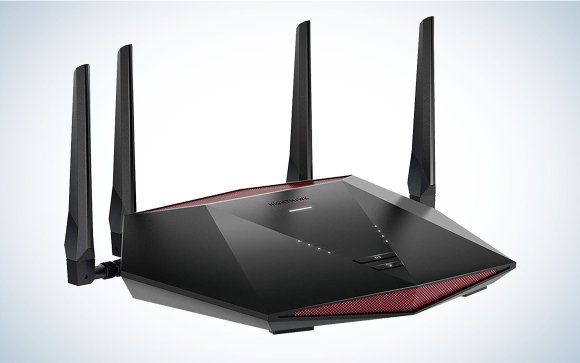
Dedicated Gaming Routers
Have you noticed some routers prioritize gaming traffic over other internet activities? That’s the advantage of dedicated gaming routers. These devices are designed to reduce lag, improve ping times, and handle multiple devices without dropping performance.
Investing in a gaming router can feel like a game-changer. They come with features such as Quality of Service (QoS) settings that allow you to prioritize your gaming devices over streaming or downloads.
- Look for routers with low latency and high throughput.
- Check for customizable QoS to assign bandwidth where it’s needed most.
- Some models include built-in VPNs or security features to protect your gaming sessions.
Have you tried upgrading your router or switching to a wired connection? These alternatives often improve your gaming experience more than relying on a mobile hotspot alone.
Tips For Stable Gaming Connection
Maintaining a stable gaming connection can be tricky, especially when using a mobile hotspot with your gaming modem. The key lies in optimizing your setup to reduce lag, avoid disconnections, and keep your gameplay smooth. Let’s dive into practical tips you can apply right now to improve your gaming experience over a mobile hotspot.
Improving Signal Strength
Your gaming connection depends heavily on the signal strength of your mobile hotspot. Position your hotspot device in an open area, preferably near a window, to get the best reception. Walls and electronic appliances can weaken the signal, so keep your hotspot away from those obstacles.
Using an external antenna or signal booster for your mobile hotspot can also make a noticeable difference. I once moved my hotspot from a cluttered desk corner to a higher shelf near a window, and the ping dropped significantly. Have you checked if your hotspot device supports antenna upgrades?
Another trick is to minimize the distance between your gaming modem and the hotspot. The closer they are, the stronger and more stable the connection will be. Even a few feet can change your latency and download speeds.
Managing Data Usage
Gaming over a mobile hotspot means you have a limited data plan to work with. To avoid unexpected throttling or disconnections, monitor your data usage regularly. Many smartphones and hotspot devices offer built-in tools to track how much data you’ve consumed.
Close any background apps or downloads on your gaming device that might be eating up bandwidth. Streaming music or videos while gaming can cause spikes in data usage and increase lag. I learned this the hard way after noticing my game stuttering when my phone started syncing photos in the background.
Consider setting data limits or alerts to prevent overuse during long gaming sessions. Some devices allow you to restrict app data usage, which can help prioritize gaming traffic. What steps have you taken to keep your data usage in check while gaming?

Credit: www.reddit.com
Frequently Asked Questions
Does A Gaming Modem Improve Mobile Hotspot Gaming?
A gaming modem can boost connection stability and reduce lag. However, mobile hotspots depend on cellular signals, which may limit speed and reliability. Using a gaming modem with a strong mobile hotspot can improve your gaming experience but won’t fully match wired connections.
Can I Connect A Gaming Modem To A Mobile Hotspot?
Yes, you can connect a gaming modem to a mobile hotspot. The modem will use the hotspot’s internet signal for gaming. Ensure the hotspot provides a stable and fast connection for the best results when gaming through the modem.
Will A Gaming Modem Reduce Mobile Hotspot Lag?
A gaming modem can help reduce lag by optimizing data flow. However, mobile hotspot lag depends largely on cellular network quality and signal strength. The modem improves handling but cannot fix poor mobile network conditions.
Are Gaming Modems Compatible With All Mobile Hotspots?
Most gaming modems are compatible with standard mobile hotspots. Compatibility depends on the modem’s connection options and hotspot settings. Verify your modem supports the hotspot’s connection type for seamless gaming performance.
Conclusion
Gaming modems can work with mobile hotspots, but performance varies. Connection speed and stability depend on your mobile network and device. Some games need low latency, which mobile hotspots may not always provide. Testing your setup before serious gaming helps avoid surprises.
Choose a strong signal and limit other devices using the hotspot. This way, you get smoother gameplay and fewer interruptions. Understanding these basics lets you decide if this setup fits your gaming needs.


