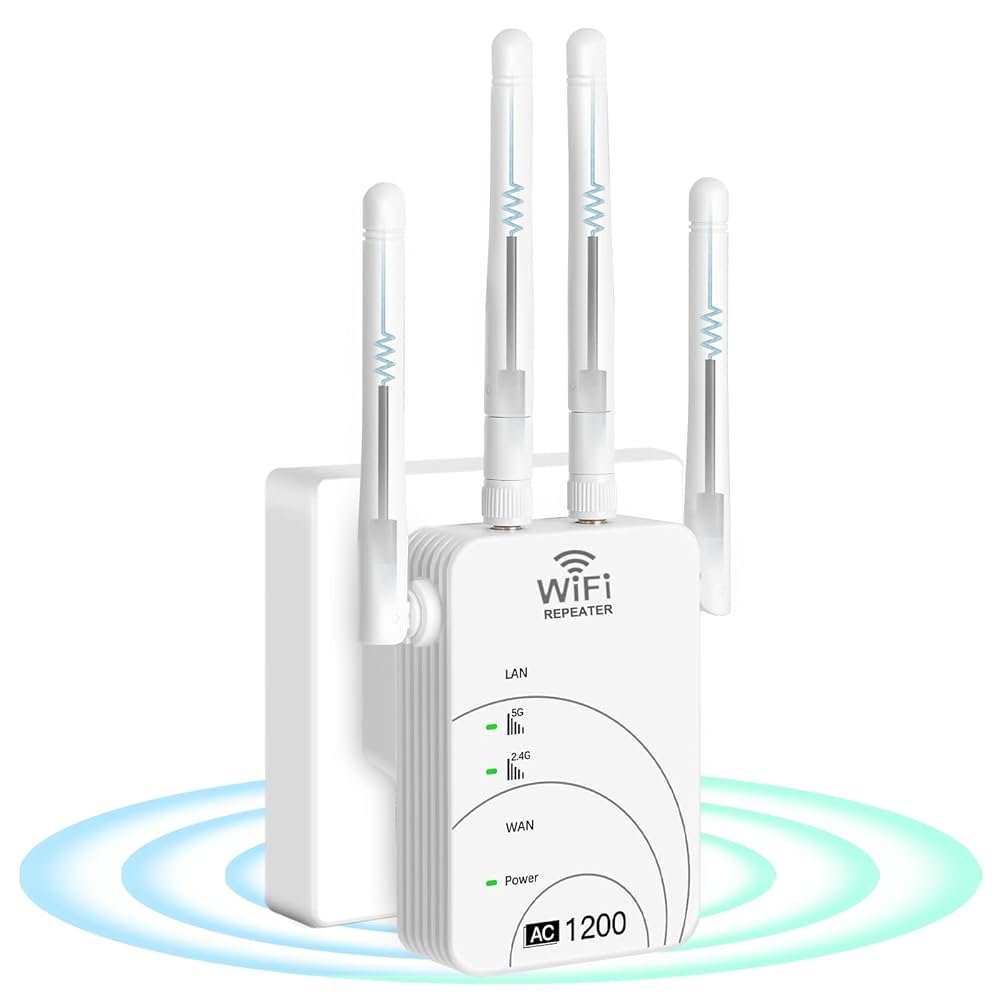
Are you wondering how many devices your dual band WiFi extender can handle without slowing down your connection? Whether you have a busy household or run a small office, knowing the limits of your extender is key to keeping your internet fast and reliable.
You’ll discover exactly how many devices can connect to your dual band WiFi extender and what affects its performance. By the end, you’ll have clear answers to make smarter choices for your network setup. Keep reading to unlock the full potential of your WiFi extender!
Dual Band Wifi Extender Basics
A dual band wifi extenderboosts your home network. It works on two frequencies: 2.4 GHzand 5 GHz. This helps cover more area and reduce interference. The 2.4 GHz band gives better range but slower speed. The 5 GHz band offers faster speed but shorter range.
Dual band extendersconnect to your main router and repeat the signal. This helps devices far from the router get strong internet. They support many devices at once, which is good for busy homes.
- Better internet coverage in large areas
- Faster speeds on the 5 GHz band
- Less interference from other devices
- Supports multiple devices without slowing down
- Improves connection quality for streaming and gaming
Device Limits On Dual Band Extenders
Device capacityon dual band WiFi extenders depends on several factors. The speedand qualityof the extender affect how many devices it can support. The type of devicesand their usagealso matter. Streaming or gaming uses more bandwidth than simple browsing.
Network interference and distance from the extender can reduce performance. The 2.4 GHz bandusually supports more devices but at slower speeds. The 5 GHz bandsupports fewer devices but offers faster speeds.
| Type of Extender | Typical Max Devices | Notes |
|---|---|---|
| Basic Dual Band Extender | 10-15 | Good for small homes or apartments |
| Mid-Range Extender | 20-30 | Supports medium use, multiple devices |
| High-End Extender | 30+ | Best for busy networks and many devices |
Impact Of Device Types And Usage
High bandwidth deviceslike streaming boxes and gaming consoles use more data. They need strong and fast connections to work well. Low bandwidth devicessuch as phones and smart bulbs use less data and do not need as much speed.
Streaming videos and online games can slow down the wifi extender. These activities use a lot of data and take more of the connection’s power. Many devices doing these tasks at once can cause lag or buffering.
| Device Type | Bandwidth Use | Effect on Wifi Extender |
|---|---|---|
| Streaming Devices | High | Uses much bandwidth, may slow network |
| Gaming Consoles | High | Needs fast connection, can cause lag |
| Smartphones/Tablets | Low to Medium | Less impact on network speed |
| Smart Home Devices | Low | Minimal impact, uses little data |

Credit: m.tvcmall.com
Maximizing Device Connections
Placing the extenderis key for many devices to connect well. Keep it close to the main routerbut far enough to cover weak spots. Walls and floors can reduce signal strength, so avoid thick barriers. A good spot helps more devicesget a strong signal.
Adjusting network settingscan also improve how many devices connect. Use the 5 GHz bandfor faster speeds and less crowding. The 2.4 GHz bandworks better over longer distances but is slower. Setting different WiFi channelscan reduce interference from nearby networks. Turn on Quality of Service (QoS)to give important devices priority.
Troubleshooting Connection Issues
Multiple devicescan cause slow speedsand connection drops. This happens because the extender has limits on how many devicesit can handle at once. Overloading the extender with many devices causes signal interferenceand network congestion.
Check if too many devices are connected at the same time. Disconnect devices not in use. Move devices closer to the extender for a better signal. Keep the extender away from thick walls or metal objects that block WiFi.
- Restart the extender and router to clear temporary issues.
- Update extender firmware for better performance.
- Use 5 GHz band for devices needing faster speeds.
- Limit heavy downloads or streaming on multiple devices.

Credit: www.amazon.ca
Choosing The Right Extender
Device supportis key when choosing a dual band WiFi extender. Each model offers different limits on how many devices can connect at once. Most extenders support between 20 and 50 devices. More devices mean slower speeds if the extender is not strong enough.
Look for extenders with high device capacityif you have many gadgets like phones, laptops, and smart home devices. Some extenders also offer separate limits for 2.4 GHz and 5 GHz bands, helping balance the load.
| Model | Max Devices Supported | Frequency Bands | Extra Features |
|---|---|---|---|
| Extender A | 25 devices | Dual Band | Guest Network, App Control |
| Extender B | 40 devices | Dual Band | MU-MIMO, Beamforming |
| Extender C | 50 devices | Dual Band | Smart Connect, QoS |
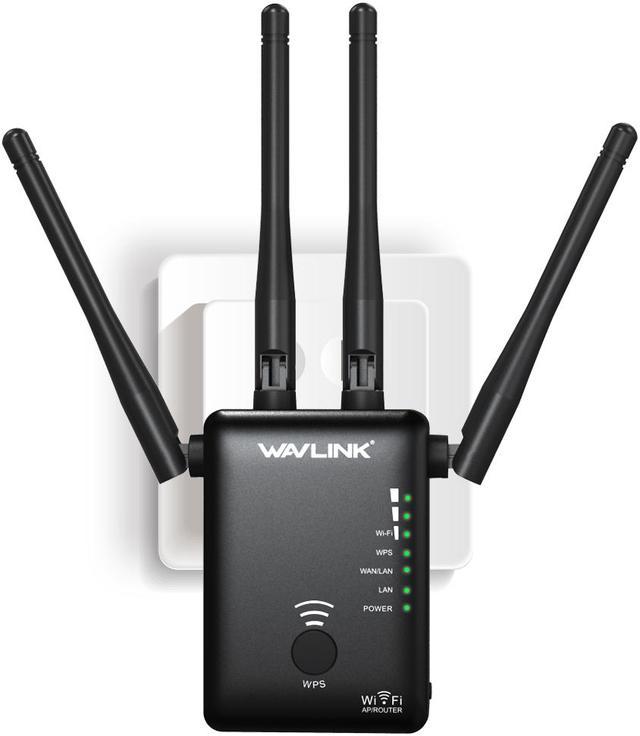
Future-proof featureshelp extend the extender’s useful life. Features like MU-MIMOimprove speed for many devices. Beamformingfocuses signals to your devices for better range. Smart Connectlets devices switch bands automatically for best speed. Choose extenders with these features for stable, long-term use.
Credit: www.newegg.com
Frequently Asked Questions
How Many Devices Can A Dual Band Wifi Extender Support?
A dual band WiFi extender typically supports 20 to 50 devices simultaneously. The exact number depends on the model and network traffic. Higher-end extenders handle more devices without speed loss, ensuring stable connections for multiple users at once.
Does Device Type Affect Wifi Extender Capacity?
Yes, device type impacts capacity. Streaming or gaming devices use more bandwidth. Smartphones or IoT devices consume less. This affects how many devices can connect without slowing the network on a dual band WiFi extender.
Can Dual Band Extenders Improve Connection For Many Devices?
Yes, dual band extenders split traffic between 2. 4 GHz and 5 GHz bands. This reduces congestion and improves speeds for multiple devices. It’s ideal for homes with many users or smart devices needing stable WiFi connections.
Will Adding More Devices Slow Down A Wifi Extender?
Adding more devices can slow performance. Extenders have bandwidth limits. Too many active devices cause congestion and reduce speeds. Choose an extender with higher capacity to maintain fast connections when many devices connect.
Conclusion
Choosing the right dual band WiFi extender is crucial. It supports multiple devices, enhancing internet speed and stability. But, check the extender’s specifications. Each model varies in connection capacity. User needs determine the best choice. A crowded network may slow down performance.
Balance device connections for optimal results. Consider placement for better signal strength. Evaluate your home’s layout and devices in use. A well-placed extender ensures efficient coverage. Investing in a quality device improves your internet experience. With the right extender, enjoy seamless connectivity.
Your devices will thank you.


