Are you struggling with weak Wi-Fi signals in certain parts of your home or office? You might be wondering if your dual band router can help fix that by acting as an access point.
Using a dual band router as an access point could be the simple solution you need to extend your network without buying extra equipment. But is it really that easy? Keep reading to find out how you can boost your Wi-Fi coverage and get the most out of your router.
This guide will clear up the confusion and show you exactly what steps to take.
Dual Band Router Basics
Understanding the basics of a dual band router is essential before deciding if it can function as an access point in your network. These devices offer more than just internet connectivity; they provide options that can improve your home’s wireless experience. Let’s break down what makes a dual band router special and why its technology matters.
What Is A Dual Band Router
A dual band router operates on two different frequency bands: 2.4 GHz and 5 GHz. The 2.4 GHz band covers a wider area but often faces more interference from other devices like microwaves and cordless phones. Meanwhile, the 5 GHz band offers faster speeds and less interference but covers a smaller area.
By having both bands, these routers allow your devices to connect to the best available frequency. This means you can stream videos on the 5 GHz band while your smart home devices run smoothly on the 2.4 GHz band without slowing down your network.
Benefits Of Dual Band Technology
- Improved Speed and Performance:You get faster data transfer rates, especially on the 5 GHz band, which is ideal for gaming or HD streaming.
- Reduced Interference:The 5 GHz band often has less traffic, so your connection stays stable, even in crowded wireless environments.
- Better Range and Coverage:The 2.4 GHz band reaches farther, helping devices that are farther away stay connected.
Have you noticed your video calls dropping or your smart devices lagging? Using a dual band router can help solve these issues by balancing the load between two bands. This balance can lead to a smoother online experience, especially in busy households or offices.
Access Point Role
The access point role is essential in expanding your wireless network without the need for a full router setup. If you have a dual band router, you might wonder if it can serve as an access point to improve coverage and manage devices more efficiently. Understanding this role helps you decide how to best use your existing equipment for a stronger, more reliable Wi-Fi experience.
Functions Of An Access Point
An access point connects wireless devices to a wired network, acting as a bridge between them. It allows multiple devices to access the internet by extending the Wi-Fi coverage beyond what a single router can provide.
Unlike a router, it doesn’t assign IP addresses or manage traffic between networks. Instead, it focuses solely on broadcasting the wireless signal and forwarding data to the main router or switch.
Think about a large home where your router’s Wi-Fi signal fades in certain rooms. Adding an access point in those areas can keep your connection strong and stable.
Differences Between Router And Access Point
| Feature | Router | Access Point |
|---|---|---|
| Function | Manages network traffic and assigns IP addresses | Extends wireless coverage without routing functions |
| Network Management | Handles DHCP, NAT, and firewall settings | Relays data to the router without managing network settings |
| Connection Type | Connects to the internet and devices | Connects to the router via Ethernet to provide Wi-Fi access |
| Use Case | Primary device for home or office networking | Secondary device to expand network coverage |
Would you want your dual band router to handle both roles, or focus on providing a strong Wi-Fi signal as an access point? Many find it easier to repurpose older routers as access points to save money and improve network reach.
Using Dual Band Router As Access Point
Using a dual band router as an access point can be a smart move to extend your network’s coverage without buying a dedicated device. It lets you leverage the router’s ability to broadcast on both 2.4 GHz and 5 GHz bands, improving wireless performance in areas where your main router’s signal is weak. However, not every dual band router fits this role perfectly, so knowing what to check and how to set it up is crucial.
Compatibility Factors
First, check if your dual band router supports access point mode. Not all routers have this feature built-in, and it’s essential for a smooth transition. If your router doesn’t explicitly support access point mode, you might still be able to disable its DHCP server and connect it via LAN port to your main network.
Also, consider the router’s wireless standards. A router supporting 802.11ac or 802.11ax will offer better speed and reliability than one stuck on older standards. Dual band routers that can handle simultaneous dual band operation allow devices to connect on either frequency, balancing network load effectively.
Setup Requirements
Start by connecting the dual band router to your main router using an Ethernet cable plugged into one of the LAN ports, not the WAN port. This lets the access point act as a bridge rather than creating a separate network.
Next, access the router’s settings and disable its DHCP server. This step prevents IP address conflicts by ensuring your main router handles all IP assignments. Then, assign a static IP address to the access point within your main router’s subnet to avoid any network confusion.
You’ll want to configure the SSID and password on the dual band router to match or complement your main network. Using the same SSID can make your devices switch seamlessly between routers as you move around your home. Alternatively, a different SSID helps you control which band or access point your devices connect to.
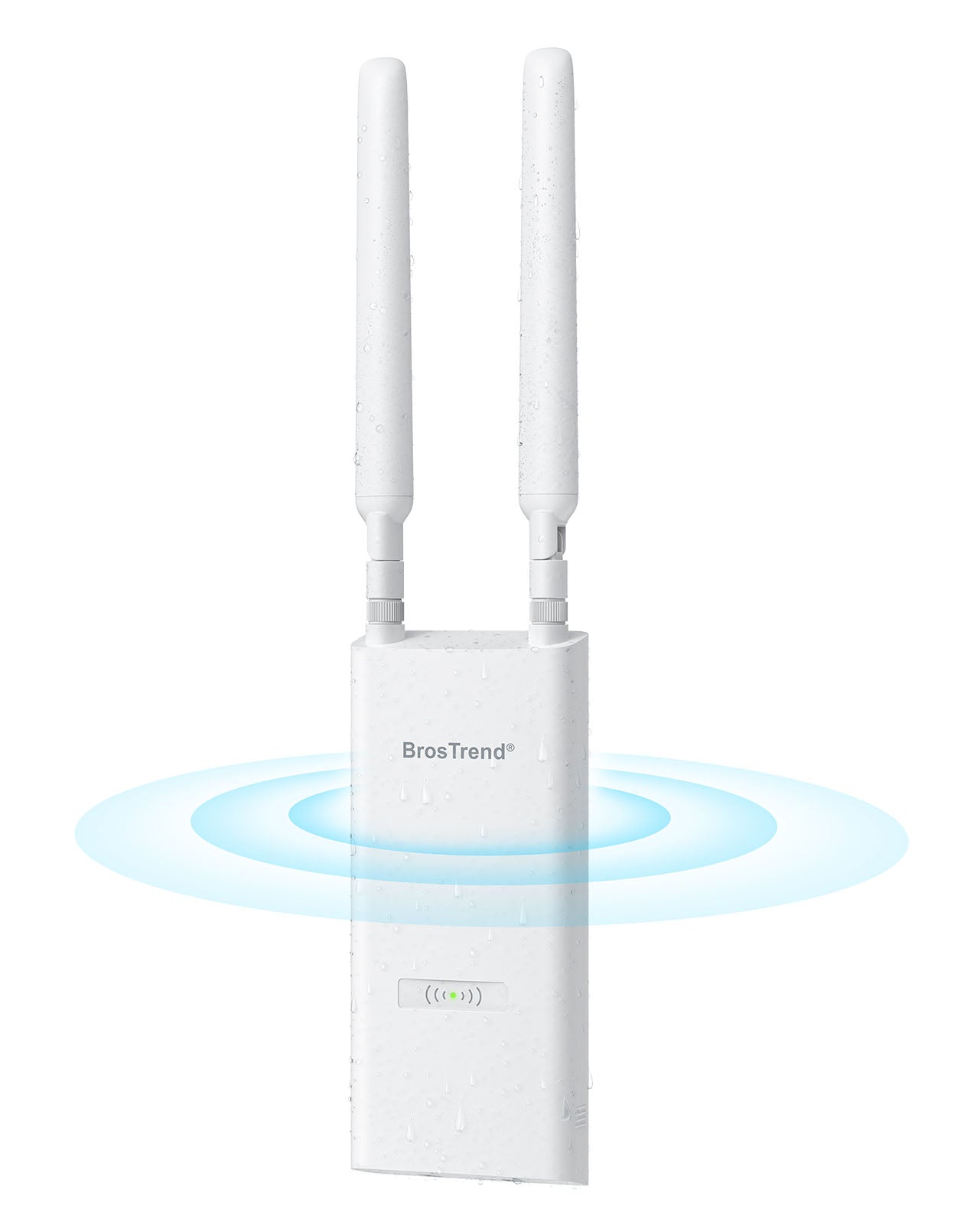
Credit: www.brostrend.com
Step-by-step Setup Guide
Setting up a dual band router as an access point can expand your network coverage. Follow this step-by-step guide for a smooth setup. This process ensures your devices connect seamlessly to the main network with strong signals.
Connecting To The Main Network
First, place your dual band router near the main router. Use an Ethernet cable to connect the LAN port of your main router to the LAN port of the dual band router. Avoid using the WAN port on the second router to prevent network conflicts. Power on both routers and wait for them to initialize. This connection creates a bridge between the two devices for data flow.
Configuring Router Settings
Access the dual band router’s admin panel by typing its IP address into a browser. Login using the default username and password found in the manual or on the device. Change the router’s IP address to one within the main network range but outside the DHCP range. This step prevents IP address conflicts. Set the same SSID and password as your main router for seamless roaming between networks.
Disabling Dhcp Server
Locate the DHCP settings in the router’s admin panel. Turn off the DHCP server on the dual band router. This allows the main router to assign IP addresses to all devices. Disabling DHCP avoids IP conflicts and network issues. Save the changes and restart the dual band router to apply the new settings.
Performance Considerations
Choosing to use a dual band router as an access point brings up important performance considerations. You want to ensure your network remains fast, stable, and covers the needed area without dead zones. Understanding how signal strength and bandwidth behave in this setup helps you make the most out of your equipment.
Signal Strength And Coverage
Signal strength directly affects how well your devices connect and maintain speeds. When a dual band router is used as an access point, placing it strategically is crucial. If it’s too far from your main router or in a cluttered space, you’ll experience weak signals and frequent drops.
Think about your home or office layout. Are there thick walls or floors between your access point and users? These obstacles reduce coverage, especially on the 5 GHz band, which has shorter range but higher speed. Positioning the access point in an open area can significantly boost performance.
Have you noticed that your phone or laptop struggles to keep Wi-Fi in certain rooms? Adding an access point in those spots can solve this, but only if the placement respects signal strength principles. Testing signal strength with simple apps before finalizing setup saves frustration later.
Bandwidth And Speed Impact
Using a dual band router as an access point can affect bandwidth depending on how you connect it. Wired connections like Ethernet provide the best speeds and lowest latency. However, if you rely on wireless backhaul, the available bandwidth gets shared between the access point and connected devices, reducing speed.
Consider the number of devices you expect to connect. If many gadgets stream video or play games simultaneously, bandwidth demand spikes. A dual band access point can separate traffic across 2.4 GHz and 5 GHz bands, but the total throughput depends on your internet plan and hardware limits.
Think about your internet speed and internal network needs. If your main router supports gigabit speeds, make sure your access point and its wiring do too. Otherwise, you might not see much improvement or could even slow down your network.
Common Issues And Fixes
Using a dual band router as an access point can be challenging. Users often encounter common issues that need troubleshooting. Understanding these problems and knowing how to fix them is essential. Below, we discuss some of these common issues and their solutions.
Ip Address Conflicts
IP address conflicts are a frequent problem. This occurs when two devices share the same IP address. To fix this, ensure your router’s DHCP server assigns unique IPs. Access your router settings and check the DHCP range. Make sure it doesn’t overlap with static IPs. This prevents conflicts and ensures smooth operation.
Firmware Updates
Outdated firmware can cause connectivity issues. Regular updates are necessary to keep your router functioning well. Check the manufacturer’s website for the latest firmware. Download and install it through your router’s admin panel. This improves performance and security.
Connection Drops
Frequent connection drops can disrupt your network. This might be due to interference or distance. Place the router in a central location. Avoid physical obstructions like walls or metal objects. If issues persist, consider changing the wireless channel. This minimizes interference from other networks.
Alternatives To Using Router As Access Point
Using a dual band router as an access point is common. Yet, there are other options that might work better. These alternatives offer stable connections and easy setup. They fit different home or office needs well.
Dedicated Access Points
Dedicated access points are devices made only for extending Wi-Fi. They connect to your main router by cable. This setup gives a strong and steady signal. These devices support many users at once. They often have features to manage traffic and improve speed. Setup is simple with clear instructions. Ideal for larger spaces or busy networks.
Mesh Wi-fi Systems
Mesh Wi-Fi systems use several units working together. Each unit acts as a node, spreading Wi-Fi evenly. This system covers large areas without dead zones. It automatically switches devices to the strongest signal. Easy to add more nodes for bigger coverage. Setup is user-friendly, often with a mobile app. Great for homes with many rooms or thick walls.

Credit: blog.jazzcybershield.com
Tips For Optimal Setup
Setting up a dual band router as an access point needs careful planning. Proper setup ensures strong signals and secure connections. Follow these tips for a smooth and reliable network experience.
Placement Strategies
Place the access point in a central location for even signal coverage. Avoid walls and metal objects that block signals. Keep the device away from microwaves and cordless phones to reduce interference. Elevate the router on a shelf or table for better range. Test different spots to find the strongest Wi-Fi signal.
Security Settings
Set a strong password to protect your network from unauthorized access. Use WPA3 or WPA2 encryption for better security. Disable WPS to prevent easy hacking attempts. Regularly update the router’s firmware to patch security holes. Limit the number of connected devices to avoid slowdowns and risks.

Credit: www.amazon.com
Frequently Asked Questions
Can A Dual Band Router Work As An Access Point?
Yes, a dual band router can function as an access point. It extends Wi-Fi coverage by connecting to your main router via Ethernet. This setup improves network range and supports both 2. 4 GHz and 5 GHz bands for better performance.
How To Set Up A Dual Band Router As Access Point?
To set it up, connect the dual band router to your main router using an Ethernet cable. Disable its DHCP server and assign a static IP within your main network range. This ensures smooth communication without IP conflicts.
What Are The Benefits Of Using Dual Band Router As Access Point?
Using a dual band router as an access point provides better Wi-Fi coverage and reduces dead zones. It supports both 2. 4 GHz and 5 GHz frequencies, offering faster speeds and less interference for multiple devices.
Does Using Dual Band Router As Access Point Improve Wi-fi Speed?
Yes, it can improve Wi-Fi speed by reducing congestion and extending network range. Dual band access points allow devices to connect on the less crowded 5 GHz band, resulting in faster and more stable connections.
Conclusion
A dual band router works well as an access point. It helps extend Wi-Fi coverage in your home or office. You get better signal strength on both 2. 4 GHz and 5 GHz bands. Setting it up is simple and does not need special skills.
This option saves money compared to buying a new access point. It fits well with most network setups. Choose a dual band router if you want reliable and fast Wi-Fi everywhere. It is a smart and practical choice for many users.