Are you tired of slow internet or weak signals at home? You might be wondering if a portable router can be the answer to your WiFi problems.
Imagine having strong, reliable internet anywhere in your house without being tied to a fixed modem. But can a portable router really replace your home WiFi setup? Keep reading to find out if this small device can deliver big results and transform your online experience.
Portable Router Basics
Understanding portable routers is essential before deciding if they can replace home WiFi. These devices offer flexibility for internet access outside traditional home setups. They are compact, easy to carry, and provide wireless connections on the go. Knowing their basics helps in comparing them to home WiFi systems.
What Is A Portable Router
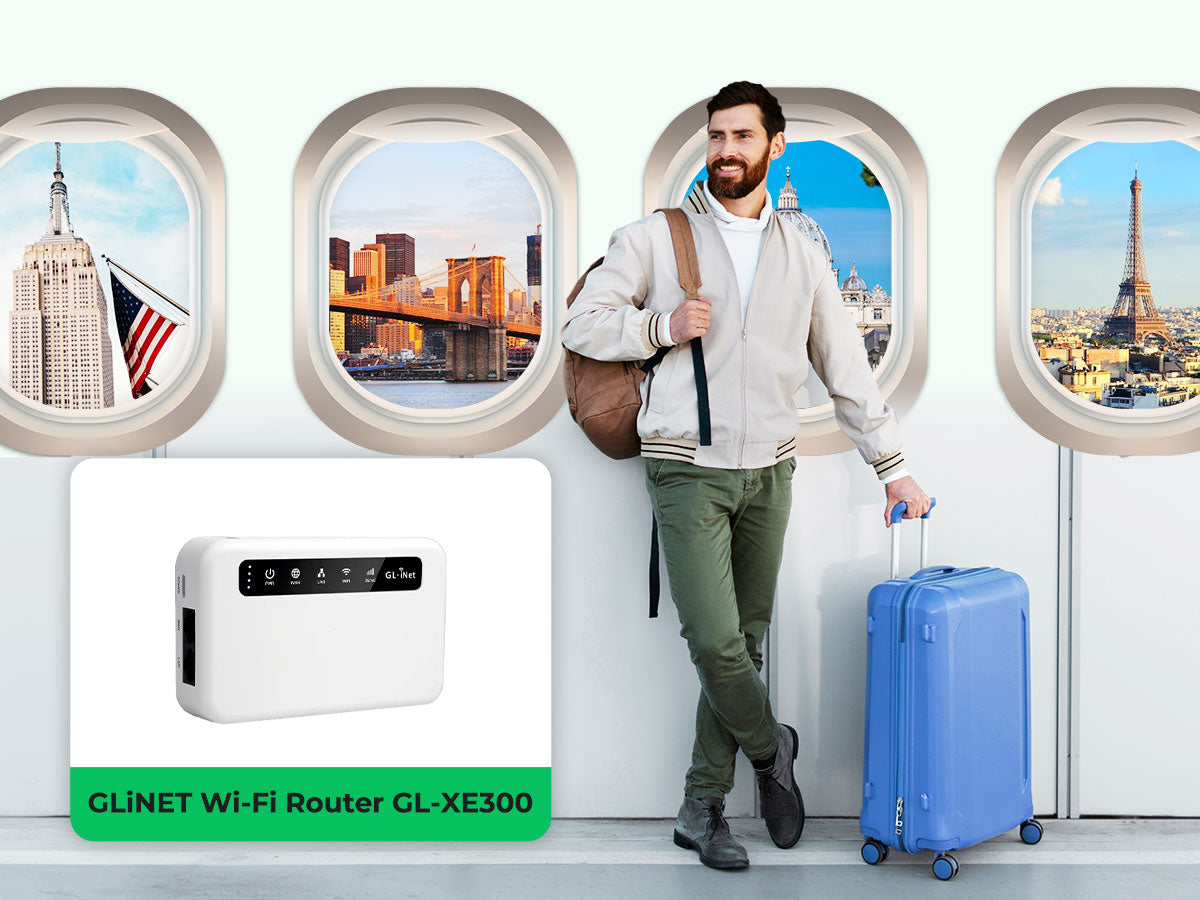
A portable router is a small device that creates a WiFi network anywhere. It connects to the internet via cellular data or wired connections. It allows multiple devices to connect to the internet wirelessly. These routers are battery-powered or use USB power, making them handy for travel or temporary use.
How Portable Routers Work
Portable routers receive internet signals from a SIM card or an Ethernet cable. They convert these signals into WiFi that devices can use. This process creates a personal hotspot wherever there is coverage. Users connect phones, laptops, or tablets to this hotspot for internet access. The device manages data traffic and keeps connections secure.
Home Wifi Setup
Setting up home WiFi is a key part of modern living. It connects devices like phones, laptops, and smart TVs. A strong WiFi setup helps keep all these devices online smoothly. Understanding what makes a home WiFi work can help you decide if a portable router can replace it.
Typical Home Wifi Components
Home WiFi setups usually include several important parts:
- Modem:Connects your home to the internet service provider.
- Router:Sends internet signals to devices wirelessly.
- Access Points:Extend WiFi coverage in larger homes.
- Network Cables:Connect devices or components for faster speeds.
- Devices:Phones, computers, smart home gadgets, and more.
Each part works together to create a reliable network inside your home.
Common Wifi Challenges
WiFi networks face some common problems that can affect speed and coverage.
- Signal Interference:Walls, appliances, and other signals can weaken WiFi.
- Dead Zones:Areas in the home where WiFi does not reach.
- Network Congestion:Too many devices using WiFi at once can slow it down.
- Security Risks:Unprotected networks can be vulnerable to hackers.
- Hardware Limitations:Older routers may not support the latest speeds.
Knowing these challenges helps in choosing the right WiFi setup for your home.
Comparing Portable Routers And Home Wifi
Portable routers and home WiFi systems serve similar purposes but differ in key areas. Understanding these differences helps decide which suits your needs best. Below, we compare their speed, coverage, device support, and security.
Speed And Performance
Home WiFi typically offers faster speeds due to stronger hardware and wired internet connections. Portable routers rely on mobile networks, which can be slower or less stable. Home WiFi supports high-bandwidth activities like streaming and gaming smoothly. Portable routers may struggle with many devices or heavy data use.
Coverage And Range
Home WiFi covers larger areas inside homes with powerful antennas. Portable routers have limited range, often just a few meters. Walls and obstacles affect portable routers more. Home WiFi is better for multi-room coverage. Portable routers suit small spaces or outdoor use.
Device Connectivity
Home WiFi supports many devices at once, ideal for families or offices. Portable routers usually limit the number of connected devices. Too many devices can slow portable router speeds. Home WiFi handles multiple smartphones, laptops, smart TVs, and more without issues.
Security Features
Home WiFi systems often include advanced security like firewalls and parental controls. Portable routers offer basic encryption and password protection. Regular updates improve home WiFi security. Portable routers may have fewer update options, increasing risks. Both require strong passwords to stay safe.
Credit: www.eiotclub.com
Benefits Of Portable Routers
Portable routers are becoming increasingly popular as people seek alternatives to traditional home WiFi setups. These compact devices offer several advantages that cater to a modern lifestyle. Let’s explore how portable routers can enhance your internet experience.
Flexibility And Mobility
Imagine being able to take your internet connection wherever you go. Portable routers make this possible, allowing you to stay connected at the park, during travel, or even in a café. No more hunting for public WiFi or dealing with unreliable connections. With a portable router, your personal internet is always within reach, giving you the flexibility to work or stream anywhere.
Easy Setup And Use
Setting up a portable router can be a breeze compared to traditional home WiFi systems. These devices often come with simple, user-friendly instructions. You don’t need to be tech-savvy to get them up and running. Just power on, connect your device, and you’re online. This ease of use makes them a perfect choice for those who prioritize convenience.
Cost Considerations
Are you tired of hefty monthly internet bills? Portable routers can be a cost-effective alternative. They often come with pay-as-you-go data plans, allowing you to control your expenses. This can be especially beneficial if you only need internet for specific occasions or travel. By choosing a portable router, you might find yourself saving money while still enjoying a reliable connection.
Limitations Of Portable Routers
Portable routers offer convenience and mobility, but they come with certain limitations that might affect your home WiFi experience. Understanding these drawbacks can help you decide if a portable router truly fits your needs or if a traditional home router remains the better choice. Let’s break down the key issues you might face.
Signal Strength Issues
Portable routers generally have weaker antennas compared to standard home routers. This means their signal may not cover large areas or multiple rooms effectively. If your home has thick walls or multiple floors, you might notice frequent dead zones or weak connections.
Have you ever tried to stream a movie in the living room only to find the signal drops suddenly? That’s a common frustration with portable routers. They’re designed for small spaces or on-the-go use, not for providing strong, consistent coverage throughout a whole house.
Battery Life Concerns
Most portable routers rely on internal batteries to function without plugging in, but these batteries only last for a limited time—often between 6 to 12 hours. If you forget to charge your device, you could lose internet access unexpectedly. This can be a real problem if you depend on stable WiFi for work or home entertainment.
Imagine halfway through a video call, your router dies because the battery ran out. Unlike home routers that stay powered 24/7, portable routers require regular charging, adding one more thing you need to manage daily.
Network Stability
Portable routers often depend on cellular networks, which can be less stable than wired broadband connections. Network fluctuations, interference, or congestion can cause slow speeds and dropped connections. This instability might make tasks like online gaming or video conferencing frustrating.
Have you noticed your connection buffering or disconnecting during important moments? This is a common issue with portable routers, especially in areas with weak cellular signals or many users sharing the network. You need to consider whether your internet activities can tolerate these interruptions.

Credit: www.theverge.com
Ideal Use Cases For Portable Routers
Portable routers offer flexible internet access in many situations. They can suit needs beyond traditional home WiFi setups. Understanding ideal use cases helps decide if a portable router fits your lifestyle.
Travel And Remote Work
Portable routers provide reliable internet on the move. They are perfect for travelers staying in hotels or hostels. Remote workers benefit from stable connections during trips. These routers create private networks from public WiFi or cellular data. This setup improves security and speeds. Lightweight and compact, they fit easily in bags.
Temporary Home Setup
Portable routers work well for short-term stays. Moving homes or renovating? A portable router keeps you connected. It requires minimal setup and no permanent wiring. Ideal for rented apartments or dorm rooms. It supports basic home internet needs like browsing and streaming. You can move it easily to any room.
Backup Internet Solution
Internet outages can disrupt daily tasks. A portable router acts as a backup during these times. It uses cellular networks to maintain connection. Small businesses and home offices gain peace of mind. Switching to portable routers keeps work and communication flowing. It requires only a SIM card and power source.
Choosing The Right Portable Router
Choosing the right portable router is key to replacing your home WiFi effectively. A good router offers stable internet, strong signals, and easy setup. It fits your internet habits and device needs. Consider what matters most: speed, coverage, battery life, or extra features.
Think about the router’s size and battery capacity if you travel often. Some routers support multiple devices well, which suits families or small offices. Others focus on simplicity and quick connection. Match the router features to your daily internet use for best results.
Key Features To Look For
- Speed:Look for routers with fast WiFi standards like WiFi 5 or WiFi 6.
- Battery Life:Choose a router with long battery life for uninterrupted use.
- Number of Devices:Check how many devices the router can support simultaneously.
- Portability:Lightweight and compact designs are easier to carry around.
- Security:Features like WPA3 encryption protect your data on public networks.
- Connectivity Options:USB ports, SIM card slots, or Ethernet ports add flexibility.
- Setup and Management:Simple setup and mobile apps improve user experience.
Top Models In The Market
| Model | Key Features | Battery Life | Price Range |
|---|---|---|---|
| Netgear Nighthawk M1 | Fast 4G LTE, supports 20 devices, Ethernet port | 24 hours | High |
| TP-Link M7350 | 4G LTE, up to 10 devices, compact design | 10 hours | Mid |
| Huawei E5577 | 4G LTE, supports 10 devices, easy setup | 12 hours | Mid |
| GL.iNet GL-AR750S | Dual-band WiFi, OpenVPN support, Ethernet ports | 8 hours | Mid |

Credit: www.youtube.com
Frequently Asked Questions
Can A Portable Router Fully Replace Home Wifi?
A portable router can replace home WiFi for basic needs. However, it may lack the speed and range of a dedicated home router. For heavy streaming or multiple devices, a home WiFi system remains better.
How Does Portable Router Speed Compare To Home Wifi?
Portable routers generally offer slower speeds than home WiFi. They rely on cellular networks, which can vary in quality. Home WiFi uses broadband, providing more stable and faster internet for multiple users.
Are Portable Routers Good For Multiple Device Connections?
Portable routers support multiple devices but with limitations. Too many connections can reduce speed and stability. Home WiFi systems are designed to handle several devices simultaneously with better performance.
Is A Portable Router Cost-effective For Home Use?
Portable routers are cost-effective for occasional or travel use. For full-time home use, monthly cellular data costs can add up. Home WiFi plans often provide more data and better value for fixed locations.
Conclusion
A portable router can work well for some home needs. It offers easy setup and good mobility. Yet, it may not match the speed of a full home WiFi system. Consider how many devices you have and your internet use.
For small spaces or travel, it fits nicely. For larger homes or heavy use, a home WiFi system usually performs better. Think about your daily internet demands before choosing. This helps you get the best connection for your lifestyle.