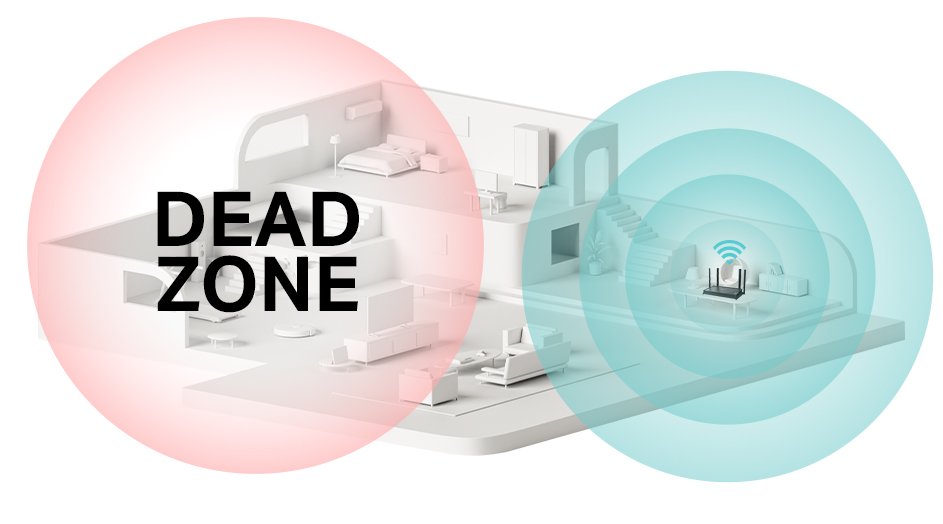
Are you tired of dealing with weak WiFi signals that leave your smart home devices struggling to stay connected? Imagine the frustration of a security camera that cuts out or a smart thermostat that doesn’t respond when you need it most.
If you’re nodding along, it’s time to explore a solution that could transform your home network: a long range WiFi extender. We’ll dive into whether a long range WiFi extender can seamlessly integrate with your smart home devices. You’ll discover how this powerful tool can enhance connectivity, ensuring your gadgets work efficiently and reliably.
We’ll address common concerns and provide insights that could make your home smarter and your life easier. Keep reading to find out how to unlock the full potential of your smart home with a simple yet effective solution.
Long Range Wifi Extenders Explained
Long range WiFi extenders boost signal strength across large areas, helping smart home devices stay connected. They work well with most smart devices, improving coverage and reducing dead zones in your home. This ensures smoother control of lights, cameras, and other gadgets.
How They Work
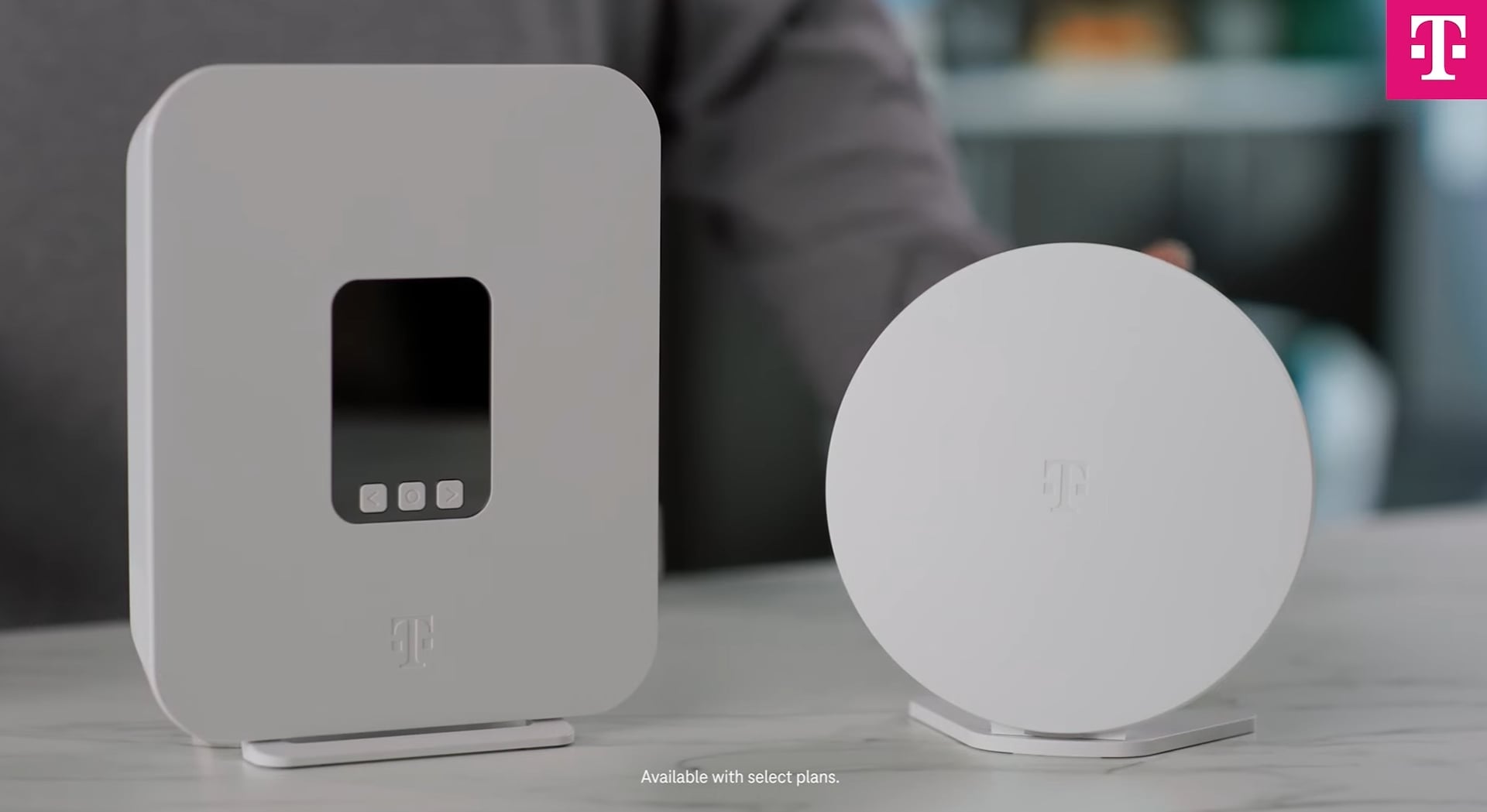
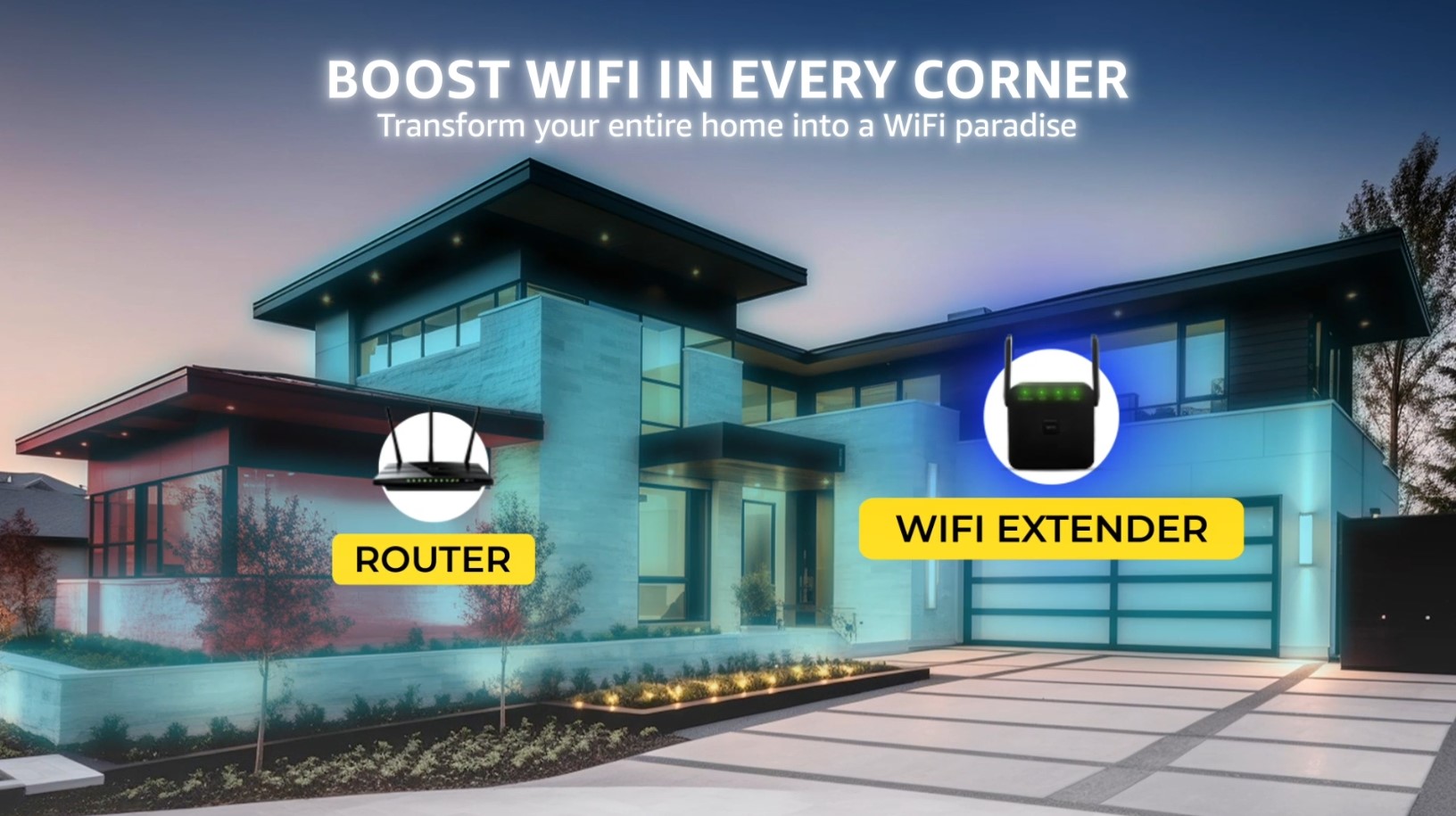
Long range wifi extenderscatch your existing wifi signal. They then boost and send it farther. This helps reach places where your wifi is weak or absent. They create a larger network area without new wires.
Types Of Extenders
- Repeater:Simple device that copies the wifi signal.
- Mesh extender:Connects with your main router for smooth coverage.
- Powerline extender:Uses electrical wiring to send internet signal.
Range And Coverage
| Type | Typical Range | Best Use |
|---|---|---|
| Repeater | 50-100 feet | Small rooms or apartments |
| Mesh Extender | 100-300 feet | Large homes or offices |
| Powerline Extender | Varies by wiring | Buildings with thick walls |

Credit: www.amazon.com
Compatibility With Smart Home Devices
Long range WiFi extenders often support common wireless protocolslike WiFi 5 (802.11ac)and WiFi 6 (802.11ax). These protocols work with most smart home devices, such as lights, cameras, and speakers. Some extenders also support 2.4 GHzand 5 GHzbands, which help connect different devices smoothly.
Smart home devices usually connect via WiFior Bluetooth. WiFi extenders only boost the WiFi signal, so devices using Bluetooth or Zigbee need separate hubs or bridges. Extenders help devices far from the router get a stronger signal.
- Devices may not connect if the extender uses a different SSID.
- Some extenders cause signal delay, affecting device response time.
- Older devices might not support newer WiFi standards.
- Interference from walls or electronics can reduce performance.
Benefits Of Using Extenders For Smart Homes
Improved Signal Strengthhelps smart devices work better. Extenders boost weak signals in rooms far from the router. This means fewer dropped connections and faster responses.
Enhanced Device Performanceallows many devices to run smoothly. Extenders reduce network traffic and stop slowdowns. This helps smart lights, cameras, and speakers work without delays.
Extended Coverage Areasmake WiFi available in every corner. Large homes or offices get full coverage with extenders. No more dead zones. Devices stay connected even in basements or gardens.
Credit: www.t-mobile.com
Potential Challenges And Limitations
Signal interferencecan cause smart devices to lose connection. Walls, microwaves, and other electronics may block or weaken signals.
Speed reductionhappens because extenders split the internet signal. This can make devices slower, especially if many devices connect at once.
Security concernsarise if extenders lack strong protection. Weak security can let hackers access your smart home network.
Smart Tips For Optimal Setup
Place the wifi extenderhalfway between your router and smart devices. Avoid walls or metal objects that block signals. Test different spots to find the best signal strength.
Choose an extender that matches your router’s speedand frequency bands. Dual-band extenders work well with most smart devices. Check compatibility before buying.
| Firmware Updates | Security Tips |
|---|---|
| Regularly check for new firmware from the manufacturer. | Change default passwords to strong, unique ones. |
| Updates improve performance and fix bugs. | Use WPA3 or WPA2 encryption to protect your network. |
| Install updates quickly to avoid security risks. | Turn off remote management unless needed. |
Alternative Solutions To Wifi Extenders
Mesh Wifi Systemsuse many small routers working together. They cover large areas with strong signals. This helps smart home devices stay connected everywhere. Devices switch between routers without losing connection. Setup is usually simple and user-friendly.
Powerline Adaptersuse your home’s electrical wiring to carry internet signals. Just plug one adapter near your router and another near your smart device. This creates a stable internet link without extra wires. It works well in places where wifi signals are weak.
Wired Connectionsoffer the most reliable internet connection. Using Ethernet cables can give smart devices constant, fast internet. This is perfect for devices that need strong signals all the time. Though less flexible, wired connections avoid wifi interruptions.
Credit: www.amazon.com
Frequently Asked Questions
Can Long Range Wifi Extenders Improve Smart Home Device Connectivity?
Yes, long range WiFi extenders boost signal strength and range. This enhances connectivity for smart home devices across larger areas.
Are All Smart Home Devices Compatible With Wifi Extenders?
Most smart home devices work well with WiFi extenders. However, verify device specs to ensure compatibility before purchasing an extender.
Does Using A Wifi Extender Affect Smart Device Speed?
WiFi extenders may slightly reduce speed due to signal retransmission. Still, they provide better coverage, reducing disconnections for smart devices.
How Do I Set Up A Wifi Extender For Smart Devices?
Place the extender midway between your router and smart devices. Follow the manufacturer’s setup instructions for optimal signal extension.
Conclusion
Long range WiFi extenders can help smart home devices work better. They increase WiFi reach and reduce dead zones in your home. This means your devices stay connected more often. Choose a good extender that matches your router and devices.
Place it where the WiFi signal is still strong. This will keep your smart home running smoothly. Small steps like these make a big difference. Enjoy reliable connection without extra hassle. Simple and smart.


