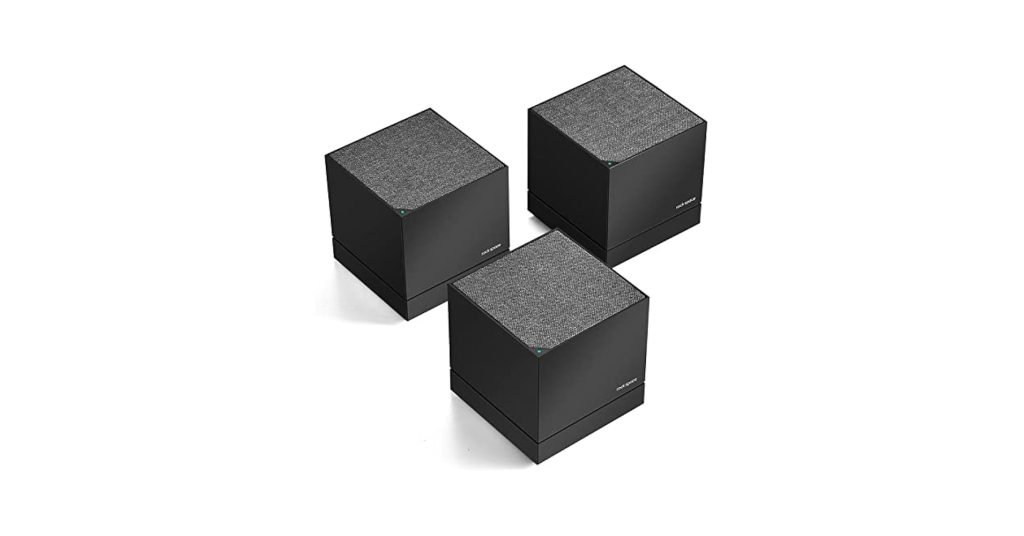
Are you struggling with weak WiFi signals in your large home? Wondering if a mesh WiFi system can really cover 6000 square feet without losing speed or connection?
You’re not alone. When your internet feels slow or spotty in certain rooms, it’s frustrating and can disrupt your work, entertainment, and daily life. But what if there’s a simple solution that blankets your entire home with strong, reliable WiFi?
Keep reading to discover how mesh WiFi might be exactly what you need to stay connected everywhere in your spacious home.

Credit: gajed.com
Mesh Wifi Basics
Mesh wifi helps cover large homes with a strong internet signal. It uses multiple devices to spread wifi evenly.
This system is great for homes up to 6000 sq ft, reducing dead zones and slow spots.
How Mesh Wifi Works
Mesh wifi uses several nodes that connect with each other. These nodes create one big wifi network.
Each node talks to the others, sending data to your devices smoothly and without interruptions.
Key Components
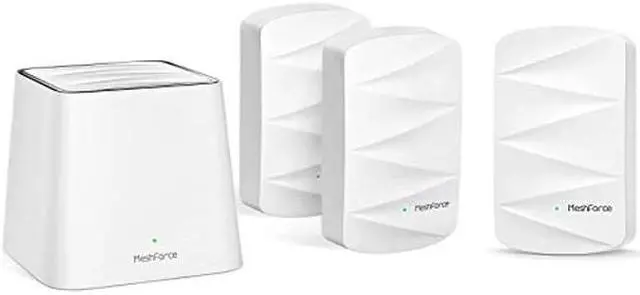
A mesh wifi system has main parts that work together. These include the router and the satellite nodes.
- Router:Connects to the internet and controls the network.
- Satellite Nodes:Spread the wifi signal to hard-to-reach areas.
- Backhaul Connection:Links nodes for fast communication.
Benefits Over Traditional Routers
Mesh wifi covers bigger areas better than regular routers. It stops weak signals in large homes.
It also lets devices switch between nodes without losing connection, which keeps wifi strong.
- Better coverage for large homes
- Easy to add more nodes if needed
- Stable connection with no dead zones
- Simpler network management through apps
Factors Affecting Coverage
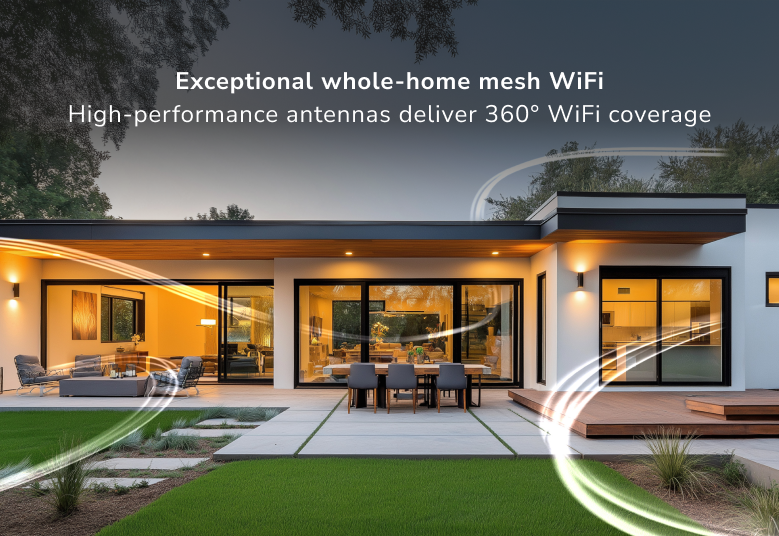
Mesh WiFi systems can cover large homes, but many factors affect their range. Understanding these helps you get better WiFi coverage.
Different elements like home design and device setup change how far your WiFi reaches. This guide explains key factors to consider.
Home Layout And Obstacles
The shape and size of your home impact mesh WiFi coverage. Open spaces allow signals to travel farther than rooms with many walls.
Objects like furniture and appliances can block WiFi signals. Large metal items or thick furniture reduce signal strength.
- Open floor plans improve signal flow
- Multiple floors may need more nodes
- Large furniture can block WiFi signals
- Appliances like microwaves cause interference
Material And Wall Types
Wall materials affect how WiFi signals pass through. Some materials block signals more than others, reducing coverage.
Thick walls and metal surfaces weaken signals. Glass and wood let signals through better than concrete or brick.
- Concrete and brick block signals strongly
- Metal walls and pipes cause interference
- Glass and wood allow better signal pass
- Drywall has minimal impact on WiFi
Device Placement
Where you place mesh nodes affects coverage. Nodes should be spread out evenly for the best signal reach.
Avoid placing nodes near floors, walls, or metal objects. Place them high and in open areas for stronger signals.
- Place nodes in central, open spots
- Keep nodes away from thick walls and metal
- Elevate nodes above the floor level
- Ensure nodes are within range of each other
Sizing Mesh Systems For Large Homes
Mesh WiFi systems help cover large homes with strong internet signals. Choosing the right size system is key. This guide explains how to size mesh systems for homes up to 6000 sq ft.
Understanding nodes, brands, and signal range helps you pick the best setup. This ensures good coverage in every room.
Number Of Nodes Needed
Each node covers a part of your home. For a 6000 sq ft house, you need multiple nodes. This avoids weak spots or slow internet.
- One node covers about 1500 to 2000 sq ft.
- For 6000 sq ft, use 3 to 4 nodes.
- Place nodes evenly across floors and rooms.
- Adding extra nodes helps in thick walls or big furniture areas.
Recommended Brands And Models
Some mesh systems work better in large homes. These brands offer good coverage and easy setup.
| Brand | Model | Max Nodes | Features |
|---|---|---|---|
| Google Nest | Wifi Pro | 5 | Simple app, fast speeds |
| Netgear | Orbi RBK852 | 6 | High range, strong signal |
| TP-Link | Deco X90 | 7 | Good price, easy setup |
| Asus | ZenWiFi AX | 5 | Stable, fast WiFi 6 |
Signal Range Per Node
Each node has a range where WiFi works well. Walls and floors reduce range. Knowing range helps place nodes correctly.
Typical signal range per node:
- Indoor range: 1500 to 2000 sq ft
- Outdoor range: less due to walls
- Thick walls cut range by 30% or more
Place nodes closer in homes with many walls.
Credit: www.netgear.com
Optimizing Coverage In 6000 Sq Ft Homes
Mesh WiFi systems can cover large homes, but 6000 square feet is a big area. You need to plan carefully to get strong WiFi everywhere.
Good coverage means fast internet in every room. This guide helps you place mesh nodes and reduce problems.
Strategic Node Placement
Place mesh nodes where WiFi signals reach all corners of your home. Avoid putting them too far apart.
Nodes should be near open spaces, not inside thick walls or metal objects. This helps the signal pass easily.
- Put nodes on main floors and hallways
- Keep nodes visible and away from electronics
- Test coverage before final placement
Using Wired Backhaul
Wired backhaul uses Ethernet cables to connect mesh nodes. This makes the network faster and more stable.
It reduces WiFi traffic between nodes. Wired backhaul is best for big homes with many walls or floors.
- Run Ethernet cables through walls or floors
- Connect nodes directly to the main router
- Use wired backhaul for distant or weak nodes
Avoiding Interference
WiFi signals can weaken from interference by other devices. Keep mesh nodes away from microwaves, cordless phones, and Bluetooth gadgets.
Use different WiFi channels to reduce overlap with neighbors’ networks. This keeps your network clear and strong.
- Place nodes away from thick walls and metal objects
- Change WiFi channels in your router settings
- Turn off or move devices that cause interference
Performance Expectations
Mesh WiFi systems offer wide coverage for large homes. They aim to deliver fast and steady internet across every room. Knowing what to expect helps you choose the right setup.
Performance depends on many factors like device count and home size. This guide explains key areas to watch for in mesh WiFi covering 6000 sq ft homes.
Speed Consistency
Mesh WiFi can keep your internet speed steady throughout a large home. Each node shares internet traffic to avoid weak spots. Expect some speed drop further from the main router.
- Nodes placed well maintain better speed
- Distance and walls reduce speed gradually
- High-quality mesh systems handle speed better
Handling Multiple Devices
Large homes usually have many devices online at once. Mesh WiFi supports many connections by spreading the load across nodes. This prevents one node from slowing down your network.
| Device Type | Impact on Network | Mesh WiFi Advantage |
|---|---|---|
| Smartphones and Tablets | Moderate use, many devices | Balances traffic efficiently |
| Streaming Devices | High data use for video | Keeps video smooth on all devices |
| Smart Home Devices | Low data but always connected | Maintains constant connection |
| Computers and Laptops | Varied use, sometimes heavy | Offers strong, stable links |
Latency And Stability
Latency is the delay before data starts moving. Mesh WiFi aims for low latency for smooth video calls and gaming. Stability means staying connected without drops.
Key points on latency and stability:
- Nodes communicate quickly to reduce delays
- Good placement avoids signal interference
- Mesh systems recover fast if one node fails
Common Challenges And Solutions
A mesh WiFi system can cover large homes, like those up to 6000 sq ft. But it may face some challenges. Here, we discuss common problems and their solutions.
Addressing these issues can improve your network’s performance and reliability. Let’s explore some common challenges you might face.
Dead Zones
Dead zones are areas in your home with no WiFi signal. They occur when your mesh nodes are too far apart. Thick walls and floors can also cause them.
To solve this, place nodes closer together. Ensure there is a clear line of sight between them. You can also add more nodes to fill the gaps.
Signal Drops
Signal drops happen when your WiFi connection is unstable. This can be due to interference from other devices or weak signals.
Try changing the channel on your router to reduce interference. Position nodes away from microwaves and cordless phones. Ensure your devices are not too far from a node.
Firmware Updates
Firmware updates are important for your mesh WiFi system. They improve security and performance. Without updates, your network may become vulnerable.
Regularly check for updates from the manufacturer’s website. Enable automatic updates if available. This keeps your system secure and efficient.
Cost Considerations
Setting up a mesh Wi-Fi network in a 6000 sq ft home involves various cost considerations. It’s important to understand the financial aspects before making a decision.
From the initial investment to maintenance and potential upgrades, knowing the costs helps in planning effectively.
Initial Investment
The initial investment for a mesh Wi-Fi system can vary. Typically, it includes the cost of the mesh router and additional nodes.
- Mesh Router: Usually the most expensive part.
- Additional Nodes: Needed to cover larger areas.
- Installation: Sometimes requires professional setup.
Maintenance And Upgrades
Maintaining a mesh Wi-Fi system also involves costs. Regular updates and potential upgrades keep the system efficient.
- Software updates: Often necessary for security and performance.
- Hardware replacements: Needed if parts become outdated or fail.
- Subscription services: Some systems offer premium features.
Comparing Mesh Vs Extenders
Comparing mesh systems with traditional Wi-Fi extenders helps in understanding the cost differences. Mesh systems often provide better coverage and reliability.
| Feature | Mesh Wi-Fi | Wi-Fi Extender |
| Coverage | Wide and seamless | Limited and patchy |
| Setup Complexity | Simple | Moderate |
| Cost | Higher | Lower |
Credit: www.newegg.com
Future-proofing Your Network
Setting up a mesh WiFi system can help cover a large home up to 6000 sq ft. It is important to plan for future technology and devices. A future-proof network saves time and money in the long run.
This guide explores key features to consider when building a network that lasts. Focus areas include WiFi 6, scalability, and smart home integration.
Wifi 6 And Beyond
WiFi 6 offers faster speeds and better performance in busy homes. It supports more devices without slowing down the network. Newer WiFi standards will keep improving these benefits.
- Improves speed for video calls and streaming
- Reduces lag when many devices connect
- Uses less battery on connected devices
- Prepares your home for future gadgets
Scalability Options
Choose a mesh WiFi system that grows with your needs. You can add more nodes to increase coverage and improve signal strength. This helps if you add rooms or new floors.
| Feature | Benefit |
| Expandable Nodes | Add coverage without rewiring |
| Easy Setup | Allows quick addition of new points |
| Unified Network | One name and password for all nodes |
| Automatic Updates | Keeps security and features current |
Integration With Smart Home Devices
Smart homes need networks that connect many devices safely. A mesh system should work well with smart lights, thermostats, cameras, and assistants. This makes control easier and faster.
- Supports multiple device types with low delay
- Allows remote access through apps
- Offers guest networks to keep devices separate
- Works with popular smart home platforms
Frequently Asked Questions
Can Mesh Wifi Cover A 6000 Sq Ft Home Effectively?
Yes, mesh WiFi can cover a 6000 sq ft home effectively by using multiple nodes. Proper placement ensures strong signals throughout large spaces. It eliminates dead zones and maintains fast internet speeds across all areas.
How Many Mesh Wifi Nodes Are Needed For 6000 Sq Ft?
Typically, 3 to 5 mesh nodes are needed for 6000 sq ft coverage. The exact number depends on home layout and building materials. More nodes improve signal strength and reduce interference in large homes.
Does Mesh Wifi Improve Speed In Large Homes?
Yes, mesh WiFi improves speed in large homes by distributing the signal evenly. It reduces congestion and interference from walls or floors. This setup keeps internet speeds consistent in every room.
Are Mesh Wifi Systems Better Than Traditional Routers?
Mesh WiFi systems are better for large homes due to wider coverage. They use multiple nodes to provide seamless connectivity. Traditional routers often struggle to cover extensive areas with strong signals.
Conclusion
Mesh WiFi can cover a 6000 sq ft home well. It spreads the signal through many points. This helps avoid dead zones and weak signals. The right number of devices matters a lot. Placement of these devices affects coverage too.
Big homes need careful planning for best results. A good mesh system keeps all areas connected. It lets you use the internet smoothly everywhere. Choosing the right setup makes a big difference. Mesh WiFi offers a simple way to cover large homes.


