Imagine you’re relaxing in your backyard, hoping to stream your favorite show, but the WiFi signal just won’t reach. Frustrating, right?
If you’ve ever struggled with patchy internet outdoors, you’re not alone. The solution might be simpler than you think: using a WiFi extender. But here’s the catch—can an outdoor WiFi extender connect to another extender? This is a question that puzzles many.
You might wonder if this could be the key to flawless connectivity across your entire property. Stick around as we unravel this mystery, because understanding this could transform your online experience and keep you seamlessly connected wherever you roam.
Credit: www.brostrend.com
How Outdoor Wifi Extenders Work
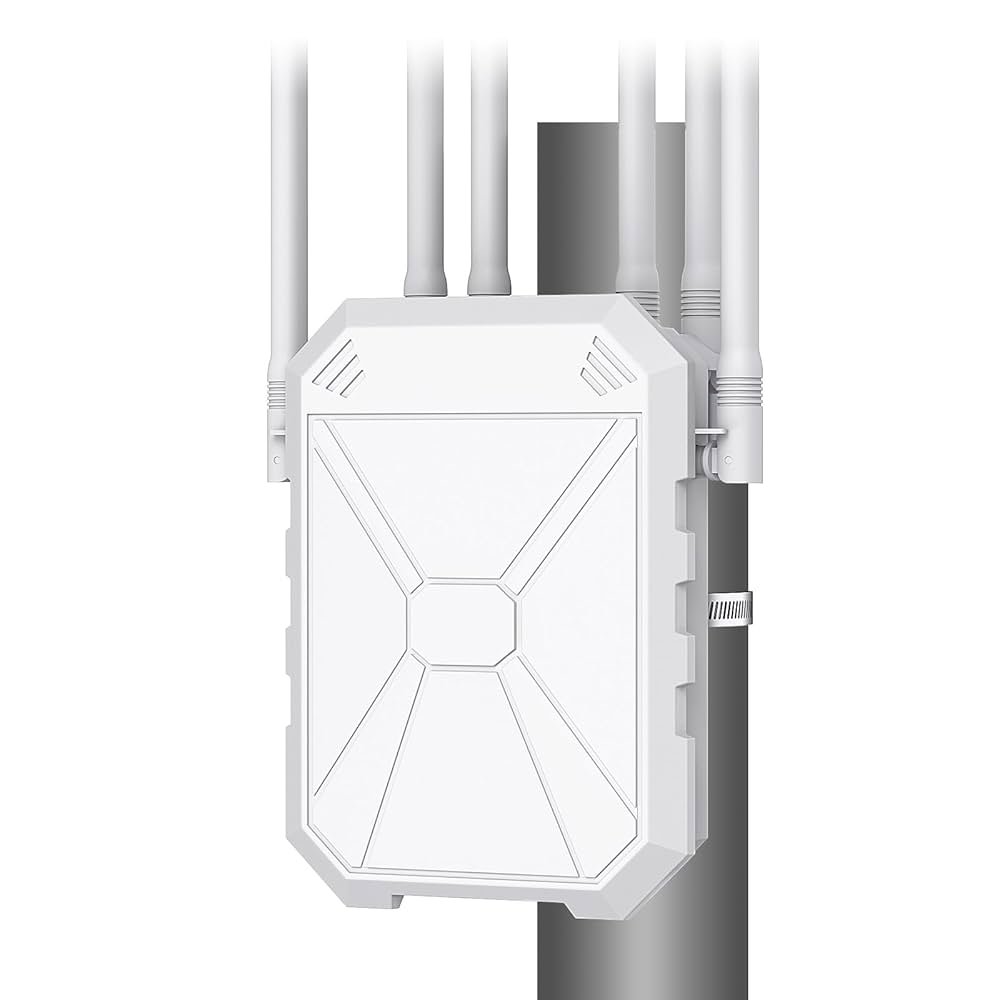
Outdoor WiFi extenders help spread your internet signal outside your home. They take the signal from your main router and boost it to cover larger areas. This helps avoid dead spots in your yard or patio.
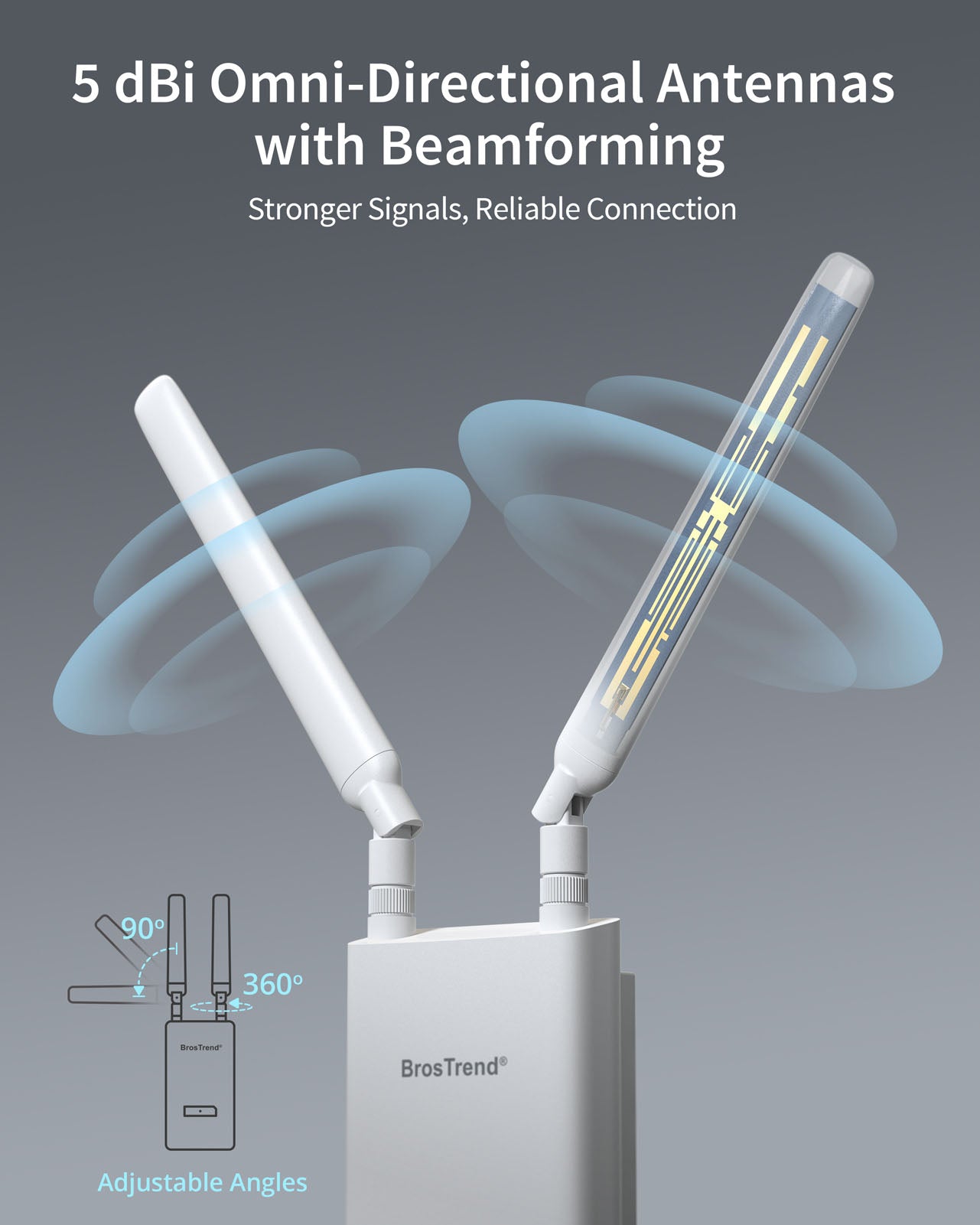
These extenders often use special antennas to handle outdoor conditions like rain or wind. They connect wirelessly to your main router or another extender. This creates a chain that expands WiFi coverage step by step.
Extenders work best when placed where the WiFi signal is still strong. They repeat the signal to reach far corners. The farther from the router, the weaker the signal to boost.
- Connects to router or another extender wirelessly
- Uses outdoor antennas for better range
- Placed where signal is strong for best results
- Extends WiFi coverage to outdoor spaces

Credit: simplewifi.com
Types Of Wifi Extenders
Indoor WiFi extenderswork inside homes or offices. They help improve signal in rooms far from the router. Outdoor WiFi extendersare built to resist weather and cover large outdoor areas like gardens or patios. Their design is stronger and they use special antennas for longer range.
Using single extenderscan boost signal in one area only. Adding multiple extenderscan cover bigger spaces or complex buildings. But, too many extenders might cause slow speeds or signal loss.
| Type | Where to Use | Features |
|---|---|---|
| Indoor Extender | Inside buildings | Easy setup, boosts signal in rooms |
| Outdoor Extender | Outside, gardens, patios | Weatherproof, longer range |
| Single Extender | Small areas | Simple, covers one spot |
| Multiple Extenders | Large or complex areas | Wide coverage, may reduce speed |
Connecting One Extender To Another
Connecting one outdoor WiFi extender to another is possible, but it depends on the devices. Some extenders support repeating signalsfrom other extenders, while others do not. This setup can help cover larger areas where one extender is not enough.
Benefits include:
- Extended coveragebeyond a single extender’s range
- Better WiFi in distant outdoor spaces
- Flexibility in placement for stronger signals
Drawbacks might be:
- Slower speedsdue to signal repeating
- Possible interferencebetween devices
- More complex setup and troubleshooting
Setup Process For Multiple Extenders
Place the first extender near your main router but within its signal range. The second extender should be set where the first extender’s signal is still strong. Avoid walls and large metal objects between devices. Good placement helps keep a strong, stable connection.
- Choose spots with clear line of sight if possible.
- Keep extenders away from microwaves or cordless phones.
- Try to place extenders at a height, like on a shelf.
Connect the first extender to your router using its setup instructions. Then, connect the second extender to the first extender’s network. Use the same network name (SSID) and password for both extenders to make switching easier. Check each extender’s signal strength and adjust placement if needed. Use the extender’s app or web interface to finish setup.
Common Issues And Fixes
Signal interferencehappens when many devices use the same frequency. This can make your wifi weak or slow. Move the extender away from other electronics like microwaves and cordless phones. Use the 5GHz band if your extender supports it. This band is less crowded and gives better speed.
Bandwidth reductionoccurs because each extender cuts your speed in half. Connect the outdoor wifi extender directly to your main router with a cable if possible. This keeps speed higher. Avoid chaining too many extenders together. Each extra extender reduces bandwidth more.
Connection stabilitymay drop if extenders are too far apart. Keep extenders close enough to get a strong signal from each other. Check for firmware updates on your extenders. Updated software often fixes bugs and improves connection.
Alternatives To Using Multiple Extenders
Mesh WiFi systemsoffer a simple way to cover large areas with strong WiFi signals. They use multiple units that work together as one network. This means devices switch smoothly from one unit to another without losing connection. Setup is easy, and the system manages connections for better speed and coverage.
Powerline adaptersuse your home’s electrical wiring to extend internet signals. You plug one adapter near your router and another where you want better WiFi. This avoids WiFi dead spots without running long cables. It works well in houses where walls block wireless signals.
Maximizing Outdoor Wifi Coverage
Choosing the right extender is key for strong outdoor WiFi. Look for an extender with good rangeand weather resistance. Some models support connecting to another extender, but this may reduce speed. Check compatibility before buying.
Optimal antenna positioning can boost your WiFi signal. Place antennas high and clear of obstructions. Aim antennas toward the areawhere you want coverage. Avoid walls or metal objects that block signals.
| Tip | Reason |
|---|---|
| Use dual-band extenders | Supports better speed and less interference |
| Place extender halfway between router and outdoor area | Ensures strong signal to both devices |
| Avoid placing extenders near microwaves or cordless phones | These devices cause signal interference |

Credit: www.amazon.com
Frequently Asked Questions
Can Outdoor Wifi Extenders Connect To Another Extender?
Yes, some outdoor WiFi extenders can connect to another extender. This creates a mesh network to improve coverage. However, compatibility and setup complexity vary by brand and model. Always check manufacturer guidelines before linking multiple extenders for optimal performance.
Does Connecting Two Extenders Reduce Wifi Speed?
Connecting two extenders may reduce WiFi speed due to signal repetition. Each extender rebroadcasts the signal, potentially causing latency. Using dual-band or mesh extenders can minimize speed loss. Position extenders carefully to maintain strong, reliable connections throughout your outdoor area.
How To Set Up An Outdoor Extender With Another Extender?
To set up an outdoor extender with another extender, first ensure both support cascading. Connect the primary extender to your router, then link the secondary extender wirelessly or via Ethernet. Follow the manufacturer’s instructions for correct configuration and optimal placement.
Are All Wifi Extenders Compatible With Each Other?
No, not all WiFi extenders are compatible. Different brands and models use various standards and frequencies. Using extenders from the same manufacturer or mesh system ensures better compatibility and easier setup. Check specifications before purchasing to ensure seamless integration.
Conclusion
Outdoor WiFi extenders can connect to another extender, but setup needs care. Signal strength might drop if too many extenders link together. Place devices wisely to keep strong and steady internet. Test your network after adding each extender. Simple steps help avoid slow or weak connections.
This way, you can enjoy better WiFi outdoors without hassle. Keep checking and adjusting to get the best coverage. It’s worth the effort for a smooth online experience outside.


