Are you wondering if a tri-band router can handle your fiber internet connection? You’re not alone.
Many people ask this question when upgrading their home network for faster speeds and better coverage. Understanding how your router works with fiber internet can save you from frustration and help you get the most out of your service. Keep reading to discover what you need to know to make the right choice for your internet setup.
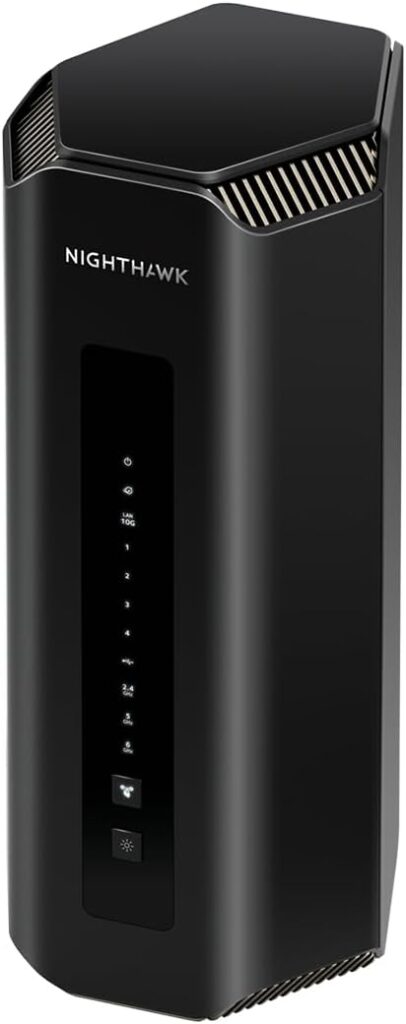
Credit: www.highspeedoptions.com
Tri Band Router Basics
Understanding the basics of a tri band router is essential for anyone using fiber internet. These routers offer more than just faster speeds. They improve how devices connect and communicate within your home network. Knowing what makes a tri band router unique helps you decide if it fits your needs.
What Is A Tri Band Router
A tri band router has three separate wireless bands. It usually includes one 2.4 GHz band and two 5 GHz bands. This setup allows more devices to connect without slowing down the network. Each band works independently, reducing traffic and interference. This is useful in busy homes with many gadgets.
How Tri Band Differs From Dual Band
A dual band router has only two bands: one 2.4 GHz and one 5 GHz. It can handle fewer devices well but may get crowded. A tri band router adds an extra 5 GHz band to ease this crowding. This means better speed and less lag for multiple users. It also helps with streaming, gaming, and video calls happening at the same time.
Fiber Internet Essentials
Understanding the basics of fiber internet is key when deciding if your tri band router will work efficiently with it. Fiber internet offers high speed and reliable connectivity that can significantly boost your online experience. Let’s take a closer look at how fiber internet functions and how it stacks up against other types of internet connections.
How Fiber Internet Works
Fiber internet uses thin strands of glass or plastic, called fiber optic cables, to transmit data as light signals. These light signals travel at incredibly high speeds, allowing for faster data transfer compared to traditional copper cables.
Because fiber transmits data using light, it is less affected by electrical interference or distance limitations. This means your connection stays strong and stable, even over long distances.
You might wonder: how does this affect your home network? With fiber internet, your tri band router can leverage the high speeds and low latency to provide smoother streaming, quicker downloads, and better online gaming experiences.
Fiber Vs Other Internet Types
| Internet Type | Speed | Reliability | Typical Use Cases |
|---|---|---|---|
| Fiber | Up to 1 Gbps or more | Highly reliable, minimal signal loss | 4K streaming, online gaming, remote work |
| Cable | Up to 500 Mbps | Moderate reliability, affected by network congestion | HD streaming, general browsing |
| DSL | Up to 100 Mbps | Less reliable, distance sensitive | Basic browsing, email |
| Satellite | Up to 50 Mbps | Variable, affected by weather | Remote areas, casual use |
Fiber internet clearly outperforms other types in both speed and reliability. If you’re using a tri band router, fiber can fully utilize its multiple bands to deliver fast connections to many devices at once.
Have you noticed slower speeds or buffering with your current setup? Switching to fiber might be the upgrade you need to enjoy seamless connectivity across all your devices.
Compatibility Factors
Understanding the compatibility factors is essential before you connect a tri-band router to fiber internet. Not every router works seamlessly with fiber connections, so you need to check a few key elements. These factors ensure you get the best speed and stability from your setup.
Router And Modem Requirements
Your tri-band router must support the speeds provided by your fiber internet plan. Many fiber connections offer gigabit speeds, so a router with gigabit Ethernet ports is necessary. If your router only has older Fast Ethernet (100 Mbps) ports, it will bottleneck your internet speed.
Since fiber internet usually requires a modem or an Optical Network Terminal (ONT) provided by your ISP, your router must connect properly to this device. Some fiber ISPs use an ONT that converts the fiber signal to Ethernet, so your router just plugs into it like a regular modem. However, if your ISP’s equipment requires specific settings like VLAN tagging, your router must support those features.
Checking Isp Compatibility
Not all ISPs support tri-band routers directly. It’s important to check if your internet service provider allows you to use your own router instead of their supplied equipment. Some providers lock down their network to only work with approved devices.
Ask your ISP about any special configurations needed for your tri-band router. For instance, some fiber ISPs require you to input VLAN IDs or specific PPPoE credentials in the router settings. Without the right configuration, your tri-band router won’t establish a stable connection.
Have you contacted your ISP to confirm these details? It’s a simple step that can save you hours of troubleshooting. Your goal is to ensure your router can handle the technical requirements your fiber internet demands.
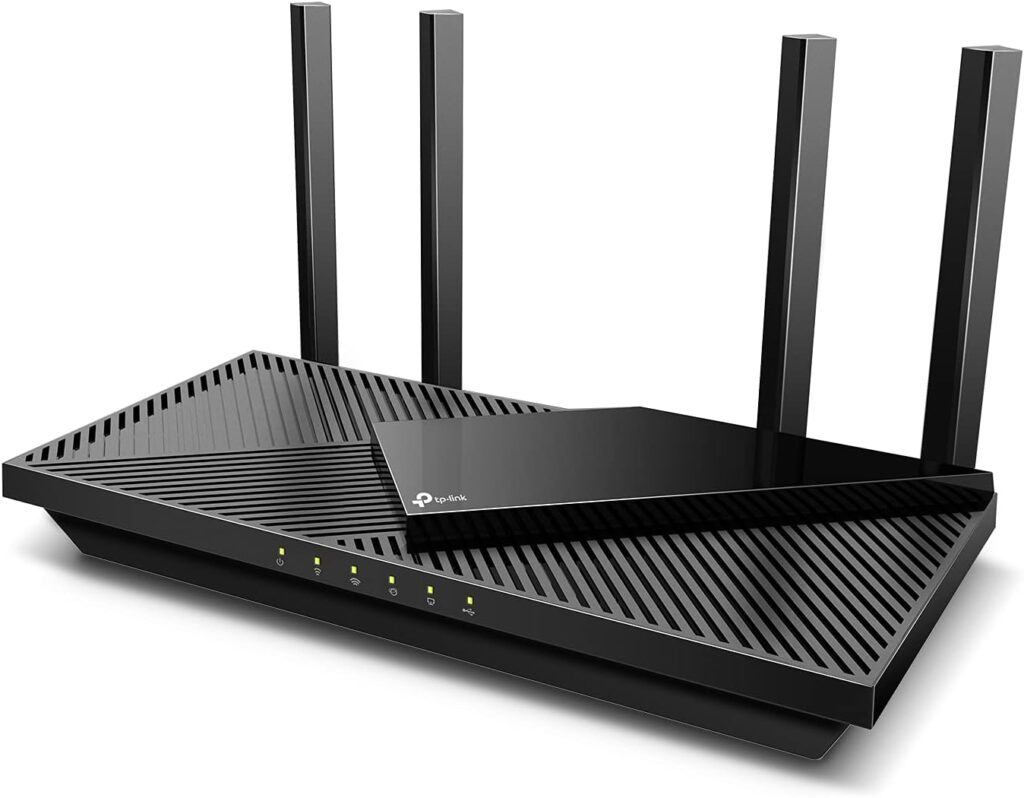
Credit: www.highspeedoptions.com
Speed Benefits Of Tri Band With Fiber
Tri-band routers paired with fiber internet deliver unmatched speed benefits. They enhance overall internet performance significantly. Fiber internet offers rapid data transfer rates. Tri-band routers exploit this speed, optimizing connectivity for multiple devices.
Maximizing Bandwidth Usage
Tri-band routers efficiently manage bandwidth across multiple channels. This balance prevents slowdowns during high-demand periods. Each band supports different devices, ensuring optimal performance. Fiber internet provides the speed, while tri-band maximizes utilization. This combination ensures smooth streaming, gaming, and browsing.
Reducing Network Congestion
Network congestion is a common problem in busy households. Tri-band routers help minimize this issue effectively. They allocate devices to different bands, reducing traffic on a single channel. Fiber internet offers high capacity, but tri-band distributes it smartly. This distribution leads to a more stable and faster connection for everyone.
Setting Up Tri Band Router For Fiber
Setting up a tri band router for fiber internet lets you enjoy high-speed connections on multiple devices. The process involves linking your router to the fiber modem and adjusting settings to maximize speed. This setup helps reduce congestion and improves wireless coverage throughout your home.
Connecting Router To Fiber Modem
Start by turning off your fiber modem. Use an Ethernet cable to connect the modem’s LAN port to the tri band router’s WAN port. Turn on both devices and wait for them to fully boot up. Check that the router’s internet light is solid, indicating a good connection. This physical setup is essential for your router to access the fiber internet.
Optimizing Settings For Speed
Access your router’s web interface through a browser by typing its IP address. Login with the default credentials found on the router label. Update the firmware to ensure the latest performance improvements. Enable the 5 GHz bands to reduce interference and increase speed. Set different SSIDs for each band to manage device connections easily.
- Activate Quality of Service (QoS) to prioritize important traffic.
- Choose channels with less interference for each band.
- Enable MU-MIMO to serve multiple devices efficiently.
These tweaks help you get the most from your fiber connection using a tri band router.
Common Issues And Fixes
Using a Tri Band Router with fiber internet can bring fast speeds and strong connections. Still, some issues may arise during setup or daily use. Troubleshooting these problems quickly helps keep your network running smoothly. Common problems include connection drops, slow speeds, and weak signals. Simple fixes often resolve these challenges without needing extra support.
Troubleshooting Connectivity Problems
Start by checking if the fiber internet is active and stable. Restart the router and modem to refresh the connection. Confirm the Tri Band Router’s firmware is up to date. Outdated software can cause compatibility issues.
Check cables and ports for damage or loose connections. Reset the router to factory settings if problems persist. This clears any incorrect configurations. Assign a static IP address to the router if DHCP conflicts occur. Verify the router supports your fiber internet’s VLAN settings.
Improving Signal Strength
Place the Tri Band Router in a central, open area away from walls and metal objects. Avoid locations near microwaves or cordless phones that cause interference. Elevate the router for better coverage in multi-story homes.
Adjust antenna positions for optimal signal direction. Use Wi-Fi extenders or mesh systems to cover dead zones. Change the wireless channel to avoid overlap with neighbors’ networks. Enable Quality of Service (QoS) to prioritize important devices.
Regularly update router software for improved performance and security. Clear obstacles and reduce electronic interference to keep signals strong. Consider upgrading antennas if the built-in ones underperform in large spaces.
Choosing The Right Tri Band Router
Choosing the right tri band router is crucial if you want to make the most of your fiber internet connection. Not all routers handle high-speed fiber connections equally well. Picking a router that fits your specific needs can greatly enhance your browsing, streaming, and gaming experience.
Key Features To Look For
When selecting a tri band router for fiber internet, focus on features that support fast and stable connections. Look for routers with Wi-Fi 6 or Wi-Fi 6Etechnology to ensure better performance and capacity. These standards manage multiple devices efficiently, which is essential if your home has many smart gadgets.
Pay attention to the router’s processor and RAM. A powerful processor helps handle multiple data streams without lag. Also, check for multiple Gigabit Ethernet portsto connect wired devices directly for the fastest speeds.
Don’t forget about security features. Routers with built-in firewalls, automatic updates, and WPA3 encryptionprotect your network from threats without extra hassle.
Top Tri Band Routers For Fiber Internet
| Router Model | Wi-Fi Standard | Max Speed | Key Features | Price Range |
|---|---|---|---|---|
| ASUS ROG Rapture GT-AX11000 | Wi-Fi 6 | Up to 11,000 Mbps | Powerful CPU, Game acceleration, Multiple Ethernet ports | High |
| Netgear Nighthawk RAX200 | Wi-Fi 6 | Up to 10,800 Mbps | Tri band, Advanced security, Easy setup | High |
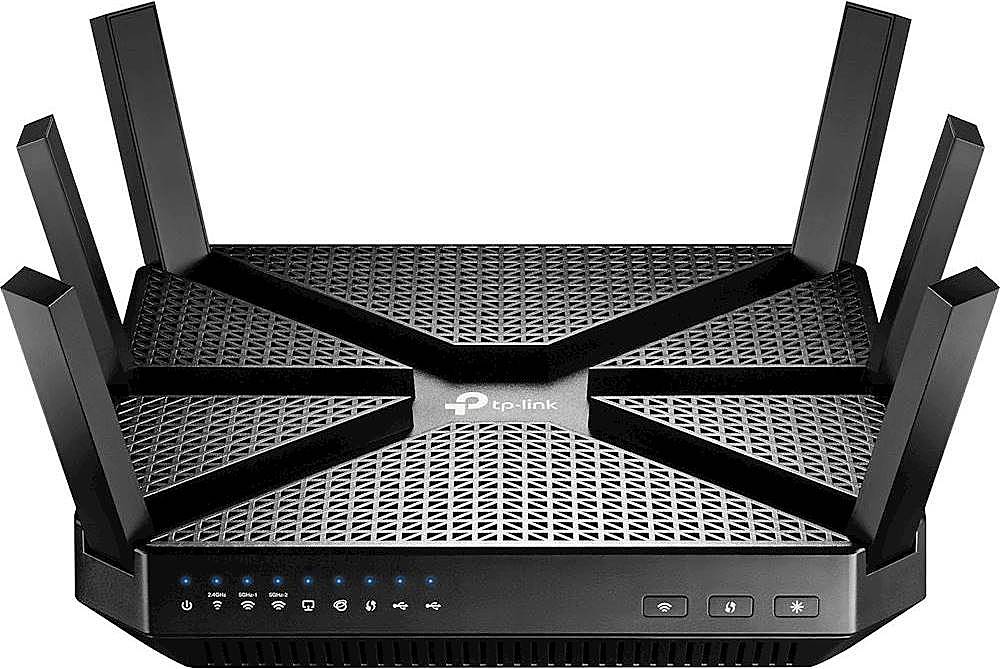
| TP-Link Archer AX11000 | Wi-Fi 6 | Up to 10,756 Mbps | Gaming features, Good range, Multi-device support | Mid to High |
| Linksys MR9600 | Wi-Fi 6 | Up to 6,000 Mbps | Mesh-ready, Easy app control, Strong security | Mid |
Choosing among these options depends on your budget and usage. If you stream 4K videos often or play online games, a high-end model like the ASUS ROG Rapture can handle the load easily. For everyday use with multiple devices, a mid-range router like the Linksys MR9600 offers solid performance without breaking the bank.
Have you experienced slow speeds despite having fiber internet? It might be your router limiting the performance. Investing in the right tri band router can unlock the full potential of your fiber connection.
Credit: www.bestbuy.com
Frequently Asked Questions
Can A Tri-band Router Support Fiber Internet Speeds?
Yes, tri-band routers can handle fiber internet speeds efficiently. They offer multiple frequency bands, reducing network congestion and improving speed performance for fiber connections.
Do Tri-band Routers Improve Fiber Internet Performance?
Tri-band routers enhance fiber internet by distributing devices across three bands. This reduces interference and boosts overall network speed and stability for fiber users.
Is A Tri-band Router Necessary For Fiber Internet?
A tri-band router isn’t essential but beneficial for fiber internet. It supports more devices and optimizes speed, especially in busy or large households.
How To Connect A Tri-band Router To Fiber Internet?
Connect your fiber modem to the tri-band router’s WAN port. Configure the router settings as per your ISP instructions to enable fiber internet access.
Conclusion
Tri band routers work well with fiber internet connections. They handle multiple devices without slowing down. Fiber internet offers fast speeds, and tri band routers support that speed. This combo improves your home network’s performance. Choose a router that matches your internet plan.
Set it up properly for the best results. Enjoy smooth streaming, gaming, and browsing without interruptions. Simple steps make a big difference in your internet experience.