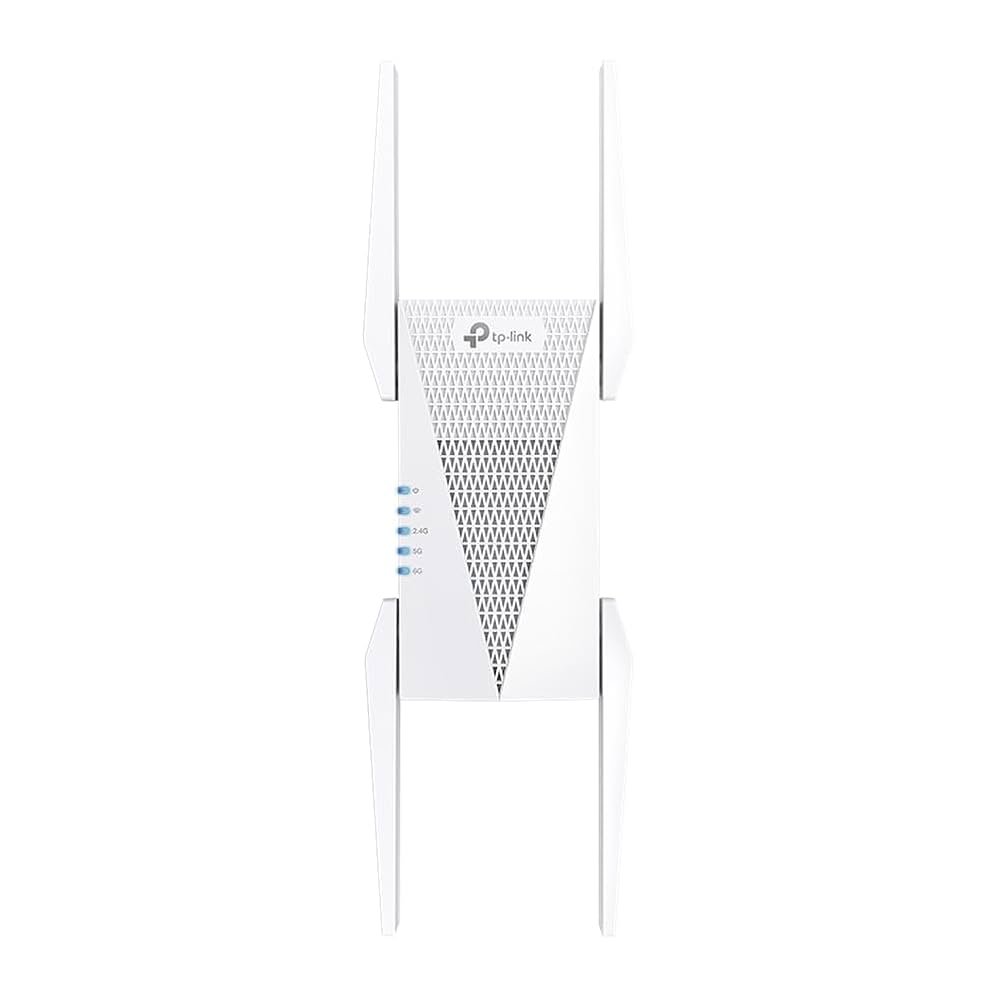
Are you struggling to give your guests reliable WiFi access without sharing your main network? You might be wondering if a Tri Band WiFi extender can help extend your guest network and solve this problem.
Imagine your visitors enjoying fast, stable internet without compromising your privacy or security. This article will clear up the confusion and show you exactly how Tri Band WiFi extenders work with guest networks. Keep reading to find out how to improve your home or office WiFi experience for everyone.

Credit: www.reddit.com
Tri Band Wifi Extender Basics
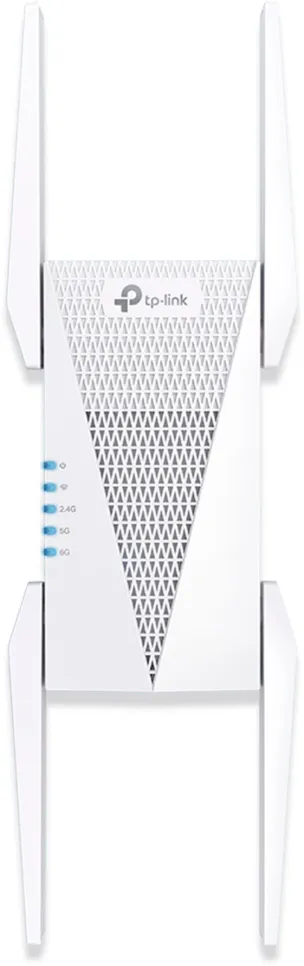
A Tri Band Wifi Extenderuses three separate frequency bands to boost your wireless signal. One band connects to your router, while the other two provide devices with a strong, fast connection. This setup helps avoid traffic jams on the network.
Tri Band Technologyworks by dedicating one band to backhaul, which means it keeps the connection between the extender and the router stable. The other two bands handle device connections, allowing multiple devices to run smoothly without slowing down the network.
| Benefits | Tri Band Extender | Dual Band Extender |
|---|---|---|
| Speed | Higher, less traffic on each band | Lower, shared traffic on two bands |
| Connection Stability | Better, dedicated backhaul band | Less stable, shared bands |
| Device Support | More devices supported smoothly | Fewer devices, possible slowdowns |
Credit: pocketables.com
Guest Network Features
Guest networksallow visitors to use the internet without accessing your main network. This keeps your personal devices safe. These networks usually have limited accessto shared files or printers. They help protect your data from unknown devices.
Guest networks often have different passwordsthan the main WiFi. This helps control who connects. They may also limit the internet speed or bandwidth for guests.
| Security Features | Purpose |
|---|---|
| Separate Password | Keeps main network safe |
| Limited Access | Prevents access to private files |
| Bandwidth Control | Ensures fair internet speed |
It is important to use strong passwordsand update them regularly. This stops unwanted users from joining the guest network. Also, using encryptionprotects data sent over the guest WiFi.
Extending Guest Networks
Tri band WiFi extenderscan support guest networks, but it depends on the model. Some extenders only repeat the main network, not guest networks. Others allow you to extend both main and guest WiFi signals separately.
Extending a guest network keeps visitors connected without sharing your main WiFi password. Check your extender’s manualto see if it supports guest networks before buying.
Setup usually needs access to your main router’s settings. You may have to enable guest network sharing on the router first. Then connect the extender to both the main and guest networks.
- Ensure the extender supports tri band and guest network extension
- Access your router’s admin panel
- Enable guest network sharing if not already on
- Use the extender’s setup app or webpage to connect to both networks
- Test connection on guest network after setup
Configuring Tri Band Extenders
Tri Band WiFi extenders can boost the main network signal. Extending the guest network depends on the extender model and settings. Some extenders allow a separate guest network extension. Others only repeat the main network, including guest access.
To set up, connect the extender to your main router first. Access its settings through a browser or app. Look for guest network options in the extender menu. Enable guest network extension if available. Assign a different name (SSID) and password for security.
Managing guest network access is vital. Use these tips:
- Set a clear name for the guest network to avoid confusion.
- Use a strong password different from the main WiFi.
- Limit guest network bandwidth to keep main network fast.
- Turn off guest access during off-hours for safety.
| Feature | Main Network | Guest Network |
|---|---|---|
| SSID Name | Customizable | Separate or Same (depends on extender) |
| Password | Strong and Private | Different from main recommended |
| Access Control | Full Access | Limited to guests only |
| Bandwidth Limit | Usually No Limit | Can be Limited |
Troubleshooting Common Issues
Connection drops can happen due to weak signals or interference. Place the extender closer to the main router for a stronger signal. Avoid thick walls or metal objects between devices.
Resetting the extender often fixes temporary glitches. Ensure firmware is up to date for better stability. Check if other devices cause network crowding.
- Guest network access may be blocked by extender settings.
- Confirm guest network is enabled on both router and extender.
- Use correct password and network name (SSID) for guests.
- Restart devices to refresh the connection.
- Check for device compatibility with the extender.
Optimizing Performance
Place the tri-band WiFi extender where the main router’s signal is strong.
Avoid thick walls or metal objects blocking the signal.
Try to keep it near the area where guests will connect most.
| Firmware Updates | Benefits |
|---|---|
| Regularly check for firmware updates | Fixes bugs and improves device stability |
| Install updates promptly | Enhances performance and security |
| Use official sources only | Prevents installing harmful software |
Comparing Extender Options
Tri-band WiFi extenders can boost your main network’s signal but often cannot extend the guest network separately. Many models limit guest access to keep it secure and isolated. Checking specific extender features helps ensure guest network support.
Tri Band Vs Dual Band
Tri band extendershave three frequency bands. They offer better speed and less interference. Dual band extenders use two bands and can get crowded.
Tri band extenders keep one band for extender-to-router link. This makes guest network connection stronger and faster. Dual band extenders share bands for devices and router. This can slow down the guest network.
- Tri band:Better for busy homes and guest networks
- Dual band:More affordable, but less efficient
Mesh Systems As Alternatives
Mesh WiFi systems cover large areas with many access points. They create one network name for all devices. Guests get easy access without weak signals.
Mesh systems manage guest networks well. They keep main and guest traffic separate. This boosts security and speed for both.
| Feature | WiFi Extender | Mesh System |
|---|---|---|
| Coverage | Good for small areas | Better for large homes |
| Guest Network Support | Limited, depends on model | Strong and easy to manage |
| Setup | Simple but may need adjustment | Easy with app guidance |
| Speed | May slow down with many devices | Consistent, handles many devices |

Credit: www.amazon.ca
Frequently Asked Questions
Can Tri Band Wifi Extender Boost Guest Network Coverage?
Yes, tri band WiFi extenders can extend guest networks effectively. They use a dedicated band to maintain strong guest network signals, improving coverage and reducing interference for guests.
Does Tri Band Wifi Extender Support Separate Guest Network?
Most tri band extenders support guest networks. Check your extender’s settings to enable or configure a separate guest SSID for secure guest access.
How Does Tri Band Wifi Extender Improve Guest Network Speed?
Tri band extenders use one band to connect to the router and two bands for devices. This reduces congestion and boosts guest network speeds.
Can Tri Band Wifi Extender Isolate Guest Network Traffic?
Yes, tri band extenders can isolate guest traffic. This enhances security by separating guest users from your main network devices.
Conclusion
Tri-band WiFi extenders can boost your guest network effectively. They enhance coverage, ensuring smooth connections. Guests can enjoy seamless internet access throughout your space. This makes hosting visitors more convenient. Tri-band technology reduces interference, providing stable connections. It’s an efficient way to improve guest experiences.
Easy setup and management add to its appeal. Consider your specific needs before purchasing. A well-chosen extender can make a difference. Investing in the right device benefits both you and your guests. Make informed choices for optimal network performance. Ensure everyone stays connected and happy.


