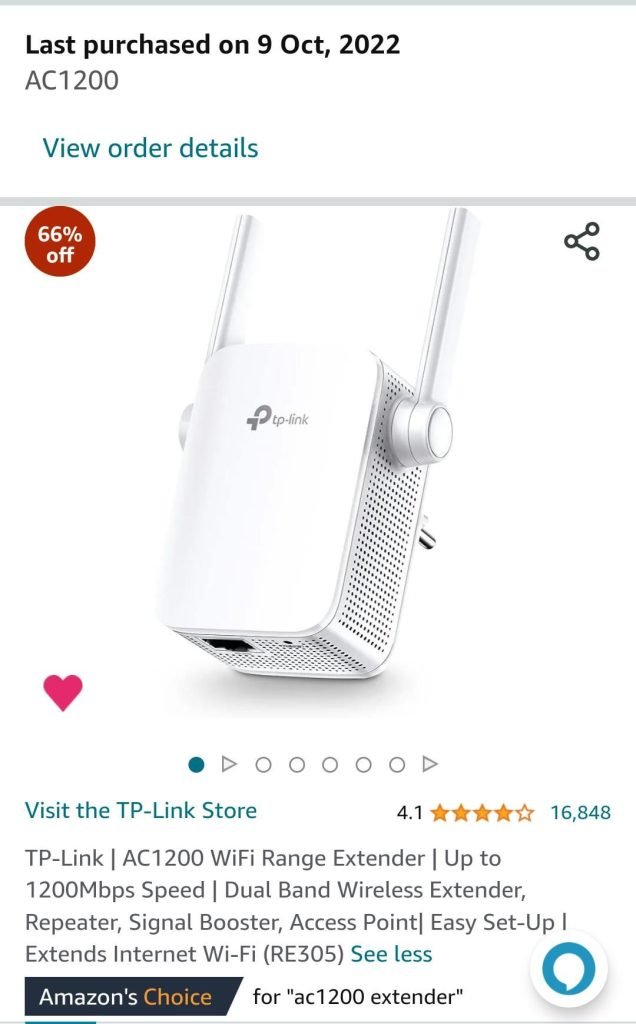
Are you frustrated with weak Wi-Fi signals in certain areas of your home? You’re not alone.
Many people turn to dual-band Wi-Fi extenders as a quick fix to boost their internet coverage. But here’s the big question: Do these extenders actually reduce your internet speed? It’s a concern that could mean the difference between smooth streaming and endless buffering.
Before you invest in a device that promises to eliminate dead zones, let’s uncover the truth. You deserve fast, reliable internet throughout your home, and understanding how these extenders work is crucial. Stick with us as we explore whether dual-band Wi-Fi extenders are truly the solution you need—or if they might slow you down.
How Dual Band Wifi Extenders Work
Dual band wifi extenders use two frequency bandsto improve coverage. These bands are 2.4 GHzand 5 GHz. The 2.4 GHz band covers a wider area but is slower. The 5 GHz band offers faster speeds but covers less distance.
Extenders receive signals from your router and then boostthem. The 2.4 GHz band helps devices far from the router. The 5 GHz band serves devices closer to the extender with higher speed.
| Frequency Band | Range | Speed | Best Use |
|---|---|---|---|
| 2.4 GHz | Long | Slower | Far devices, walls |
| 5 GHz | Short | Faster | Close devices, high speed |
Factors Affecting Wifi Extender Speed
Distancebetween the router and extender affects speed. The farther the extender, the weaker the signal. Interferencefrom walls or electronics can also slow the connection. Try to place extenders where signals are clear.
Bandwidth sharingmeans the extender splits internet speed between devices. More devices using the extender can reduce speed for each one. Dual band extenders help by using two frequency bands, but speed can still drop.
Device compatibilitymatters a lot. Older devices may not work well with new extender tech. This can cause slower speeds. Make sure devices support the extender’s frequency bands and standards.
Speed Impact Of Dual Band Extenders
Dual band WiFi extenderscan affect speed differently on each band. The 2.4 GHz bandoffers better range but slower speeds. It is good for basic browsing and smart home devices.
The 5 GHz bandprovides faster speeds but has a shorter range. It works best for streaming and gaming close to the extender. Sometimes, speed drops if the signal is weak.
| Type of Extender | Speed Impact | Range | Best Use |
|---|---|---|---|
| Dual Band Extender | Moderate speed drop on 2.4 GHz, less on 5 GHz | Good range on 2.4 GHz, shorter on 5 GHz | Mixed device use, better overall coverage |
| Single Band Extender | More speed loss, especially on 2.4 GHz | Limited to one band’s range | Simple setups with few devices |
- Dual band extenders usually keep speeds higher than single band.
- Switching between bands helps balance speed and range.
- Signal strength and placement affect final speed more than band choice.
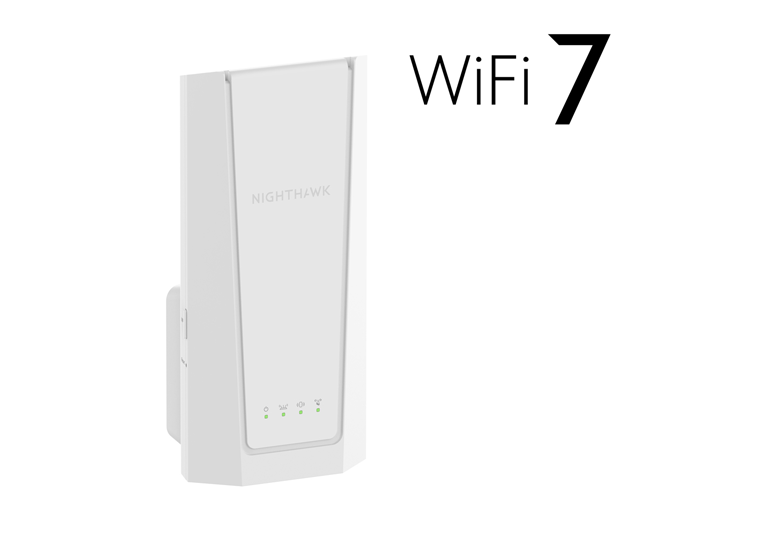
Credit: www.netgear.com
Optimizing Dual Band Extender Speed
Dual band WiFi extenders can sometimes lower speed due to signal sharing between bands. Placing the extender closer to the router helps keep speeds higher. Choosing the right band for devices also improves performance and reduces slowdowns.
Ideal Placement Tips
Place the extender halfway between your router and the weak signal area. Avoid walls, metal objects, and large furniture that block signals. Higher placement often means better coverage. Keep the extender away from microwaves and cordless phones to reduce interference.
Firmware And Settings
Regularly update your extender’s firmware for better performance. Use the 5 GHz band for faster speeds and less interference. Adjust settings to match your router’s channel to avoid conflicts. Disable unused features to free up bandwidth.
Choosing The Right Extender
| Feature | What to Look For |
|---|---|
| Band Support | Dual band (2.4 GHz and 5 GHz) for better speed |
| Speed Rating | At least same speed as your router |
| Compatibility | Works with your router brand and model |
| Range | Enough to cover the weak signal areas |
Common Misconceptions About Extender Speeds
Many believe that extenders always cut your speed in half. This is not always true. Some extenders use one band to receive data and another to send it. This can keep speeds higher. But, older or single-band extenders might reduce speed more.
People think dual band extenders mean no speed loss. Dual band extenders use two frequencies: 2.4 GHz and 5 GHz. One band can handle the connection to your router. The other band connects to your device. This setup can help keep speeds closer to normal.
- Speed loss depends on extender type and placement.
- Dual band extenders often perform better than single band.
- Proper setup is key to less speed reduction.
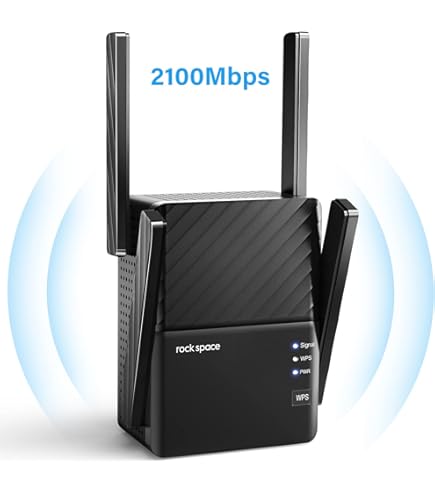
Credit: www.amazon.com
Alternatives To Wifi Extenders
Mesh Wifi Systemscreate a single, strong network covering your whole home. They use multiple devices called nodes. These nodes work together to give fast and steady internet. Mesh systems avoid the speed drops common with regular extenders. Setup is easy and devices switch seamlessly between nodes as you move.
Powerline Adaptersuse your home’s electrical wiring to carry internet signals. They plug into outlets and connect to your router and device. This method can offer better speeds than wifi extenders in some homes. Powerline adapters work well in places with thick walls or floors that block wifi.

Credit: www.amazon.com
Frequently Asked Questions
Do Dual Band Wifi Extenders Affect Internet Speed?
Dual band WiFi extenders may slightly reduce speed due to signal rebroadcasting. However, they often improve overall coverage and performance by using separate bands for communication and device connection.
How Do Dual Band Wifi Extenders Work?
They use two frequency bands—2. 4 GHz and 5 GHz—to reduce interference and maintain faster speeds. One band connects to the router, while the other extends the signal to devices.
Can Dual Band Extenders Improve Wifi Speed?
Yes, they can improve speed by reducing congestion and interference. Using separate bands allows better distribution of traffic, enhancing overall network efficiency.
Why Might Wifi Speed Drop With An Extender?
Speed drops can occur if the extender is too far from the router or if bands overlap causing interference. Proper placement and band selection minimize speed loss.
Conclusion
Dual band WiFi extenders can affect your internet speed. They help cover larger areas with better signal strength. Sometimes, the speed drops due to how the extender works. Choosing the right extender and placing it well matters a lot. A strong signal means smoother streaming and faster downloads.
Test different spots to find the best one. Overall, dual band extenders improve coverage but may slightly reduce speed. Balance between range and speed for the best experience.


