Are you relying on a long-range WiFi extender to keep all your devices connected seamlessly across your home or office? You might be wondering if these handy gadgets require regular maintenance to function at their best.
After all, nothing is more frustrating than a sluggish internet connection when you’re in the middle of a crucial task. Imagine the peace of mind knowing your WiFi extender is consistently performing at its peak. We’ll explore whether your long-range WiFi extender needs regular upkeep and how a few simple steps can ensure you always enjoy a strong, uninterrupted signal.
Stay with us as we delve into maintaining your WiFi extender and potentially boosting your connectivity experience.
How Long Range Wifi Extenders Work
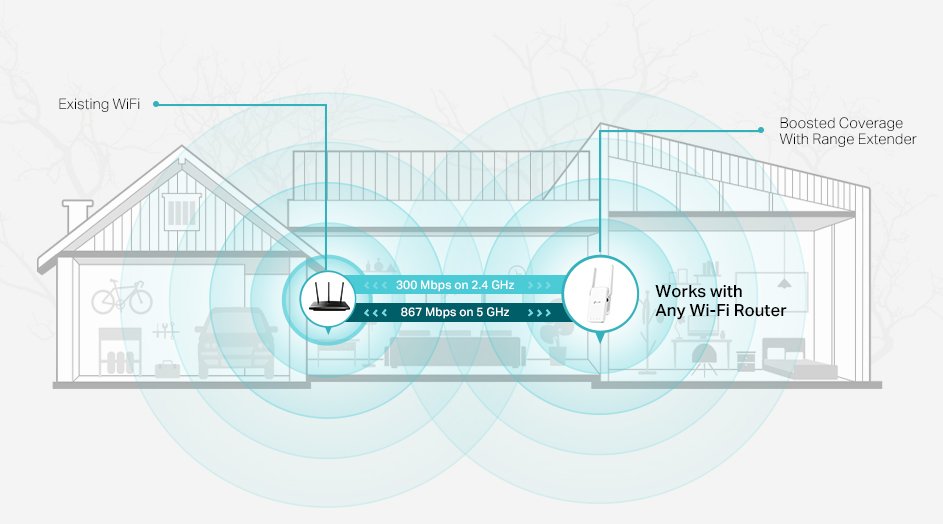
Long range WiFi extenders work by boostingthe signal from your main router. They catch the WiFi signal and send it farther. This helps cover large spaces or places with weak signals. The extender picks up the WiFi and rebroadcastsit to areas that need better coverage.
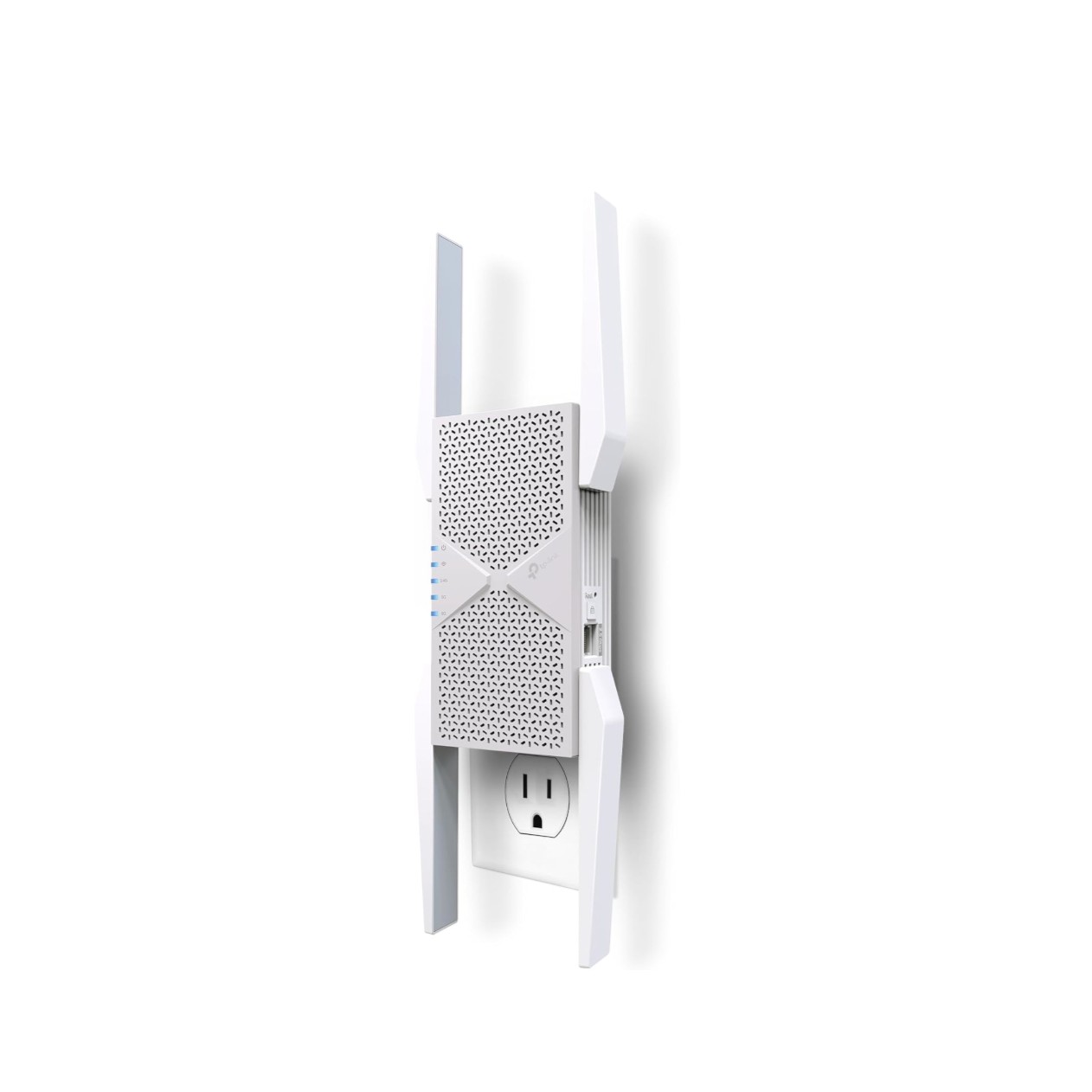
These devices often use two antennas: one to receive the original signal and one to send it out again. Some models use dual bandsto keep the speed fast and avoid interference. The extender connects wirelessly to your router but may also have Ethernet ports for wired devices.
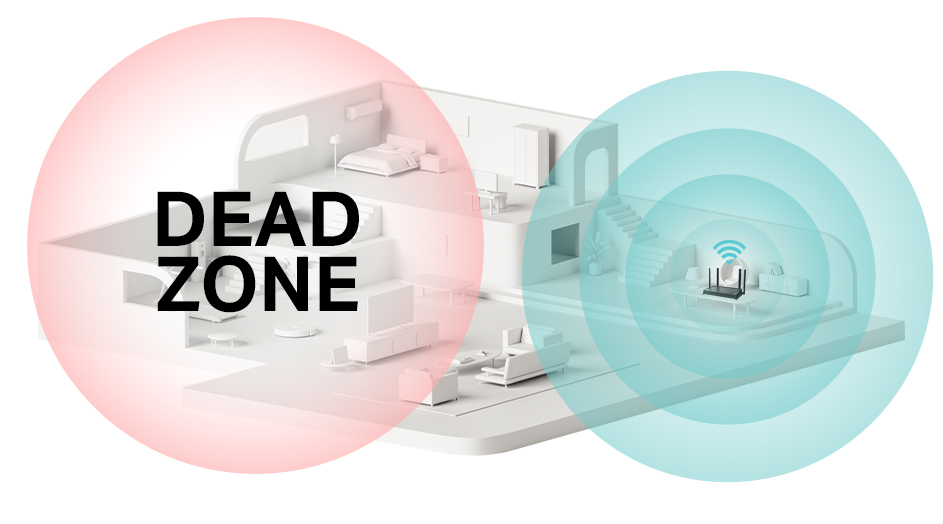
Placement matters a lot. The extender needs to be close enough to the router to catch a strong signal but far enough to reach weak areas. A good spot is usually halfway between your router and the dead zone.
Credit: www.tomsguide.com
Common Maintenance Needs
Firmware updateskeep the extender running smoothly. They fix bugs and improve performance. Check the manufacturer’s website often for new updates. Updating firmware is simple and usually done via the extender’s app or web page.
Physical cleaninghelps avoid dust buildup. Dust can block vents and cause the device to overheat. Use a soft cloth to wipe the extender gently. Avoid using water or cleaning sprays directly on the device.
Checking connectionsensures the extender works well. Make sure cables are tight and not damaged. WiFi signal strength should be tested regularly. Move the extender if the signal is weak.
Signs Your Extender Needs Attention
Slow internet speeds can mean your extender is struggling. Check if pages take too long to load or videos buffer often. This usually shows the device needs a reset or firmware update.
Frequent disconnects from WiFi are another sign. Devices dropping connection or losing signal quickly can hurt your online work or fun. Cleaning the device vents and placing it in a better spot can help.
Overheating issues may cause your extender to stop working. Feel the device; if it’s very hot, it needs better airflow or a break. Overheating can damage internal parts and reduce lifespan.
Credit: www.tp-link.com
Routine Maintenance Tips
Regular checks help keep your WiFi extenderworking well. Look for any damageor loose cables. Check if the extender shows error lightsor slow speeds. Setting a schedulefor these checks makes maintenance easy and timely.
Placing the extender in the right spot is key. Avoid walls, metal objects, or thick furniture that block signals. Keep it highand in an open areafor better range. Try moving the device slightly to find the best signalspot.
Resetting the device can solve many problems. Use the reset buttonto restart the extender if it acts slow or stops working. This can clear errors and refresh the connection. Do this once in a while, or after changing settings.
Benefits Of Regular Maintenance
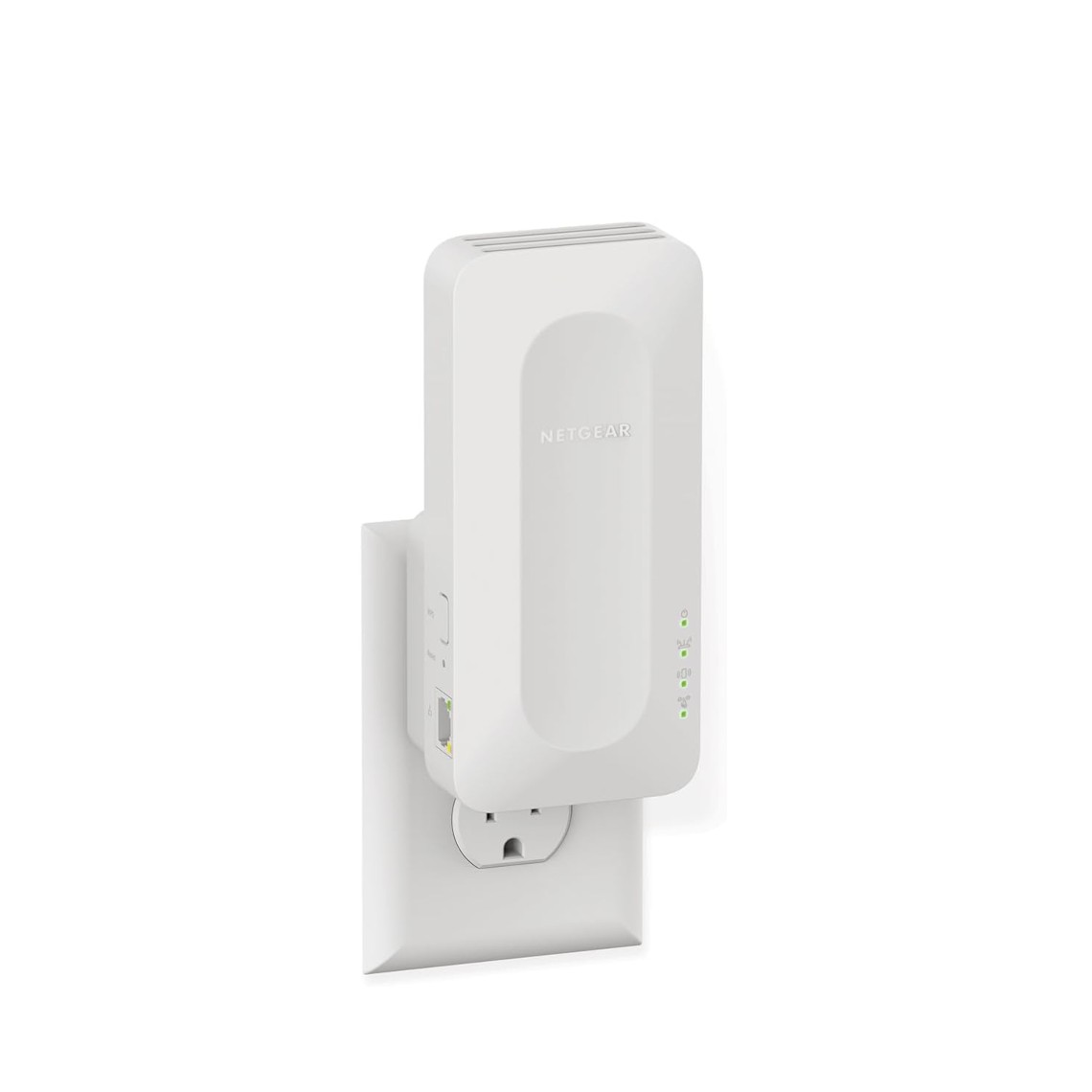
Regular maintenancekeeps long range wifi extenders working well. Dust and dirt can block signals and cause slow internet. Checking connections often helps catch problems early. Cleaning vents and updating firmware ensures better performance.
Maintenance can extend the lifeof your device. It also prevents unexpected breakdowns. A well-maintained wifi extender gives stronger, stable signalsin your home or office.
- Improves signal strength
- Prevents overheating
- Fixes bugs with firmware updates
- Reduces connection drops
- Extends device lifespan
Credit: www.tomsguide.com
When To Replace Your Extender
Regular checks help decide when to replace your WiFi extender. Look for signs like slow speeds and frequent disconnections. If the extender overheats often or has physical damage, replacement is wise.
Older models might not support newer WiFi standards, causing slower internet. If you notice weak signals even close to the extender, it may be time for a new one.
- Extender is more than 3-4 years old
- Frequent connection drops
- Speed is much slower than your main router
- Device feels hot or overheats
- Firmware updates no longer available
- Physical damage or broken parts
Replacing on time keeps your network strong and reliable.
Frequently Asked Questions
Do Long Range Wifi Extenders Require Regular Updates?
Yes, regular firmware updates are essential for long range WiFi extenders. They improve security, fix bugs, and enhance performance. Check the manufacturer’s website or app periodically to keep your extender up to date.
How Often Should I Clean My Wifi Extender?
Cleaning your WiFi extender every few months helps maintain optimal performance. Dust and dirt can block vents and cause overheating. Use a dry cloth and avoid liquids near the device.
Can A Wifi Extender’s Placement Affect Maintenance Needs?
Yes, placing your extender in a clean, ventilated area reduces dust buildup and overheating risks. Proper placement minimizes the need for frequent maintenance and ensures better signal strength.
Is Rebooting Necessary For Wifi Extender Maintenance?
Rebooting your WiFi extender occasionally can resolve connectivity issues and refresh network settings. It’s a simple, effective maintenance step to keep your extender running smoothly.
Conclusion
Long range WiFi extenders work best with simple care. Clean the devices and check connections often. Keep the firmware updated to avoid problems. A little effort helps maintain strong signals. This keeps your internet fast and stable. Regular maintenance saves time and frustration later.
Easy steps make your network more reliable. Small actions protect your investment and improve use. Simple care is key to long-lasting performance.


