Imagine you’re in the middle of an intense gaming session, just seconds away from claiming victory, when suddenly your game lags or drops connection. Frustrating, right?
If your gaming console struggles with a weak WiFi signal, you might wonder if a long-range WiFi extender could be the solution. You want smooth, uninterrupted gameplay, and a WiFi extender promises to extend the reach of your network. But do they truly deliver the seamless experience you crave for your gaming console?
We’ll dive into how these devices work with your gaming setup, unraveling the truth behind their effectiveness. Stay with us to discover if a long-range WiFi extender is the missing piece to your ultimate gaming experience.
Credit: www.engadget.com
How Long Range Wifi Extenders Work
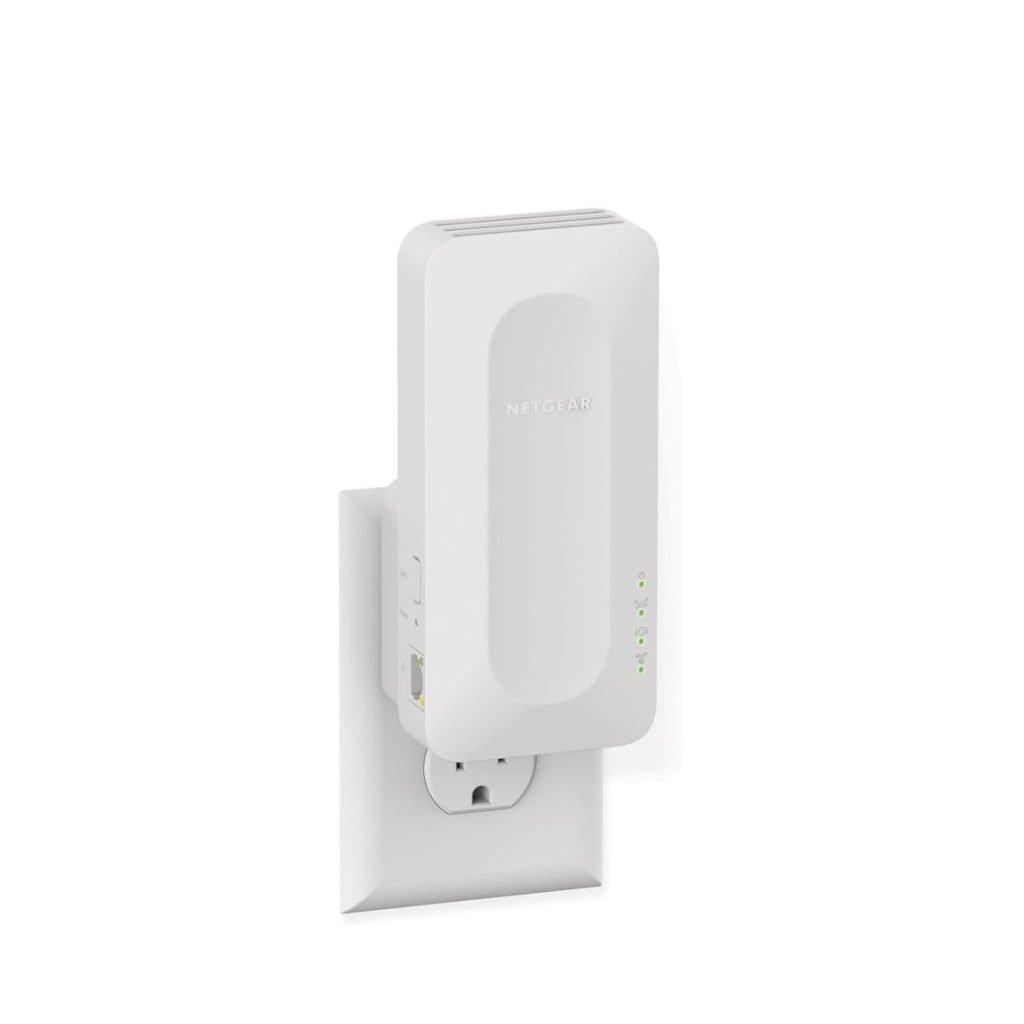
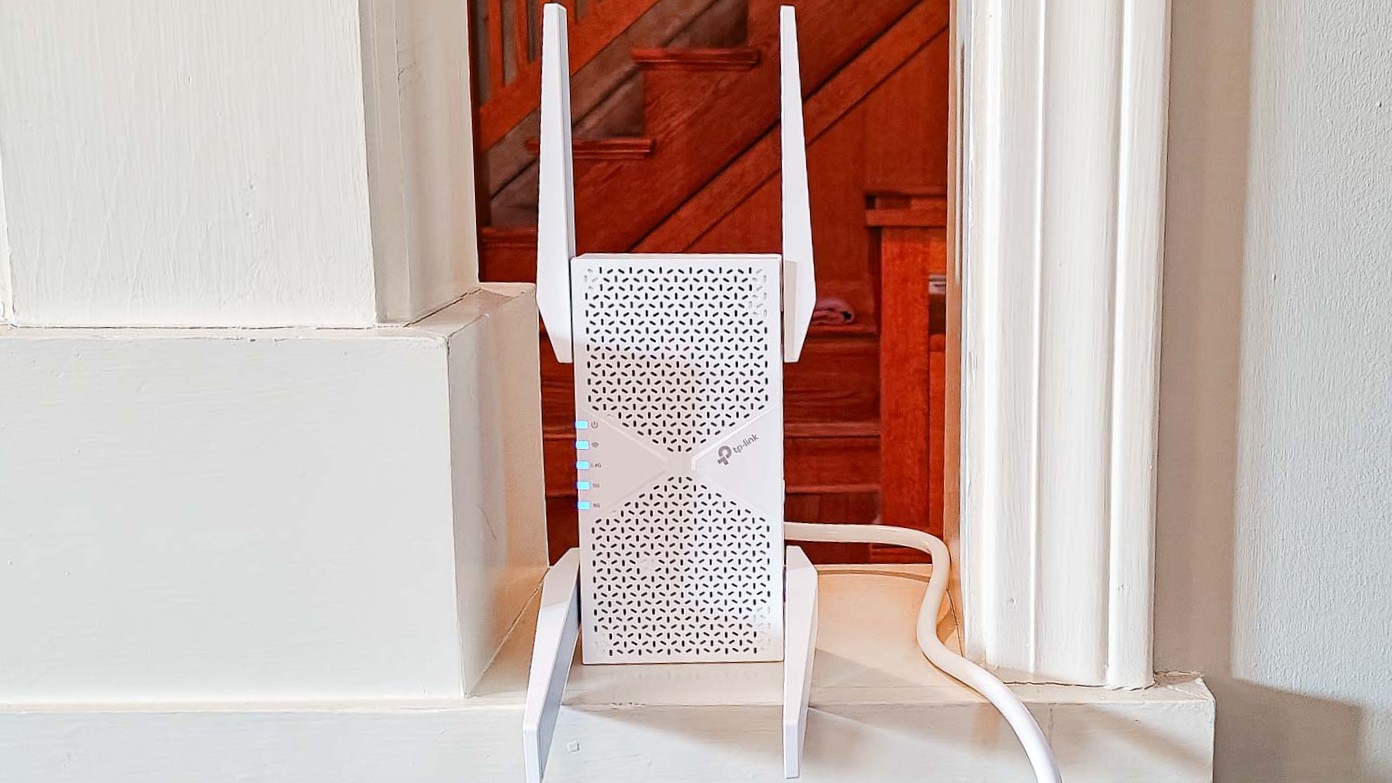
Long range WiFi extendersboost your wireless signal from the router to distant areas. They catch the original signal and send it further. This helps devices far away get better internet. Extenders can reduce weak spots and dead zones.
There are different types of extenders:
- Repeater extenderscatch and resend WiFi signals.
- Access point extendersconnect to the router by cable and create a new WiFi zone.
- Mesh extenderswork with mesh routers to spread signals evenly.
Good placementis key. Place extenders where the router’s signal is still strong. Avoid walls and metal objects. Put extenders in open spaces for best reach. This helps gaming consoles get steady connections and less lag.
Credit: www.tomsguide.com
Gaming Console Connectivity
Most gaming consoles support common WiFi standardslike 802.11nand 802.11ac. These standards allow for faster and more stable connections. Some newer consoles also support the 5 GHz band, which is less crowded and offers better speeds.
Using a wired connectionwith an Ethernet cable is often better for gaming. It gives a stable and fastconnection with low lag. Wireless connections can be less stable, especially if there is interference or distance from the router.
Long range WiFi extenders can help if the console is far from the router. But the extender’s speed and qualitymatter a lot. Some extenders may cause slower speedsor lag, which can affect gaming performance.
Performance Factors For Gaming
Latency and pingare key for smooth gaming. Low latency means less delay. High ping can cause lag and disrupt gameplay. Long range WiFi extenders may increase latency, affecting game response times.
Signal strengthimpacts connection stability. A weak signal can cause disconnections or slow speeds. WiFi extenders help boost signal, but distance and obstacles still matter. Placement of the extender is important for best results.
| Bandwidth Requirements | Effect on Gaming |
|---|---|
| Low (e.g., casual games) | Works fine with most extenders |
| Medium (e.g., online multiplayer) | Needs stable, decent speed |
| High (e.g., streaming + gaming) | Requires strong, fast connection |
Compatibility Of Extenders With Consoles
Long range WiFi extenders often support popular gaming consoles like PlayStation, Xbox, and Nintendo Switch. Most extenders work by boosting your existing WiFi signal. This helps consoles get a stronger internet connection in distant rooms.
The setup usually involves connecting the extender to your home WiFi network. Then, connect the console to the extender’s new network name. This process is simple and often guided by an app or website.
Troubleshooting may include checking signal strength, restarting devices, or moving the extender closer to the console. Sometimes, changing WiFi channels can reduce interference. Ensuring the extender firmware is updated also helps maintain stable connections.
Pros And Cons Of Using Extenders For Gaming
Long range WiFi extenders can expand your gaming area. They help reach spots with weak signals. This means you can game in rooms far from the router.
But these extenders might cause lag or delays. Gaming needs fast, steady connections. Extenders can slow down data, making games less smooth.
WiFi signals can face interference and drops. Other devices or walls can block signals. This can cause sudden disconnections during gameplay.
- Improved Coverage:Extenders boost signal to weak areas.
- Potential Lag Problems:May increase delay in game responses.
- Interference and Signal Drops:Signals can be unstable due to obstacles.

Credit: www.amazon.ca
Alternative Solutions For Better Gaming Wifi
Mesh wifi systems create a strong and steady signal throughout your home. They use several devices to cover large areas. This means fewer dead zones and better connection for gaming consoles.
Powerline adapters send internet signals through your home’s electrical wiring. They are easy to set up. This option works well if wifi signals are weak or unstable in some rooms.
A direct ethernet connection links your console straight to the router. This gives the fastest and most reliable internet. No delays or drops in signal, perfect for serious gaming.
Tips For Optimizing Wifi Extender Performance
Place the extenderwhere the WiFi signal is still strong. Avoid walls or metal objects that block signals. A spot halfway between your router and console often works best.
Keep firmware updated. Manufacturers fix bugs and improve speed with updates. Check the extender’s settings page or app to find updates easily.
Choose a WiFi channelwith less traffic. Crowded channels slow down your connection. Use apps or tools to find the clearest channel for your extender.
Frequently Asked Questions
Do Long Range Wifi Extenders Reduce Gaming Latency?
Long range WiFi extenders can increase latency slightly due to signal relay. However, they improve connectivity in weak signal areas, which may enhance overall gaming experience by reducing lag caused by poor WiFi strength.
Are Long Range Wifi Extenders Compatible With All Gaming Consoles?
Yes, most long range WiFi extenders work with all gaming consoles. They extend your existing network, allowing consoles like PlayStation, Xbox, and Nintendo Switch to connect wirelessly with better signal strength.
Will A Wifi Extender Improve Online Multiplayer Gaming?
A WiFi extender can improve online multiplayer gaming if your console was previously struggling with weak WiFi. It boosts signal reach, reducing disconnections and improving stability, but won’t increase your internet speed.
How To Set Up A Wifi Extender For Gaming Consoles?
Place the WiFi extender halfway between your router and gaming console. Connect it to your existing WiFi network, then link your console to the extender’s network for better signal and gaming performance.
Conclusion
Long range WiFi extenders can help improve your console’s connection. They reduce signal drops and increase coverage in larger spaces. Still, the connection might not be as fast as a direct router link. Choose extenders with low latency to avoid lag during gameplay.
Placement matters—put extenders where the signal is strong and stable. Testing your setup helps find the best spot. Overall, extenders work well for gaming but expect some limits. A good network setup keeps your gaming smooth and enjoyable.


