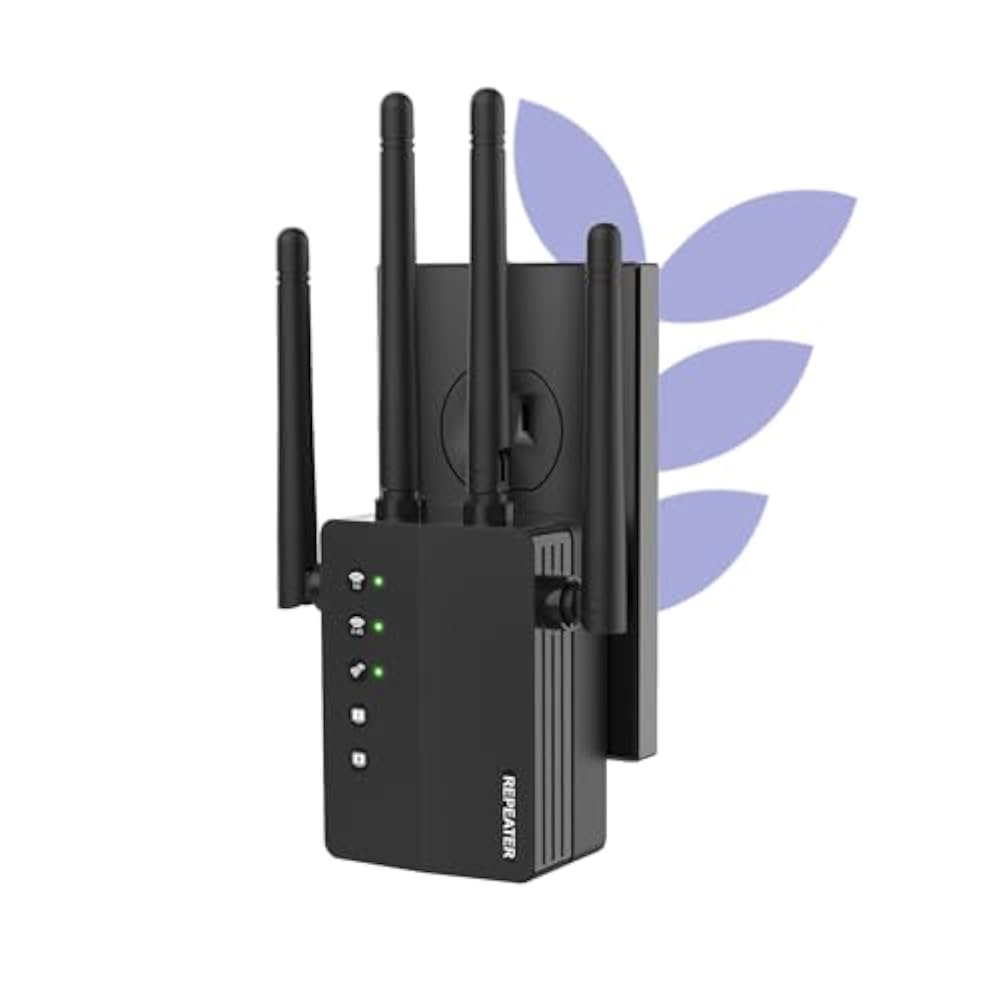
Are you struggling with weak WiFi signals in your backyard or outdoor workspace? You might be wondering if outdoor WiFi extenders come with Ethernet ports to boost your connection even more.
Knowing whether these devices have Ethernet ports can change how you set up your network and improve your internet speed outside. Keep reading to discover the truth about outdoor WiFi extenders and find out how you can get the most reliable connection wherever you are.
Outdoor Wifi Extenders Basics
Outdoor WiFi extenders help boost wireless signals outside your home. They catch weak WiFi signals and spread them over a larger area. These devices are built to resist weather like rain, heat, and cold.
Many outdoor WiFi extenders include Ethernet ports. These ports let you connect devices with a cable for a stable internet link. Using Ethernet can be faster and more reliable than WiFi alone.
| Key Features | Description |
|---|---|
| Weatherproof Design | Works well in rain, sun, and wind. |
| Ethernet Ports | Allows wired connections for better speed. |
| Extended WiFi Range | Covers larger outdoor spaces effectively. |
| Easy Setup | Simple installation with user-friendly guides. |
Credit: www.amazon.com
Ethernet Ports On Outdoor Wifi Extenders
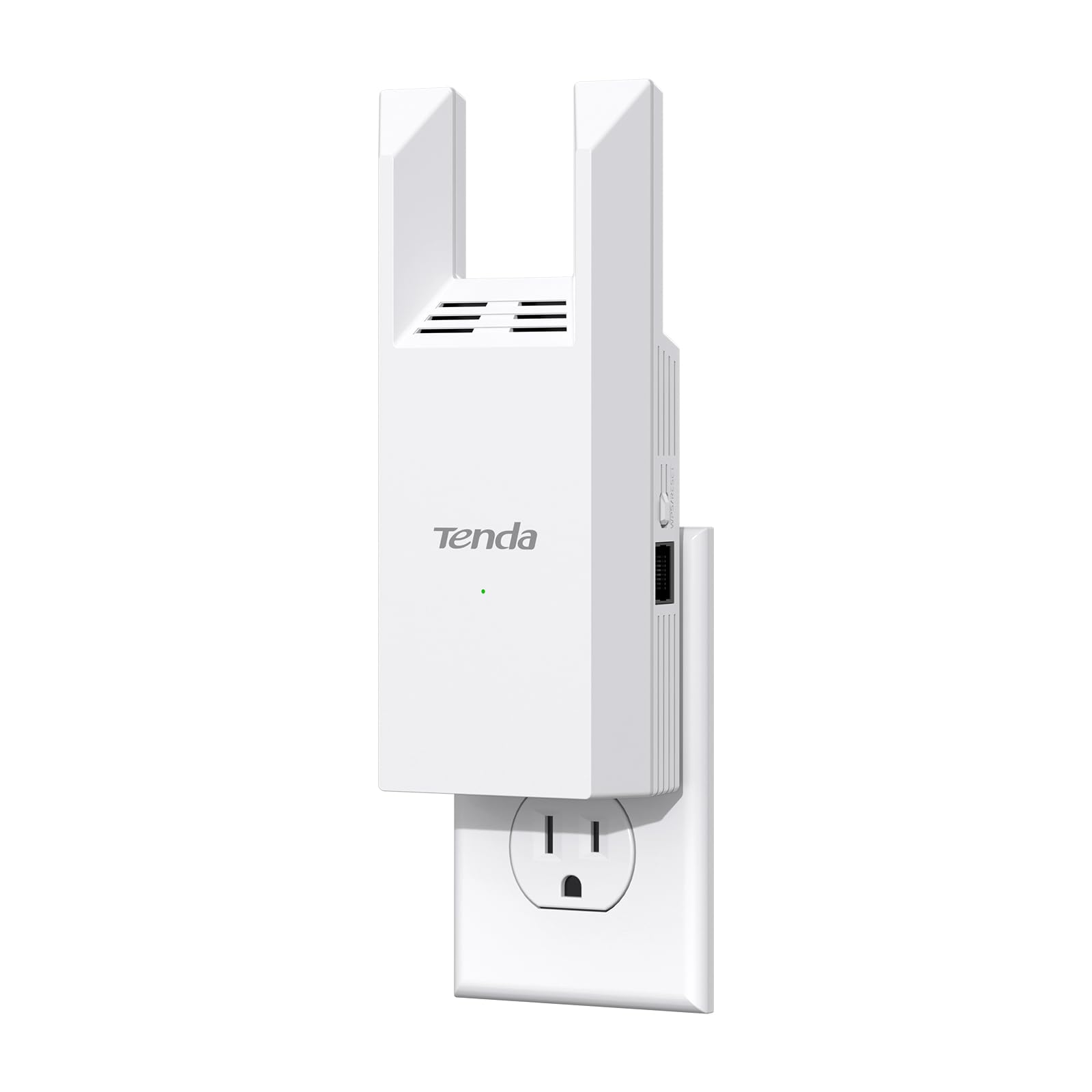
Ethernet ports on outdoor WiFi extenders serve a key role. They allow devices to connect using a wired connection. This can improve speedand stabilitycompared to wireless. Many outdoor extenders have at least one Ethernet port.
Here’s why Ethernet ports are useful:
- Connect devices like cameras or computers directly
- Extend network to places without good WiFi
- Provide faster, more stable internet to wired devices
Most outdoor WiFi extenders offer Ethernet ports, but some low-cost models might not. Checking product details before buying is smart. Ethernet ports usually support speeds up to 1 Gbps.
Benefits Of Ethernet Ports
Ethernet ports on outdoor WiFi extenders offer a stable, wired connection for devices. They improve speed and reduce signal loss compared to wireless links. This feature helps connect gaming consoles, smart TVs, or computers outdoors.
Stable Wired Connections
Ethernet portsprovide a direct and steady connection to the internet. This helps avoid interruptions that can happen with wireless signals. Devices connected with Ethernet enjoy lower latencyand faster data transfer. This is perfect for smart TVs, gaming consoles, or computers needing a reliable link. Wired connections also reduce interference from other wireless devices nearby.
Improved Network Performance
Using Ethernet ports can boost overall network speed. It helps keep the signal strong even in places where WiFi is weak. Ethernet connections allow multiple devices to work smoothly without slowing down the network. This means better streaming, faster downloads, and less buffering. A wired connection can support more devices with consistent speedscompared to WiFi alone.

Credit: www.amazon.com
Setting Up Ethernet Connections
Outdoor WiFi extenders often include Ethernet portsto connect devices directly. This helps reduce interferenceand improve speed. You can plug in devices like computers, printers, or game consoles.
After connecting, adjust the network settingson each device to match the extender’s network. This usually means setting the IP address and gateway manually or enabling DHCP.
- Use an Ethernet cable to link your device to the extender’s port.
- Access your device’s network settings menu.
- Set the IP address, subnet mask, and gateway if needed.
- Confirm the device connects to the internet through the extender.
Choosing The Right Extender
Choosing an outdoor WiFi extender involves key factors. Signal range, weather resistance, and Ethernet ports matter most. Extenders with Ethernet ports allow direct wired connections. This helps improve stabilityand speed for devices like gaming consoles or smart TVs.
Check if the extender supports your router’s frequency bands. Some offer dual-band support, which reduces interference. Also, consider the power source. Outdoor extenders may use solar power or standard plugs.
| Model | Ethernet Ports | Weatherproof | Frequency Bands |
|---|---|---|---|
| Netgear Nighthawk EX7000 | Yes (1 port) | Indoor/Outdoor | Dual-band (2.4 & 5 GHz) |
| TP-Link RE650 | Yes (1 port) | Indoor/Outdoor | Dual-band (2.4 & 5 GHz) |
| EnGenius ENS202EXT | Yes (1 port) | Outdoor | Single-band (2.4 GHz) |
Troubleshooting Ethernet Port Issues
Ethernet port problems can stop your extender from working right. Common issues include loose cables, wrong settings, or damaged ports. Sometimes the extender does not get power, or the cable is old.
Troubleshooting often starts with simple checks. Make sure all cables are firmly plugged in. Try a different Ethernet cable to see if the problem clears. Restart the extender and the router to refresh connections.
- Check if the Ethernet port is clean and free of dust.
- Use a different device to test the Ethernet port.
- Reset network settings on the extender.
- Update the extender’s firmware for better performance.
- Replace the Ethernet cable if it looks worn or broken.
Alternatives To Ethernet Ports
Wireless backhaul options help connect outdoor WiFi extenders without cables. They send data through strong wireless signals between devices. This keeps the network fast and stable even outside.
Powerline adapters use home electrical wiring to carry internet signals. Just plug one adapter near your router and another near the extender. The signal travels through the wires, avoiding the need for Ethernet cables.
| Option | How It Works | Benefits |
|---|---|---|
| Wireless Backhaul | Connects extenders using strong WiFi signals | No cables; good for long distances |
| Powerline Adapters | Uses home electrical wires to carry internet | Easy setup; no new wires needed |

Credit: www.amazon.ca
Frequently Asked Questions
Do Outdoor Wifi Extenders Come With Ethernet Ports?
Many outdoor WiFi extenders include Ethernet ports for wired connections. This feature enhances network stability and supports devices without WiFi capability. Always check product specifications to confirm Ethernet availability before purchasing.
Can Ethernet Ports Improve Outdoor Wifi Extender Performance?
Yes, Ethernet ports can boost performance by providing stable wired connections. They reduce interference common in wireless signals, ensuring faster and more reliable internet outdoors. Ethernet also enables easier device integration.
How To Use Ethernet Ports On Outdoor Wifi Extenders?
Connect your wired device directly to the extender’s Ethernet port using an Ethernet cable. This setup delivers consistent internet without relying on wireless signals, ideal for smart TVs or gaming consoles outdoors.
Are Ethernet Ports Standard In All Outdoor Wifi Extenders?
Not all outdoor WiFi extenders have Ethernet ports. Some models focus solely on wireless extension. It’s important to verify the product details if Ethernet connectivity is essential for your setup.
Conclusion
Outdoor WiFi extenders often include Ethernet ports. These ports enhance connectivity. They provide stable internet in outdoor spaces. Ethernet ports are handy for devices needing wired connections. This feature boosts performance and reliability. Consider your specific needs. Evaluate available options carefully.
Choose an extender that fits your requirements. Proper setup ensures seamless internet access. Outdoor WiFi extenders with Ethernet ports are practical solutions. They improve coverage and connectivity. Enjoy uninterrupted browsing in your yard or garden. Investing in the right extender brings convenience and efficiency.
It makes your outdoor internet experience better.


