Are you wondering if Verizon Fios needs a modem or just a router? It’s a common question that can save you time, money, and frustration.
Choosing the right equipment is key to getting the fastest, most reliable internet in your home. You’ll discover exactly what Verizon Fios requires and how to set it up for the best performance. Keep reading to make sure you’re not missing out on the smooth internet experience you deserve.

Credit: www.wikihow.com
Verizon Fios Network Basics
Verizon Fiosuses a fiber optic connectionto deliver internet, TV, and phone services. This type of connection sends data as pulses of light through thin glass cables. It is much faster and more reliable than traditional copper lines.
The Optical Network Terminal (ONT)plays a key role in the Fios setup. It converts the light signals from the fiber cable into electrical signals that your home devices can use. The ONT is usually installed on an outside wall or in a utility area.
The ONT acts like a modem, so a separate modem is not needed for Fios. To create a Wi-Fi network, you need a router. Sometimes Verizon provides a device that works as both ONT and router. Other times, you use the ONT with your own router.
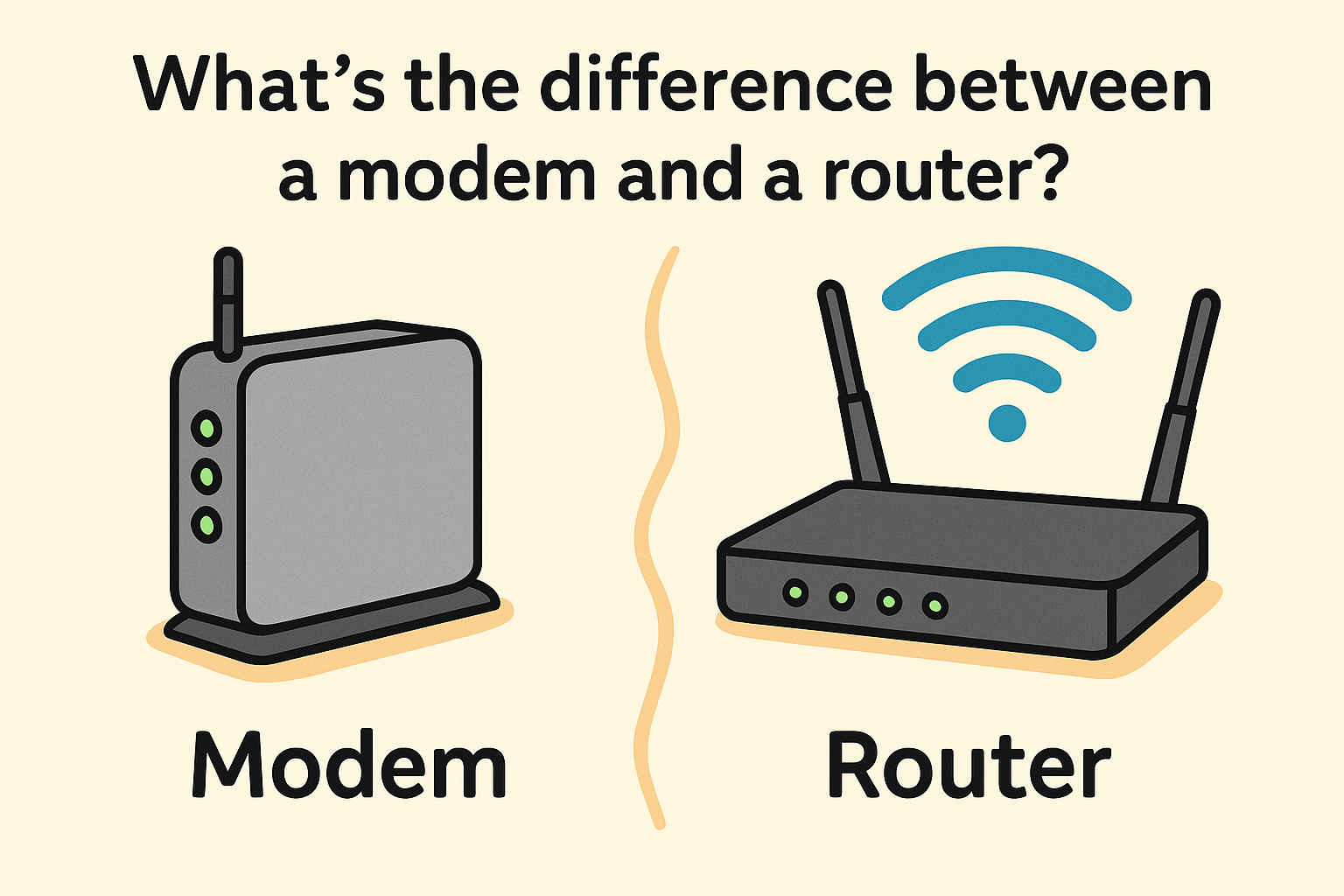
Credit: www.xcitium.com
Modem Requirement For Fios
Verizon Fiosuses a special device called an Optical Network Terminal (ONT). This device acts like a modem but is different from the usual cable or DSL modems. The ONT changes the fiber optic signals into internet signals for your home. Because of this, a traditional modem is not requiredfor Fios service.
You still need a routerto share the internet signal with your devices. The router connects to the ONT and sends Wi-Fi or wired internet to your phones, computers, or smart TVs.
| Device | Main Function | Used With Fios? |
|---|---|---|
| Modem | Converts internet signals from cable or DSL | No |
| ONT | Converts fiber optic signals to internet | Yes |
| Router | Distributes internet to devices via Wi-Fi or cable | Yes |
Router Options With Verizon Fios
Verizon Fios users only need a router, not a modem, for their internet setup. This is because Fios relies on fiber-optic connections, eliminating the need for a traditional modem. Many users prefer using Verizon’s provided router for optimal performance.
Using Verizon’s Router
Verizon Fios provides a router that also acts as a modem. This device connects your home to the internet directly. It is easy to set up and includes built-in Wi-Fi. The router supports fast internet speeds suitable for most users. It also comes with security features to protect your network. Using Verizon’s router means less hassle with compatibility issues. This option is ideal for those who want a simple, ready-to-use device.
Third-party Router Compatibility
Many third-party routers work with Verizon Fios, but compatibility matters. You need a router with an Ethernet WAN port. This port connects to the Verizon Optical Network Terminal (ONT). Some popular brands include Netgear, Asus, and TP-Link. A third-party router can offer better Wi-Fi range and advanced features. Make sure the router supports your internet speed plan. Setting up a third-party router might require more steps than Verizon’s router.
Benefits Of Upgrading Your Router
- Improved Wi-Fi Coverage:Better signal in larger homes.
- Advanced Security:More control over network safety.
- Better Speed Management:Supports multiple devices well.
- Customization:More options to set up your network.
- Latest Technology:Supports new Wi-Fi standards like Wi-Fi 6.
Upgrading can help if your current router is old or slow.
Combining Modem And Router
Modem-router combo devicescombine two functions in one box. They work as both a modem and a router. This can save space and simplify setup.
For Verizon Fios, these combo devices are not always compatible. Fios uses fiber optic technology, which needs a special Optical Network Terminal (ONT).
Most modems alone will not work with Fios because Fios does not use traditional cable or DSL signals.
Using a separate router after the ONT is common. It gives more control over Wi-Fi and network features.
| Device Type | Works with Verizon Fios? | Notes |
|---|---|---|
| Modem Only | No | Fios uses ONT, not a modem |
| Router Only | Yes | Connects after ONT for Wi-Fi |
| Modem-Router Combo | Rarely | Must be compatible with ONT and Fios |
Choosing a compatible router is key for good Fios internet.
Setting Up Your Verizon Fios Connection
The Optical Network Terminal (ONT) connects the Verizon Fios fiber line to your home. This device acts like a modem. It converts the fiber signals into internet data.
After the ONT, connect an Ethernet cable to your router’s WAN port. The router then shares the internet with your devices. Verizon Fios does not require a separate modem.
- Plug the Ethernet cable from ONT into the router.
- Power on the router and wait for lights to stabilize.
- Use a computer or phone to open the router’s setup page.
Inside the router settings, enter your Verizon account details if asked. Set your Wi-Fi name and password. This keeps your network secure.
Check the connection status on the router page. It should show “connected” or “online.” Your devices can now access the internet through Verizon Fios.

Credit: www.wikihow.com
Troubleshooting Common Issues
Verizon Fios uses a special device called an Optical Network Terminal (ONT), so a traditional modem is not needed. A router connects to the ONT to provide Wi-Fi and wired internet access. Troubleshooting often involves checking the router connection or restarting the ONT.
Connectivity Problems
Sometimes, devices struggle to connect to the internet. Make sure all cables are connected firmly. Check if your router is on and not overheating. If the light is red, there might be a problem. Restart the router to fix minor issues. It helps reset connections. Always keep your firmware updated for better performance.
Speed And Performance Tips
Slow internet can be frustrating. Position the router in a central spot. Avoid corners or closed spaces. Walls block signals. Too many devices can slow down the internet. Disconnect devices not in use. Upgrade your plan if speed is often slow. Always use an Ethernet cable for faster speeds. It provides a stable connection.
Frequently Asked Questions
Does Verizon Fios Require A Modem Or Just A Router?
Verizon Fios uses fiber-optic technology and does not need a traditional modem. It only requires a router or a gateway device to provide internet access.
Can I Use My Own Router With Verizon Fios?
Yes, you can use your own compatible router with Verizon Fios. Just connect it to the Optical Network Terminal (ONT) for internet access.
What Device Does Verizon Fios Provide For Home Internet?
Verizon Fios provides a gateway device that functions as both a router and modem replacement. This device connects directly to the fiber-optic ONT.
Is A Modem Necessary For Verizon Fios Internet Service?
No, a modem is not necessary for Verizon Fios because the fiber-optic ONT replaces the need for one. A router or gateway is sufficient.
Conclusion
Verizon Fios uses a special device called an Optical Network Terminal (ONT). This device acts like a modem and connects your home to the internet. You still need a router to share internet with your devices. Some people use Verizon’s router, but you can use your own.
Choosing the right router can improve your Wi-Fi speed and coverage. So, you don’t need a separate modem, only a router after the ONT. Simple setup, clear connection. That’s how Verizon Fios works best.