
Are you wondering if Wifi 7 mesh systems will work with your Frontier internet? You’re not alone.
Upgrading to the latest Wifi technology promises faster speeds and stronger connections, but compatibility can be confusing. What if your new mesh setup doesn’t play nice with Frontier’s equipment? This article will clear up the doubts and give you a simple answer.
Keep reading to find out how you can get the best performance from your Frontier service with Wifi 7 mesh.
Wifi 7 Mesh Basics
Wifi 7 is the latest wireless technology for home networks. It offers faster speeds and better connections.
Mesh networks use multiple devices to cover your whole home with wifi. Wifi 7 mesh combines these two for strong internet.
Key Features Of Wifi 7
Wifi 7 brings many new features that improve wireless internet. It uses wider channels and faster data rates.
This wifi supports multiple connections at once. It also reduces delays and improves signal quality.
- Supports up to 320 MHz wide channels
- Uses Multi-Link Operation (MLO) for many connections
- Offers speeds over 30 Gbps
- Improves reliability with better signal handling
Benefits Of Mesh Networks
Mesh networks spread wifi signals using several devices. This helps cover large homes or offices without dead zones.
They allow easy expansion by adding more nodes. Mesh systems also manage connections smoothly as you move around.
- Eliminates wifi dead spots in large areas
- Easy to add more devices for wider coverage
- Devices connect automatically to the best node
- Simplifies wifi management and setup
How Wifi 7 Enhances Mesh Performance
Wifi 7 improves mesh networks by increasing speed and reducing delays. It lets devices talk on multiple channels at once.
This means better data flow and fewer interruptions. The mesh system can handle more devices with stronger signals.
- Multi-Link Operation boosts connection reliability
- Wider channels allow faster data transfer
- Lower latency for smoother streaming and gaming
- Improved interference handling keeps signals stable
Frontier Network Setup
Setting up a Frontier network involves understanding the devices they provide. Frontier offers routers that connect your home to the internet. Knowing your router type helps with adding new devices.
Many users want to improve their wifi coverage using mesh systems. Wifi 7 mesh technology is the newest standard. It can boost speed and coverage if compatible with Frontier equipment.
Types Of Frontier Routers
Frontier uses different routers depending on your service plan. Some routers support fiber optic internet, while others work with DSL lines. Each router has different wifi features.
- Actiontec C3000A – common for DSL service
- Frontier FiOS Quantum Gateway – for fiber optic connections
- NVG589 – older model for DSL and FiOS
- Advanced WiFi Gateway – newer fiber models with better wifi
Current Wifi Standards Supported
Most Frontier routers support wifi standards up to WiFi 6 (802.11ax). This lets them handle faster speeds and more devices. Older routers may only support WiFi 5 (802.11ac) or earlier.
- WiFi 4 (802.11n) – basic wifi support
- WiFi 5 (802.11ac) – faster speeds, better range
- WiFi 6 (802.11ax) – newest standard widely supported
Wifi 7 is not yet common in Frontier routers. It is a newer technology that will take time to become standard.
Frontier’s Compatibility With Mesh Systems
Frontier routers work with many mesh wifi systems. Mesh systems improve home coverage by adding more wifi points. You can connect mesh networks to Frontier routers using ethernet or wifi.
Wifi 7 mesh systems are new. They may not fully work with all Frontier routers yet. Using a mesh system with WiFi 6 or lower routers will still improve wifi coverage and speed.
- Check if your Frontier router supports ethernet backhaul for mesh
- Use mesh systems that support your router’s wifi standard
- Wifi 7 mesh works best with newer routers that support WiFi 6 or higher
Checking Wifi 7 Mesh Compatibility
Wifi 7 Mesh systems offer faster speeds and better coverage. You may wonder if they work with Frontier internet service.
It is important to check compatibility before buying a Wifi 7 Mesh system for Frontier service.
Firmware And Hardware Requirements
Wifi 7 Mesh devices need the latest firmware to work correctly. Check for updates from the device maker.
Hardware must support Wifi 7 standards and mesh networking. Older routers may not connect well with new mesh systems.
- Update your mesh system firmware regularly
- Use Wifi 7 certified devices for best results
- Check if your Frontier modem supports bridge mode
Interoperability With Frontier Equipment
Frontier usually provides a modem or gateway device. Your Wifi 7 Mesh must work with this equipment.
Most mesh systems work better if the Frontier device is set to bridge mode. This disables routing functions on the modem.
- Confirm if your Frontier modem allows bridge mode
- Connect the mesh router to the modem’s LAN port
- Disable Frontier Wi-Fi if using mesh Wi-Fi
Potential Limitations And Workarounds
Some Wifi 7 Mesh systems may face issues with Frontier’s network setup. This can cause slow speeds or dropouts.
You can fix many problems by adjusting settings or using extra equipment. This keeps your mesh system stable.
- Use bridge mode on the Frontier modem to avoid conflicts
- Place mesh nodes where signal is strong and clear
- Restart devices if connections drop frequently
- Contact support if you see persistent issues
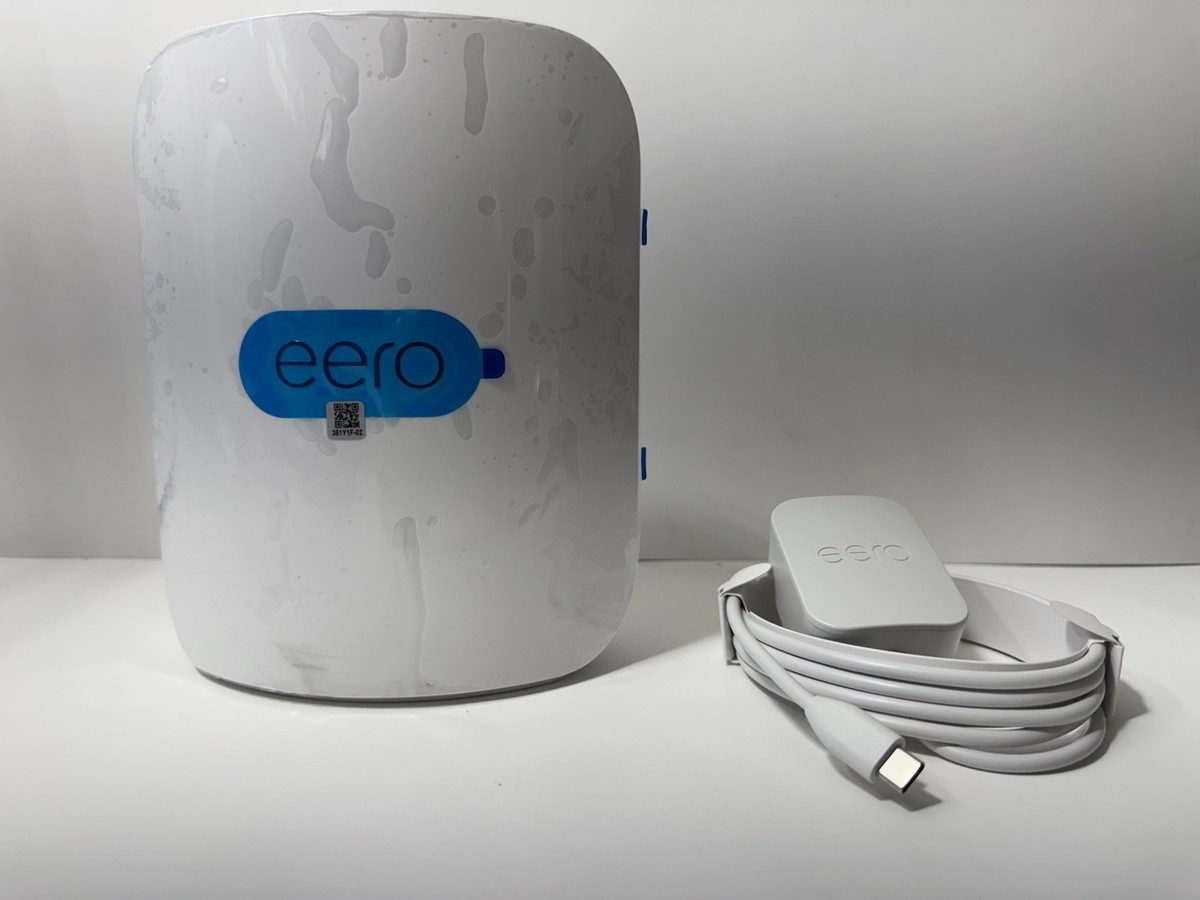
Credit: www.ebay.com
Setting Up Wifi 7 Mesh On Frontier
Wifi 7 mesh systems bring faster speeds and better coverage. Setting it up with Frontier can improve your home network.
This guide shows how to install, optimize, and fix common issues with Wifi 7 mesh on Frontier.
Step-by-step Installation Guide
First, gather your Wifi 7 mesh devices and Frontier modem. Follow these steps to connect everything properly.
- Turn off your Frontier modem and unplug it.
- Connect the main Wifi 7 mesh router to the modem with an Ethernet cable.
- Plug in and power on the modem, then the mesh router.
- Use the mesh system app or web interface to start setup.
- Follow the on-screen instructions to name your network and set a password.
- Add additional mesh nodes around your home for full coverage.
- Wait for all nodes to connect and show green status.
Optimizing Network Settings
Adjust these settings to get the best performance from your Wifi 7 mesh on Frontier.
| Setting | Description | Recommended Value |
| Channel Selection | Choose the best wireless channel | Auto or least crowded channel |
| Bandwidth | Set max data rate for mesh nodes | 160 MHz |
| QoS (Quality of Service) | Prioritize important traffic | Enable for video and gaming |
| Firmware Updates | Keep router software current | Enable automatic updates |
Troubleshooting Common Issues
If you face slow speeds or connection drops, try these solutions first.
- Restart your modem and mesh router.
- Check all cables for secure connections.
- Move mesh nodes closer if the signal is weak.
- Reset the mesh system to factory settings and set up again.
- Update firmware on all devices.
- Contact Frontier support if problems continue.
Performance And User Experience
Wifi 7 mesh systems promise faster speeds and better coverage. Users wonder if they work well with Frontier’s internet service. This article looks at performance and user experience of Wifi 7 mesh with Frontier.
We focus on three main points: speed and coverage improvements, latency and stability, and user feedback. These factors help understand how well Wifi 7 mesh fits with Frontier connections.
Speed And Coverage Improvements
Wifi 7 mesh offers higher data rates than previous wifi standards. This means faster download and upload speeds. Coverage also improves due to better signal management.
- Supports multi-gigabit speeds for Frontier internet plans.
- Uses multiple bands to reduce network congestion.
- Improves signal strength in large homes and offices.
- Provides seamless roaming between mesh nodes.
Latency And Stability
Lower latency means faster response times in apps and games. Wifi 7 mesh lowers latency by using new technologies for data transmission. Stability improves with automatic traffic management.
| Feature | Benefit |
|---|---|
| Multi-link Operation | Reduces delays by sending data over multiple paths |
| Enhanced OFDMA | Allows better resource sharing for stable connections |
| Improved Beamforming | Focuses signals to devices for reliable links |
| Advanced Error Correction | Minimizes connection drops and data loss |
User Feedback And Reviews
Users report smoother streaming and faster downloads with Wifi 7 mesh on Frontier. Some notice better coverage in hard-to-reach areas. Setup is often described as easy and quick.
- Improved experience in multi-device households
- Reduced buffering during video calls
- Stable gaming sessions with low lag
- Positive comments on mesh node placement tools

Credit: www.amazon.com
Future Of Wifi 7 With Frontier
Wifi 7 is coming soon and promises faster internet. Frontier plans to support this new technology. It will help users enjoy better online experiences.
With Wifi 7, Frontier users can expect higher speeds and more stable connections. This means smoother streaming and quicker downloads.
Upcoming Firmware Updates
Frontier will release updates to make Wifi 7 work better. These updates will improve the performance of your internet devices.
Regular updates will ensure that your network is secure and reliable. Keeping your devices updated is important for the best Wifi experience.
Potential Network Upgrades
Frontier may upgrade its network to handle Wifi 7. These upgrades will support more devices at once.
Better network infrastructure will lead to fewer dropouts and faster data transfers. This is great news for households with many gadgets.
Long-term Benefits For Frontier Users
Wifi 7 will provide long-term benefits for Frontier users. It will enhance online gaming and video streaming experiences.
As more devices connect to the internet, Wifi 7 will keep speeds fast. Frontier users will enjoy a better internet experience for years to come.
- Faster internet speeds for all activities
- Improved connectivity in crowded areas
- Enhanced security features
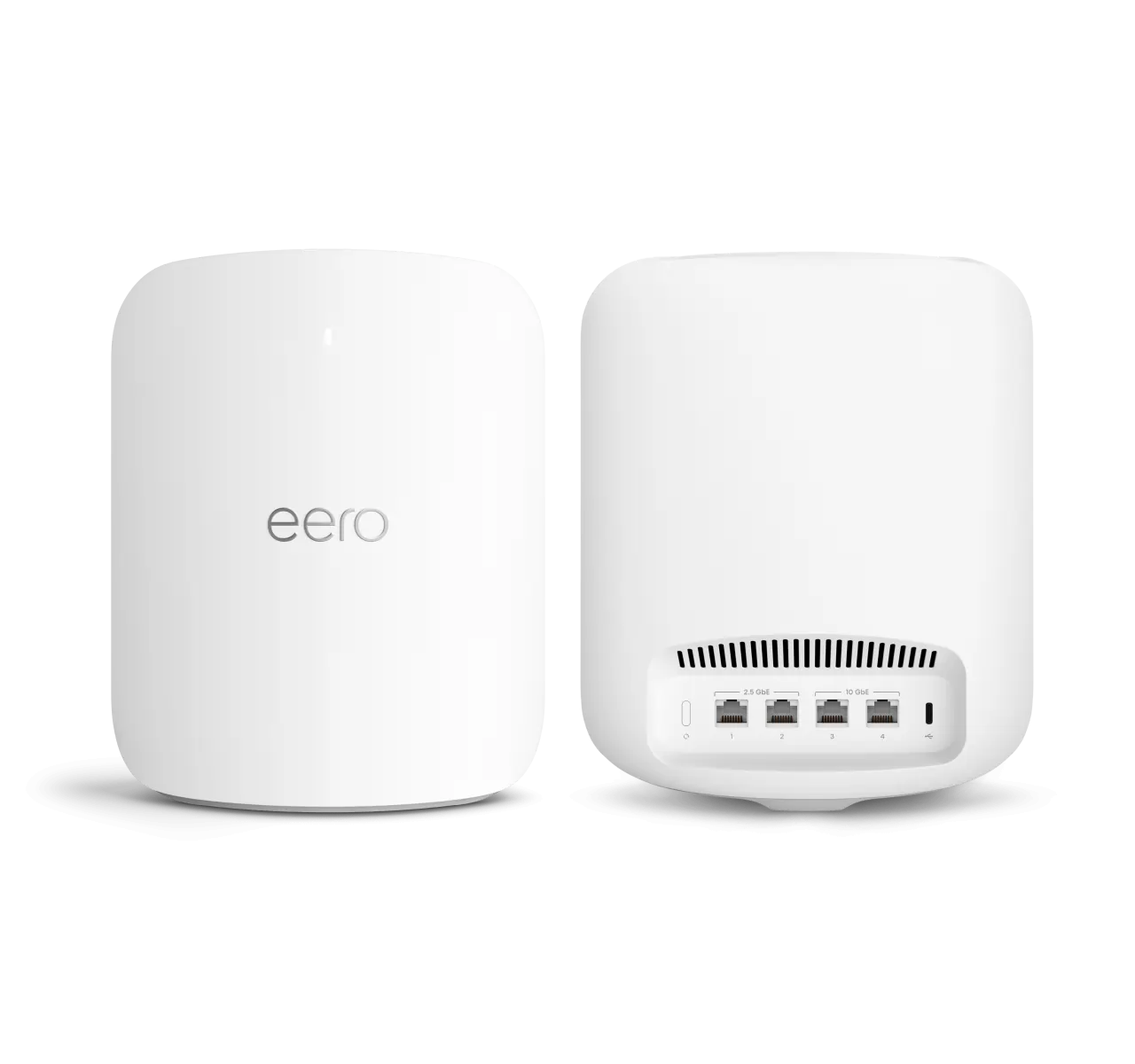
Credit: frontier.com
Frequently Asked Questions
Does Wifi 7 Mesh Work With Frontier Routers?
Yes, Wifi 7 mesh systems are compatible with Frontier routers. They enhance speed and coverage without issues.
Can Wifi 7 Improve Frontier Internet Speed?
Wifi 7 significantly boosts Frontier internet speed by supporting faster data rates and reduced latency.
Is Wifi 7 Mesh Easy To Set Up With Frontier?
Setting up Wifi 7 mesh with Frontier is straightforward and user-friendly, requiring minimal technical skills.
Will Wifi 7 Mesh Fix Frontier Wi-fi Dead Zones?
Yes, Wifi 7 mesh helps eliminate Frontier Wi-Fi dead zones by extending strong signals throughout your home.
Conclusion
Wifi 7 mesh works well with Frontier routers. It offers faster speeds and better coverage. Setting up the mesh system is simple and user-friendly. You can enjoy smooth streaming and quick downloads at home. This upgrade helps reduce dead zones in your space.
Choose a Wifi 7 mesh to improve your Frontier internet. Stay connected with a strong and reliable signal everywhere. It’s a smart step for better home internet today.


