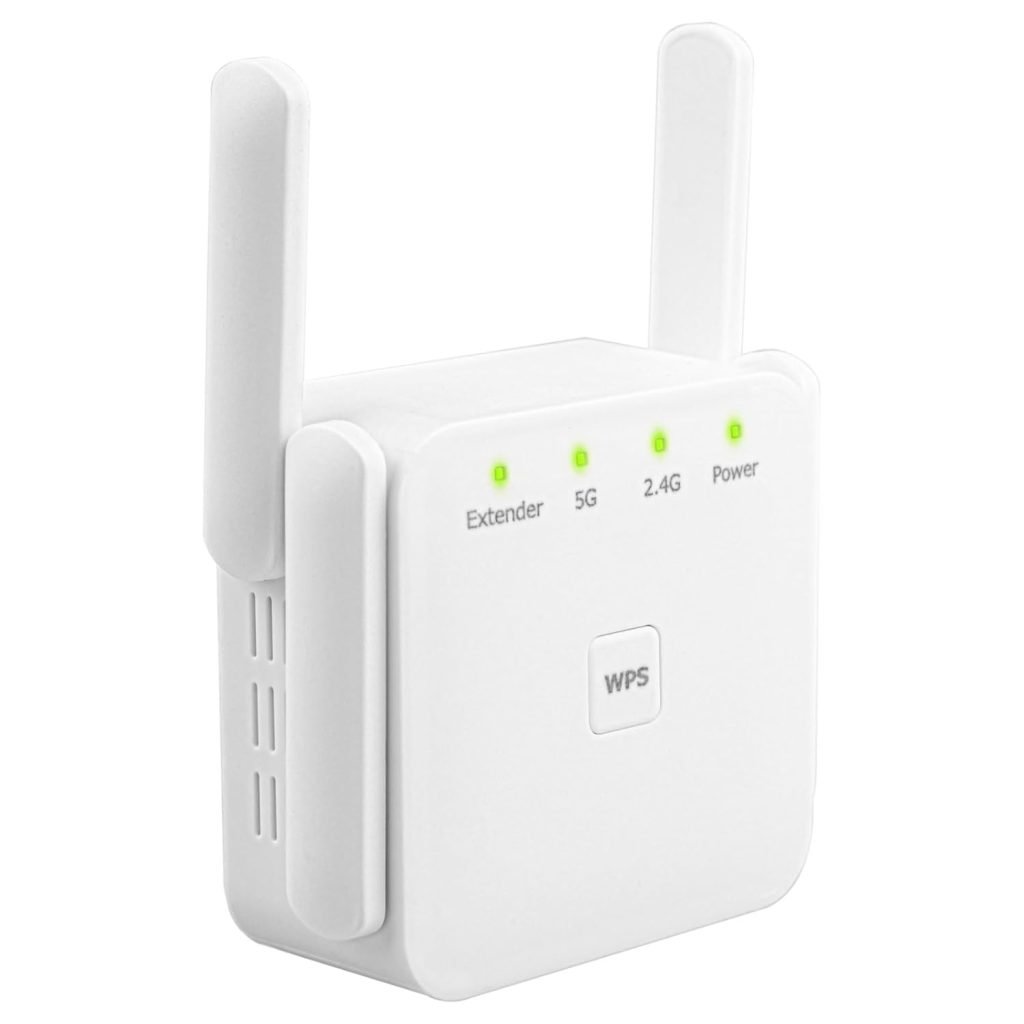
Are you struggling with weak WiFi signals in certain areas of your home or office? A dual band WiFi extender might be your solution, but how do you ensure it’s working effectively?
Checking the signal strength of your dual band WiFi extender is crucial to maximizing your internet speed and coverage. Imagine streaming your favorite shows without annoying buffering or working seamlessly from any corner of your space. In this guide, you’ll learn simple and effective ways to check your WiFi extender’s signal strength, ensuring you get the most out of your internet connection.
Let’s dive in and transform your browsing experience from frustrating to flawless.

Credit: manuals.plus
Dual Band Wifi Extender Basics
A dual band WiFi extenderhelps boost your internet signal on two frequency bands: 2.4 GHz and 5 GHz. This means it can send and receive data on both bands, which helps reduce interference and improve speed.
The 2.4 GHz bandcovers a larger area but is slower. The 5 GHz bandis faster but covers a smaller area. Having both bands means better coverage and performance in your home.
- Better speed:Dual band extenders offer faster internet.
- Less interference:More stable connections with fewer drops.
- More devices:Supports many devices at once.
- Flexible use:Switch between bands based on your needs.
Preparing For Signal Strength Check
Place the dual band WiFi extenderin an open area, away from walls or metal objects. This helps reduce interference and improves signal quality. Keep it near the main router, but not too close. This way, the extender gets a strong signal to boost.
Ensure the extender is at a height, like on a shelf or table. Avoid placing it on the floor. The higher position helps the signal spread better across your space.
- Smartphone or Laptop:To check signal bars and run speed tests.
- WiFi Analyzer App:Shows signal strength and channel info for both bands.
- Extender’s LED indicators:They give quick visual feedback on signal levels.
- Router Admin Page:Access to detailed network data and extender connection status.
Methods To Check Signal Strength
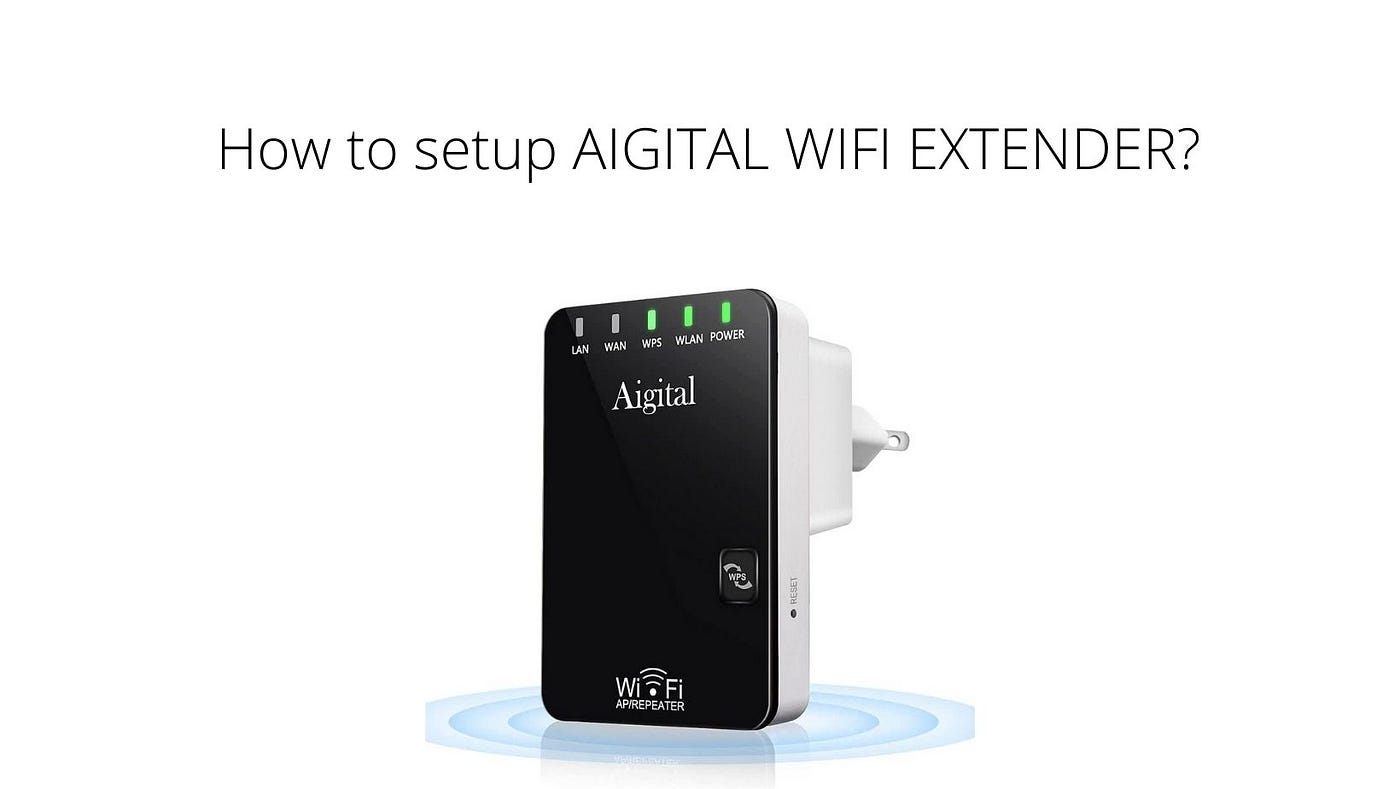
Most dual band wifi extenders have built-in LEDsor bars showing signal strength. These indicators help you find the best spot for the extender. Green or blue lights often mean a strong connection. Red or flashing lights mean weak or no signal.
Many mobile apps can measure wifi signal strength easily. Apps like WiFi Analyzeror NetSpotshow signal levels for 2.4 GHz and 5 GHz bands. They display numbers in dBm, where closer to 0 means stronger signal. These apps also map wifi coverage around your home.
The router’s admin page often shows connected devices and signal quality. Login to your router with its IP address on a browser. Look for sections like Connected Devicesor Wireless Clients. Signal bars or dBm values help you check extender strength.
Credit: medium.com
Interpreting Signal Strength Results
Signal bars show how strong the wifi connection is. More bars mean a better connection. One or two bars suggest a weak signal. Three bars are average but could cause slow speeds. Four or five bars mean a strong and stable connection.
Dual band wifi extenders use two frequencies: 2.4 GHz and 5 GHz. The 2.4 GHz band reaches farther but is slower. The 5 GHz band is faster but covers a shorter distance. Checking signal strength helps pick the best band for your needs.
| Signal Bars | Strength | Meaning |
|---|---|---|
| 1-2 Bars | Weak | Slow speeds, frequent drops |
| 3 Bars | Fair | Stable but may lag |
| 4-5 Bars | Strong | Fast and reliable connection |
Improving Weak Signal Strength
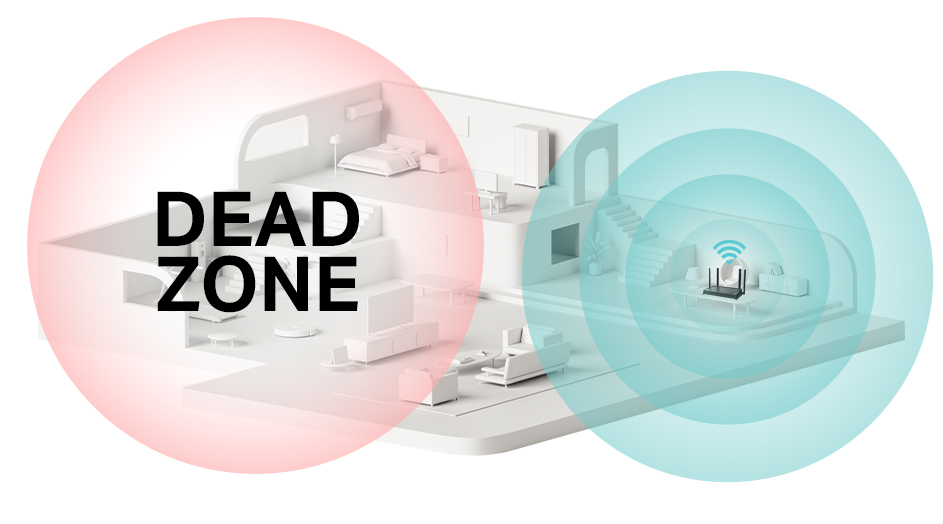
Place the extenderin a spot with a clear line of sight to the router. Avoid walls and large objects that block signals. The middle point between the router and weak signal area works best.
Avoid metal objects, microwaves, and cordless phones near the extender. These cause signal interferenceand reduce performance. Keep the extender away from thick walls and floors.
- Check for high foot trafficareas to avoid signal drop.
- Position the extender above the floor, like on a shelf.
- Keep the extender away from electronic devicesthat emit radio waves.
Advanced Signal Monitoring
Wifi analyzershelp measure signal strength clearly. These tools show real-time dataabout your dual band wifi extender. You can see which band, 2.4 GHz or 5 GHz, has better signal quality.
Wifi analyzers display signal bars, noise levels,and channel usage. This helps find less crowded channels and improve connection.
Setting up alerts for signal drops lets you know immediatelyif the connection weakens. Alerts can be sent via email or notifications. This helps keep your internet stable without constant checking.
- Choose an app that supports dual band wifi extenders.
- Configure alert thresholds for minimum signal strength.
- Enable notifications for quick response.
Credit: www.tp-link.com
Frequently Asked Questions
How Do I Check Signal Strength On A Dual Band Wifi Extender?
You can check signal strength using the extender’s app or web interface. Look for signal bars or percentage indicators on both 2. 4 GHz and 5 GHz bands for accurate readings.
What Is A Good Signal Strength For Wifi Extenders?
A signal strength above -60 dBm is excellent. Between -60 dBm and -70 dBm is good, and below -70 dBm may cause slow speeds or disconnections.
Can I Check Signal Strength Without An App?
Yes, you can log into your WiFi extender’s admin panel via a browser. Signal strength details are usually displayed under network or status settings.
Why Is My Dual Band Extender Showing Weak Signal?
Weak signals may be due to distance, interference, or obstacles. Ensure the extender is placed within good range of the main router for better performance.
Conclusion
Checking signal strength on your dual band WiFi extender is simple and useful. It helps you find the best spot for stronger WiFi. Use the extender’s app or built-in tools to see signal levels. Move the extender if the signal is weak.
Good signal means faster internet and fewer dropouts. Keep testing until you get stable and strong coverage. This small step improves your whole home WiFi experience. Stay connected easily with clear signals. Simple checks make a big difference in your internet quality.


