Picture this: you’re trying to keep an eye on your backyard through your security camera, but the connection keeps dropping. Frustrating, right?
Whether you’re hoping to catch a glimpse of wildlife or ensure your home’s safety, a weak WiFi signal can thwart your efforts. That’s where an outdoor WiFi booster comes into play. By enhancing your signal, you can maintain a strong connection to your camera, no matter where it’s positioned.
In this guide, we’ll walk you through the straightforward steps to connect an outdoor WiFi booster to your camera. You’ll discover how simple tweaks can transform your security setup and provide peace of mind. Curious to find out more? Keep reading to unlock the secrets to a flawless connection.

Credit: www.youtube.com
Choosing The Right Wifi Booster
Outdoor wifi boosters help extend the wifi signal to your camera. There are different types to choose from:
- Repeater:Amplifies existing wifi signal to cover more area.
- Extender:Connects to your wifi and creates a new network.
- Access Point:Connects via cable and broadcasts wifi outdoors.
Check if the booster supports your camera’s wifi standard (like 2.4GHz or 5GHz). Some cameras work only with certain bands.
Power and range matter. A booster with higher power covers longer distances but uses more energy. Choose one that fits your outdoor space size.

Credit: www.symynelec.com
Preparing Your Equipment
Gathering all necessary toolsis important before starting. Check if you have:
- Outdoor WiFi booster device
- Compatible camera with WiFi support
- Power cables and adapters
- Mounting brackets or stands
- Smartphone or computer for settings access
Check the settingsof both the camera and booster. Make sure:
- WiFi booster is powered on and working
- Camera WiFi is enabled
- Both devices use the same network frequency (2.4 GHz or 5 GHz)
- Firmware is updated on both devices
- SSID and password are ready to connect
Installing The Wifi Booster
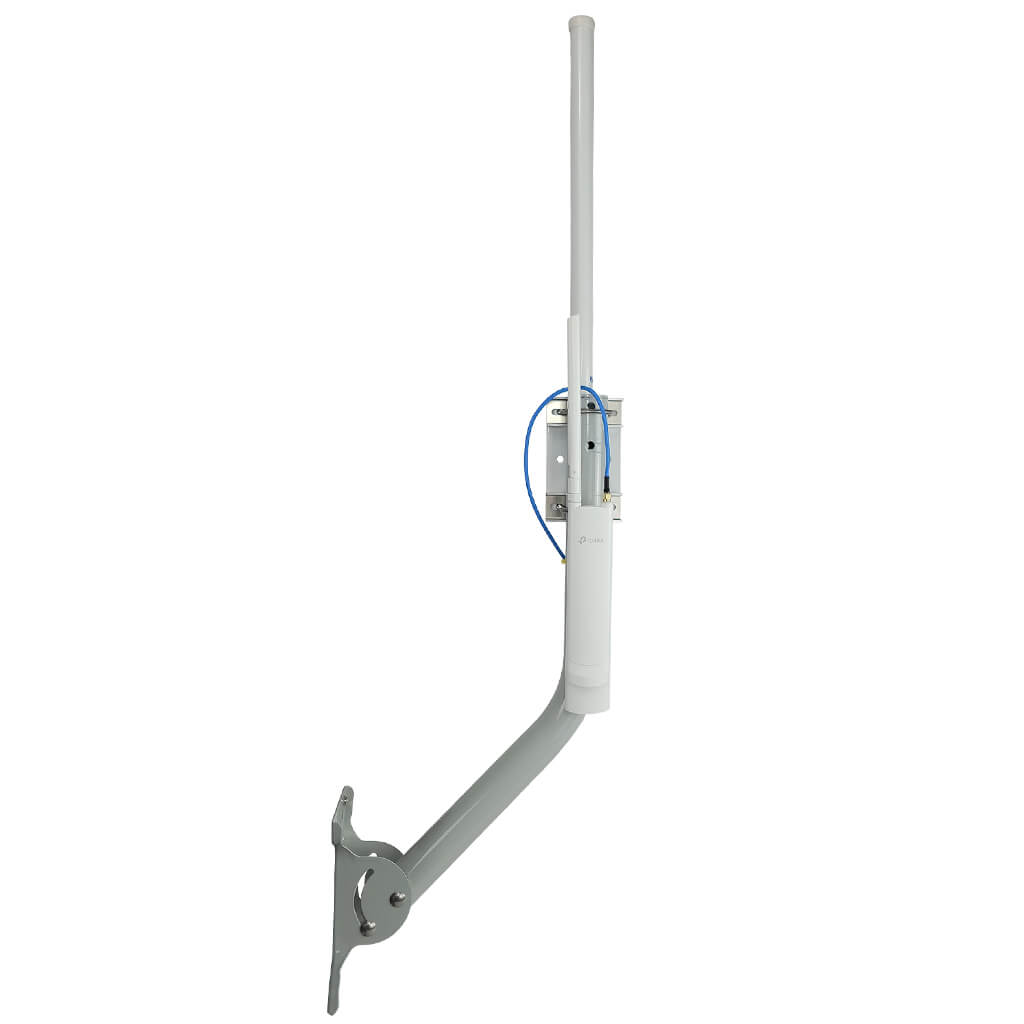
Choose a spot for the wifi boosterwhere the signal is strong and clear. Avoid walls and metal objects that block signals. Higher places work better for range and coverage.
Use screws or strong brackets to mount the boosterfirmly. Make sure it won’t fall or move during bad weather. Keep it steady for consistent performance.
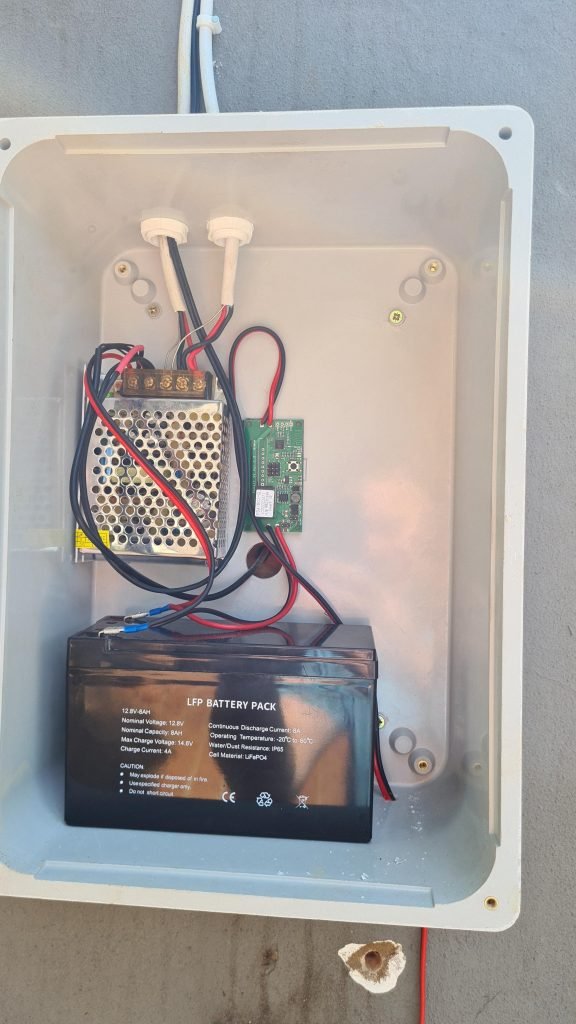
Connect the booster to a power sourcenear the installation spot. Use waterproof covers for plugs if outside. Check the power cable for damage before use.
Credit: simplewifi.com
Connecting The Camera To The Booster
Start by placing the outdoor WiFi booster near your camera for a strong signal. Connect the camera’s WiFi to the booster’s network through its settings. Check the connection to ensure the camera streams smoothly without interruptions.
Accessing Camera Network Settings
Open the camera app or device menu. Find the networkor WiFi settingssection. This is where you control the camera’s internet connection. Make sure the camera is powered on and close to the booster for better signal.
Scanning For Wifi Networks
In the network settings, select the option to scan for available WiFi networks. The camera will show a list of networks nearby. Look for the name (SSID) of your outdoor WiFi booster in the list. This name matches the booster’s network label.
Entering Booster Credentials
Choose the booster’s network name. A prompt will ask for the WiFi password. Enter the password exactly as set on the booster. Check for correct spelling and case sensitivity. After entering credentials, the camera tries to connect to the booster.
Testing The Connection
Check the signal strengthnear your camera using the WiFi booster app or device screen. A strong signal usually means better video quality and fewer disconnections. If the signal is weak, try moving the booster closer to the camera.
Open the camera app on your phone or computer to verify the live feed. The video should load quickly and show a clear picture. A delayed or choppy feed may indicate connection issues.
- Restart both the camera and WiFi booster to fix minor glitches.
- Ensure the camera is connected to the correct WiFi network.
- Check that the booster’s firmware is up to date.
- Move objects that may block the WiFi signal away from the devices.
- Reset network settings if the camera does not connect after several tries.
Optimizing Performance
Place the outdoor WiFi boosterwhere it gets a clear signal from the router. Avoid walls or metal objects that block signals. Try different spots to find the best signal strength. Higher places often work better.
Keep the booster’s firmware updatedfor smooth connection and new features. Check the booster’s app or website for updates regularly. Updates fix bugs and improve performance.
- Use a wifi analyzerapp to find less crowded channels.
- Set up a stable networkwith strong passwords.
- Check signal strengthbetween booster and camera.
- Use extendersif the distance is too far.
Frequently Asked Questions
How Do I Connect An Outdoor Wifi Booster To My Camera?
To connect, first power on the WiFi booster near the camera. Use the booster’s app or web interface to link it to your home WiFi. Then, connect your camera to the boosted network for a stronger signal and stable connection.
Can An Outdoor Wifi Booster Improve Camera Signal Range?
Yes, an outdoor WiFi booster amplifies your wireless signal. It extends the range, allowing cameras placed far from the router to receive a stronger, more reliable connection. This reduces video lag and disconnections, enhancing your camera’s performance outdoors.
What Settings Are Needed To Link Wifi Booster And Camera?
Ensure both devices are on the same network name (SSID). Enter the booster’s network credentials into the camera’s WiFi settings. Use WPA2 security for safe connections. Adjust booster placement for optimal signal strength to maintain consistent camera streaming.
Is It Necessary To Use A Wifi Booster For Outdoor Cameras?
Not always, but it helps if your camera is far from the router. Boosters improve signal strength and reduce dead zones. They ensure smooth live feeds and quick video uploads, especially in large yards or areas with thick walls.
Conclusion
Connecting an outdoor WiFi booster to your camera improves signal strength. This helps your camera work better, even far from your router. The process is simple and saves you from weak connections. Check your booster settings and camera compatibility before starting.
Test the connection after setup to ensure it works well. Strong WiFi means clearer video and fewer interruptions. Keep your devices updated for best results. Enjoy better security and peace of mind with a stable WiFi connection. Easy steps can make a big difference for your outdoor camera.


