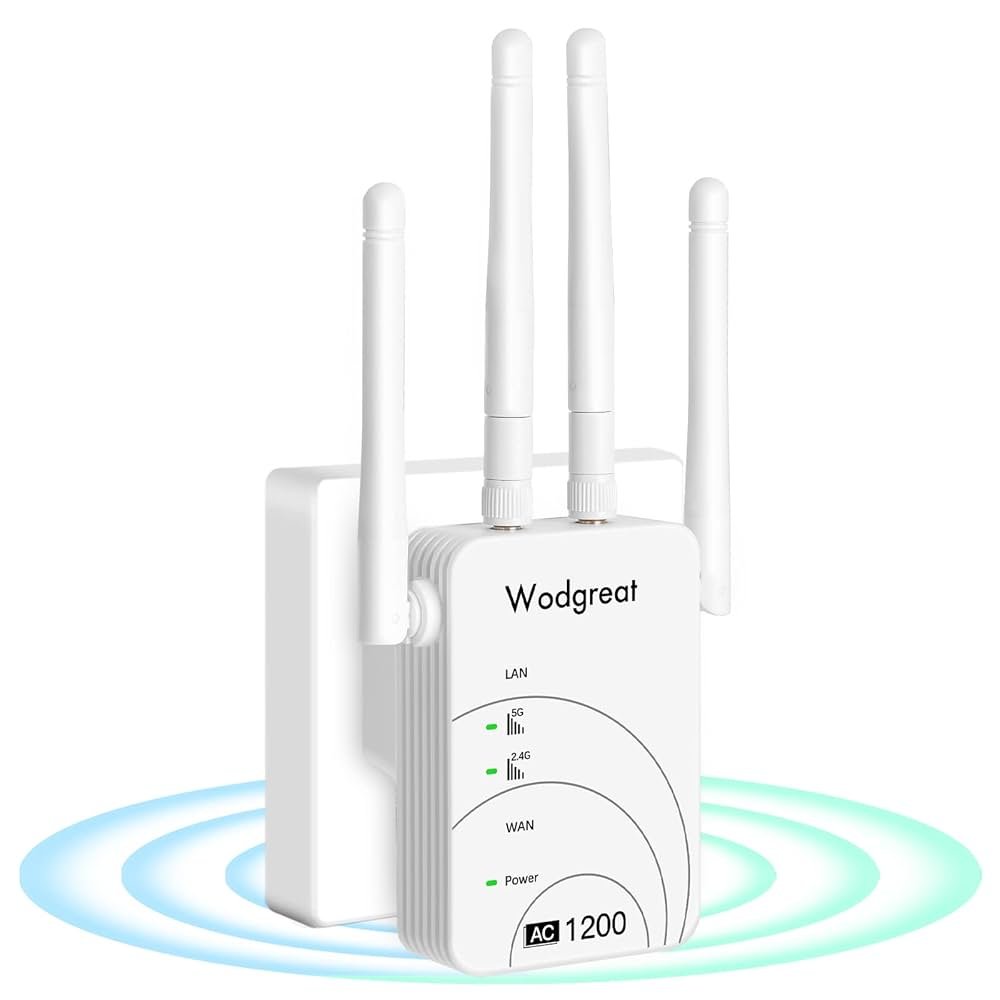
Are you tired of those pesky WiFi dead zones in your home or office? Imagine streaming your favorite shows without interruptions or getting work done without the frustration of a weak signal.
A dual band WiFi extender could be the solution you’ve been searching for. It can boost your internet coverage and eliminate those annoying blind spots. In this guide, you’ll discover simple and effective steps to extend your WiFi range with a dual band extender.
Get ready to unlock the full potential of your internet connection and enjoy seamless browsing and streaming experiences. Are you ready to transform your WiFi experience? Keep reading to find out how!
Benefits Of Dual Band Wifi Extenders
Dual band wifi extendersimprove coverage by using two frequency bands. This helps reach areas where the signal is weak. The 2.4 GHz band covers longer distances but is slower. The 5 GHz band offers faster speed but covers less distance. Together, they give a balance of speed and range.
They also reduce interference. Many devices use 2.4 GHz, causing signal clashes. Dual band extenders can switch to 5 GHz to avoid crowded signals. This means fewer dropouts and better connection quality.
Enhanced device compatibilityis another benefit. Some gadgets only work on 2.4 GHz, while others prefer 5 GHz. Dual band extenders support both, letting all devices connect smoothly.
Choosing The Right Wifi Extender
Start by checking your current WiFi signal strength in different rooms. Weak signals or dead zones mean you need an extender. Note the speed and connection type of your main router. This helps to find a matching extender.
Look for these key features in a dual band WiFi extender:
- Dual band supportfor better speed and less interference
- Easy setupwith clear instructions
- Good rangeto cover large areas
- Strong securityoptions like WPA3
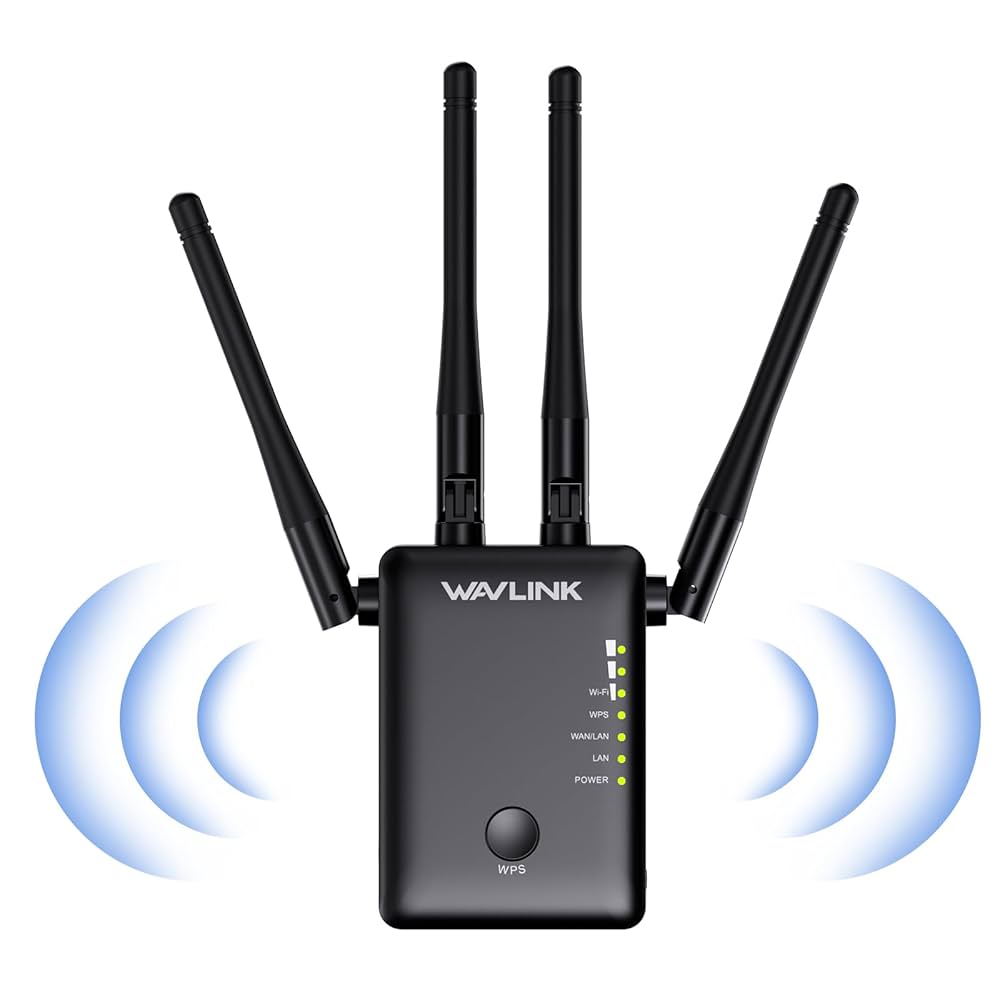
- Signal strength indicatorsto help placement
Check if the extender works with your router brand and model. Most extenders work with many routers, but some have limits. Matching compatibility avoids connection issues.
Placement Tips For Maximum Range
Place your dual band WiFi extender midway between your router and the weak signal area. Avoid walls and metal objects to keep the signal strong. Position it high for better coverage and fewer obstructions.
Ideal Extender Locations
Place the extender halfway between your router and the area with weak WiFi. Avoid spots near walls or large metal objects. Keep the extender in open spaces for better signal flow.
Avoiding Signal Obstacles
Walls, floors, and furniture block WiFi signals. Keep the extender away from microwaves, cordless phones, and thick walls. These items reduce signal strength and slow connection speed.
Using Signal Strength Tools
Use apps or built-in tools to check signal strength. Move the extender and test until you find the strongest signal area. This helps find the best spot for clear and fast WiFi.
Credit: www.youtube.com
Setting Up Your Dual Band Extender
Start by placing the dual band extendernear your router. This helps with a strong initial connection. Use the extender’s app or web page to connect it to your router’s Wi-Fi network.
Choose the 2.4 GHz bandfor longer range but lower speed. The 5 GHz bandoffers faster speed but shorter range. Configure both bands to cover all your devices well.
Set a strong passwordfor your extended network. This keeps your connection safe from unauthorized access. Use WPA2 or WPA3 security settings if available. Change the default network name (SSID) to avoid confusion.
Optimizing Performance
Choosing the right channelimproves WiFi speed and reduces interference. The 2.4 GHz band has fewer channels but more interference. The 5 GHz band offers more channels and less interference.
Use a WiFi scanner app to find least crowded channels. Switch your extender to those channels for better performance.
Keeping your extender’s firmware updatedfixes bugs and adds new features. Check the manufacturer’s website or app regularly. Updates can improve speed and stability.
Managing network traffichelps all devices get good speed. Limit heavy downloads or streaming during important tasks. Use Quality of Service (QoS) settings if available to prioritize devices or apps.
Credit: www.amazon.ca
Troubleshooting Common Issues
Connection dropsoften happen due to weak signals. Place the extender midway between the router and the area with poor coverage. Avoid walls and large objects blocking the signal. Restart both the router and extender to refresh the connection. Updating firmware can fix bugs causing drops.
Slow speedsmay result from interference or distance. Use the 5 GHz band for faster speed but shorter range. Check for other devices causing interference like microwaves or cordless phones. Limit the number of devices connected to the extender. Position the extender closer to your router for better speed.
Device compatibility problemsoccur if devices do not support dual bands. Verify if your device supports 2.4 GHz and 5 GHz frequencies. Older devices might only work on 2.4 GHz. Check the extender’s manual for supported devices. Sometimes updating device drivers helps with connectivity.
Advanced Features To Consider
Mesh network integrationhelps your WiFi extender work smoothly with your main router. It creates one big network for better coverage. Devices switch to the strongest signal without dropping connection. This feature makes your WiFi feel like one continuous network.
Guest networkskeep visitors away from your main network. They get internet access but cannot see your private files or devices. This helps keep your home network safe and secure.
Parental controlslet you manage what kids can do online. You can block harmful sites or set time limits for internet use. This keeps children safer while using WiFi.

Credit: www.youtube.com
Frequently Asked Questions
What Is A Dual Band Wifi Extender?
A dual band WiFi extender boosts signals on 2. 4 GHz and 5 GHz bands. It improves coverage and reduces interference. This extender helps achieve faster speeds and better connectivity in larger areas.
How To Position A Dual Band Wifi Extender?
Place the extender halfway between your router and dead zones. Avoid walls and metal objects for better signal. Optimal placement ensures strong reception and extends WiFi range effectively.
Can Dual Band Extenders Improve Wifi Speed?
Yes, dual band extenders enhance speed by using both bands. They reduce congestion and provide faster connections. This helps with streaming, gaming, and multiple device usage.
Do Dual Band Wifi Extenders Support All Routers?
Most dual band extenders are compatible with modern routers. Check for standards like 802. 11ac or 802. 11n for best results. Compatibility ensures seamless integration and improved network range.
Conclusion
Extending your WiFi range is easier with a dual band extender. It helps cover dead zones in your home or office. Place the extender where the signal is still strong. This keeps your connection stable and fast. Use both bands to avoid interference and improve speed.
Regularly update the extender’s firmware for best performance. Small steps can make a big difference in WiFi coverage. Enjoy better internet access in every corner of your space. Simple actions lead to strong, reliable WiFi all around.


