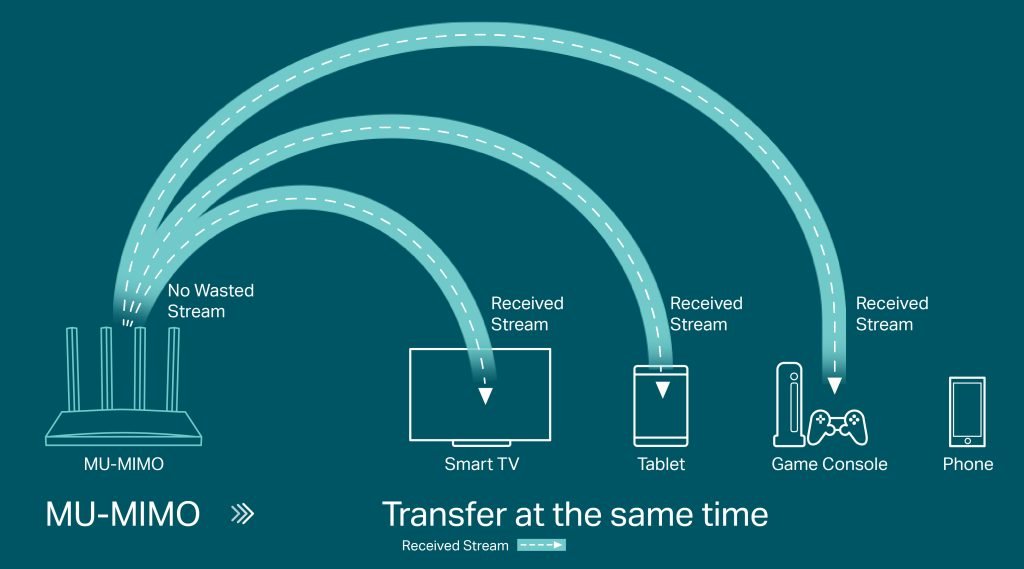
Is your smart home feeling slow or laggy? If your mesh WiFi isn’t delivering the speed you need, it can be frustrating.
You rely on fast, stable internet to control devices, stream videos, and stay connected. The good news? You don’t have to settle for slow WiFi. You’ll discover simple, effective ways to boost your mesh WiFi speed and get the most out of your smart home setup.
Keep reading to unlock faster, smoother internet right where you need it most.
Choosing The Right Mesh System
Picking the right mesh wifi system is key for smart home speed. The right choice gives you better coverage and faster connections.
Look at your home size, internet speed, and devices before buying. This guide helps you choose well.
Evaluating Coverage Needs
Measure the size of your home and areas where wifi is weak. Large homes or thick walls need stronger mesh systems.
- Check total square footage
- Note floors and wall materials
- Mark dead zones where wifi drops
- Decide how many mesh points you need
Comparing Speeds And Standards
Different mesh systems support various wifi standards and speeds. Choose one that matches your internet plan and devices.
| Wifi Standard | Max Speed | Range |
| Wi-Fi 5 (802.11ac) | Up to 3.5 Gbps | Medium |
| Wi-Fi 6 (802.11ax) | Up to 9.6 Gbps | Better |
| Wi-Fi 6E | Up to 9.6 Gbps | Best (includes 6 GHz band) |
Considering Device Compatibility
Your mesh system should work well with your smart home devices. Check if it supports all your gadgets and apps.
- Look for compatibility with phones, tablets, and laptops
- Verify support for smart speakers and cameras
- Ensure easy app control and updates
- Check if it supports multiple device connections
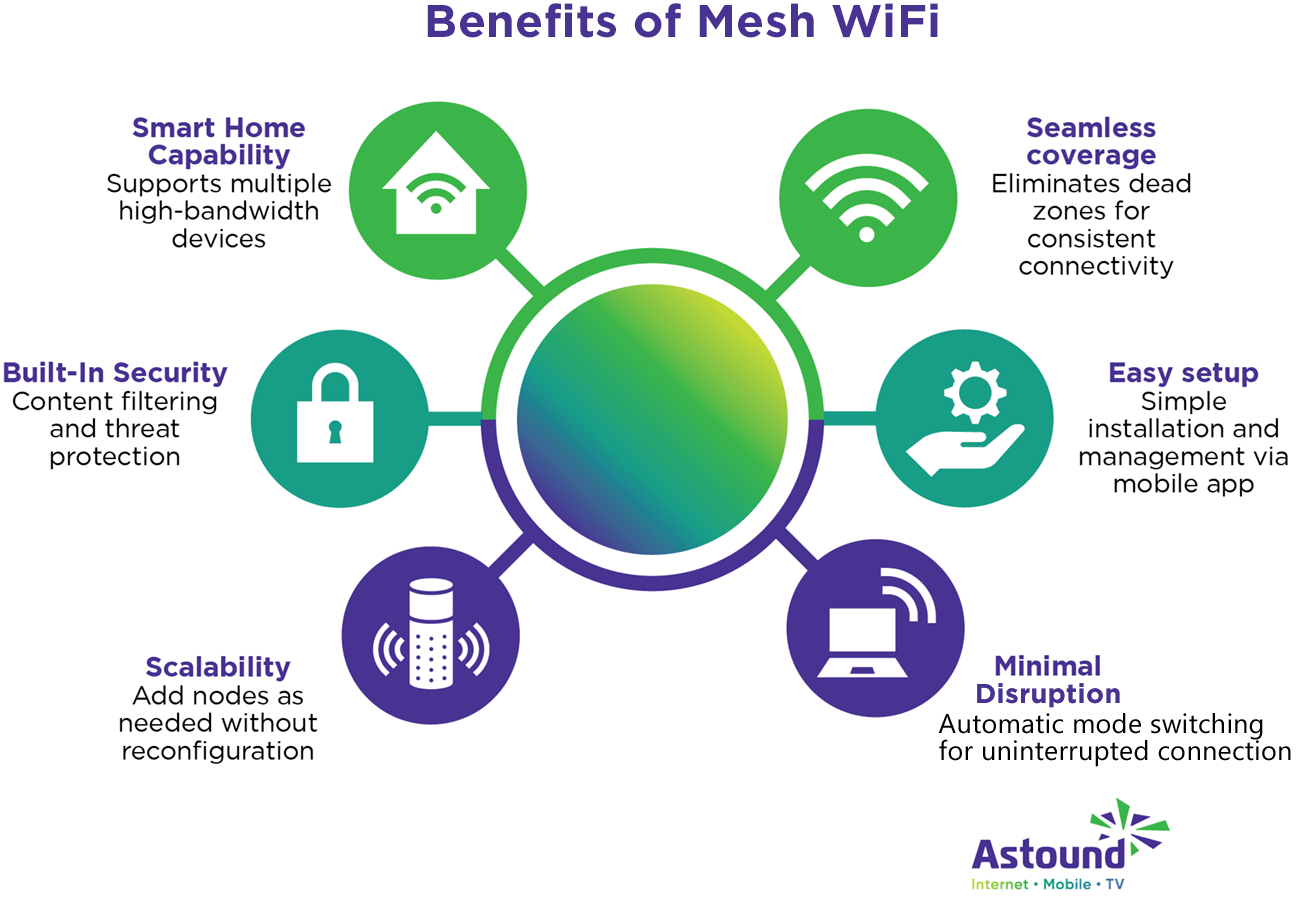
Credit: www.astound.com
Optimizing Router Placement
Good router placement helps your mesh WiFi work faster. It makes your smart home devices connect better.
Small changes in where you put your router can improve your internet speed a lot.
Centralizing The Main Router
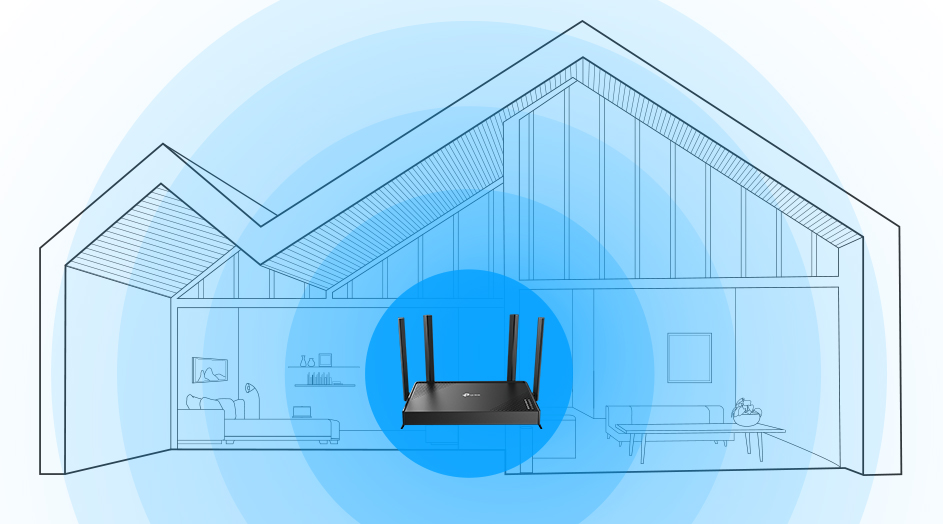
Place your main router in the center of your home. This helps the WiFi signal reach every room evenly.
A central spot reduces dead zones and keeps your smart devices connected without drops.
Avoiding Obstacles And Interference
Keep your router away from thick walls and large metal objects. These block the WiFi signal.
- Do not place the router near microwaves or cordless phones.
- Avoid putting the router inside cabinets or behind furniture.
- Keep it away from other electronics that may cause interference.
Elevating Router Height
Put the router on a high shelf or mount it on a wall. WiFi signals travel better from higher spots.
| Router Height | Signal Strength |
| Floor level | Weak |
| Table height | Moderate |
| Above 5 feet | Strong |
Configuring Network Settings
Configuring your mesh WiFi network settings helps improve speed. Proper setup can reduce interference and manage traffic well.
This guide explains how to select channels, enable QoS, and keep firmware updated for better smart home WiFi speed.
Selecting Optimal Channels
Choose WiFi channels with the least interference for faster connections. Avoid crowded channels used by neighbors.
Use a WiFi analyzer app to find clear channels for both 2.4 GHz and 5 GHz bands.
- 2.4 GHz band has 11 channels, but only 1, 6, and 11 do not overlap
- 5 GHz band has more channels and less interference
- Switch channels if you notice slow speeds or connection drops
Enabling Quality Of Service (qos)
QoS lets you prioritize important devices or apps. This helps keep your smart home devices running smoothly.
Set higher priority for video calls, security cameras, or smart assistants. Lower priority devices get less bandwidth.
- Access your router’s settings to find QoS options
- Assign priorities based on device or service
- Test changes to ensure critical devices work well
Updating Firmware Regularly
Firmware updates fix bugs and improve router performance. They can boost mesh WiFi speed and security.
Check your router’s admin page or app for update notifications. Install updates as soon as they are available.
- Updates may improve compatibility with smart home devices
- Keep your network safe from vulnerabilities
- Restart your mesh system after updates to apply changes

Credit: www.youtube.com
Managing Connected Devices
Smart homes have many devices connected to the mesh wifi. Managing these devices helps keep your internet fast. Controlling which devices use the network can improve speed and reduce lag.
Knowing how to limit heavy users, prioritize important gadgets, and schedule device usage can make your smart home wifi work better. This guide shows simple ways to manage connected devices.
Limiting Bandwidth-hogging Devices
Some devices use much more bandwidth than others. Streaming video, gaming consoles, and large downloads slow the network for all devices. Limit these devices to keep wifi speed steady.
- Identify devices that use the most data.
- Pause or reduce streaming quality on video apps.
- Limit downloads during peak hours.
- Disconnect devices not in use.
- Use router settings to set bandwidth limits for heavy users.
Prioritizing Smart Home Gadgets
Some smart home devices need fast and steady connections. Security cameras, smart locks, and voice assistants must work well all the time. You can give these devices priority in your mesh system.
| Device Type | Priority Level |
| Security Cameras | High |
| Smart Locks | High |
| Voice Assistants | Medium |
| Smart Lights | Low |
| Entertainment Devices | Low |
Scheduling Device Usage
Setting times for devices to connect reduces network crowding. Schedule heavy-use devices to run during low-traffic hours. This helps keep mesh wifi fast for all smart home gadgets.
- Choose off-peak hours for downloads or updates.
- Set smart appliances to work at night or early morning.
- Use router controls to create schedules for device access.
- Turn off devices automatically when not needed.
Extending Network Performance
Mesh WiFi systems help cover large homes with strong signals. You can improve their speed and range by extending the network.
Better network performance makes your smart home devices work faster and without delays.
Adding More Mesh Nodes
Adding mesh nodes spreads WiFi signals to more areas. This reduces dead zones and improves speed in distant rooms.
Place new nodes where the signal starts to weaken. Avoid walls and large metal objects that block WiFi.
- Place nodes evenly throughout the house
- Keep nodes within range of each other
- Use nodes with similar speed and brand
Using Wired Backhaul Connections
Wired backhaul uses Ethernet cables to connect mesh nodes. This reduces wireless traffic and increases speed.
Using wires between nodes gives a stable link. It is best for large homes or places with many wireless devices.
- Connect nodes with Ethernet cables
- Use powerline adapters if running cables is hard
- Check if your mesh system supports wired backhaul
Integrating Wifi Extenders
WiFi extenders boost the signal from your mesh network. They help cover areas far from mesh nodes.
Extenders work well with mesh but may lower speed slightly. Use them in spots where adding mesh nodes is difficult.
- Place extenders where the signal is still strong
- Use dual-band extenders to keep speed high
- Check compatibility with your mesh system
Securing Your Mesh Network
A secure mesh network is crucial for a smart home. It helps keep your devices safe from intruders. Here are some ways to improve security and speed.
By focusing on network security, you can enjoy faster internet and peace of mind. Let’s explore some key strategies.
Setting Strong Passwords
Strong passwords protect your network from unauthorized access. They are your first line of defense.
Create passwords that are long and include numbers and symbols. Avoid using easily guessed words like “password” or “123456”.
- Use at least 12 characters
- Include upper and lower case letters
- Mix in numbers and special characters
Enabling Network Encryption
Encryption scrambles your data, making it hard for hackers to read. It’s important for keeping your network safe.
Most routers offer encryption settings. Use WPA3 if available, as it provides the best security.
- Check your router’s settings for encryption options
- Select WPA3 for the highest security
- Regularly update router firmware for new features
Regularly Monitoring Network Access
Monitoring who accesses your network helps spot suspicious activity. It’s a simple way to maintain security.
Use your router’s dashboard to see connected devices. Remove any devices you do not recognize.
- Log into your router’s dashboard regularly
- Check the list of connected devices
- Disconnect unknown devices immediately
Credit: www.tp-link.com
Frequently Asked Questions
How Can I Boost Mesh Wifi Speed For Smart Homes?
Place nodes centrally and away from interference. Use wired backhaul for stable connections. Update firmware regularly to improve performance and security.
What Devices Slow Down Mesh Wifi Speeds?
Old routers, microwaves, cordless phones, and Bluetooth devices cause interference. Too many connected devices also reduce speeds.
Does Mesh Wifi Placement Affect Smart Home Speed?
Yes, proper node placement ensures better coverage and speed. Avoid walls, metal objects, and appliances that block signals.
How Often Should I Update Mesh Wifi Firmware?
Update firmware at least every 3 months. Firmware updates fix bugs and enhance network speed and security.
Conclusion
Improving mesh WiFi speed helps your smart home work better. Place nodes where signals are strong and clear. Keep your devices updated for best performance. Avoid obstacles that block WiFi signals. Use the right settings on your router and mesh system.
Test your connection often to find slow spots. A fast WiFi makes smart devices respond quickly. Small changes can make a big difference. Enjoy smoother streaming, better calls, and faster downloads. Better speed means less frustration and more convenience at home.


