Are you tired of lag ruining your gaming sessions? The secret to smoother gameplay isn’t just in your console or PC—it’s in how you place your gaming modem.
Where you set up your modem can make a huge difference in your connection speed and stability. Imagine cutting down your ping and enjoying uninterrupted matches just by moving your modem to the right spot. You’ll discover simple, practical tips to position your gaming modem for the best performance, so you can stay ahead in every game.
Keep reading to unlock the full potential of your internet connection.
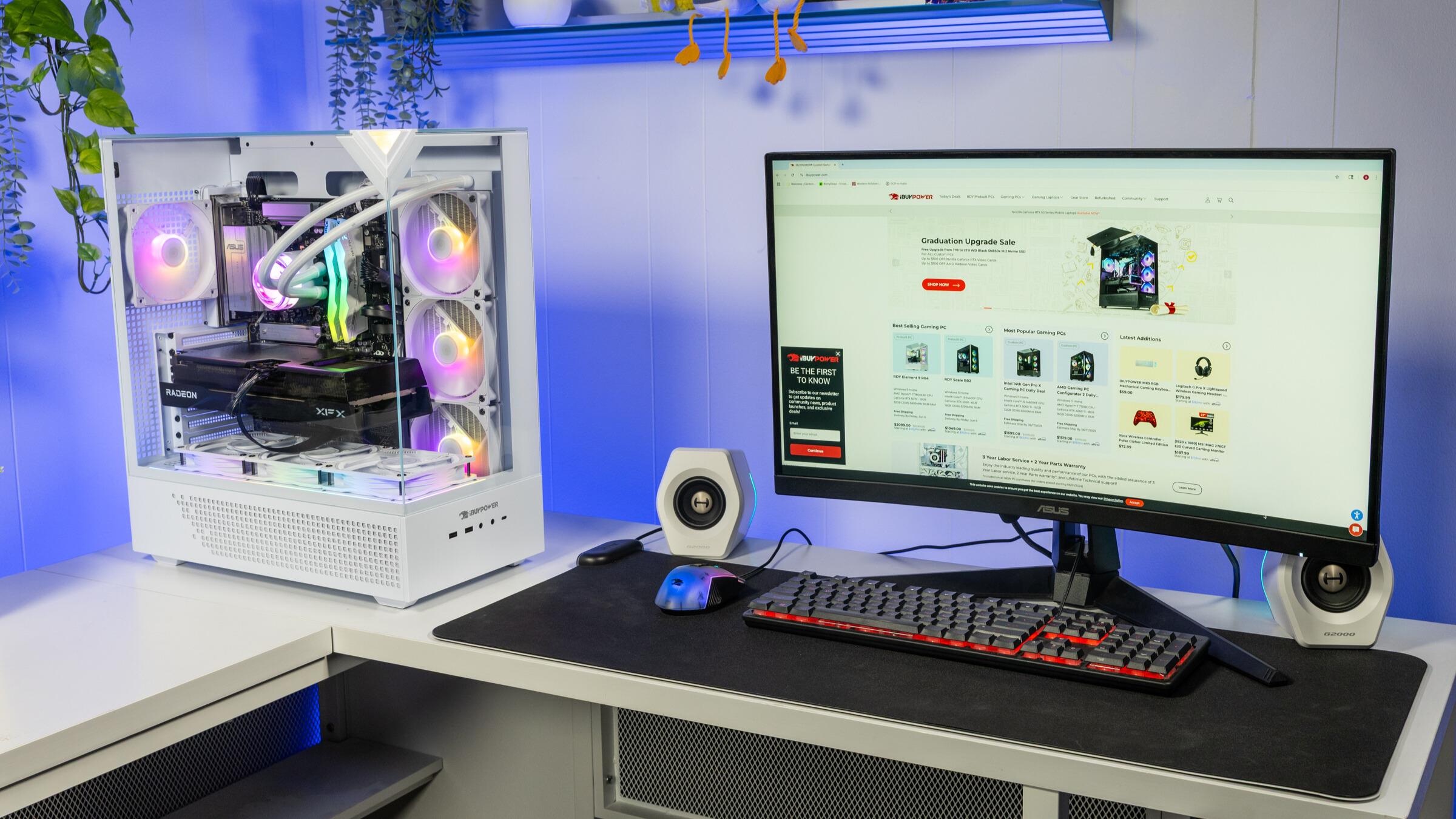
Credit: www.ibuypower.com
Choosing The Right Spot
Choosing the right spot for your gaming modem can make a huge difference in your connection quality and overall gaming experience. The location affects signal strength, speed, and how well your devices stay connected during intense gaming sessions. Let’s dive into some practical tips that will help you find the perfect spot in your home.
Avoiding Interference
Electronic devices like microwaves, cordless phones, and even baby monitors can interfere with your modem’s signal. Placing your modem away from these gadgets reduces signal disruption and lag during gameplay.
Think about your home setup: Is your modem near a microwave or a cluster of smart devices? Moving it even a few feet away can improve your connection noticeably.
Optimal Height And Position
Positioning your modem at a higher level, such as on a shelf or mounted on a wall, helps the signal spread more evenly across your gaming area. Signals travel better when they aren’t blocked by furniture or walls.
Try placing your modem at eye level or above to avoid obstacles. Have you ever noticed better Wi-Fi in rooms where the router sits on a desk rather than on the floor?
Distance From Devices
Keeping your gaming devices at an ideal distance from your modem is crucial. Too close, and you might face interference; too far, and the signal weakens.
Generally, staying within 10 to 20 feet ensures a strong and stable connection. Test different spots in your gaming zone to find where the signal is strongest and latency is lowest.

Credit: www.pocket-lint.com
Router Settings For Gaming
Router settings play a vital role in enhancing gaming performance. Adjusting these settings can reduce lag and improve connection stability. Small tweaks make a big difference in online gaming.
Enabling Quality Of Service (qos)
Quality of Service (QoS) prioritizes gaming traffic over other internet activities. This reduces delays during gameplay. Access your router’s control panel to turn on QoS. Set your gaming device or game as a high priority. This helps the router manage bandwidth better, ensuring smooth gaming.
Selecting The Best Channel
Wi-Fi channels can affect your connection quality. Crowded channels cause interference and slow speeds. Use your router’s settings to find a less busy channel. Many routers offer an automatic channel selection feature. Choose channels 1, 6, or 11 on the 2.4 GHz band for less overlap. This step helps keep your gaming connection steady and fast.
Updating Firmware
Firmware updates fix bugs and improve router performance. Check your router’s settings regularly for updates. Installing the latest firmware can enhance security and speed. Updated routers handle gaming traffic more efficiently. Keeping firmware current avoids unexpected connection problems during gaming.
Wired Vs Wireless Connections
Choosing between wired and wireless connections for your gaming modem can have a big impact on your gameplay. Each option offers unique advantages and challenges that can affect speed, reliability, and overall performance. Understanding these differences helps you decide how to set up your gaming environment for the best results.
Benefits Of Ethernet
Using an Ethernet cable connects your gaming device directly to the modem, creating a stable and fast connection. This reduces lag and packet loss, which are crucial for competitive gaming.
Ethernet connections are less prone to interference from other devices, walls, or electronic appliances. If you want consistent speeds and minimal interruptions, plugging in with a cable is your best bet.
Think about the last time your Wi-Fi dropped during an intense match. A wired connection can prevent those frustrating moments by keeping your signal strong and steady.
Improving Wi-fi Stability
If running a cable isn’t practical, optimizing your Wi-Fi connection is key. Start by placing your gaming modem in a central, elevated spot free from obstructions like thick walls or metal objects.
Changing your router’s channel can reduce interference from neighboring networks, making your Wi-Fi more reliable. Many modern routers offer apps or settings that help you find the best channel automatically.
Also, consider devices connected to your network. Too many active devices can cause congestion. Prioritizing your gaming device with Quality of Service (QoS) settings can improve your connection during critical gameplay moments.
Using Wi-fi Extenders
Wi-Fi extenders can boost your signal if your gaming area is far from the modem. They work by catching your existing Wi-Fi and rebroadcasting it to reach dead zones.
However, extenders can introduce some delay and reduce overall speed because they share bandwidth between receiving and transmitting data. Placing extenders strategically—halfway between the modem and your gaming setup—can minimize these downsides.
Instead of extenders, you might also try powerline adapters, which use your home’s electrical wiring to carry the internet signal. This can be a good middle ground between wired and wireless, offering more stability than Wi-Fi alone.

Credit: helpdeskgeek.com
Managing Network Traffic
Managing network traffic is essential for smooth gaming experiences. It helps reduce lag and keeps your connection stable. Proper traffic control ensures your gaming device gets enough bandwidth. It also stops other devices from slowing down your game. Adjusting settings on your modem or router can control how data flows. This section covers key steps to handle network traffic effectively.
Prioritizing Gaming Devices
Giving priority to your gaming device improves connection speed. Most modern routers have Quality of Service (QoS) settings. QoS lets you assign higher priority to gaming consoles or PCs. This means the modem sends more bandwidth to your game first. It reduces delays caused by other devices using the network.
To prioritize a device:
- Access your router’s settings page.
- Find the QoS or traffic prioritization section.
- Add your gaming device by MAC or IP address.
- Set it to high priority or gaming mode.
- Save changes and restart the router if needed.
Limiting Background Usage
Background apps and downloads consume bandwidth silently. They affect your game’s speed and cause lag spikes. Stop or limit these activities during gaming sessions. Check devices for automatic updates or cloud backups running in the background.
Steps to limit background usage:
- Pause or schedule updates outside gaming hours.
- Close apps that use internet unnecessarily.
- Disable automatic cloud sync temporarily.
- Use router settings to block or limit certain services.
Controlling background data helps maintain steady and fast game connections. It makes sure your modem focuses on real-time gaming traffic.
Environmental Factors
Environmental factors greatly affect gaming modem performance. Proper placement can improve signal strength and reduce lag. Paying attention to physical surroundings helps maintain a stable connection. Avoiding common interference sources enhances gameplay experience.
Reducing Physical Obstacles
Walls, furniture, and large objects block Wi-Fi signals. Signal strength weakens as it passes through thick materials like concrete and metal. Place the modem in an open area to avoid barriers. Keep it away from bulky items such as cabinets or appliances. Positioning the modem higher, like on a shelf, helps signals travel better. Clear line of sight between the modem and gaming device improves speed and reliability.
Minimizing Electronic Interference
Other electronics often interfere with modem signals. Devices like microwaves, cordless phones, and Bluetooth gadgets create signal noise. Keep the modem away from these devices to reduce interference. Avoid placing the modem near power strips or fluorescent lights. Wireless cameras and baby monitors can also disrupt Wi-Fi performance. Using a dedicated power outlet for the modem helps maintain clean power and stable operation.
Testing And Monitoring Performance
Testing and monitoring your gaming modem’s performance is key to ensuring smooth gameplay. Without regular checks, you might miss issues that cause lag or slow speeds. Keeping an eye on your connection stats helps you make informed adjustments and get the most out of your setup.
Speed Test Tools
Speed test tools measure your download and upload speeds, giving you a clear picture of your internet’s raw power. Popular options like Ookla’s Speedtest, Fast.com, or Google’s speed test are easy to use and provide instant results.
Run tests at different times to spot patterns in your connection quality. If speeds drop significantly during peak hours, your ISP or modem settings might be the bottleneck. Don’t just trust one number—track your results over several days for accuracy.
Latency And Ping Checks
Latency is the time it takes for data to travel between your device and the game server. Low latency means faster response times, which is crucial for online gaming.
Use ping tests to measure latency. You can do this through command prompts (e.g., typing ping google.com) or specialized apps. Watch out for spikes or inconsistent ping times, which can disrupt gameplay.
Have you noticed sudden lag spikes during intense game moments? Monitoring latency helps you identify if the issue lies with your modem placement or external network factors. Adjust your modem location or settings accordingly, and then recheck your ping for improvements.
Frequently Asked Questions
Where Is The Best Place To Position A Gaming Modem?
Place your gaming modem in a central, elevated location. Avoid walls and metal objects to reduce signal interference. This ensures stronger Wi-Fi coverage and lower latency during gaming sessions.
How Does Modem Placement Affect Gaming Performance?
Modem placement impacts signal strength and latency. Poor placement causes lag and slow speeds. Proper positioning improves connection stability for smoother gameplay.
Should I Avoid Obstacles Near My Gaming Modem?
Yes, avoid placing the modem near thick walls, metal, or electronic devices. These obstacles block or weaken Wi-Fi signals, degrading your gaming connection quality.
Is Modem Height Important For Gaming Speed?
Yes, placing your modem higher improves signal range and strength. Elevation reduces interference and enhances connectivity, leading to better gaming speeds and reduced lag.
Conclusion
Placing your gaming modem correctly boosts your gaming experience. Elevate it for better signal reach. Avoid walls and obstructions that block signals. Central locations in your home are ideal. Keep it away from interference like microwaves or cordless phones. Regularly check and update your modem’s firmware.
This ensures optimal performance. Experiment with different placements for the best results. A simple change can enhance your connection. Enjoy smoother gaming with these easy tips.