Are you struggling with slow Wi-Fi in your small home? You might be wondering if one mesh router is enough to keep your devices connected smoothly.
Imagine streaming your favorite shows, video calling without interruptions, and browsing the web—all without frustrating drops in signal. You’ll discover whether a single mesh router can meet your needs or if you should consider other options. Keep reading to find out how to get the best Wi-Fi experience right where you live.
Mesh Router Basics
Mesh routers help spread Wi-Fi signals evenly in a home. They use multiple devices to create one network.
This system improves coverage and reduces dead zones in small and large houses.
How Mesh Networks Work
Mesh networks use several devices called nodes. These nodes work together to send data.
- One node connects to the internet modem.
- Other nodes spread the signal around the house.
- Devices connect to the closest node for the best speed.
- The nodes talk to each other to keep the connection strong.
Key Features Of Mesh Routers
Mesh routers offer many features to improve your Wi-Fi experience.
| Feature | Description |
| Seamless Roaming | Automatically connects devices to the strongest node. |
| Easy Setup | Simple app guides users through installation. |
| Self-Healing | Network reroutes data if one node fails. |
| Expandable | Add more nodes to cover larger areas. |
Coverage Needs For Small Homes
Many people wonder if one mesh router is enough for a small home. It depends on the size and shape of the house. Good Wi-Fi coverage is important for smooth internet use.
Understanding your home’s layout helps decide the right Wi-Fi setup. This guide looks at typical home sizes and factors that affect coverage.
Typical Home Sizes And Layouts
Small homes usually range from 600 to 1200 square feet. These homes often have simple layouts with one or two floors. Many have open floor plans that allow signals to travel easily.
Rooms close together help Wi-Fi reach all areas without extra devices. If the home has thick walls or many rooms, one mesh router might struggle to cover every corner.
- Small apartments around 600 sq ft
- Single-floor homes up to 1000 sq ft
- Two-floor homes near 1200 sq ft with open layouts
Factors Affecting Wi-fi Coverage
Many things affect how well Wi-Fi signals travel in your home. Walls, furniture, and even appliances can block or weaken signals. Distance from the router also plays a big role.
Other factors include the building materials and interference from other devices. Knowing these helps decide if one mesh router is enough or if more units are needed.
- Wall thickness and material (brick, wood, drywall)
- Furniture placement blocking signals
- Distance from router to devices
- Interference from microwaves, cordless phones, or Bluetooth
- Number of floors and ceiling materials
Single Mesh Router Performance
A single mesh router can cover a small home with Wi-Fi. It works by sending signals throughout your space.
Performance depends on signal strength and how many devices connect at once. Let’s look at these factors.
Signal Strength In Small Spaces
In small homes, a mesh router usually sends a strong and steady signal. Walls and furniture may reduce the signal a little.
- Place the router in a central spot for best coverage.
- Avoid blocking the router with thick walls or metal objects.
- Keep the router off the floor for better signal flow.
- Single mesh routers can handle most small rooms well.
Device Capacity And Speed Limits
One mesh router supports multiple devices but has limits. Speed and connection quality can drop if too many devices use it.
| Device Type | Recommended Max Devices | Expected Speed |
| Smartphones | 10 | Good for browsing and video |
| Laptops | 5 | Good for work and streaming |
| Smart TVs | 2 | Good for HD streaming |
| Smart Home Devices | 10+ | Low data use |

Credit: www.cnet.com
When To Add Extra Nodes
A mesh router can improve internet coverage in your home. But sometimes, one router is not enough. You might need extra nodes to enhance the signal.
Adding nodes helps when you face certain challenges. These include dead zones, signal drops, and physical obstacles.
Dead Zones And Signal Drops
Dead zones are areas where the Wi-Fi signal is weak or absent. These zones can be caused by thick walls or electronic interference.
Signal drops occur when the connection is unstable. This can happen if the router is too far from your device.
- Identify areas with weak signals
- Consider adding a node in those areas
- Test signal strength after adding nodes
Multiple Floors And Obstacles
A single router might struggle to cover multiple floors. Thick floors can block signals, reducing internet speed.
Furniture and appliances can also interfere with signals. These obstacles can weaken the connection.
- Place nodes on each floor
- Avoid placing nodes near large metal objects
- Ensure nodes are in open areas for better coverage
Comparing Single Vs. Multiple Nodes
Choosing the right mesh router setup matters for small homes. You can use one mesh router node or several nodes. Each option has its own benefits and limits.
This article compares single and multiple nodes on cost, coverage, and ease of use. It helps you decide what fits your home and needs best.
Cost Vs. Coverage Benefits
Single mesh routers cost less upfront. They cover small areas well but may struggle with dead zones. Multiple nodes cost more but offer better coverage in larger or multi-room homes.
| Setup Type | Initial Cost | Coverage Area | Ideal For |
| Single Node | Lower | Up to 1,500 sq ft | Small homes or apartments |
| Multiple Nodes | Higher | Over 1,500 sq ft | Large or multi-story homes |
Ease Of Setup And Maintenance
Setting up a single node is quick and simple. Multiple nodes need more time to place and sync. Maintenance is easier with one device but offers less flexibility.
- Single node setup takes less than 15 minutes
- Multiple nodes require careful placement for best signal
- Single node needs fewer firmware updates
- Multiple nodes may require occasional resyncing

Credit: www.reddit.com
Optimizing Mesh Router Placement
Setting up a mesh router in a small home can be simple. With the right placement, a single router can work well.
Find the best spot for your router to ensure strong connectivity. This can help in avoiding slow internet and dead zones.
Ideal Locations For Single Router
Place the router in a central location in your home. This helps in spreading the signal evenly across all rooms.
Keep the router off the floor and away from walls. High and open spaces are best for signal distribution.
- Central hallway or living room
- Near the ceiling on a shelf
- Avoid corners and closed cabinets
Avoiding Interference
Interference can weaken your Wi-Fi signal. Keep the router away from electronic devices that might cause this.
Metal objects and thick walls can block signals. Keep these barriers in mind when placing your router.
- Avoid placing near microwaves
- Keep away from cordless phones
- Stay clear of large metal appliances
Alternatives To Mesh Routers
Mesh routers are popular for improving Wi-Fi coverage. Still, some small homes might not need a full mesh system. There are other options to boost your home network.
This guide covers common alternatives like traditional routers with range extenders and powerline adapters. These can be simpler and less costly solutions.
Traditional Routers With Range Extenders
A traditional router is the main device that connects your home to the internet. Range extenders help increase the signal to reach far rooms or floors.
- Range extenders connect wirelessly to the router to boost signal strength.
- They are easy to set up and often cheaper than mesh systems.
- Extenders work well in small homes with simple layouts.
- Speed may drop when using extenders because they repeat the signal.
- Placement of extenders is important for best performance.
Powerline Adapters And Other Options
Powerline adapters use your home’s electrical wiring to send internet signals. This can be a good choice if Wi-Fi signals are weak in some rooms.
| Option | How It Works | Best For |
|---|---|---|
| Powerline Adapter | Transmits internet over electrical wires | Rooms with weak Wi-Fi signals |
| Range Extender | Boosts router’s wireless signal | Small homes with few walls |
| Wired Ethernet | Direct cable from router to device | High-speed needs like gaming |
| Access Point | Creates new Wi-Fi from wired connection | Large homes with wired networks |
Credit: www.pocket-lint.com
Choosing The Right Mesh System
Many small homes have tricky Wi-Fi spots. A mesh system can help cover the whole house. Choosing the right one is important for good internet.
One mesh router may be enough for a small home. But you must think about your home’s size and layout. This helps pick the best system for you.
Popular Models For Small Homes
Some mesh routers work well in small spaces. They are easy to set up and cover a small area well. These models suit small homes with simple layouts.
- Google Nest Wifi – simple setup and good coverage
- TP-Link Deco S4 – affordable and reliable
- Netgear Orbi RBK13 – compact and strong signal
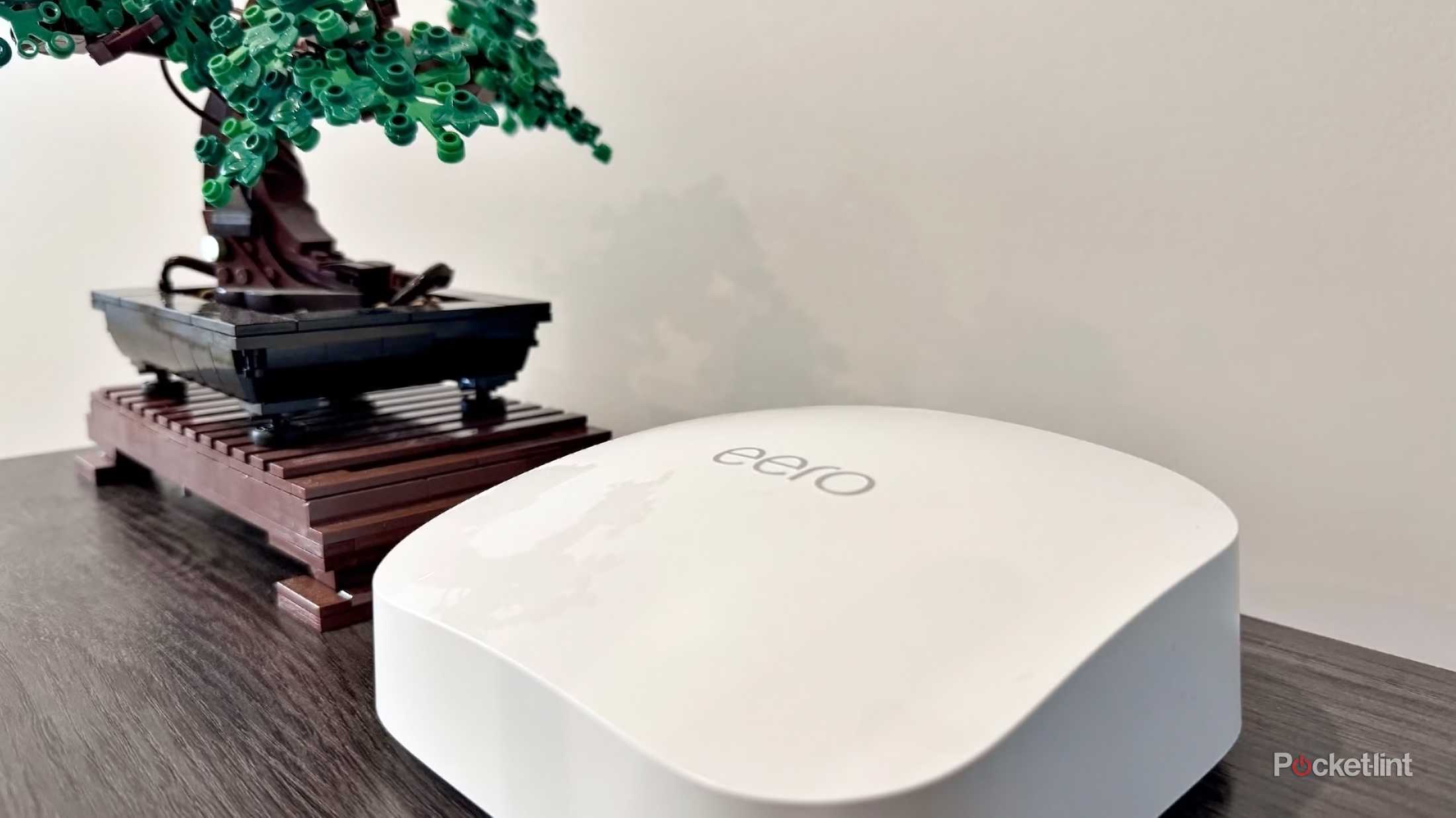
- Amazon Eero 6 – fast Wi-Fi with easy control
Features To Prioritize
Look for features that match your home and internet use. This makes sure your mesh system works well for you.
- Coverage area – enough to reach every room
- Speed support – fits your internet plan speed
- Easy setup – simple app or web setup
- Device capacity – supports all your gadgets
- Security features – keeps your network safe
- Expandable – add more units if needed
Frequently Asked Questions
Is One Mesh Router Enough For A Small Home?
Yes, one mesh router often covers small homes effectively. It provides strong Wi-Fi and stable connections in most small spaces.
How Does A Mesh Router Improve Small Home Wi-fi?
A mesh router uses multiple nodes to extend Wi-Fi coverage. This reduces dead zones and boosts signal strength throughout your home.
Can One Mesh Router Handle Multiple Devices In A Small Home?
Yes, one mesh router can support many devices simultaneously. It manages traffic efficiently, ensuring smooth internet for all connected gadgets.
When Should I Consider Adding More Mesh Nodes?
Add nodes if your small home has thick walls or Wi-Fi dead spots. More nodes improve coverage and eliminate weak signals.
Conclusion
A single mesh router can cover most small homes well. It gives stable Wi-Fi and fewer dead spots. For simple needs, one unit is usually enough. You save money and avoid extra setup hassle. Still, very large or thick-walled homes might need more.
Think about your space and devices before buying. A good mesh router keeps your internet strong and steady. Choose what fits your home size and internet use. Simple, smart, and effective.