Are you tired of your Alexa devices cutting out or responding slowly in certain rooms? Your smart home should work smoothly, no matter where you are.
That’s where mesh WiFi steps in. Imagine a network that blankets your entire home with strong, steady internet, so your Alexa can hear your commands clearly every time. You’ll discover how mesh WiFi can transform your Alexa experience, making your smart home more reliable and effortless.
Ready to unlock the full potential of your devices? Keep reading to find out how.
Why Mesh Wifi Matters For Alexa
Alexa devices depend on a strong internet connection to work well. Traditional wifi often struggles to cover every corner of a home.
Mesh wifi systems can help solve connection problems for Alexa and other smart devices.
Limitations Of Traditional Wifi With Smart Devices
Traditional wifi uses a single router to send signals. This can cause weak spots and slow speeds in some rooms. Alexa devices may lose connection or respond slowly.
- Wifi signals get weaker with distance from the router
- Walls and furniture block or reduce wifi signals
- Many devices connected at once can overload the router
- Network drops cause Alexa to miss voice commands
Benefits Of Mesh Networks For Alexa
Mesh wifi uses multiple nodes that work together. These nodes spread the wifi signal evenly across the home. Alexa devices stay connected without interruptions.
| Feature | Traditional Wifi | Mesh Wifi |
| Coverage | Limited, weak spots | Wide, strong signal everywhere |
| Device Handling | Can slow down with many devices | Handles many devices smoothly |
| Connection Stability | Drops common far from router | Stable and consistent connection |
| Setup | Simple but limited range | Easy to expand with more nodes |

Credit: www.pcmag.com
How Mesh Wifi Enhances Alexa Performance
Mesh Wifi helps Alexa devices work better by improving internet connection in your home. It spreads wifi evenly to all rooms.
This type of network reduces problems like weak signals and slow responses from Alexa. It gives a smooth experience.
Improved Signal Strength And Coverage
Mesh Wifi uses multiple access points to cover your entire house. This means Alexa can get a strong signal anywhere.
Strong signals help Alexa hear your commands clearly and connect faster to the internet.
- Eliminates dead zones in your home
- Provides steady connection in every room
- Supports Alexa devices far from the main router
Reduced Latency And Faster Responses
Mesh Wifi lowers the delay between your Alexa commands and its responses. This makes Alexa faster and more reliable.
Lower latency means Alexa can stream music, answer questions, and control smart devices without waiting.
- Speeds up communication with Alexa servers
- Reduces lag in voice recognition
- Improves real-time smart home control
Handling Multiple Devices Simultaneously
Mesh Wifi supports many devices connected at once without slowing down. Alexa works well even with many smart home gadgets.
This network shares bandwidth efficiently so all your devices get enough speed.
- Supports multiple Alexa devices at the same time
- Maintains fast wifi for phones, tablets, and computers
- Prevents network overload during heavy use
Choosing The Right Mesh System For Alexa
Mesh wifi systems help improve your home internet connection. They spread wifi signals evenly across your space. This is good for Alexa devices that need a steady internet link.
Picking the right mesh system makes Alexa respond faster. It also helps avoid connection drops and delays.
Key Features To Look For
Look for mesh systems with strong coverage and fast speeds. Easy setup is important. Choose systems with good security to keep your network safe.
- Wide coverage for large or multi-floor homes
- High data speed for smooth Alexa responses
- Simple app or voice setup
- Strong encryption and firewall features
- Automatic updates to improve performance
Compatibility With Alexa Devices
Check if the mesh system works well with Alexa devices. Some systems have built-in Alexa support. Others let Alexa control wifi settings by voice.
Ensure the mesh wifi supports the same wifi standards as Alexa. Most Alexa devices use 2.4 GHz or 5 GHz bands. Compatibility helps Alexa stay connected without issues.
Popular Mesh Wifi Brands
| Brand | Notable Feature | Alexa Integration |
| Google Nest Wifi | Simple setup, good coverage | Supports Alexa control |
| Amazon Eero | Optimized for Alexa devices | Works seamlessly with Alexa |
| Netgear Orbi | High speed and range | Compatible with Alexa skills |
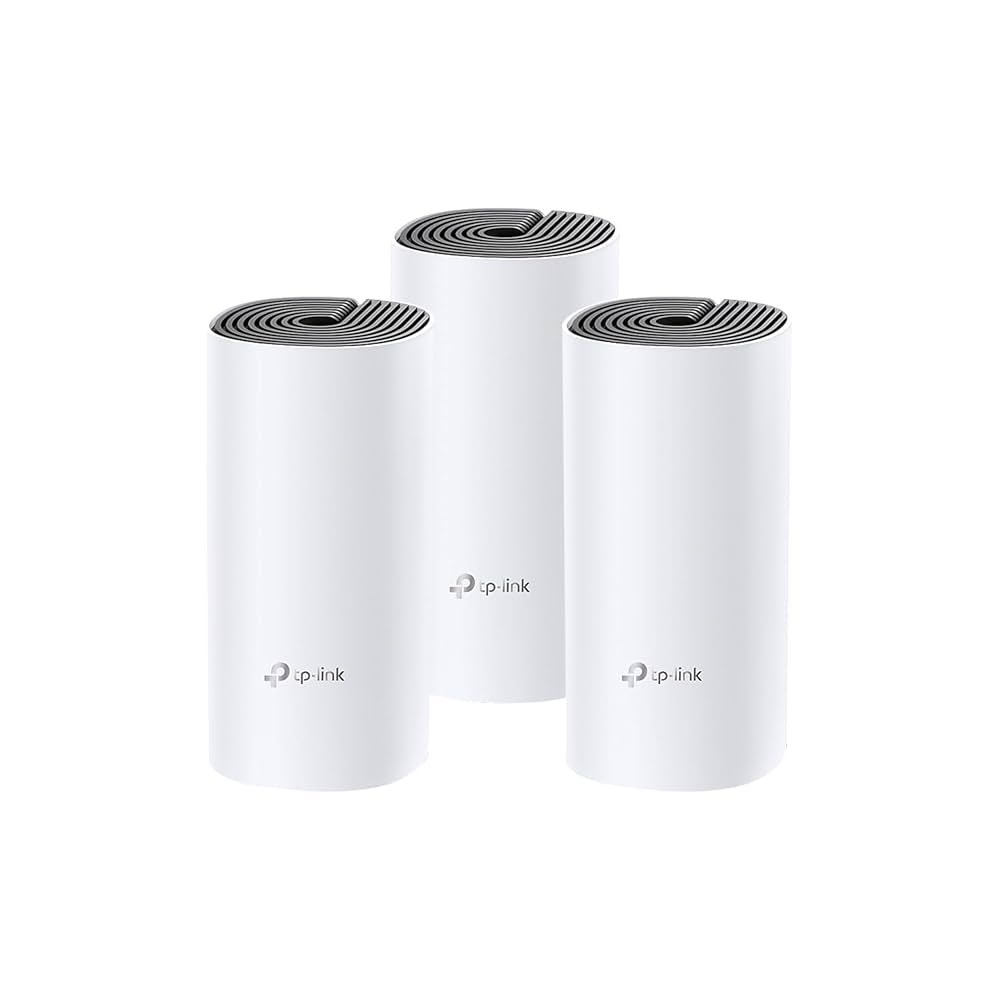
| TP-Link Deco | Affordable, reliable | Alexa voice commands supported |
Setting Up Mesh Wifi For Alexa
Mesh Wifi systems help connect Alexa devices smoothly in your home. They reduce dead zones and improve response times.
This guide covers tips for placing your mesh nodes, linking Alexa devices to the mesh, and fixing common problems.
Placement Tips For Optimal Coverage
Good placement of your mesh Wifi nodes ensures Alexa hears your commands clearly and quickly.
- Put mesh nodes in open areas, not inside cabinets or behind furniture.
- Place nodes evenly around the house to spread the signal well.
- Keep nodes away from microwaves and cordless phones that cause interference.
- Try to have at least one node near where you use Alexa most.
- Avoid placing nodes near thick walls or metal objects that block signals.
Configuring Alexa With Mesh Network
After setting up the mesh network, you must connect Alexa devices to it for best performance.
- Ensure your mesh Wifi network is active and working on all nodes.
- Open the Alexa app on your phone or tablet.
- Go to Settings, then select your Alexa device.
- Choose Wifi Network and select your mesh Wifi name from the list.
- Enter the Wifi password if asked and wait for the device to connect.
- Test Alexa by asking a simple question to confirm connection.
Troubleshooting Common Issues
If Alexa does not respond well or loses connection, check these common causes and fixes.
| Issue | Cause | Solution |
| Alexa won’t connect | Wrong Wifi password or network | Re-enter password or choose correct network in Alexa app |
| Slow Alexa responses | Weak Wifi signal at device location | Move mesh node closer or relocate Alexa device |
| Alexa drops connection | Interference from other electronics | Keep nodes away from microwaves and phones |
| Alexa cannot hear commands | Noise or distance too far | Place Alexa device in quieter spot near you |
Maximizing Alexa’s Potential With Mesh Wifi
Alexa devices need strong internet to work well. Mesh Wifi helps by giving steady signals everywhere in your home. This makes Alexa faster and smarter.
Using mesh networks, your Alexa can connect without drops or delays. This improves how you control your smart home and enjoy Alexa skills.
Using Alexa Skills With Stable Connectivity
Alexa skills work best with a strong wifi signal. Mesh wifi keeps your devices online all the time. This stops interruptions during use.
- Stream music without pauses
- Get news and weather updates quickly
- Control smart devices instantly
- Use voice commands without delays
- Enjoy games and quizzes smoothly
Smart Home Automation Integration
Mesh wifi links all your smart devices. Alexa can manage lights, locks, and cameras with ease. Stable wifi means fewer connection problems.
| Device | Function | Benefit of Mesh Wifi |
| Smart Lights | Turn on/off remotely | Instant response |
| Security Cameras | Live video streaming | No lag or freezing |
| Smart Locks | Remote locking/unlocking | Reliable access control |
| Thermostats | Temperature control | Quick adjustments |
Voice Control In Every Room
Mesh wifi spreads wifi signals in all rooms. Alexa hears your commands anywhere in the house. This makes voice control simple and fast.
- Place Alexa devices in main rooms
- Use mesh wifi nodes near Alexa spots
- Keep mesh system updated
- Reduce walls and obstacles between nodes
Security Considerations For Mesh Networks
Mesh networks are great for extending WiFi coverage in your home. They help connect all your smart devices, including Alexa. But security is important to keep your network safe.
Understanding how to protect your network and devices can prevent unauthorized access. Below are some key areas to consider for securing your mesh network.
Protecting Your Alexa Devices
Your Alexa devices need protection from digital threats. Make sure you secure them properly to avoid any breaches.
- Use strong, unique passwords for your Alexa account.
- Enable two-factor authentication for added security.
- Regularly review your device permissions.
Updating Firmware And Software
Regular updates keep your devices secure. They help fix bugs and improve security features.
- Check for firmware updates on your mesh network devices monthly.
- Enable auto-updates on Alexa devices if available.
- Keep your router software up to date.
Network Privacy Best Practices
Maintaining network privacy is crucial for a secure home environment. Follow best practices to safeguard your privacy.
| Practice | Description |
| Use WPA3 Encryption | Strongest security for WiFi networks. |
| Guest Network | Separate network for visitors to keep your main network safe. |
| Disable WPS | WPS can be a security risk; disable it for better protection. |
Future Trends In Mesh Wifi And Alexa
Mesh Wifi and Alexa are changing how we connect at home. These technologies promise smarter, faster, and more reliable networks.
As these technologies evolve, they bring new features and innovations. Let’s explore the exciting future trends.
Advancements In Wifi Technology
Wifi technology is getting faster and more efficient. Mesh networks are improving connectivity in every corner of the home.
- Better coverage with fewer dead zones
- Higher data speeds for streaming and gaming
- Enhanced security features to protect your network
Evolving Alexa Features
Alexa keeps getting smarter. New features make it easier to manage daily tasks and control smart devices.
| Feature | Benefit |
| Voice Profiles | Personalized responses |
| Routines | Automate daily tasks |
| Language Support | Communicate in multiple languages |
Smart Home Connectivity Innovations
Smart homes rely on seamless connectivity. Mesh Wifi and Alexa enhance the smart home experience through innovation.

Credit: www.amazon.ca

Credit: www.amazon.ca
Frequently Asked Questions
What Is Mesh Wifi And How Does It Work With Alexa?
Mesh WiFi uses multiple devices to create a strong, seamless network. It ensures Alexa devices have stable, fast internet everywhere in your home.
Can Mesh Wifi Improve Alexa’s Voice Recognition?
Yes, mesh WiFi reduces dead zones and lag. This improves Alexa’s ability to hear and respond accurately in any room.
Is Mesh Wifi Compatible With All Alexa Devices?
Most Alexa devices work smoothly with mesh WiFi. Ensure your mesh system supports the WiFi standards your Alexa devices use.
Does Mesh Wifi Enhance Alexa Smart Home Control?
Mesh WiFi provides reliable connections, helping Alexa control smart home devices faster and without interruptions, improving overall user experience.
Conclusion
Mesh WiFi helps Alexa devices work better in every corner. It cuts down on weak signals and slow connections. Your smart home responds faster and stays connected longer. Setting up mesh WiFi is simple and fits most homes. Enjoy clear voice commands and smooth device control.
A strong WiFi network makes Alexa more useful daily. Choose mesh WiFi to keep your smart home running well. Easy, reliable, and perfect for Alexa users everywhere.


