Imagine a smart home where every device—from your security cameras to your voice assistants—works smoothly without frustrating delays or dropped connections. If you’ve ever struggled with weak WiFi signals or slow internet in certain rooms, you know how annoying it can be.
That’s where mesh WiFi comes in. It’s designed to give you strong, reliable coverage everywhere in your home. You’ll discover how mesh WiFi can transform your smart home apps experience, making your daily life easier and more connected than ever before.
Ready to unlock the full potential of your smart devices? Keep reading!
Benefits Of Mesh Wifi In Smart Homes
Mesh Wifi systems help smart homes work better. They connect many devices smoothly and cover large areas.
These systems improve internet quality and make managing networks easier for every user.
Improved Coverage And Range
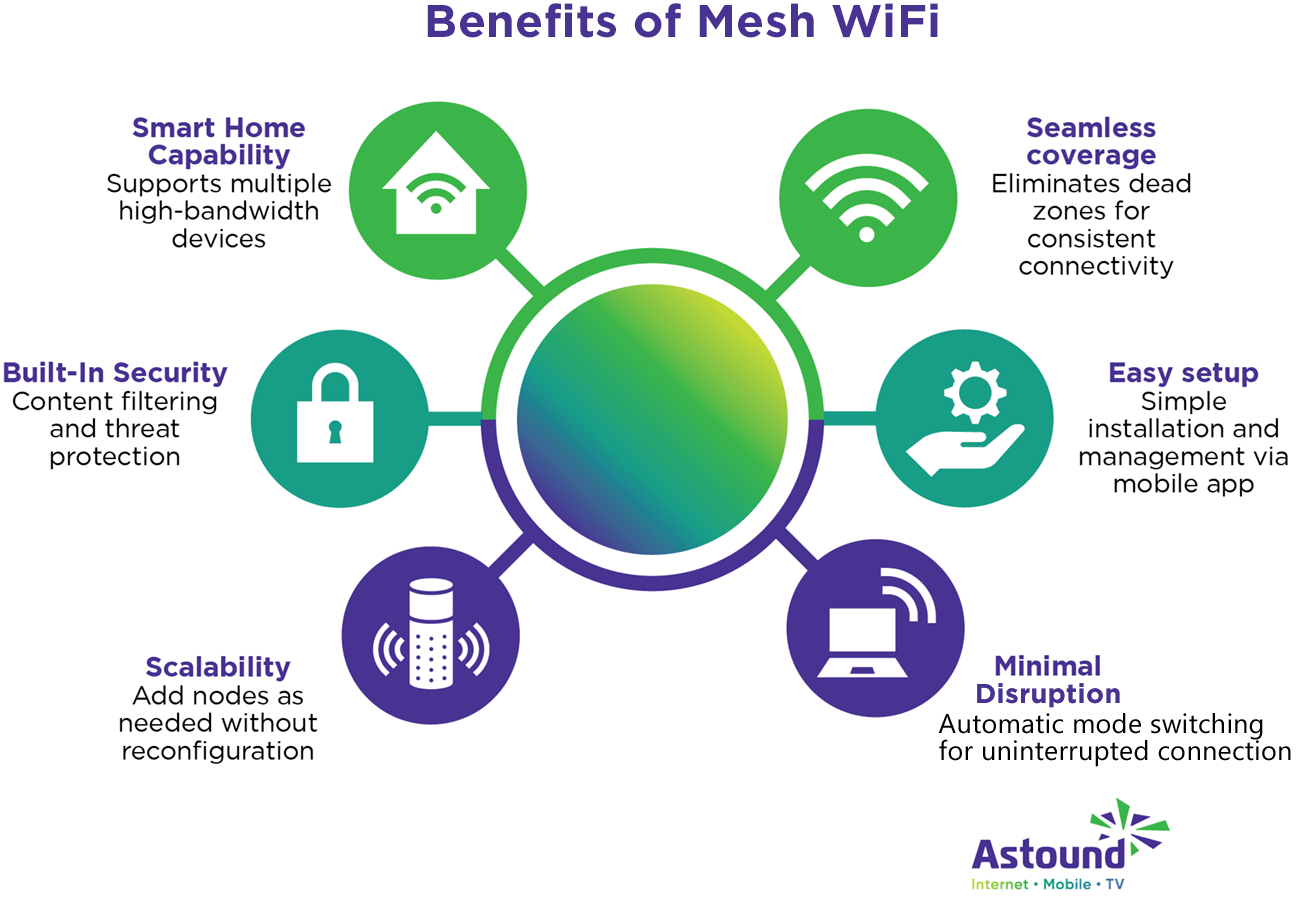
Mesh Wifi uses several devices called nodes to spread Wifi signals. This setup covers large homes with no weak spots.
Nodes work together to give strong signals even in hard-to-reach rooms or floors.
- Covers every corner of the home
- Eliminates dead zones
- Supports multiple floors easily
Consistent Connection Quality
Mesh Wifi keeps the internet fast and stable. Devices switch automatically to the strongest node without dropping the signal.
This means smart home apps and devices always get a good connection for smooth operation.
- Reduces buffering and lag
- Maintains steady speeds
- Supports many devices at once
Simplified Network Management
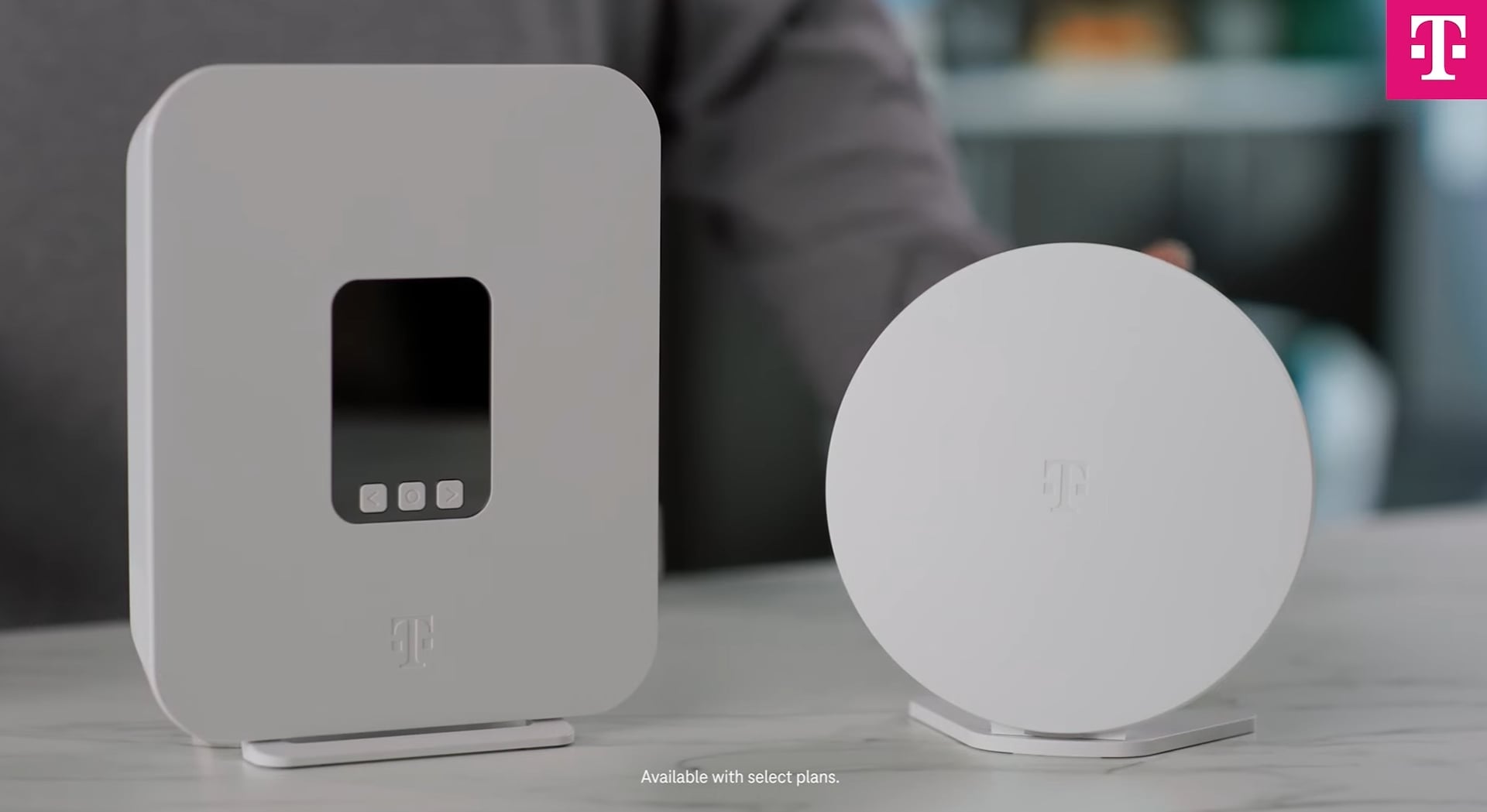
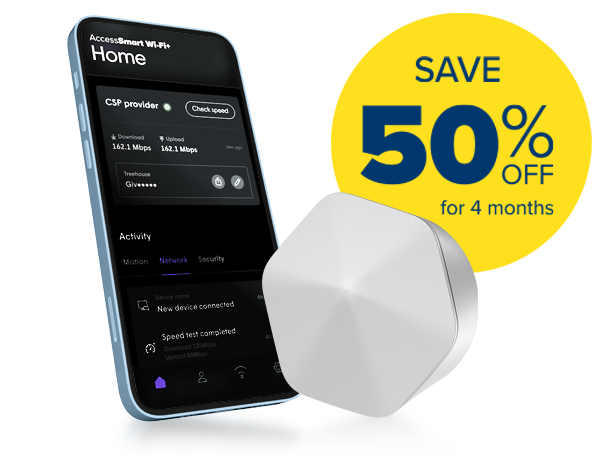
Mesh Wifi systems come with easy-to-use apps. These apps help you control and monitor your network from one place.
You can add new nodes or check device status without technical skills.
- Control all nodes in one app
- Easy setup and updates
- Monitor devices and usage
Credit: www.t-mobile.com
Key Features To Look For
Mesh WiFi systems help smart homes stay connected all over the house. Picking the right system means looking at key features.
These features make sure your smart home apps work smoothly and safely. Let’s explore what to check before buying.
Device Compatibility
Your mesh WiFi must work well with all smart home devices. This includes phones, tablets, smart lights, and security cameras.
Check if the system supports popular brands and different device types. This helps avoid connection problems later.
- Works with Android and iOS devices
- Supports smart home hubs like Alexa or Google Home
- Compatible with WiFi and Bluetooth devices
- Connects easily with smart security systems
Security Protocols
Strong security keeps your smart home data safe from hackers. Look for mesh WiFi with updated security protocols.
Encryption and regular updates protect your devices and personal info. This is very important for smart home apps.
- Supports WPA3 encryption for better protection
- Offers automatic security updates
- Includes guest network options
- Has built-in firewall features
Speed And Bandwidth
Smart home apps need good speed to work without delays. Choose mesh WiFi systems that offer high speed and bandwidth.
This lets many devices connect at once without slowing down your network. It improves video streaming and app response time.
- Supports dual-band or tri-band WiFi
- Has fast data transfer rates (e.g., WiFi 6)
- Manages bandwidth for multiple devices
- Reduces lag during video calls and streaming
Scalability Options
Smart homes grow as you add more devices. Your mesh WiFi should let you add more nodes easily for better coverage.
Scalable systems keep your connection strong in large or multi-story homes. This helps smart apps run smoothly everywhere.
- Allows adding extra WiFi nodes
- Works well in large or multi-floor homes
- Simple setup for new devices
- Maintains good speed with more nodes
Setting Up Mesh Wifi For Smart Devices
Mesh Wifi helps connect all your smart devices in your home. It creates a strong and stable internet signal everywhere.
Setting up mesh Wifi correctly makes your smart home apps work better. It keeps devices connected without interruptions.
Placement Strategies For Nodes
Place mesh nodes in open areas for the best signal. Avoid walls and metal objects that block wifi signals.
Try to put nodes near rooms where you use many smart devices. Keep nodes within a good distance from each other.
- Place the main node near your modem
- Spread nodes evenly across your home
- Keep nodes away from microwaves and thick walls
- Place nodes at a height for better coverage
Configuring Network Settings
Use your mesh system’s app to set up the network. Choose a clear network name (SSID) and a strong password.
Enable automatic updates to keep your network secure. Set up guest networks if visitors need internet access.
- Pick a unique network name
- Create a strong password with letters and numbers
- Turn on automatic firmware updates
- Set up a guest network for visitors
Integrating With Smart Home Hubs
Connect your smart home hubs to the mesh Wifi network. This ensures all smart devices can communicate smoothly.
Check your hub’s app to link it to the mesh network. Make sure your smart devices are on the same network for easy control.
- Connect hubs to the mesh Wifi network
- Use the hub’s app to manage devices
- Keep all smart devices on the same network
- Restart hubs if devices lose connection
Credit: www.myaccess.ca
Optimizing Performance For Smart Apps
Mesh WiFi systems can improve how smart home apps work. They help devices stay connected and fast.
Good WiFi means smart apps respond quickly. This makes your home smarter and easier to control.
Prioritizing Smart Devices
Smart devices need strong WiFi to work well. You can set your mesh WiFi to give them priority.
Prioritizing means the WiFi sends more speed to smart devices first. This reduces delays and stops buffering.
- Give priority to security cameras and alarms
- Boost WiFi for smart speakers and lights
- Ensure thermostats get steady connections
Managing Network Traffic
Many devices use WiFi at once. Managing traffic helps keep the network fast and stable.
Mesh WiFi can balance data use. It stops one device from slowing down others.
- Limit bandwidth for non-smart devices during peak times
- Use Quality of Service (QoS) settings to manage traffic
- Separate smart home devices on a dedicated network
Firmware Updates And Maintenance
Keep your mesh WiFi updated. Firmware updates fix bugs and add new features.
Regular maintenance improves security and performance for smart home apps.
- Check for updates from the mesh WiFi provider
- Restart your router regularly to clear issues
- Monitor device connections and fix weak spots
Troubleshooting Common Issues
Mesh WiFi systems help smart home apps work better by giving good internet coverage. Sometimes, issues can stop these apps from working well.
This guide shows simple ways to fix common problems with mesh WiFi and smart home apps.
Connection Drops
Connection drops happen when your device loses WiFi signal. This can stop smart home apps from working.
Try moving your mesh WiFi nodes closer. Keep them away from thick walls and metal objects.
- Restart your mesh WiFi system to refresh connections
- Check for firmware updates on your mesh router
- Reduce the number of devices connected at the same time
- Avoid placing nodes near microwaves or cordless phones
Slow Speeds
Slow internet makes smart home apps respond late or freeze. Many things can cause slow speeds on mesh WiFi.
Try using a wired connection for your main mesh node. Limit heavy downloads while using smart home apps.
- Check if your internet plan matches your needs
- Move mesh nodes to open areas with less interference
- Restart your modem and mesh WiFi system regularly
- Make sure no devices are using too much bandwidth
Device Compatibility Problems
Some smart home devices may not work well with your mesh WiFi. This causes connection errors or app failures.
Check if your device supports the mesh WiFi standard you use. Update device firmware or app to the latest version.
- Use the same WiFi band (2.4 GHz or 5 GHz) as your device requires
- Ensure your mesh system allows device type connections
- Reset the device and reconnect it to the mesh network
- Contact device support if problems continue
Top Mesh Wifi Systems For Smart Homes
Mesh Wifi systems help to cover your home with strong internet. They are perfect for smart home apps that need reliable connections. Here, we explore some of the best options available.
Choosing the right Mesh Wifi can improve your smart home experience. From affordable choices to premium models, there’s something for everyone.
Budget-friendly Options
These Mesh Wifi systems are easy on your wallet yet offer decent performance. They are great for small to medium-sized homes.
- TP-Link Deco M4
- Google Nest Wifi
- Tenda Nova MW6
High-end Solutions
For those who need top-tier performance, high-end mesh systems provide robust coverage and advanced features. They are suitable for large homes with multiple smart devices.
| Model | Features |
| Netgear Orbi RBK852 | WiFi 6, Tri-band |
| Asus ZenWiFi AX | WiFi 6, Parental Controls |
| Linksys Velop MX10 | WiFi 6, Easy Setup |
User-friendly Models
If simplicity is your priority, these models offer ease of use. They come with apps that make managing your network a breeze.
- Easy app-based setup
- Guest network options
- Device prioritization
Credit: www.astound.com
Frequently Asked Questions
What Is Mesh Wifi For Smart Home Apps?
Mesh WiFi is a network system that uses multiple devices to provide seamless internet coverage. It ensures smart home apps work smoothly in every corner of your house. This technology eliminates dead zones and maintains strong connections for all smart devices.
How Does Mesh Wifi Improve Smart Home Performance?
Mesh WiFi creates a unified network with multiple access points. This boosts signal strength and reduces interference. Smart home apps respond faster, and devices stay connected without dropouts. It supports multiple devices simultaneously, enhancing overall smart home reliability.
Can Mesh Wifi Support Multiple Smart Home Devices?
Yes, mesh WiFi is designed to handle many devices at once. It distributes bandwidth efficiently across smart home gadgets. This prevents slowdowns and connection issues. Mesh networks are ideal for busy smart homes with numerous connected devices.
Is Mesh Wifi Easy To Set Up For Smart Homes?
Yes, mesh WiFi systems are user-friendly and quick to install. Most come with mobile apps for easy configuration and management. They automatically optimize the network to ensure smooth smart home app operation without technical hassle.
Conclusion
Mesh WiFi helps smart home apps work smoothly and without interruptions. It spreads WiFi evenly across your home, so devices stay connected. This means fewer dropped signals and faster responses from your apps. Smart lights, cameras, and speakers perform better with strong WiFi.
Choosing the right mesh system makes a big difference in daily life. Enjoy a smarter home with reliable internet everywhere. Simple and steady WiFi brings ease to your smart devices.


