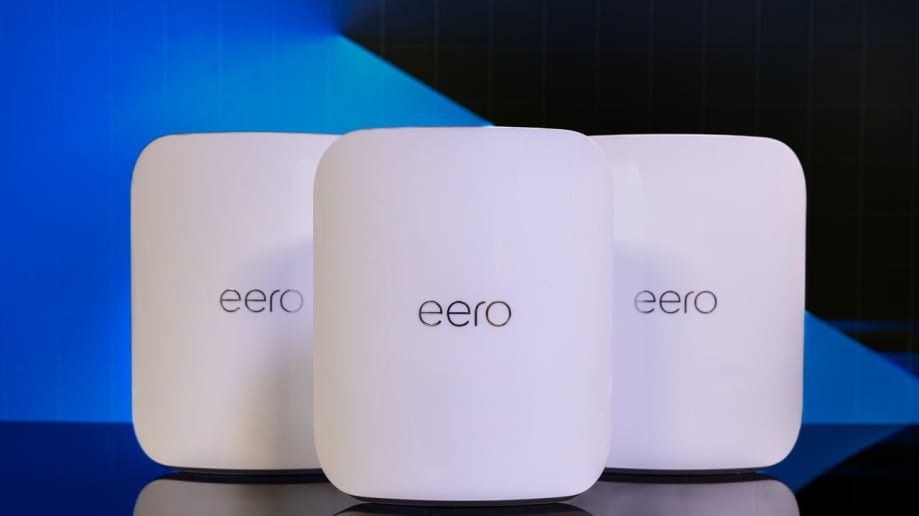
Are you tired of slow WiFi and dead zones in your smart home? Your devices deserve a strong, reliable connection everywhere—from the kitchen to the backyard.
Mesh WiFi for your smart home WiFi network is the secret to seamless internet coverage that keeps every gadget running smoothly. Imagine streaming, gaming, and controlling your smart devices without interruption. Keep reading to discover how mesh WiFi can transform your home network and give you the fast, stable connection you need.
Benefits Of Mesh Wifi
Mesh Wifi systems improve your smart home network by spreading signal evenly. They help avoid dead zones and keep all devices connected.
These systems use multiple devices to work together. This creates a strong and reliable connection throughout your home.
Seamless Coverage
Mesh Wifi covers your whole home with one network name. You move from room to room without losing connection or switching networks.
- Eliminates dead spots in large homes
- Provides steady signal in basements and garages
- Connects multiple smart devices smoothly
Improved Speed
Mesh Wifi boosts internet speed by using several devices to share the load. This stops slowdowns even with many devices online.
| Device Type | Speed Benefit |
| Smartphones | Faster downloads and streaming |
| Smart TVs | Smoother 4K video playback |
| Smart Speakers | Clearer voice commands |
| Security Cameras | Reliable live video feed |
Easy Scalability
Mesh Wifi lets you add more units as your needs grow. This keeps your network strong without complex setups or new wiring.
Advantages of adding units:
- Expand coverage to new areas quickly
- Support more devices without speed loss
- Manage the network easily with one app

Credit: www.pcmag.com
Key Features To Look For
Choosing the right mesh WiFi system is important for a smart home network. The right features help keep your devices connected and secure.
This guide explains important features to check before buying mesh WiFi for your home.
Dual-band Vs Tri-band
Mesh WiFi systems come with dual-band or tri-band technology. Dual-band uses two frequency bands, while tri-band adds a third band.
- Dual-band systems have 2.4 GHz and 5 GHz bands.
- Tri-band systems add another 5 GHz band for faster speeds.
- Tri-band helps reduce traffic and improve performance with many devices.
- Dual-band is often enough for smaller homes or fewer devices.
Number Of Nodes
Nodes are the units that spread WiFi across your home. More nodes cover larger areas.
| Number of Nodes | Best For |
| 1-2 nodes | Small homes or apartments |
| 3-4 nodes | Medium-sized houses |
| 5+ nodes | Large homes or multi-story buildings |
Security Protocols
Good security protects your smart home devices from hackers. Look for mesh systems with strong protocols.
- WPA3 is the latest and most secure protocol.
- WPA2 is common but less secure than WPA3.
- Guest network support helps keep your main network safe.
- Automatic firmware updates fix security issues regularly.
Setting Up A Mesh Network
Setting up a mesh wifi network can improve your smart home’s internet. It spreads wifi signals evenly across all rooms. This helps reduce dead zones and keeps devices connected.
You need to place nodes carefully, configure the network, and fix common issues. These steps make sure your mesh network works well.
Optimal Node Placement
Place nodes where they get good signal and cover large areas. Avoid walls, metal objects, and places with many electronics. Keep nodes in open spaces for the best signal spread.
- Put the main node near your modem or router.
- Place secondary nodes in hallways or large rooms.
- Keep nodes 30 to 50 feet apart for strong connections.
- Do not hide nodes inside cabinets or behind thick walls.
- Check signal strength and move nodes if needed.
Configuring The Network
Use the mesh system’s app or web interface to set up your network. Follow on-screen steps to connect nodes and name your wifi network. Set a strong password for security.
| Configuration Task | Details |
| Network Name (SSID) | Choose a unique name for your wifi |
| Password | Use at least 8 characters with numbers and letters |
| Node Sync | Connect all nodes through the app or web settings |
| Firmware Update | Check and update nodes to latest software version |
| Guest Network | Enable to keep visitors separate from smart devices |
Troubleshooting Common Issues
If your mesh network has problems, try these fixes. Restart nodes and check connections first. Look for interference and adjust node locations if needed.
- Restart your modem, main node, and secondary nodes.
- Ensure all nodes show as connected in the app.
- Move nodes away from microwaves, cordless phones, and metal.
- Reset nodes to factory settings if problems persist.
- Contact support if network still does not work well.

Credit: www.amazon.ca
Compatibility With Smart Devices
Mesh WiFi systems help smart devices work better in your home. They spread WiFi signals evenly for strong connections.
This makes it easier to connect many smart devices without losing speed or signal quality.
Integrating Smart Home Hubs
Smart home hubs control different devices in your house. Mesh WiFi supports these hubs by giving stable internet access.
Good WiFi means your smart hub can connect to lights, cameras, and sensors without interruptions.
Managing Iot Devices
IoT devices need a strong WiFi signal to work well. Mesh networks provide wide coverage for all these devices.
You can control many IoT gadgets at once without losing connection or speed.
- Smart thermostats
- Security cameras
- Smart plugs and switches
- Home sensors
Voice Assistant Support
Voice assistants like Alexa and Google Home need steady WiFi to hear and answer you fast.
Mesh WiFi helps these devices stay online anywhere in the house, improving their response time.
Performance Tips
Mesh WiFi systems help cover your whole smart home with strong WiFi. Good setup keeps your network fast and stable.
Use these tips to improve your mesh WiFi performance and enjoy better smart home connections.
Firmware Updates
Keep your mesh WiFi devices updated with the latest firmware. Updates fix bugs and improve security.
Check your router app or website often for new updates. Install them as soon as possible for best results.
Bandwidth Management
Manage your bandwidth to avoid slowdowns. Some devices use more data, which can slow others down.
- Limit heavy downloads during peak hours
- Prioritize smart home devices for steady connections
- Use Quality of Service (QoS) settings if available
Avoiding Interference
Interference from other electronics can weaken your WiFi signals. Keep your mesh nodes away from these devices.
- Place nodes away from microwaves and cordless phones
- Use 5 GHz band for less crowded connections
- Keep mesh nodes in open areas, not inside cabinets
Credit: www.tomsguide.com
Popular Mesh Wifi Systems
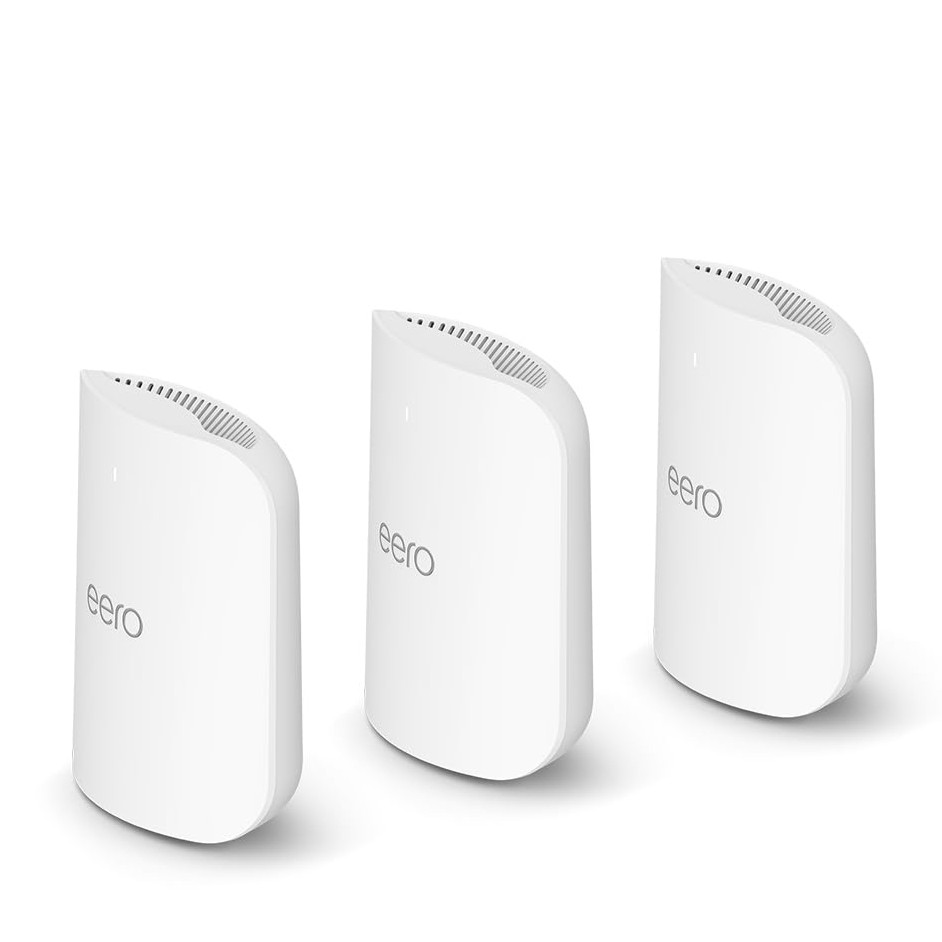
Mesh wifi systems are ideal for smart homes. They provide seamless coverage throughout your house.
These systems use multiple devices to extend your network. This ensures strong signals in every room.
Top Brands Comparison
Several brands offer reliable mesh wifi systems. Here are some popular choices you can consider.
| Brand | Model | Range |
| Netgear | Orbi | 5,000 sq ft |
| Google Nest Wifi | 4,400 sq ft | |
| Eero | Eero Pro 6 | 6,000 sq ft |
Budget Vs Premium Options
You can find mesh wifi systems at different price points. Some are budget-friendly, while others offer premium features.
- TP-Link Deco M5: Affordable and reliable.
- Netgear Orbi: High-end with advanced features.
- Google Nest Wifi: Balanced performance and price.
User Reviews And Ratings
User feedback is crucial when choosing a mesh wifi system. Reviews highlight the strengths and weaknesses of each product.
For example, users often praise the Google Nest Wifi for its easy setup. Meanwhile, some find the Netgear Orbi offers superior speed.
Frequently Asked Questions
What Is Mesh Wifi For Smart Home Networks?
Mesh WiFi is a system with multiple devices that create a seamless wireless network. It ensures strong WiFi coverage in every corner of your smart home. This reduces dead zones and improves device connectivity.
How Does Mesh Wifi Improve Smart Home Connectivity?
Mesh WiFi uses several nodes to spread WiFi signals evenly. It provides stable connections for smart devices like cameras and thermostats. This results in faster speeds and fewer interruptions.
Can Mesh Wifi Support Many Smart Home Devices?
Yes, mesh WiFi handles multiple smart devices efficiently. It manages network traffic smartly to avoid congestion. This makes it ideal for busy smart homes with many connected gadgets.
Is Mesh Wifi Easy To Set Up In A Smart Home?
Most mesh WiFi systems offer simple setup via mobile apps. They guide you step-by-step to install nodes and customize settings. This makes it user-friendly, even for non-tech-savvy users.
Conclusion
Mesh WiFi helps keep your smart home devices connected well. It spreads WiFi signals evenly across rooms and floors. No more dead spots or slow internet while streaming or working. Easy setup and flexible coverage make it a good choice for homes.
Choose a mesh system that fits your space and devices. Enjoy smooth internet for smart lights, cameras, and more. Mesh WiFi supports a reliable and strong smart home network. Simple, steady, and smart—perfect for today’s connected homes.


