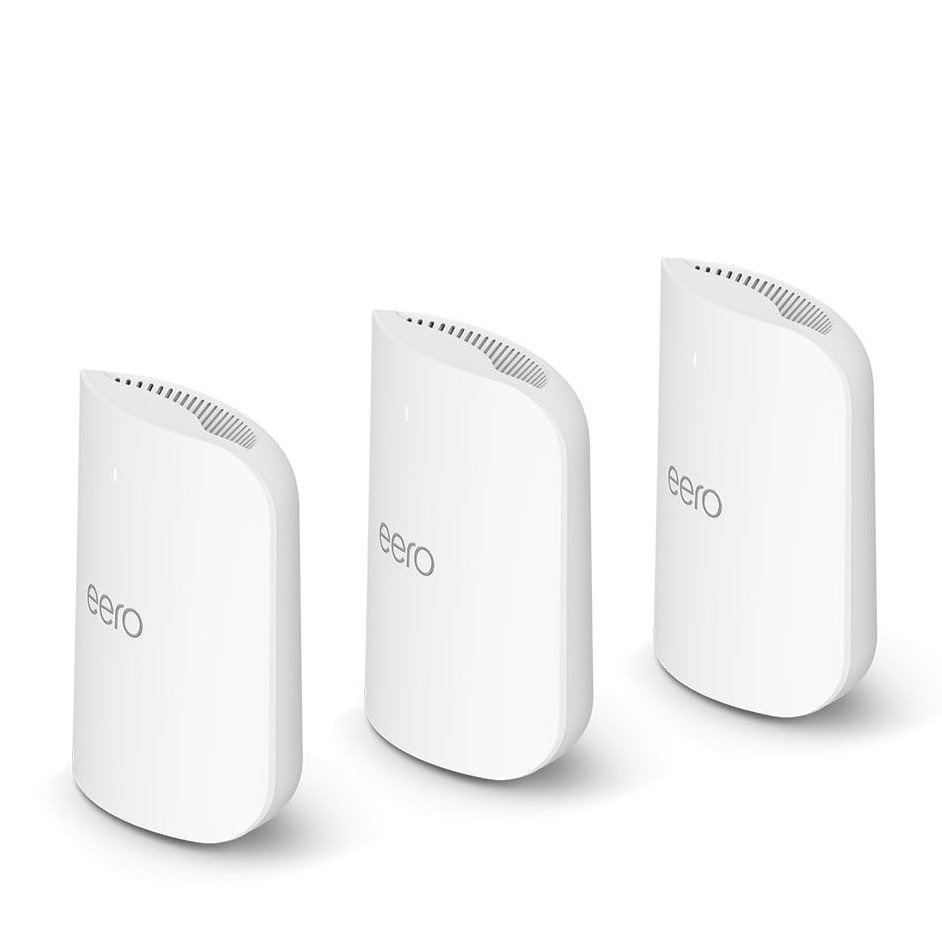
Are you tired of dead zones and slow WiFi in your home? Setting up a mesh WiFi system can solve these problems and give you strong, reliable internet everywhere.
The best part? You don’t have to spend a fortune. In this guide, you’ll discover how to create a powerful mesh WiFi setup for under $200. Imagine streaming, gaming, and working online without interruptions. Keep reading to learn how to boost your WiFi without breaking the bank.

Credit: www.youtube.com
Choosing Budget Mesh Wifi Systems
Setting up mesh wifi does not have to be costly. You can find good systems under $200.
These systems help cover your whole home with wifi without dead spots.
Top Affordable Mesh Brands
Many brands offer mesh wifi systems that cost less than $200. These brands have good reviews and reliable products.
- TP-Link
- Netgear
- Google Nest
- Eero
- Tenda
These brands provide easy setup and stable connections for most homes.
Key Features To Look For
Not all mesh wifi systems are the same. Look for features that fit your needs and budget.
- Coverage area that matches your home size
- Fast wifi speeds for your internet plan
- Easy setup with an app or web interface
- Number of units included in the package
- Compatibility with your devices
Good security features help keep your network safe.
Comparing Performance And Price
Price is important but check the wifi speed and coverage first. A cheaper system may not cover your home well.
| Brand | Price Range | Coverage Area | Speed | Units |
|---|---|---|---|---|
| TP-Link Deco | $150 – $200 | Up to 5,500 sq ft | AC1200 – AC1300 | 2 – 3 |
| Netgear Orbi | $180 – $200 | Up to 4,500 sq ft | AC1200 | 2 |
| Google Nest Wifi | About $170 | Up to 4,400 sq ft | AC1200 | 2 |
| Eero 6 | $180 – $200 | Up to 4,000 sq ft | AX1800 | 2 |
| Tenda Nova | $100 – $150 | Up to 4,000 sq ft | AC1200 | 2 – 3 |
Review your home size and internet speed before picking a mesh system. Choose one that fits your budget and needs.
Planning Your Mesh Network
Setting up a mesh WiFi system under $200 needs good planning. A solid plan helps you get strong WiFi in every part of your home.
Think about your home layout, how many nodes you need, and where to put them. These steps will make your mesh network work well.
Assessing Your Home Layout
Look at your home’s size and shape. Notice walls, floors, and rooms. These things affect WiFi signals.
Homes with many walls or floors need more nodes. Open spaces let signals travel farther.
Determining Number Of Nodes Needed
Count how many rooms or areas need WiFi. Bigger homes usually need more nodes. Small homes may need only two or three.
Think about places where you use WiFi most. Add extra nodes if you have many devices or thick walls.
- Small home (under 1,000 sq ft): 2 nodes
- Medium home (1,000-2,000 sq ft): 3 nodes
- Large home (over 2,000 sq ft): 4 or more nodes
Optimal Node Placement Tips
Place nodes where they can send signals easily. Avoid thick walls and metal objects. Keep nodes high, like on shelves.
Try to keep nodes in open areas. Spread them out evenly. This helps cover your whole home with strong WiFi.
- Place the main node near your modem
- Put nodes in central spots of large rooms
- Keep nodes away from microwaves and cordless phones
- Place nodes at least 30 feet apart
Step-by-step Setup Process
Setting up mesh WiFi under $200 is easy with the right guide. This setup helps spread WiFi signals across your home.
This guide shows clear steps to get your mesh WiFi working fast and well.
Unboxing And Initial Setup
Open the box carefully and check all parts. Usually, you get the main router, extra nodes, power adapters, and an instruction manual.
Plug in the main router near your modem. Connect it using an Ethernet cable. Turn it on and wait for the lights to become steady.
- Check for all devices and cables
- Place the main router close to your modem
- Connect router to modem with Ethernet cable
- Power on the main router and wait for steady lights
Connecting Nodes Seamlessly
Place the nodes in different rooms to cover your house. Make sure they are close enough to the main router to get a strong signal.
Turn on each node. Wait for the lights to show they connect to the main router. This may take a few minutes.
- Place nodes in open areas for best signal
- Keep nodes within range of the main router
- Power on each node one at a time
- Wait for connection lights to turn solid
Using Mobile Apps For Configuration
Download the mesh WiFi app on your phone. The app guides you through setup steps and settings.
Use the app to name your WiFi network and set a password. The app also helps update firmware and check network status.
- Download and install the official app
- Follow app instructions to connect nodes
- Set WiFi name and password through the app
- Check for firmware updates in the app
- Use app to monitor network health

Credit: dongknows.com
Maximizing Mesh Wifi Performance
Setting up mesh wifi under $200 is a smart choice for many homes. To get the best speed and coverage, you need to optimize your system.
This guide covers key ways to improve your mesh wifi’s performance. Follow simple tips to keep your network strong and reliable.
Updating Firmware Regularly
Firmware updates fix bugs and add new features to your mesh wifi. They help keep your network secure and fast.
Check your mesh system’s app or website often. Install updates as soon as they are available to improve performance.
- Improves device stability
- Fixes security issues
- Enhances speed and connectivity
Managing Network Traffic
Too many devices using wifi at once can slow down your network. Managing traffic helps keep it running smoothly.
Limit heavy tasks like downloads or streaming during busy times. Use your mesh system’s settings to prioritize important devices.
- Set device priority for work or school
- Pause unused devices
- Schedule updates for off-peak hours
Avoiding Interference Sources
Wifi signals can get weaker from interference. Keep your mesh nodes away from devices that cause signal problems.
Avoid placing nodes near microwaves, cordless phones, or thick walls. Use open spaces for better coverage.
- Place nodes in central locations
- Keep nodes away from metal objects
- Use different channels if needed
Troubleshooting Common Issues
Mesh WiFi systems help cover your home with strong internet. Sometimes, issues like slow speeds or weak signals happen. This guide will help you fix common problems quickly.
Follow these tips to keep your mesh network running smoothly. You can solve many problems without calling support.
Resolving Connectivity Drops
Connectivity drops can interrupt your internet. Often, simple checks can fix these issues fast. Start by checking your main router and nodes.
- Restart your router and all mesh nodes.
- Check if any cables are loose or damaged.
- Move nodes away from thick walls or metal objects.
- Update the firmware on all mesh devices.
- Reduce the number of devices connected if too many are online.
Improving Signal Strength
Weak signals cause slow internet and buffering. Proper placement and settings improve signal strength. Use this table to find the best node locations.
| Place | Signal Quality | Notes |
| Open area, central in home | Excellent | Ideal spot for main node |
| Near thick walls or metal objects | Poor | Signal may drop or weaken |
| High shelves or furniture tops | Good | Avoid floor placement |
| Far corner of large rooms | Fair | Use additional nodes if needed |
Resetting And Reconfiguring Nodes
Sometimes you need to reset nodes to fix errors. Follow these steps to reset and set up nodes again.
- Unplug the node from power and wait 30 seconds.
- Press and hold the reset button for 10 seconds until lights blink.
- Wait for the node to reboot fully.
- Open your mesh app or web interface.
- Add the node back to your network by following the setup prompts.
Enhancing Security On A Budget
Setting up a mesh WiFi system under $200 is a smart choice. It’s important to focus on security to protect your network.
Here are some effective ways to enhance your mesh WiFi security without breaking the bank.
Setting Strong Passwords
Strong passwords keep your network safe from intruders. Use a mix of letters, numbers, and symbols.
- Choose passwords with at least 12 characters.
- Avoid using common words or phrases.
- Update passwords regularly.
Enabling Guest Networks
Guest networks offer a secure way to share WiFi. They keep your main network private.
Regular Security Checks
Regular checks ensure your network remains secure. Set aside time each month to review your settings.
| Security Task | Frequency |
| Review connected devices | Monthly |
| Update firmware | Quarterly |
| Change passwords | Every 6 months |
Additional Tips For Budget Buyers
Setting up a mesh WiFi system under $200 is possible. You just need to be smart about your purchase.
Here are some tips to help you stay within budget without sacrificing quality.
Finding Deals And Discounts
Look for sales events and special offers. Retailers often have discounts on tech products.
Check online deal websites and sign up for newsletters. They can notify you about price drops.
- Black Friday and Cyber Monday are great times to shop
- Use coupon codes for additional savings
- Consider price matching policies
Considering Refurbished Units
Refurbished units can be a good option. They are often cheaper than new models.
Make sure to buy from reputable sellers. Check if the units come with a warranty.
- Read customer reviews before purchasing
- Ensure the product is certified refurbished
- Verify the return policy
Future-proofing Your Network
Choose a system that allows for expansion. This will help you add more units if needed.
Look for systems with the latest technology. They will support faster speeds and more devices.
- Check compatibility with future updates
- Ensure support for the latest WiFi standards
- Consider the number of devices you plan to connect

Credit: www.cnet.com
Frequently Asked Questions
What Is The Best Mesh Wifi System Under $200?
The best mesh WiFi systems under $200 balance performance and affordability. Popular options include TP-Link Deco and Google Nest Wifi. They offer reliable coverage and easy setup for most homes.
How Do I Set Up A Mesh Wifi System Under $200?
Start by connecting the main router to your modem. Then, place satellite units around your home for full coverage. Use the app provided by the manufacturer to complete the setup and manage your network easily.
Can Mesh Wifi Systems Under $200 Support Multiple Devices?
Yes, most mesh WiFi systems under $200 efficiently support multiple devices. They distribute bandwidth evenly, reducing congestion. This ensures smooth streaming, gaming, and browsing for all connected devices.
Are Mesh Wifi Systems Under $200 Easy To Install?
Yes, these systems are designed for simple installation. They usually come with user-friendly apps and step-by-step guides. No technical expertise is needed to set up a mesh network under $200.
Conclusion
Setting up mesh WiFi under $200 is possible and smart. You can enjoy strong internet in every room. These affordable systems improve your connection without extra costs. Follow the steps carefully to avoid common mistakes. Choose a setup that fits your home size and needs.
This guide helps you save money and stay connected. Good WiFi means better work, streaming, and gaming. Take your time and set it up right. Enjoy fast internet everywhere without spending too much.


