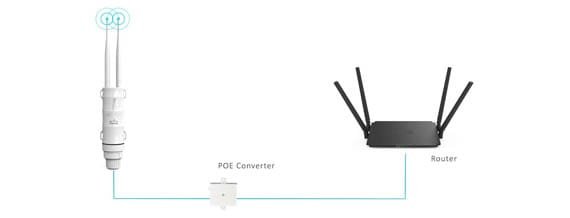
Are you frustrated because your dual band WiFi extender just won’t connect? You’re not alone.
Many people like you face this annoying issue, often at the most inconvenient times. You might be wondering if it’s a problem with your device, your network, or something else entirely. The good news is that you’re about to uncover the reasons behind this common problem and learn how to fix it.
Imagine enjoying seamless internet connectivity without interruptions. By reading further, you’ll gain insights into simple solutions that can transform your WiFi experience. Ready to get back online and stay connected? Let’s dive in and solve this mystery together.
Common Connection Issues
Signal interferencefrom walls, microwaves, or other devices can block WiFi signals. Moving the extender closer to the router helps. Avoid placing it near metal objects or thick walls.
Incorrect settingslike wrong network name (SSID) or password stop connection. Check that the extender uses the same network name and password as the main router. Also, ensure it is set to the correct WiFi band (2.4 GHz or 5 GHz).
Firmware problemscause bugs or glitches in the extender. Regularly update the firmware from the manufacturer’s website. Updated firmware improves performance and fixes bugs.
Hardware malfunctionsinclude broken antennas or power issues. Test the extender with another outlet. If it still won’t connect, hardware repair or replacement might be needed.
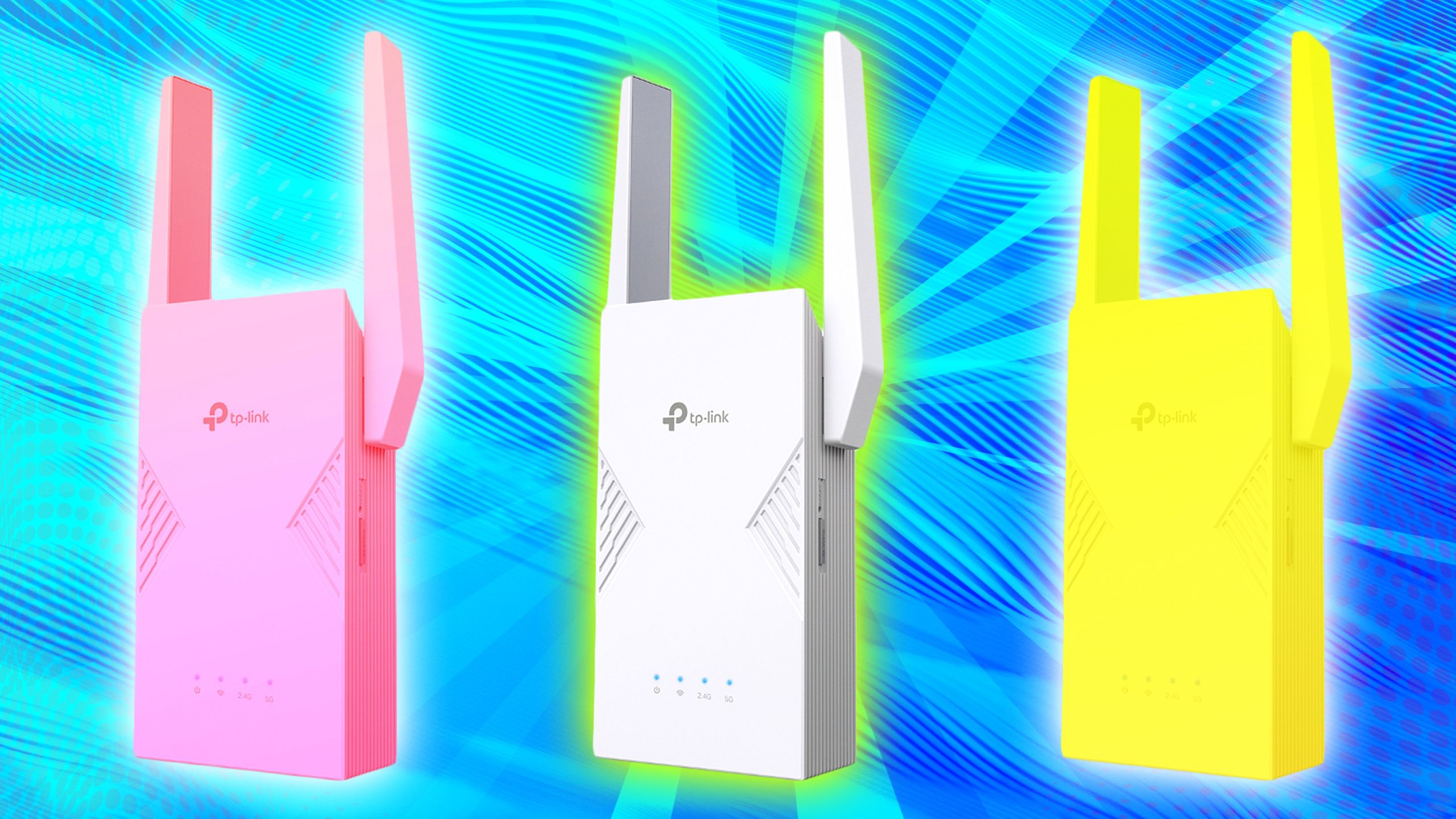
Credit: www.pocket-lint.com
Troubleshooting Steps
Restarting your router, extender, and device can fix many connection issues. Power off all devices, wait 30 seconds, then turn them back on. This refreshes their settings and clears temporary problems.
Check the network name (SSID) and password carefully. Typing errors often block connection. Make sure you enter the correct credentials for both 2.4 GHz and 5 GHz bands.
Move the extender closer to the router but not too near. Walls and furniture can block signals. A good middle spot helps the extender catch a strong WiFi signal and share it well.
Reset the extender to factory settings if problems continue. Press the reset button for 10 seconds. This clears all custom settings and may fix hidden bugs.
Optimizing Extender Performance
Choosing the right band helps improve your extender’s connection. The 2.4 GHz bandoffers longer range but slower speed. The 5 GHz bandprovides faster speed but covers a smaller area. Use the band that fits your needs and device compatibility.
- Avoid overlapping channelsto reduce interference.
- Set your extender to a channel different from your main router.
- Use WiFi analyzer apps to find less crowded channels.
Keep your extender’s firmware updatedfor better performance. Updates fix bugs and improve stability. Check the manufacturer’s website or app regularly for new firmware versions.
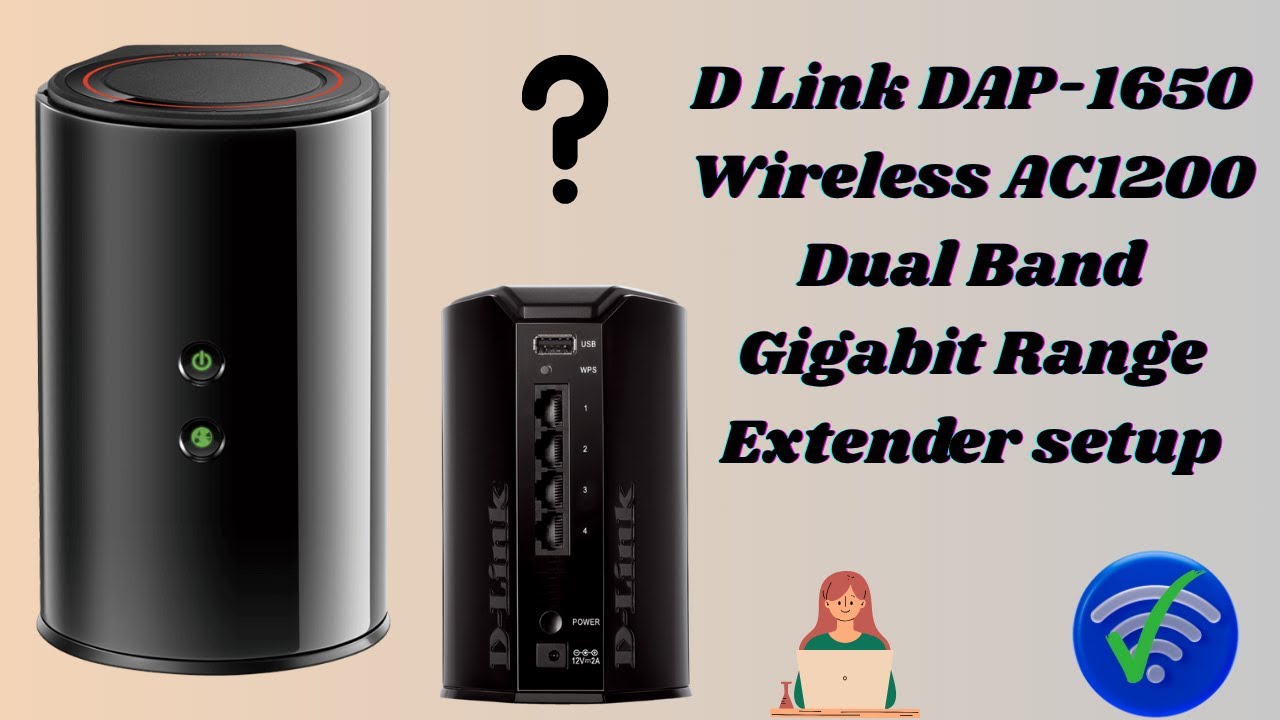
Credit: www.youtube.com
When To Seek Professional Help
Persistent connectivity problemswith your dual band WiFi extender can be very frustrating. Troubleshooting steps may fail to fix the issue. It is important to know when professional help is needed. Experts can diagnose complex issues quickly and offer reliable solutions.
Sometimes, the extender’s hardware may be faulty or outdated. A professional can suggest hardware replacement optionsthat match your network needs. This includes newer extenders or upgraded routers. Replacing hardware might improve signal strength and stability.
- Check if the extender frequently disconnects or won’t connect at all.
- Look for signs of physical damage or overheating on the device.
- Seek help if software updates and resets don’t work.
- Consider replacing old extenders with more modern models.

Credit: www.youtube.com
Frequently Asked Questions
Why Won’t My Dual Band Wifi Extender Connect?
Your extender may be out of range or incorrectly configured. Check the distance from the router and ensure proper settings. Restart both devices and try reconnecting.
How To Fix Dual Band Wifi Extender Connection Issues?
Restart your extender and router. Verify SSID and password accuracy. Update the extender’s firmware. Also, reduce interference by placing it away from other electronics.
Can Interference Cause Wifi Extender Connection Problems?
Yes, devices like microwaves and cordless phones can disrupt signals. Position your extender in an open area away from such electronics for better connectivity.
Does Dual Band Frequency Affect Extender Connection?
Yes, 2. 4 GHz covers longer distances but slower speeds. 5 GHz offers faster speed but shorter range. Choose the band that suits your coverage needs.
Conclusion
Troubles with your dual band WiFi extender can feel frustrating. Simple checks often solve the problem fast. Make sure the extender is close to your router. Confirm the network name and password match exactly. Restarting both devices can clear temporary glitches.
Keep your extender’s firmware up to date. These steps usually restore a strong connection. Stay patient and try each fix carefully. Reliable WiFi is possible with a little effort. Your internet should work smoothly again soon.


