Are you struggling with weak Wi-Fi spots in your home? You’ve invested in Tp-Link Deco nodes, but still don’t get the smooth, fast connection you expected.
The secret isn’t just in having the right equipment—it’s all about placing your Deco nodes in the best spots. Where you put them can make or break your whole network’s performance. Keep reading to discover simple, effective tips that will help you unlock the full power of your Tp-Link Deco system and enjoy seamless Wi-Fi everywhere you need it.

Credit: www.reddit.com
Tp-link Deco System Basics
The Tp-Link Deco system is a mesh WiFi setup. It uses multiple nodes to spread WiFi signals.
This system helps cover large homes or offices with strong internet. It replaces a single router with many connected devices.
How Deco Nodes Work
Deco nodes connect to each other to form one network. Each node acts like a small router.
The nodes share the internet signal and pass it along. This way, WiFi reaches every corner of your space.
- One node connects to your modem
- Other nodes connect wirelessly or by cable
- All nodes use the same network name
- Devices switch nodes automatically for best signal
Benefits Of Mesh Wifi
Mesh WiFi like Tp-Link Deco gives better coverage than one router. It helps reduce dead zones in your home.
It also lets many devices connect without slowing down the internet. The system manages traffic to keep speeds steady.
- Strong WiFi in every room
- Simple network setup and management
- One network name for all devices
- Automatic switching to the best node
- Works well with many WiFi devices
Ideal Locations For Deco Nodes
Setting up Deco nodes correctly helps you get the best Wi-Fi coverage. The right spots keep your connection strong and steady. Let’s explore where to place your Deco nodes for top performance.
This guide covers three key points: centralized positioning, avoiding obstructions, and distance between nodes. Each is important for a smooth network.
Centralized Positioning
Place your main Deco node near the center of your home. This helps the signal reach all rooms evenly. Avoid putting it in a corner or behind large furniture.
Try to position secondary nodes where the main node’s signal is still strong. This creates a strong mesh network with fewer dead zones.
Avoiding Obstructions
Obstacles like walls, metal objects, and appliances block Wi-Fi signals. Keep Deco nodes away from these to maintain a clear path for signals.
- Do not place nodes inside cabinets or behind TVs.
- Keep nodes away from microwaves and cordless phones.
- Avoid thick walls made of concrete or brick.
- Place nodes on open shelves or high surfaces.
Distance Between Nodes
Keep Deco nodes not too close and not too far. Proper spacing ensures a stable connection between nodes.
| Node Type | Recommended Distance |
| Main to Secondary | 30 to 50 feet (9 to 15 meters) |
| Secondary to Secondary | 20 to 40 feet (6 to 12 meters) |
| Outdoor to Indoor | Within 20 feet (6 meters), if possible |
Room-by-room Placement Tips
Placing Tp-Link Deco nodes correctly improves your Wi-Fi coverage. Each room needs a different setup.
This guide helps you place nodes in key rooms. Follow simple tips for the best signal.
Living Room Setup
Put a Deco node in the living room center. This room often has many devices connected.
Avoid placing the node near thick walls or metal objects. Keep it elevated for better reach.
- Place node on a shelf or table
- Keep away from TVs or large electronics
- Near where people use Wi-Fi most
Bedroom Considerations
Bedrooms need a steady signal for phones and smart devices. Place nodes near the room entrance.
Avoid placing nodes inside closets or behind furniture. These block the signal and lower speed.
- Use a bedside table or desk spot
- Keep nodes in open spaces
- Consider a second node if the bedroom is large
Home Office Placement
Put a Deco node close to your desk or work area. This gives fast and stable internet for work.
Avoid placing the node under the desk or behind metal filing cabinets. Keep the path clear.
- Place node on the desk or nearby shelf
- Keep it away from printers and other electronics
- Use wired connection if possible for best speed
Basement And Outdoor Nodes
Basements often have weak signals. Place nodes near stairs or open spaces for better coverage.
Outdoor nodes need weatherproof placement. Use covered spots close to doors or windows.
- Keep basement nodes off the floor
- Place outdoor nodes under eaves or porch roofs
- Use Ethernet backhaul if possible for outdoor nodes

Credit: www.reddit.com
Common Placement Mistakes
Placing Tp-Link Deco nodes correctly is important for a strong Wi-Fi signal. Mistakes can cause slow internet or dead zones. Avoid these common errors to get better coverage.
This guide explains three frequent mistakes and how they affect your network performance.
Placing Nodes Too Far Apart
One big mistake is placing nodes too far from each other. The signal weakens over long distances. This causes slow speeds and connection drops.
- Keep nodes within 30 feet indoors for best results.
- Place nodes where they can “see” each other without many walls in between.
- Avoid placing nodes at the edge of your home or too close to windows.
Interference From Electronics
Many devices create signals that interfere with your Wi-Fi. Electronics like microwaves, cordless phones, and baby monitors cause problems.
| Device | Type of Interference | Placement Advice |
| Microwave Oven | Radio waves near 2.4 GHz | Keep Deco nodes away from kitchen areas |
| Cordless Phone | Signal overlap with Wi-Fi | Place nodes far from phone base stations |
| Baby Monitor | Wireless signal interference | Avoid placing nodes near baby monitors |
Ignoring Building Materials
Walls and floors affect Wi-Fi signals. Some materials block signals more than others. Ignoring this can cause weak connections.
- Concrete and brick walls reduce signal strength a lot.
- Metal surfaces reflect or block Wi-Fi signals.
- Glass and wood allow better signal pass-through.
- Place nodes in open spaces, not behind thick walls.
Optimizing Signal Strength
Placing your Tp-Link Deco nodes correctly is key to a strong Wi-Fi signal. Good placement helps cover your whole home with fast internet.
Use tools and settings in the Deco system to find the best spots for your nodes. This improves speed and reduces dead zones.
Using Deco App Features
The Deco app helps you find the best node placement. It shows signal strength and device connections in real time.
- Run the network map to see node coverage.
- Use the signal test to check each node’s strength.
- Adjust nodes based on app suggestions for better coverage.
- Monitor device connection quality for troubleshooting.
Firmware Updates
Keep your Deco nodes up to date. Firmware updates fix bugs and improve Wi-Fi performance.
| Update Type | Benefits |
| Security Patch | Protects your network |
| Performance Update | Improves speed and stability |
| Feature Upgrade | Adds new functions |
Adjusting Node Channels
Changing Wi-Fi channels reduces interference. This can improve signal strength and speed.
Try these tips to adjust channels:
- Open the Deco app and go to Wi-Fi settings.
- Check for crowded channels using the app’s scan tool.
- Switch to a less busy channel manually.
- Test your internet speed after changes.
Advanced Placement Strategies
Placing your TP-Link Deco nodes correctly is important. It ensures strong and reliable internet throughout your home.
Advanced placement strategies help you get the best performance from your network. Consider your home layout and existing equipment.
Multi-story Home Layouts
Multi-story homes need careful planning. Place nodes on each floor for even coverage.
Avoid placing nodes directly above or below each other. This can weaken the signal strength.
- Place nodes near staircases for better signal transition
- Avoid thick walls that block signals
- Use open areas to maximize coverage
Integration With Existing Routers
Integrate Deco nodes with your current router for better network performance. Place the main Deco node near your existing router.
This setup allows a smooth handoff between devices and maintains strong signals.
- Ensure your router and Deco are not too close to avoid interference
- Keep both devices in a central location
- Use the same SSID for a seamless experience
Using Ethernet Backhaul
Ethernet backhaul improves the Deco system’s performance. It connects nodes using cables instead of wireless signals.
This method reduces wireless interference and boosts speed. Use Ethernet cables for nodes far from the main router.
- Run cables through walls for a cleaner look
- Use existing Ethernet ports if available
- Check cable length to ensure a proper fit
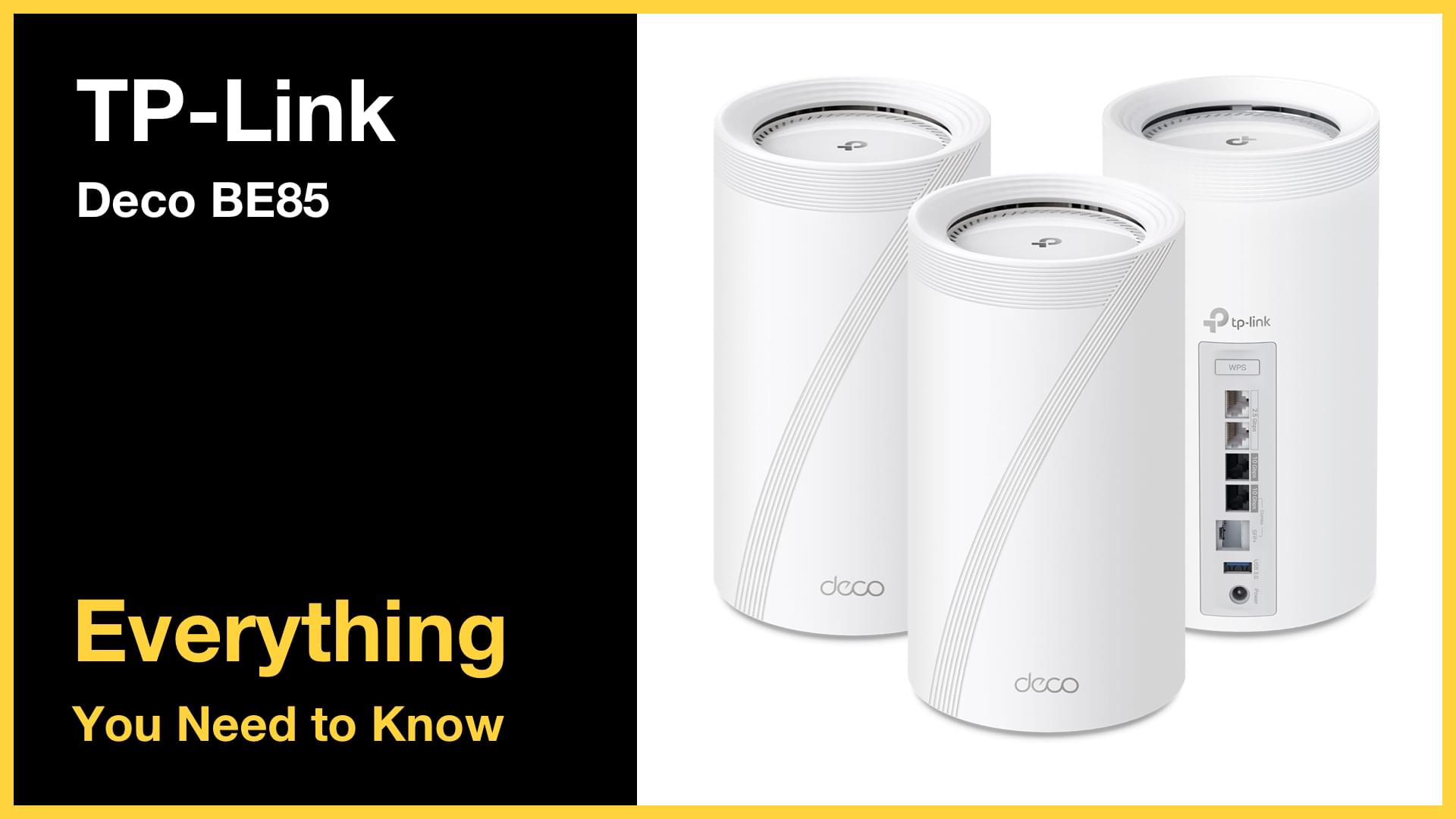
Credit: bikmantech.com
Frequently Asked Questions
Where Should I Place Tp-link Deco Nodes For Best Coverage?
Place Tp-Link Deco nodes centrally in open areas, away from walls and metal objects. Ensure nodes are within range of each other for stable connections and avoid interference from microwaves or cordless phones.
How Many Tp-link Deco Nodes Are Needed For Large Homes?
For large homes, use at least three Tp-Link Deco nodes. Position nodes on different floors and far rooms to ensure seamless Wi-Fi coverage throughout the house.
Can Tp-link Deco Nodes Work Through Walls And Floors?
Yes, Tp-Link Deco nodes can work through walls and floors but signal strength may reduce. Position nodes strategically to minimize obstacles for optimal Wi-Fi performance.
Is It Better To Place Deco Nodes High Or Low?
Place Deco nodes at a higher position, like on shelves or walls. Higher placement reduces interference and improves wireless signal range and quality.
Conclusion
Placing Tp-Link Deco nodes well improves your Wi-Fi signal and speed. Keep nodes close enough to connect but not too close to overlap signals. Avoid walls and metal objects that block the signal. Test different spots to find the best coverage in your home.
Good placement helps all devices work better and keeps your connection strong. Simple steps can make a big difference in your Wi-Fi experience.