Struggling with slow WiFi or dead zones at home? You don’t need to spend a fortune to get strong, reliable coverage everywhere.
With the right budget mesh WiFi tips and tricks, you can boost your network without breaking the bank. Imagine streaming, gaming, and working from any room without interruptions. Ready to learn how to make your WiFi faster and smarter? Keep reading, and you’ll discover simple, effective ways to upgrade your home network today.
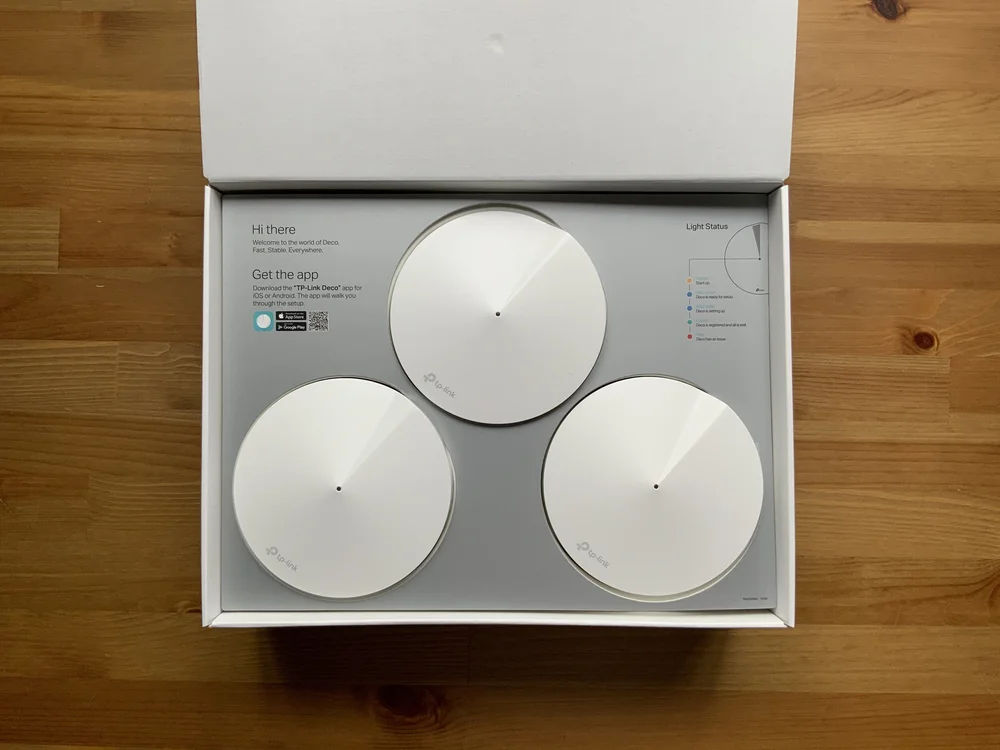
Credit: evanmccann.net
Choosing Affordable Mesh Wifi
Mesh wifi systems help cover large areas with strong internet signals. Choosing an affordable mesh wifi saves money and improves coverage.
Look for the right features and brands to get good value. This guide helps you pick the best budget mesh wifi for your needs.
Key Features To Look For
Check the wifi speed and range to suit your home size. Look for easy setup and good app control for simple management.
Make sure the system supports enough devices for your household. Security features like automatic updates help keep your network safe.
- Strong wifi speed and wide coverage
- Easy installation and user-friendly app
- Support for many connected devices
- Regular security updates
- Compatibility with your internet provider
Top Budget Brands
Several brands offer budget mesh wifi with good performance. They balance cost and quality for everyday use.
- TP-Link: Known for affordable and reliable systems
- Netgear: Offers budget options with good coverage
- Google Nest Wifi: Simple setup and decent price
- Tenda: Low cost with basic features
- Amazon eero: Easy to use with competitive prices
Comparing Price And Performance
Compare prices by looking at how much coverage and speed you get. A higher price may mean better speed or extra features.
Read reviews to see real user experiences. Sometimes a cheaper system meets your needs without extra costs.
| Brand | Price Range | Max Speed | Coverage Area | Number of Units |
|---|---|---|---|---|
| TP-Link Deco | $100 – $200 | Up to 1200 Mbps | Up to 5,500 sq ft | 2-3 |
| Netgear Orbi | $150 – $250 | Up to 1750 Mbps | Up to 6,000 sq ft | 2-3 |
| Google Nest Wifi | $150 – $300 | Up to 2200 Mbps | Up to 4,400 sq ft | 2-3 |
| Tenda Nova | $80 – $150 | Up to 1200 Mbps | Up to 4,500 sq ft | 2-3 |
| Amazon eero | $120 – $250 | Up to 1300 Mbps | Up to 5,000 sq ft | 2-3 |
Placement Strategies For Better Coverage
Good placement of your mesh wifi nodes helps cover your entire home with strong signal. This guide shares simple tips to improve your network.
Correct node placement reduces dead spots and keeps your internet fast and steady throughout your space.
Ideal Node Locations
Place nodes in open areas away from thick walls or metal objects. These block signals and lower your wifi strength.
- Put the main node near your modem in a central spot.
- Set other nodes on different floors if you have a multi-story home.
- Keep nodes at least one room apart to spread coverage evenly.
- Avoid placing nodes near microwaves or cordless phones.
Avoiding Interference Zones
Electronic devices and thick surfaces can cause wifi interference. Stay clear of these to keep your mesh network stable.
| Interference Source | Effect on Wifi |
| Microwaves | Signal disruption during use |
| Bluetooth Devices | Signal overlap causing slow speeds |
| Thick Walls (concrete, brick) | Signal weakening and loss |
| Metal Objects | Signal reflection and blockage |
Balancing Range And Speed
Find the right balance between node distance and signal quality. Too far lowers speed; too close wastes coverage.
- Place nodes within 30 to 50 feet of each other for best speed.
- Test signal strength using your mesh app after setup.
- Adjust nodes slightly to fix weak spots or slow zones.
- Use higher nodes placement like shelves for better range.
Optimizing Network Settings
Getting the best from your budget mesh WiFi means tuning your network settings. Small changes can improve speed and reduce interference.
Focus on the right settings to keep your devices connected and working well without extra cost.
Choosing The Right Channel
Selecting the best WiFi channel lowers interference from neighbors. This step helps your network run smoothly.
- Use a WiFi analyzer app to find free channels.
- Pick channels 1, 6, or 11 on 2.4 GHz for less overlap.
- Switch channels if your connection slows down.
- Check channels often, as neighbors’ networks change.
Enabling Qos For Priority Devices
Quality of Service (QoS) lets you choose which devices get faster speeds. This is useful for work, gaming, or streaming.
| Device Type | Priority Level | Reason |
| Work Laptop | High | Needs stable connection for calls and files |
| Smart TV | Medium | Streams video without buffering |
| Phone | Low | Used mostly for browsing and social media |
Using Guest Networks Wisely
Guest networks keep visitors separate from your main devices. Use them to protect your data and keep speeds steady.
- Limit guest network access to internet only.
- Set a simple but secure password.
- Turn off guest access when not needed.

Credit: www.pcmag.com
Saving Money On Setup And Maintenance
Setting up a mesh WiFi system on a budget is possible with smart choices. You can save money by doing some tasks yourself and keeping your equipment in good shape.
Proper care and updates help avoid extra costs later. Here are some tips and tricks to keep your mesh WiFi running well without spending too much.
Diy Installation Tips
Installing your mesh WiFi system yourself cuts down on setup fees. You only need some basic tools and a bit of time to get started.
- Read the manual carefully before beginning the setup.
- Place nodes in open spaces for better signal spread.
- Use existing cables and power outlets to avoid extra buys.
- Test your network after placing each node to find the best spots.
- Use free apps from your device maker to guide the installation.
Firmware Updates And Security
Keep your mesh WiFi devices updated to avoid security problems and bugs. Regular updates help your system work well and last longer.
| Update Tip | Why It Saves Money |
| Schedule updates during low use | Prevents slowdowns and extra support calls |
| Enable automatic updates | Ensures timely fixes without manual work |
| Use strong passwords after updates | Avoids costly security breaches |
| Check manufacturer’s website for news | Finds early warnings and solutions |
Extending Equipment Lifespan
Taking care of your mesh WiFi devices means you replace them less often. Simple habits keep your gear working longer and reduce repair costs.
- Keep devices in cool, dry places away from direct sunlight.
- Clean your devices gently to avoid dust buildup.
- Unplug devices during storms to prevent damage.
- Use surge protectors to guard against power spikes.
- Restart your system regularly to maintain performance.
Boosting Speed Without Extra Costs
Mesh WiFi systems can help cover your home with strong internet. You do not need to spend more money to make your network faster.
Simple changes can reduce delays and improve your WiFi speed. These tips work well for budget mesh WiFi setups.
Reducing Device Load
Too many devices using WiFi at once can slow down your network. Turn off devices not in use to free up bandwidth.
Keep only important devices connected. This helps your mesh WiFi focus on fewer devices and speed up connections.
- Disconnect devices not needed
- Limit smart home devices during heavy use
- Restart devices to clear network issues
Utilizing Ethernet Backhaul
Use Ethernet cables to connect mesh WiFi units when possible. This reduces wireless interference and boosts speed.
Ethernet backhaul helps data move faster between mesh points. It also frees wireless signals for your devices.
- Connect mesh nodes with Ethernet cables
- Place cables away from power cords to avoid noise
- Use existing home wiring if available
Managing Bandwidth-hungry Apps
Apps like video streaming and online games use a lot of bandwidth. Limit their use during busy times to keep WiFi fast.
Set quality limits on streaming apps or pause downloads. This helps keep your internet speed stable for all devices.
- Lower video quality in streaming apps
- Schedule large downloads for off-peak hours
- Close apps not in use on devices
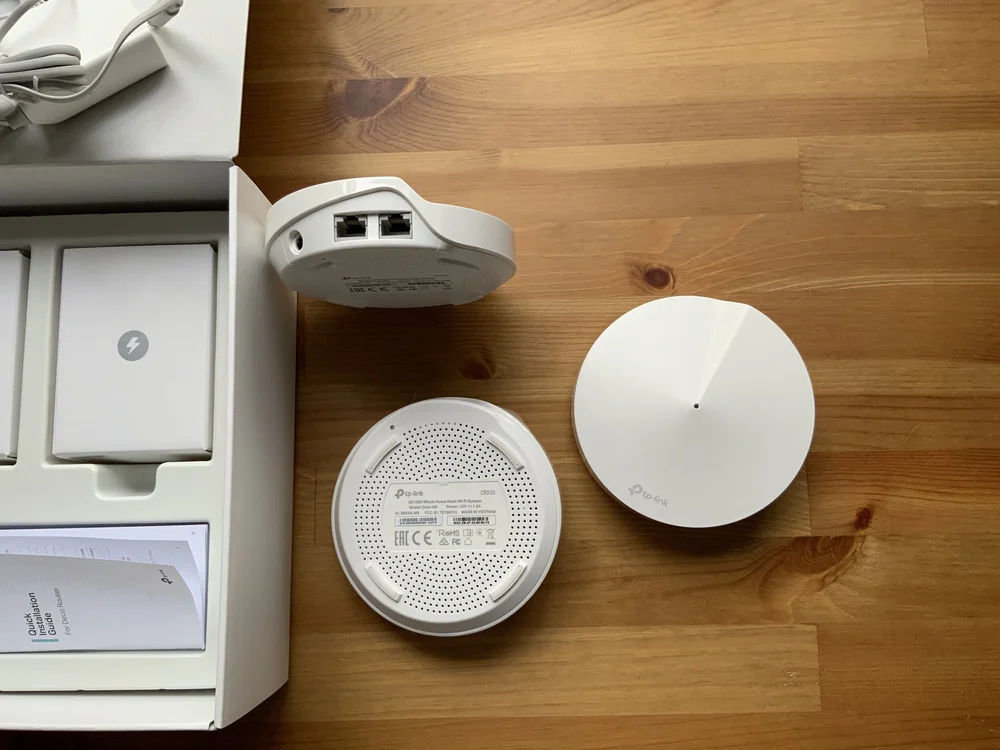
Credit: evanmccann.net
Frequently Asked Questions
What Is Budget Mesh Wifi And How Does It Work?
Budget mesh WiFi uses multiple affordable nodes to extend WiFi coverage. It creates a seamless network by connecting these nodes wirelessly or via Ethernet. This setup improves signal strength in large or multi-story homes without costly equipment.
How To Optimize Placement Of Budget Mesh Wifi Nodes?
Place mesh nodes centrally and away from obstructions like walls and metal objects. Keep nodes within range of each other for strong connections. Avoid placing nodes near microwaves or cordless phones to reduce interference and improve network performance.
Can Budget Mesh Wifi Support Multiple Devices Efficiently?
Yes, budget mesh WiFi supports many devices simultaneously. It balances traffic among nodes to reduce congestion. This provides stable connections for streaming, gaming, and video calls without significant speed drops.
Are Budget Mesh Wifi Systems Easy To Install?
Most budget mesh WiFi systems are user-friendly with simple app-guided setup. They require minimal technical knowledge and usually involve plugging in nodes and following on-screen instructions. This makes them ideal for non-experts.
Conclusion
Budget mesh WiFi can improve your home internet without high costs. Small changes in placement make a big difference. Choosing the right device fits your needs and budget. Regular updates keep your system running smoothly. Test signal strength to find weak spots quickly.
Enjoy faster, more reliable WiFi all around your home. Simple steps bring better internet to everyone. Keep these tips in mind for a strong network. Your budget WiFi setup can work well and save money.