Are you wondering if your budget router can handle the speed and power of fiber internet? You’ve invested in fast fiber service, but does your current router keep up or slow you down?
Choosing the right router can make a huge difference in your online experience—whether you’re streaming, gaming, or working from home. You’ll discover what really matters when pairing a budget router with fiber internet and how to make sure your setup delivers the speed and reliability you expect.
Keep reading to find out if your router is holding you back or if it’s up to the task.
Fiber Internet Basics
Understanding fiber internet starts with knowing its basics. Fiber internet delivers data using thin strands of glass or plastic called fiber-optic cables. These cables carry light signals, which transmit information at very high speeds. This technology offers faster and more reliable connections than traditional internet types.
Fiber internet is becoming popular in many areas. It supports heavy internet use, such as streaming, gaming, and video calls. Knowing how fiber works and what it needs helps in deciding if a budget router can handle it well.
How Fiber Internet Works
Fiber internet sends data as pulses of light through thin cables. These light signals travel very fast and do not lose strength easily. This allows large amounts of data to move quickly over long distances.
The cables use glass or plastic fibers, which are thinner than human hair. The light inside these fibers bounces internally, keeping the signal strong. This method is much faster and more stable than copper wires or wireless signals.
Requirements For Fiber Connections
Fiber internet needs special equipment to work correctly. A fiber modem or ONT (Optical Network Terminal) converts light signals to data your devices understand. Without this, your router cannot connect to the fiber network.
Not all routers support fiber internet directly. Some require a connection through an ONT device. The router must handle high speeds and advanced settings to work well with fiber.
Fiber connections also need proper cabling and installation. The fiber cable must reach your home or building. Technicians install the cables and equipment to ensure a strong connection.
Credit: medium.com
Budget Routers Explained
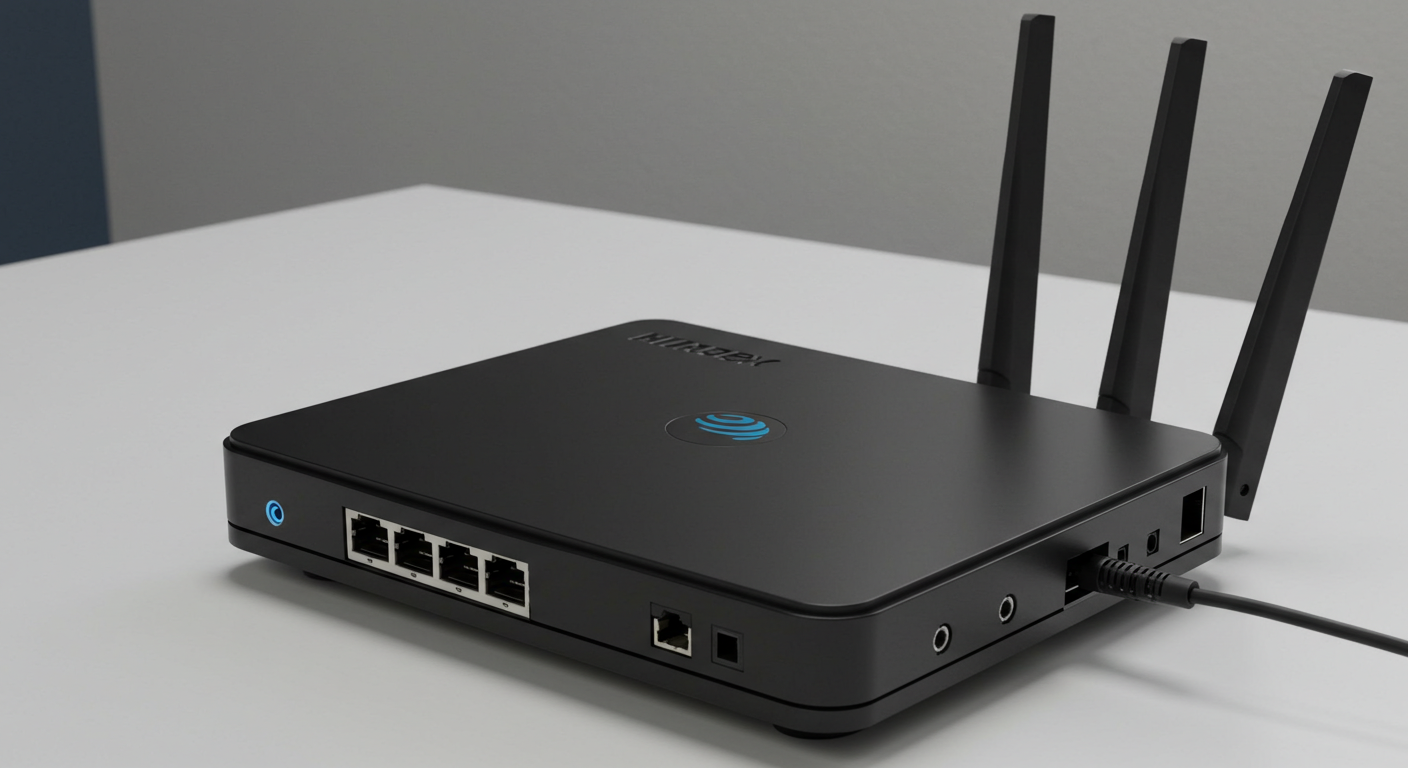
Budget routers offer a cost-effective way to connect to the internet. They provide basic networking features at a lower price point. These routers are popular among users with simple internet needs. Understanding what budget routers include helps decide if they suit fiber internet.
Common Features Of Budget Routers
- Basic Wi-Fi standards like 802.11n or 802.11ac
- Single or dual-band frequency support
- Limited Ethernet ports, usually 4 or fewer
- Simple setup with user-friendly interfaces
- Basic security options such as WPA2 encryption
- Standard range suitable for small to medium homes
Limitations To Consider
- Lower maximum speeds compared to high-end routers
- Limited support for multiple devices at once
- Fewer advanced features like QoS or MU-MIMO
- Basic antennas may reduce Wi-Fi range and strength
- Less frequent firmware updates and support
- May struggle with very high-speed fiber connections
Compatibility Factors
Understanding compatibility is crucial for using a budget router with fiber internet. Fiber internet needs specific components to function properly. Let’s explore how these components interact and what you need to know.
Modem Vs Router Roles
Modems and routers perform different tasks in a network. A modem connects your home to the internet service provider. It translates signals from your provider into data your devices use. Routers, on the other hand, distribute this data to your devices. For fiber internet, a modem isn’t needed. Instead, you use an Optical Network Terminal (ONT).
Fiber Ont And Router Interaction
The ONT is essential for fiber internet. It acts like a modem for fiber connections. It receives light signals and converts them into data. This data is then passed to your router. The router distributes this data across your home network. Ensure your budget router can handle the speed your fiber connection offers. Also, check if your router has the right ports for an ONT connection. Compatibility here ensures seamless internet use.
Credit: www.orangehardwares.com
Performance Expectations
Performance expectations define how well a budget router handles fiber internet. Fiber connections deliver fast speeds and low latency. Budget routers often have limits that affect these key factors. Understanding their capabilities helps in choosing the right device for your fiber setup.
Speed And Bandwidth Handling
Budget routers may struggle with very high fiber speeds. They often have older Wi-Fi standards or slower processors. This can cap the maximum speed your devices receive. Bandwidth-heavy activities like streaming or gaming might slow down. Multiple devices connected simultaneously can also reduce speed. Check the router’s specs for maximum supported speed. Look for models with at least Wi-Fi 5 or better for fiber internet.
Latency And Stability Issues
Low latency is a key benefit of fiber internet. Budget routers sometimes introduce extra delay. This happens due to weaker hardware or poor signal management. Stability can also be an issue with many connected devices. Interruptions and dropped connections may occur more often. Choosing a router with good internal antennas helps. Firmware updates can improve stability and reduce latency. Still, expect some performance compromise compared to higher-end routers.
Setup Tips For Budget Routers
Setting up a budget router for fiber internet can be a bit different from traditional connections. Your goal is to get the most reliable and fast connection without overspending. Paying attention to key setup details can make a big difference in your internet experience.
Configuring For Fiber Connections
Fiber internet often requires specific settings on your router. Start by checking if your router supports VLAN tagging, as many fiber providers use this for traffic management.
Access your router’s admin panel through a web browser, usually by typing the IP address like 192.168.1.1. Look for settings related to WAN or Internet setup and enable VLAN if necessary.
- Set the VLAN ID as provided by your ISP.
- Choose the correct connection type, often PPPoE or DHCP.
- Enter your ISP login details if required.
Without these steps, your router might not communicate properly with the fiber network, causing slow speeds or no connection at all. Have you ever faced a connection that wouldn’t establish until you found a hidden setting?
Firmware Updates And Security
Many budget routers ship with outdated firmware, which can limit performance and security. Checking for updates is crucial right after setup.
Visit the manufacturer’s website or use the router’s admin panel to find the latest firmware version. Updating firmware can fix bugs, improve compatibility with fiber, and close security holes.
- Set your router to check for updates regularly if possible.
- Change default admin passwords immediately to protect your network.
- Enable automatic security patches if your router supports it.
Keeping your router up to date is like tuning a car for better performance—it’s simple but effective. Are you confident your current router firmware is protecting your home network?
When To Upgrade Your Router
Knowing when to upgrade your router can save you from slow internet and frustrating buffering, especially if you’re using fiber internet. Your current budget router might handle basic tasks, but fiber connections demand more from your hardware. Recognizing the right moment to switch can help you enjoy the full speed and reliability that fiber promises.
Signs Of Router Bottleneck
You might notice your internet feels slower than it should, even though your fiber plan promises blazing speeds. Lagging video calls, long buffering times, and slow downloads could mean your router is the weak link. If multiple devices struggle to stay connected or your router heats up quickly, these are red flags.
Another clear sign is when your router’s Wi-Fi standards are outdated. For example, if it supports only 802.11n or older, it won’t handle gigabit fiber speeds well. Have you ever tried streaming 4K video only to see it pause repeatedly? That’s often a bottleneck caused by the router.
Choosing A Fiber-friendly Router
Selecting the right router for fiber internet means looking beyond price tags. Focus on routers that support the latest Wi-Fi standards, like Wi-Fi 5 (802.11ac) or Wi-Fi 6 (802.11ax). These models handle higher speeds and more devices without breaking a sweat.
Also, check if the router has a Gigabit Ethernet port. This ensures your wired devices can access fiber speeds without being slowed down. Features like Quality of Service (QoS) let you prioritize video streaming or gaming, making your connection smarter and smoother.
- Look for dual-band or tri-band routers to reduce congestion.
- Consider routers with strong antennas or mesh systems for better coverage.
- Read reviews from users with fiber internet to see real-world performance.
Upgrading your router isn’t just about speed; it’s about making your internet experience consistent and reliable. What’s one frustration you’ve had with your current setup that you wish could be fixed?
Common Misconceptions
Many people hesitate to use budget routers with fiber internet because of some common misconceptions. These myths often lead to unnecessary spending or confusion about what equipment is truly needed. Let’s clear up these misunderstandings and help you make an informed choice.
Budget Routers Can’t Handle Fiber
A lot of users believe that a cheap router will slow down their fiber internet or won’t support it at all. That’s not always true. Many budget routers today support gigabit speeds, which is enough for most fiber connections.
What really matters is the router’s specifications—not its price tag. Check for features like gigabit Ethernet ports and dual-band Wi-Fi support. If your fiber plan offers 500 Mbps or 1 Gbps, a budget router with these features can handle it without issues.
I once switched to a budget router after my expensive one broke. To my surprise, my fiber internet speeds stayed almost the same. It proved that spending more doesn’t always mean better performance.
Fiber Internet Requires Expensive Gear
There’s a belief that fiber internet needs special, costly equipment to work properly. The truth is fiber providers usually supply an Optical Network Terminal (ONT) that handles the fiber signal conversion. Your router just needs to connect to this device.
Many people think they must buy a high-end router from their ISP or third parties. But you can often use any compatible router, including budget-friendly options, as long as it supports the connection type (usually Ethernet WAN).
Ask yourself: Are you paying for features you really need? Sometimes, routers with fancy extras don’t improve your internet experience. Focus on compatibility and basic performance instead of flashy add-ons.

Credit: www.youtube.com
Frequently Asked Questions
Can A Budget Router Handle Fiber Internet Speeds?
Yes, some budget routers support fiber speeds but may limit maximum performance. Check for gigabit Ethernet ports and compatible standards like Wi-Fi 5 or 6 to ensure smooth fiber internet use.
Will A Budget Router Affect Fiber Internet Reliability?
A budget router can impact stability if it lacks quality components. For consistent fiber internet, choose routers with good reviews for reliability and firmware updates.
Do Budget Routers Support Fiber Internet Setup Easily?
Most budget routers support fiber internet but might need manual configuration. Ensure the router can handle PPPoE or dynamic IP settings required by your fiber ISP.
Is Upgrading From A Budget Router Necessary For Fiber?
If your budget router can’t handle gigabit speeds or drops connections, upgrading is wise. A better router ensures full fiber internet benefits and improved Wi-Fi coverage.
Conclusion
A budget router can handle fiber internet in many cases. Speed and coverage depend on the router’s quality. Some budget routers work well for basic needs. For heavy use, a higher-end router might help. Check the router’s specs before buying.
Match your internet speed to avoid slowdowns. Choose a device that fits your home size. Simple setups often work fine with budget routers. Think about future needs, too. A good router keeps your connection stable and fast.