Have you ever wondered if your router can keep up when you connect 100 smart devices? From phones and laptops to smart lights and security cameras, your home or office might be packed with gadgets hungry for a strong, steady internet connection.
But can one router really handle all that traffic without slowing down or dropping connections? Keep reading, because understanding how your router works and what it can handle could save you from frustrating slowdowns and unexpected outages. Let’s dive into what you need to know to keep every device running smoothly.
Router Capacity Basics
Routers are made to share internet with many devices at once. Each device needs a small part of the router’s power to work well. The router uses a system to handle all these connections smoothly. This system makes sure every device can send and get data without waiting too long.
The number of devices a router can handle depends on many things. The router’s technology is one big factor. Newer routers often support more devices than older ones. The internet speed also matters. Faster internet helps many devices work better together.
Other factors include the type of devices connected and the activities they do. Streaming videos or playing games use more power than just browsing websites. The size of the home and the router’s signal strength also affect performance. A strong signal reaches more devices easily.

Credit: www.reddit.com
Types Of Routers For Multiple Devices
Home routersare built for small networks. They handle fewer devices, usually under 20. These routers work well for typical families and small offices. Enterprise routerssupport many devices, often 100 or more. They offer stronger signals and better security.
Mesh network systemsuse multiple devices spread around the house. This setup helps cover large areas with strong Wi-Fi. Each device talks to others, sharing the internet signal evenly. Mesh systems are good for many smart devices.
Wi-Fi 6improves speed and handles more devices at once. It reduces delays when many devices connect. This technology is best for homes with many smart gadgets. Wi-Fi 6Eadds more channels for less crowded connections.
Performance Challenges With 100 Devices
Managing 100 smart deviceson one router is tough. Each device needs its share of bandwidth. This can cause bandwidth distribution issues. Some devices may get less speed.
Network congestionhappens when many devices send data at once. This slows down the whole network. Streaming videos or playing games may lag.
Latencyrises as the router works harder. This means speed dropsand delays in responses. The router can struggle to keep up.

Credit: www.reddit.com
Optimizing Router Settings
Quality of Service (QoS)lets you control which devices get priority. This helps important devices work better, even if many devices connect at once. Setting QoS ensures smooth video calls and gaming.
- Choose the right channel.Avoid crowded Wi-Fi channels to reduce interference.
- Use tools or apps to find the least busy channel.
- Change channels regularly to keep speed stable.
Keep your router’s firmware updated. Updates fix bugs and improve performance. Check for updates often on the router’s admin page or app.
Alternative Solutions For Large Networks
Using multiple access points helps spread the network load. Each access point supports fewer devices, improving speed. Place access points in different rooms or floors for better coverage. This reduces signal interference and dead zones.
Network segmentation divides devices into smaller groups. Each group uses separate network channels. This lowers traffic and boosts performance. Segmentation can be done by device type or function, like separating work and home devices.
| Connection Type | Advantages | Disadvantages |
|---|---|---|
| Wired |
|
|
| Wireless |
|
|
Real-world Testing Scenarios
Connecting 100 smart devices to a router is a big task. Each device needs a little bit of the router’s power. Routers can become tired with too many connections. They might slow down or stop working. Ensuring smooth operation is essential. Testing helps see how well a router handles this load. Simulating these loads is a good way to check.
It’s important to measure how well the router works. Key metrics include speed and connection stability. Speed tests show how fast data moves. Stability checks if devices stay connected. High loads can cause drops in speed. Sometimes, devices may disconnect. Monitoring these metrics helps find weak spots.
Sometimes routers face issues with too many devices. Common problems include slow speeds and dropped connections. Restarting the router can help. Checking for software updates is another solution. Reducing the number of connected devices might also help. Ensuring proper placement of the router is crucial. It should be in a central location.
Future Trends In Router Technology
Modern routers are improving to support many smart devices at once. Handling 100 devices requires strong signals and fast processing power. Future models focus on better speed and wider coverage for busy homes.
Advancements In Wi-fi Standards
Wi-Fi standards are getting faster. Wi-Fi 6 is a great example. It can handle more devices at once. This means better connectivity for everyone. Wi-Fi 7 is coming soon. It promises even more speed and efficiency. Routers will become smarter and quicker.
Ai-powered Network Management
AI helps manage networks better. It can detect problems faster. Routers with AI can fix issues by themselves. This means less downtime. AI also optimizes the network. It makes sure all devices get the best connection.
Increasing Device Support
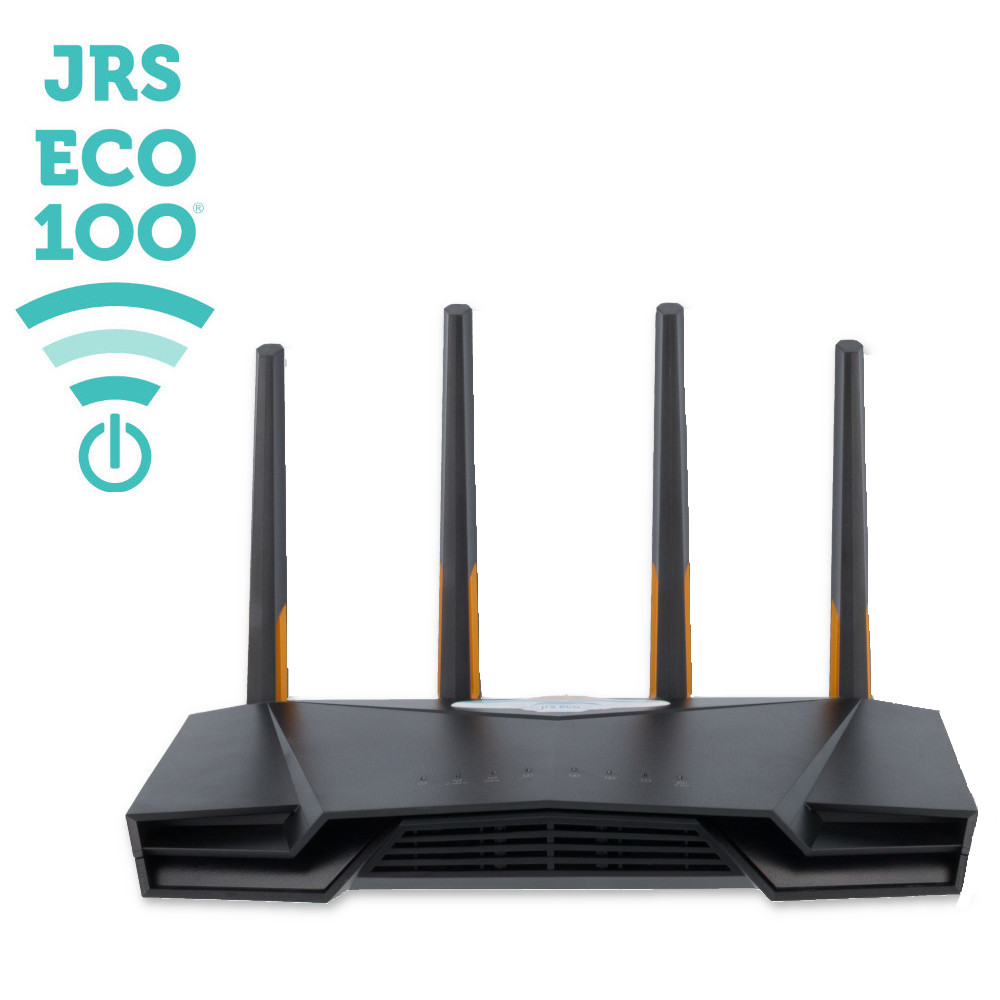
Routers are now supporting more devices. They can manage up to 100 smart devices. This includes phones, tablets, and smart home gadgets. As more devices are added, routers need to work efficiently. New tech ensures they handle this load.
Credit: www.jrseco.com
Frequently Asked Questions
Can A Standard Router Support 100 Smart Devices?
Most standard routers cannot efficiently support 100 smart devices. High device counts demand advanced routers with strong processors and multiple antennas. Specialized routers designed for heavy traffic are better suited for managing many devices simultaneously without performance drops.
What Factors Affect A Router’s Device Handling Capacity?
A router’s capacity depends on its hardware, Wi-Fi standards, and bandwidth. Strong CPUs, ample RAM, and newer Wi-Fi protocols like Wi-Fi 6 increase device support. Network traffic, device types, and distance also influence overall performance and connectivity stability.
How Does Wi-fi 6 Improve Handling Many Devices?
Wi-Fi 6 introduces technologies like OFDMA and MU-MIMO, enabling simultaneous data transmission to multiple devices. This reduces congestion and latency, improving performance. It is designed to handle dense device environments, making it ideal for homes with 100 or more smart devices.
Should I Use Multiple Routers For 100 Smart Devices?
Using multiple routers or mesh Wi-Fi systems can distribute network load effectively. This setup reduces congestion, extends coverage, and improves speeds. It is often recommended when a single router cannot handle the number of connected devices efficiently.
Conclusion
A router’s ability to support 100 smart devices depends on its design. Many standard routers struggle with so many connections at once. High-quality routers with strong processors and good antennas manage this better. Network speed and device type also affect performance.
Splitting devices across multiple routers or using mesh systems helps. Choosing the right router keeps your smart home running smoothly. Always check a router’s capacity before buying. This avoids slow internet and connection drops. Smart device growth means better routers become more important.