Have you ever wished your travel router could do more than just share Wi-Fi? Imagine having a handy device that not only boosts your internet connection but also stores your important files safely.
Sounds convenient, right? If you’re curious whether a travel router can store files and how that might change the way you travel, you’re in the right place. Keep reading to discover the surprising capabilities of travel routers and how they can make your trips easier and more organized.
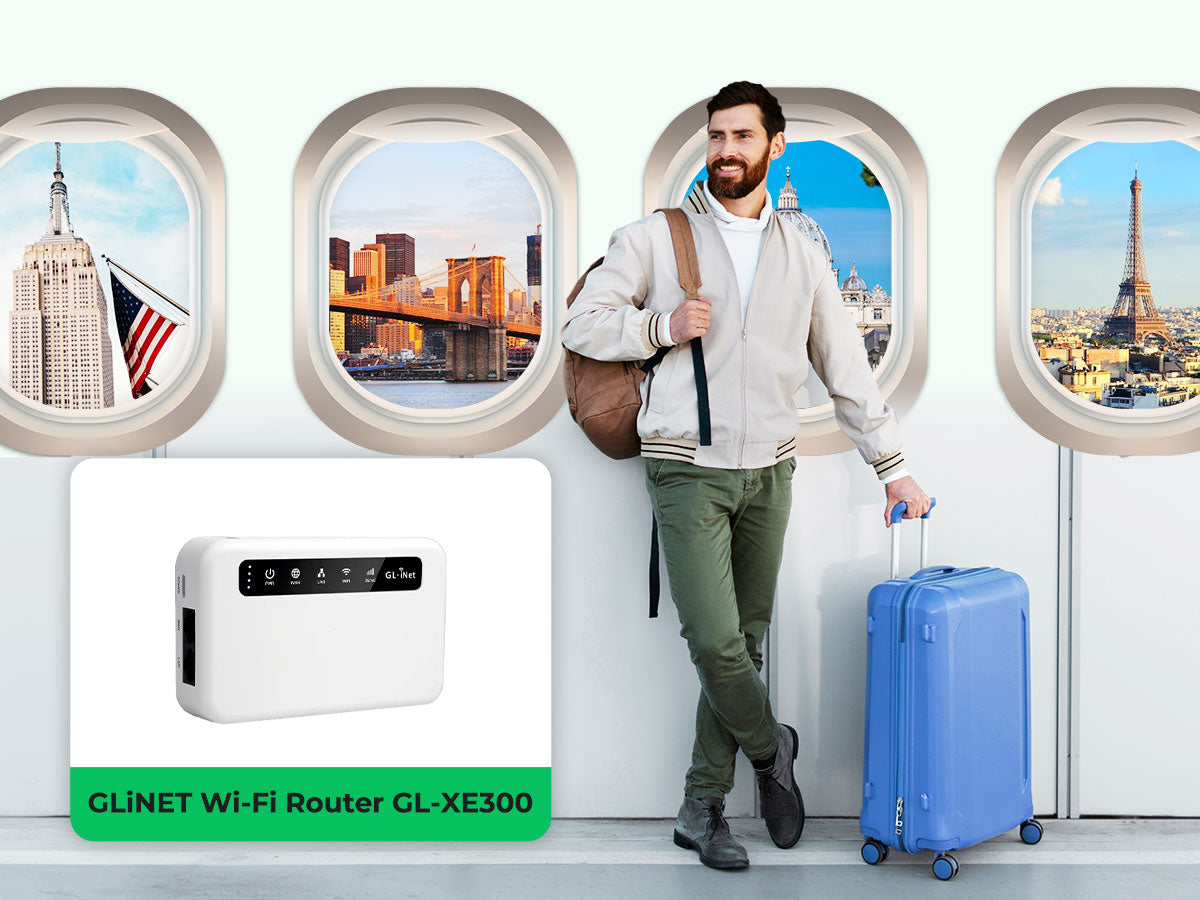
Credit: www.eiotclub.com
What Is A Travel Router?
A travel router is a small, portable device that creates a Wi-Fi network anywhere. It connects to hotel internet, Ethernet, or mobile data and shares it with your devices. This tool is perfect for travelers who want secure and reliable internet access on the go.
Basic Features
- Compact and lightweight design for easy carrying
- Wi-Fi hotspot creation to share internet with multiple devices
- Ethernet port for wired internet connections
- Battery-powered or USB-powered options for flexibility
- Security features like WPA/WPA2 encryption
- Simple setup through web or mobile app interfaces
Common Uses
- Providing secure Wi-Fi in hotels or public places
- Connecting multiple devices to a single internet source
- Sharing internet from Ethernet or mobile hotspots
- Creating a private network for work or entertainment
- Protecting devices with built-in firewall and encryption
Storage Capabilities Of Travel Routers
Understanding the storage capabilities of travel routers can change how you manage files on the go. These compact devices often do more than just share an internet connection—they can act as mini file hubs for your digital life. Knowing what kind of storage options they offer helps you decide if a travel router can double as your portable file server.
Built-in Storage Options
Some travel routers come with built-in storage, usually in the form of internal flash memory. This storage is limited, often ranging from a few hundred megabytes to several gigabytes. While not huge, it’s enough to store essential files like travel documents, maps, or a few media files for offline access.
Having built-in storage means you don’t need extra devices cluttering your bag. It also allows you to quickly share files across connected devices without needing to plug in external drives. However, if you plan to store large amounts of data, this option might feel restrictive.
External Storage Support
Many travel routers support external storage devices such as USB drives or SD cards. This feature significantly expands your storage capacity, letting you carry hundreds of gigabytes of files. You can plug in a USB stick, connect an external hard drive, or insert an SD card and access your files wirelessly.
This flexibility is a game-changer when you travel with multiple gadgets or need to share large files with others. It also means you can back up photos from your camera or transfer movies to your tablet without internet access. Do you carry a USB stick or SD card on your trips? Using them with a travel router can save you from data chaos.
How To Store Files On A Travel Router
Storing files on a travel router is simple and useful. It allows you to carry important documents, photos, and media wherever you go. Travel routers often have USB ports or SD card slots to expand storage. This lets you create a mini cloud accessible by your devices on the go.
Setting up file storage on a travel router involves connecting external drives and accessing files through your network. This section explains how to connect USB drives or SD cards and access stored files easily.
Connecting Usb Drives Or Sd Cards
Find the USB port or SD card slot on your travel router. Insert your USB flash drive or SD card firmly. Most travel routers support FAT32 or NTFS file systems for USB drives. Check your router manual for compatible formats.
After connecting, power on the travel router. The router will detect the storage device automatically. Some routers have a web interface or app to manage connected drives. Use these tools to format or rename the storage if needed.
Accessing Stored Files
Connect your computer, smartphone, or tablet to the travel router’s Wi-Fi. Open a file browser or file manager app. Enter the router’s IP address or network name to access shared files.
Many travel routers offer FTP or SMB sharing protocols. Use these protocols to view, download, or upload files easily. You can stream media or share documents with other devices on the network.
Remember to set a strong password for your router’s file sharing feature. This keeps your files safe from unauthorized access.

Credit: mashable.com
Advantages Of Using A Travel Router For Storage
Using a travel router for storage comes with several practical benefits that can make your trips smoother and more organized. It allows you to carry essential files without relying on multiple devices or bulky storage solutions. This setup is especially helpful when you need quick access to documents, photos, or media while on the move.
Portability And Convenience
Travel routers are compact and lightweight, making them easy to slip into your backpack or carry-on bag. Unlike traditional external hard drives, these devices combine storage and wireless connectivity in one small package.
Imagine being able to access your files anywhere—whether you’re in a hotel, café, or even on a plane with Wi-Fi. You don’t have to worry about carrying extra cables or adapters, as many travel routers support USB drives or SD cards directly. This means your files stay with you without adding bulk.
Secure File Sharing
Travel routers often come with built-in security features that protect your data from unauthorized access. You can set up password-protected networks, ensuring only your trusted devices connect to the shared storage.
Sharing files becomes straightforward and safe, especially if you’re traveling with colleagues or friends. Instead of emailing large files or using public cloud services, you control who accesses your data. Have you ever hesitated to use public Wi-Fi because of security worries? A travel router gives you peace of mind by creating a private network tailored to your needs.
Limitations And Considerations
Travel routers are handy devices for boosting Wi-Fi signals and connecting multiple devices. But can they store files? The short answer is yes, but with some limitations and considerations. While they offer great convenience, it’s essential to understand their constraints to make informed decisions.
Storage Capacity Limits
Most travel routers come with limited internal storage or rely on external USB drives. This can restrict the amount of data you can store. If you’re planning to back up large files, you might need a high-capacity USB drive.
Consider what files you actually need on the go. Do you really need that entire movie library, or will a few episodes suffice?
Speed And Performance Issues
Travel routers often prioritize connectivity over speed. This means file transfers can be slower compared to traditional storage devices. This could be a deal-breaker if you frequently transfer large files.
Have you ever tried downloading a large file over hotel Wi-Fi? You might face similar frustrations with a travel router.
Popular Travel Routers With Storage Features
Travel routers with storage features offer more than just internet sharing. They allow users to store and access files on the go. This makes them ideal for travelers who need a compact device to keep their important data handy. These routers often support USB drives or SD cards, turning them into mini personal clouds.
Many models come with apps or web interfaces for easy file management. They let users stream media, share documents, and back up photos without extra devices. Choosing the right travel router depends on storage options, speed, and ease of use.
Top Models To Consider
- GL.iNet GL-AR750S: Supports USB storage and offers strong Wi-Fi performance.
- TP-Link TL-WR902AC: Compact, with USB port for file sharing and media streaming.
- RAVPower FileHub: Combines travel router and file hub with SD card slot.
- HooToo TripMate Titan: Offers USB and SD card storage, plus power bank features.
- Netgear Nighthawk M1: High-speed router with USB storage support, great for heavy users.
Price And Value Comparison
| Model | Storage Support | Price Range | Key Feature |
|---|---|---|---|
| GL.iNet GL-AR750S | USB drive | $70 – $90 | Dual-band Wi-Fi, OpenWrt support |
| TP-Link TL-WR902AC | USB drive | $40 – $60 | Affordable, compact design |
| RAVPower FileHub | USB & SD card | $50 – $70 | Media streaming, file backup |
| HooToo TripMate Titan | USB & SD card | $60 – $80 | Power bank included |
| Netgear Nighthawk M1 | USB drive | $200 – $300 | High-speed LTE, advanced features |
Tips For Maximizing Travel Router Storage
Maximizing the storage capacity of your travel router can turn it from a simple internet-sharing device into a powerful mobile hub for your files. Whether you’re on a business trip or vacation, managing your stored data efficiently ensures you always have what you need at your fingertips. Here are some practical tips to help you get the most out of your travel router’s storage capabilities.
File Management Best Practices
Start by organizing your files into clear folders. Group documents, photos, and videos separately to make retrieval quick and hassle-free. Avoid dumping everything into a single folder—it only slows you down when you need to find something fast.
Regularly delete files you no longer need. This frees up space and keeps your storage uncluttered. Setting reminders to clean up your router’s storage every few weeks can prevent it from becoming overwhelmed.
Consider using file compression tools for large files. Compressing videos or bulky documents reduces the space they take, letting you store more without upgrading your hardware. Have you ever found yourself deleting important files just to make room for new ones? Compression can stop that cycle.
Optimizing Security Settings
Securing your travel router’s storage is essential, especially when you carry sensitive files. Start by changing default passwords and using strong, unique ones. This simple step blocks unauthorized access.
Enable encryption options if your router supports them. Encryption protects your data even if someone physically accesses the device. Think about this: would you leave your laptop unlocked in a hotel lobby? Your travel router’s storage deserves the same protection.
Set up guest networks to separate your storage access from public use. This keeps your files safe from casual snooping when sharing Wi-Fi. You can still share internet access without exposing your private data.

Credit: www.theverge.com
Frequently Asked Questions
Can A Travel Router Store Files Directly?
Most travel routers cannot store files directly. They usually act as a network hub. However, some models support USB drives for file sharing across devices.
How Do Travel Routers Share Files With Devices?
Travel routers share files through connected USB storage. They create a local network accessible by Wi-Fi or Ethernet for file access and transfer.
Are Files Safe On A Travel Router’s Storage?
File safety depends on router security features. Strong passwords and encryption are essential. Always use secure connections to protect files on travel routers.
What Types Of Files Can A Travel Router Store?
Travel routers do not store files but share USB drive contents. You can share documents, photos, videos, and other common file types.
Conclusion
A travel router can store files if it has USB or SD card support. This allows easy sharing and access to your data on the go. Not all travel routers offer this feature, so check before you buy. Using a travel router for files can save space on your devices.
It also helps keep your important documents handy while traveling. Simple and useful for travelers who want quick data access. Choose a travel router that fits your file storage needs well.