Are you wondering if your dual band router can keep up with your fiber internet connection? You’re not alone.
Many people face this question when trying to get the best speed and coverage at home. Understanding how your router works with fiber can save you from slow connections and frustrating buffering. You’ll discover the truth about dual band routers and fiber internet, so you can make the right choice for your setup.
Keep reading to unlock the secrets to faster, smoother online experiences.
Credit: www.excitel.com
Dual Band Router Basics
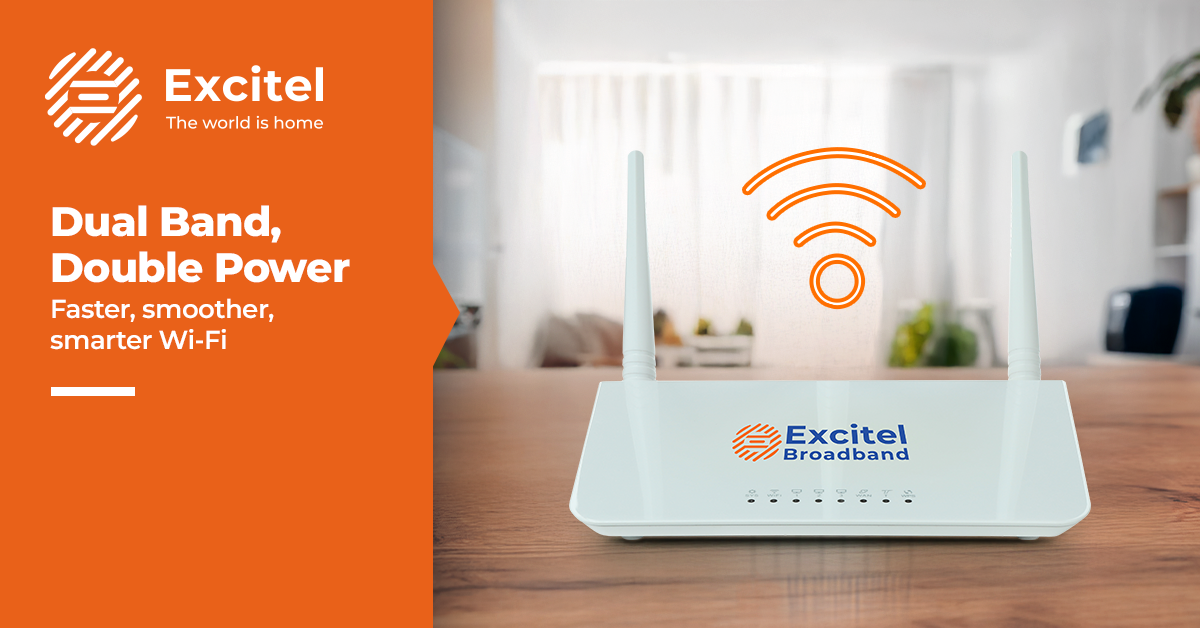
A dual band router is a common device in many homes and offices. It helps manage internet connections on two different frequency bands. Understanding its basics is important for anyone using fiber internet. This section explains what a dual band router is and why it is useful.
What Is A Dual Band Router
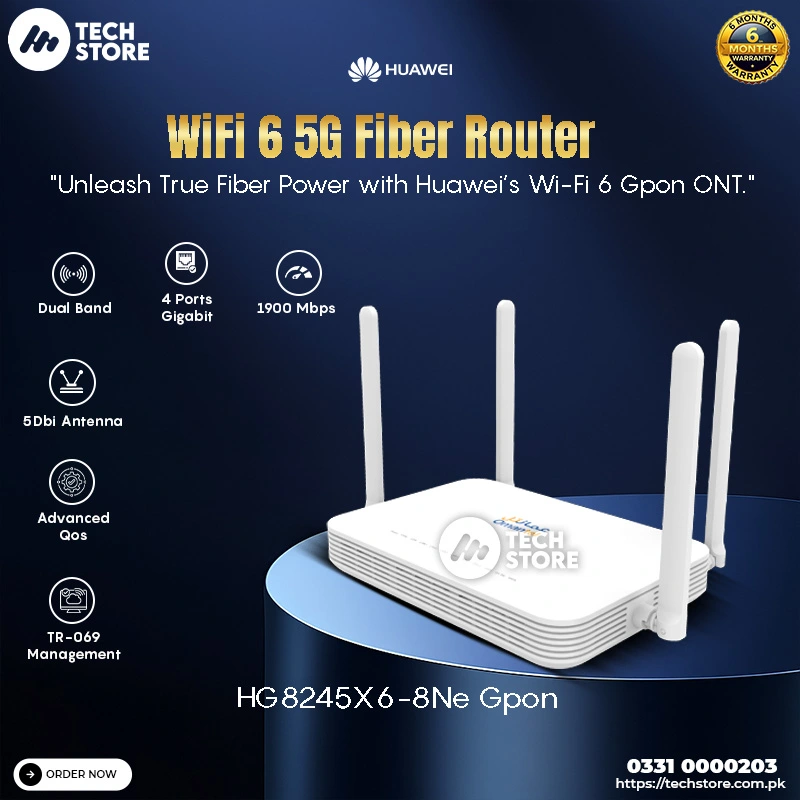
A dual band router sends wireless signals over two frequency bands. These bands are 2.4 GHz and 5 GHz. The 2.4 GHz band covers a larger area but offers slower speeds. The 5 GHz band provides faster speeds but covers a smaller area. Devices can connect to either band based on their needs. This setup reduces interference and improves connection quality.
Benefits Of Dual Band Routers
- Less interference from other devices on the 5 GHz band.
- Better speed for activities like streaming and gaming.
- Greater coverage area with the 2.4 GHz band.
- More devices can connect without slowing the network.
- Improved overall internet experience for multiple users.
Credit: techstore.com.pk
Fiber Internet Essentials
Fiber internet offers a fast and reliable way to connect to the web. It uses light signals to send data through thin glass or plastic fibers. This method delivers higher speeds and better stability than traditional connections. Understanding fiber internet helps to see how it pairs with devices like dual band routers.
How Fiber Internet Works
Fiber internet sends data as pulses of light through fiber optic cables. These cables are made of strands thinner than a human hair. Light travels quickly and with little loss of quality. This allows data to reach homes and businesses at high speeds.
The process starts at a central hub where internet signals convert into light. Then, the signals travel through the fiber network to an Optical Network Terminal (ONT) at your location. The ONT changes the light signals back into data your devices can use.
Key Features Of Fiber Connections
- High Speed:Fiber delivers very fast download and upload speeds.
- Low Latency:It reduces delays, improving gaming and video calls.
- Reliability:Fiber is less affected by weather or electrical interference.
- Symmetrical Speeds:Upload and download speeds are often the same.
- Future-Proof:Fiber networks can handle growing internet demands easily.
Compatibility Factors
Understanding the compatibility factors between your dual band router and fiber internet is essential to getting the best performance. Not all routers work seamlessly with fiber connections, so it’s important to look closely at how your devices connect and communicate. Let’s break down the key elements that can affect this compatibility.
Router And Fiber Modem Connection
Your dual band router must connect properly to the fiber modem, which acts as the gateway to the internet. Most fiber providers give you an Optical Network Terminal (ONT) or a fiber modem that converts the fiber signal to Ethernet.
Check if your router has an Ethernet WAN port to connect directly to this modem. If your router lacks this, it may not work with fiber without additional adapters or equipment. Also, confirm if your internet service requires any special login credentials or settings like VLAN tagging for the router to establish a connection.
Have you ever tried plugging in a router only to find no internet? That’s often due to missing these setup details.
Supported Network Protocols
Network protocols define how data moves between your fiber modem and router. Dual band routers typically support common protocols like DHCP, PPPoE, and static IP, but your fiber service might require specific ones.
- DHCP:Automatically assigns IP addresses, making setup easier.
- PPPoE:Requires a username and password; many fiber providers use this.
- Static IP:You set fixed IP addresses; less common but used in some setups.
Ensuring your router supports the protocol your ISP uses is crucial. Missing support here means your router won’t communicate properly with the fiber modem, leaving you without internet access.
Think about your current router settings—do they match what your fiber provider expects? If not, you might need to adjust or upgrade your router to get the full benefits of fiber speeds on both 2.4 GHz and 5 GHz bands.
Setting Up Dual Band Router With Fiber
Setting up a dual band router with a fiber internet connection is straightforward. A dual band router supports both 2.4 GHz and 5 GHz frequencies. This allows better speed and coverage for your devices. Understanding how to connect and configure the router ensures smooth internet performance.
Connecting To Fiber Modem
Start by locating the fiber modem provided by your internet service. Use an Ethernet cable to connect the modem’s LAN port to the router’s WAN port. Make sure both devices are powered on. This wired connection links your router to the fiber network. Avoid using Wi-Fi for this initial setup to ensure stability.
Configuring Router Settings
Access the router’s settings page by typing its IP address into a web browser. Usually, this address is found on the router label or manual. Log in using the default username and password. Change these credentials after the first login for security. Set up the Wi-Fi names (SSIDs) for both bands. Assign passwords to protect your network. Enable DHCP to assign IP addresses automatically to connected devices. Save settings and restart the router if necessary. This completes the setup and allows devices to connect to the fiber internet.
Performance Considerations
Performance plays a key role in how well a dual band router works with fiber internet. The router’s ability to handle high-speed fiber connections depends on several factors. These factors affect the speed, stability, and coverage of your network. Understanding these will help set realistic expectations.
Speed And Bandwidth Limits
Dual band routers operate on two frequency bands: 2.4 GHz and 5 GHz. The 5 GHz band offers faster speeds but covers a smaller area. The 2.4 GHz band covers a larger area but with slower speeds.
Fiber internet can deliver very high speeds, sometimes up to 1 Gbps or more. Not all dual band routers support these top speeds. Some routers may bottleneck your connection due to hardware limits.
Check the router’s maximum speed rating. Ensure it matches or exceeds your fiber plan’s speed. Look for routers with gigabit Ethernet ports and 802.11ac or 802.11ax standards for best performance.
Signal Strength And Coverage
Fiber internet delivers data quickly, but Wi-Fi signal strength depends on the router. Walls, furniture, and other obstacles reduce signal quality.
The 2.4 GHz band penetrates walls better, giving wider coverage. The 5 GHz band provides stronger, faster signals but struggles with distance and obstacles.
Dual band routers balance coverage and speed. Position your router centrally to improve signal strength. Consider using Wi-Fi extenders or mesh systems for larger homes.
Troubleshooting Common Issues
Troubleshooting common issues with dual band routers and fiber connections helps keep your internet stable. Problems like connection drops, slow speeds, and device compatibility can disrupt your online experience. Understanding these issues allows you to fix them quickly. Below are some common problems and tips to solve them.
Connection Drops
Connection drops can happen due to interference or weak signals. Place your router in an open space, away from walls and metal objects. Check if the router firmware is up to date. Restart the router regularly to clear temporary glitches. Avoid overcrowding your network with too many devices at once.
Slow Speeds
Slow speeds often occur from network congestion or poor settings. Test your internet speed to compare with your plan. Use the 5 GHz band for faster speeds, especially near the router. Limit background apps and downloads that consume bandwidth. Change the router channel to avoid interference from neighbors.
Device Compatibility Problems
Some devices may not work well with dual band routers. Check if your device supports 5 GHz Wi-Fi. Older devices might only connect to the 2.4 GHz band. Update device drivers or software to improve compatibility. Reset network settings on your device if connection issues persist.
Upgrading For Better Compatibility
Upgrading your network with a dual band router can enhance compatibility with fiber internet. It provides faster speeds and stable connections. Enjoy seamless browsing and streaming with less interference.
Upgrading your home network to work seamlessly with fiber internet can feel like a big step, but it’s often necessary for better compatibility and performance. Fiber offers blazing fast speeds, but to truly experience its benefits, you need the right equipment. A dual band router can indeed work with fiber, but ensuring optimal performance may require some upgrades.Choosing The Right Router
Selecting a compatible router is crucial. Not all dual band routers are created equal, and some may not fully leverage the speed and reliability of fiber. Look for routers that support gigabit speeds and have advanced features like MU-MIMO and beamforming. These features enhance the connection quality and stability, providing a smoother internet experience for all connected devices.Firmware And Software Updates
Regular updates are vital for maintaining router performance and security. Firmware updates can unlock new features and improve speed, directly impacting how well your router works with fiber. Make it a habit to check for updates regularly. Most modern routers have an option to automate this process, ensuring you’re always running the latest version without lifting a finger. Upgrading your router for better compatibility with fiber doesn’t have to be daunting. With the right choices and regular maintenance, you can enjoy the full potential of your fiber connection. Have you checked if your router is due for an upgrade or update recently?
Credit: pioneergoodscable.en.made-in-china.com
Frequently Asked Questions
Can A Dual Band Router Support Fiber Internet?
Yes, a dual band router can support fiber internet. It connects via an Ethernet port to the fiber modem. The router then broadcasts on 2. 4 GHz and 5 GHz bands for flexible Wi-Fi coverage.
Does Fiber Internet Improve Dual Band Router Speed?
Fiber internet offers high-speed connectivity that complements dual band routers. The router efficiently manages data on both bands, maximizing fiber’s fast speeds for smoother streaming and gaming.
Is A Dual Band Router Necessary For Fiber Connections?
A dual band router is recommended for fiber. It provides better device management and reduces interference, ensuring you fully utilize fiber’s high-speed capabilities for multiple devices.
How Do I Connect A Dual Band Router To Fiber?
Connect your fiber modem’s Ethernet output to the router’s WAN port. Then configure your router settings as per your ISP’s instructions to enable internet access.
Conclusion
Dual band routers work well with fiber internet connections. They handle fast speeds and multiple devices easily. You get better coverage with both 2. 4 GHz and 5 GHz bands. This means fewer connection drops and smoother streaming. Choosing the right router helps you enjoy your fiber internet fully.
Make sure your router supports your fiber plan’s speed. This keeps your home network strong and reliable. Overall, a dual band router fits fiber internet needs perfectly.