Are you frustrated with slow Wi-Fi or too many devices fighting for bandwidth? You might be wondering if upgrading from a dual band to a tri band router could be the solution.
But is it really worth it? Can you easily make the switch without replacing all your equipment? You’ll discover what sets these routers apart and whether upgrading will boost your internet experience. Keep reading to find out how to get faster, smoother Wi-Fi at home or work.
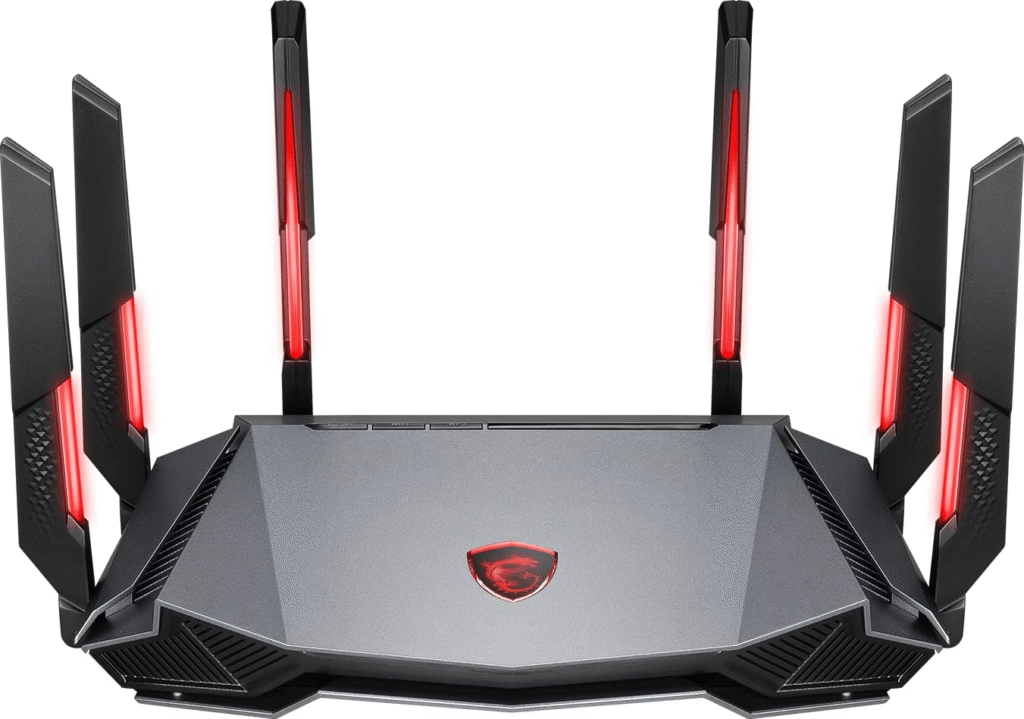
Credit: blog.jazzcybershield.com
Dual Band Vs Tri Band
Choosing between a dual band and a tri band router can significantly affect your home network’s speed and reliability. Understanding the key differences helps you decide if upgrading is necessary. Let’s break down how these two types of routers differ and what that means for your internet experience.
Frequency Differences
Dual band routers operate on two frequencies: 2.4 GHz and 5 GHz. The 2.4 GHz band offers longer range but slower speeds, while 5 GHz provides faster speeds over shorter distances.
Tri band routers add an extra 5 GHz band to these frequencies. This third band allows more devices to connect without slowing down the network. It’s like having an additional highway lane during rush hour to reduce traffic jams.
Performance Comparison
Dual band routers manage network traffic well for small to medium households with moderate device use. However, if multiple devices stream, game, or work from home simultaneously, the 5 GHz band can get crowded.
Tri band routers handle heavy loads better by spreading devices across three bands instead of two. This reduces interference and maintains faster speeds, especially in busy households or smart homes.
Ideal Use Cases
- Dual Band:Best for users with fewer devices or smaller homes. It suits casual browsing, streaming, and light gaming.
- Tri Band:Ideal if you have many connected devices or perform bandwidth-heavy tasks like 4K streaming, online gaming, or video conferencing.
- If you notice slowdowns when multiple devices connect, a tri band router can provide smoother performance.
Are you juggling lots of devices or demanding tasks on your network? That’s the key question to ask before upgrading from dual to tri band.
Benefits Of Tri Band Routers
Tri band routers offer several benefits over dual band models. They provide extra bandwidth and better handling of multiple devices. This upgrade improves your home network’s performance and user experience.
Reduced Network Congestion
Tri band routers add a third frequency band to your network. This means less traffic on each band. Devices spread out across three bands, reducing overcrowding. The network stays smoother and faster for all users.
Improved Speed And Coverage
With an extra band, tri band routers deliver faster speeds. This helps with activities like streaming and online gaming. They also cover larger areas better. Tri band routers reduce dead zones in your home or office.
Better Device Management
Tri band routers manage many devices more efficiently. Each band can serve different devices or tasks. This stops slowdowns caused by too many devices on one band. The router balances the load for steady connections.
Assessing Your Current Setup
Before deciding to upgrade your router from dual band to tri band, it’s important to take a close look at what you currently have. Understanding your existing setup helps you determine if a new router will truly improve your network or if other factors are holding you back. Let’s break down how to assess your current system effectively.
Check Existing Router Specs
Start by reviewing the specifications of your current router. Look for details like the number of bands, maximum speed, and supported wireless standards (such as 802.11ac or 802.11ax). This information is usually found on the router label or in the manual.
Knowing these specs helps you see what your router can handle now and what limits you might be hitting. For example, if your router supports 2.4 GHz and 5 GHz bands but has outdated Wi-Fi standards, upgrading to a tri band router with newer standards could boost your speed and range.
Identify Network Bottlenecks
Are you experiencing slow internet or dropped connections? Pinpoint where the problem lies before upgrading. Bottlenecks can come from your internet service provider, outdated hardware, or even network congestion from many devices.
Try running speed tests at different times and locations in your home. If your speeds rarely match what you pay for, the issue might not be your router. Sometimes, upgrading your router won’t solve problems caused by slow internet plans or poor wiring.
Evaluate Device Compatibility
Consider the devices you use every day—smartphones, laptops, smart TVs, and gaming consoles. Check if they support tri band technology or the latest Wi-Fi standards.
Many older devices only connect to 2.4 GHz or single 5 GHz bands. If most of your gadgets don’t support tri band, you may not notice a big difference after upgrading. It’s worth asking yourself if your current devices can take full advantage of a tri band router’s capabilities.
Upgrade Options
Upgrading from a dual band to a tri band router offers more wireless channels and better network performance. Several upgrade options exist depending on your needs and budget. Consider the best way to improve your Wi-Fi setup.
Replacing Your Router
Swapping your dual band router with a tri band model is the simplest upgrade. Tri band routers have an extra 5 GHz band, reducing network congestion. They handle multiple devices better, ideal for busy homes or offices.
Choose a router with good coverage and modern features. Make sure it fits your internet speed and device count. Setup is easy, just connect and configure the new router.
Adding A Tri Band Access Point
You can add a tri band access point to your existing network. This boosts Wi-Fi strength in weak spots without replacing the main router. It creates a new tri band zone for faster connections.
Place the access point where signal drops or devices crowd. Connect it via Ethernet to avoid speed loss. This option saves money and extends tri band benefits.
Mesh Network Alternatives
Mesh Wi-Fi systems use multiple units to cover large areas. Many mesh kits offer tri band technology for smooth connections. They replace or work with your current router to eliminate dead zones.
Mesh networks are easy to expand and manage. Each unit communicates to balance device loads. This solution suits bigger homes or offices with many users.
Installation And Configuration
Upgrading from a dual-band to a tri-band router can enhance your network experience. The installation and configuration process is straightforward. This section guides you through setting up your new router, optimizing band usage, and configuring security settings.
Setting Up The New Router
Start by unplugging your old router and connecting the new one. Use the power adapter to plug it into a power source. Connect the router to your modem using an Ethernet cable. Most routers have a color-coded port for easy identification. Power on the router and wait for the LED lights to stabilize. Now, connect your computer or smartphone to the router’s default Wi-Fi network. Find this information in the router’s manual or label.
Optimizing Band Usage
After connecting, access the router’s web interface using a web browser. Enter the IP address found in the manual. Log in with the default credentials. Navigate to the wireless settings section. Here, you can assign devices to specific bands. Use the 2.4 GHz band for older devices. Reserve the 5 GHz bands for high-speed tasks like streaming or gaming. This allocation minimizes interference and optimizes speed.
Security Settings
Securing your network is crucial. In the web interface, locate the security settings tab. Change the default login credentials immediately. Use a strong password with a mix of characters. Enable WPA3 encryption for better security, if available. You can also set up a guest network for visitors. This keeps your primary network secure from unauthorized access.
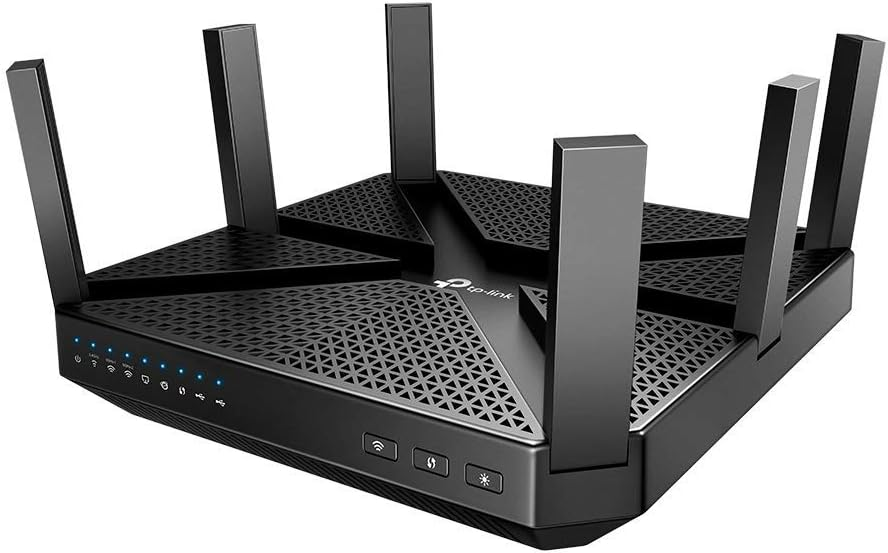
Credit: blog.jazzcybershield.com
Cost Considerations
Upgrading from a dual band to a tri band router involves more than just technology. Cost plays a big role in this decision. Knowing the expenses helps you decide if the upgrade fits your budget and needs. Let’s break down the main costs to consider before upgrading.
Price Differences
Tri band routers usually cost more than dual band models. The extra band adds to manufacturing and design costs. On average, tri band routers can be 30-50% more expensive.
Basic dual band routers may start around $50-$100. Tri band models often begin near $150 and can go much higher. The price depends on brand, features, and speed.
Long-term Value
Tri band routers handle more devices and reduce network congestion. This benefit may save time and frustration. It can improve streaming, gaming, and work-from-home tasks.
Think about how many devices connect daily. A tri band router can support multiple users better over time. This may mean fewer upgrades later, offering better value.
Potential Hidden Costs
- Higher electricity use due to extra band and hardware.
- Possible need for updated devices to fully use tri band features.
- Setup or configuration help if the router is complex.
- Replacement of old cables or accessories to match new speeds.
These hidden costs can add up. Factor them into your budget to avoid surprises.
Troubleshooting Common Issues
Troubleshooting common issues after upgrading from a dual band to a tri band router helps keep your network stable. Problems like connection drops, slow speeds, and device compatibility can occur. Understanding these issues improves your internet experience.
Connection Drops
Connection drops may happen due to interference or poor signal range. Tri band routers use multiple frequencies, which can confuse some devices. Restart the router and check for firmware updates. Place the router in a central location to reduce interference. Avoid physical obstacles like walls or metal objects. Use the 5 GHz band for less crowded channels. If drops continue, reset network settings on your devices.
Slow Speeds
Slow speeds can result from overcrowded networks or incorrect settings. Tri band routers separate traffic but need proper configuration. Ensure your device connects to the right band. The 5 GHz and second 5 GHz bands offer faster speeds than 2.4 GHz. Limit the number of devices using heavy bandwidth. Update your router’s firmware to fix bugs. Test your internet speed on different bands to identify issues.
Device Compatibility Problems
Some older devices may not support tri band routers fully. They might connect only to the 2.4 GHz band or fail to connect at all. Check your device specifications before upgrading. Set your tri band router to broadcast a 2.4 GHz network for older devices. Rename each band with a unique SSID to avoid confusion. Update device drivers or Wi-Fi adapters. Use a network extender if some areas have weak signals.
Future Proofing Your Network
Future proofing your network means preparing your home or office for upcoming technology needs. It helps avoid frequent upgrades and keeps devices running smoothly. Upgrading from a dual-band to a tri-band router can be a smart step. It offers more capacity and better handling of multiple devices. Let’s explore key factors that matter when planning this upgrade.
Latest Wireless Standards
Tri-band routers often support the newest wireless standards like Wi-Fi 6 or Wi-Fi 6E. These standards offer faster speeds and better range. They also improve network efficiency with many devices connected. Dual-band routers might not support these latest technologies. Choosing a tri-band router means your network stays current longer.
Expandable Network Solutions
Tri-band routers manage traffic more effectively by using three frequency bands. This reduces congestion on the network, especially in busy households or offices. They allow more devices to connect without slowing down the internet. This makes them ideal for growing networks. Dual-band routers can struggle with many devices, causing lag and dropouts.
Planning For Smart Home Devices
Smart homes use many connected devices like lights, cameras, and assistants. These devices need stable and strong Wi-Fi signals. A tri-band router can support multiple smart gadgets easily. It separates device traffic over different bands to avoid interference. This keeps your smart home running smoothly without interruptions.
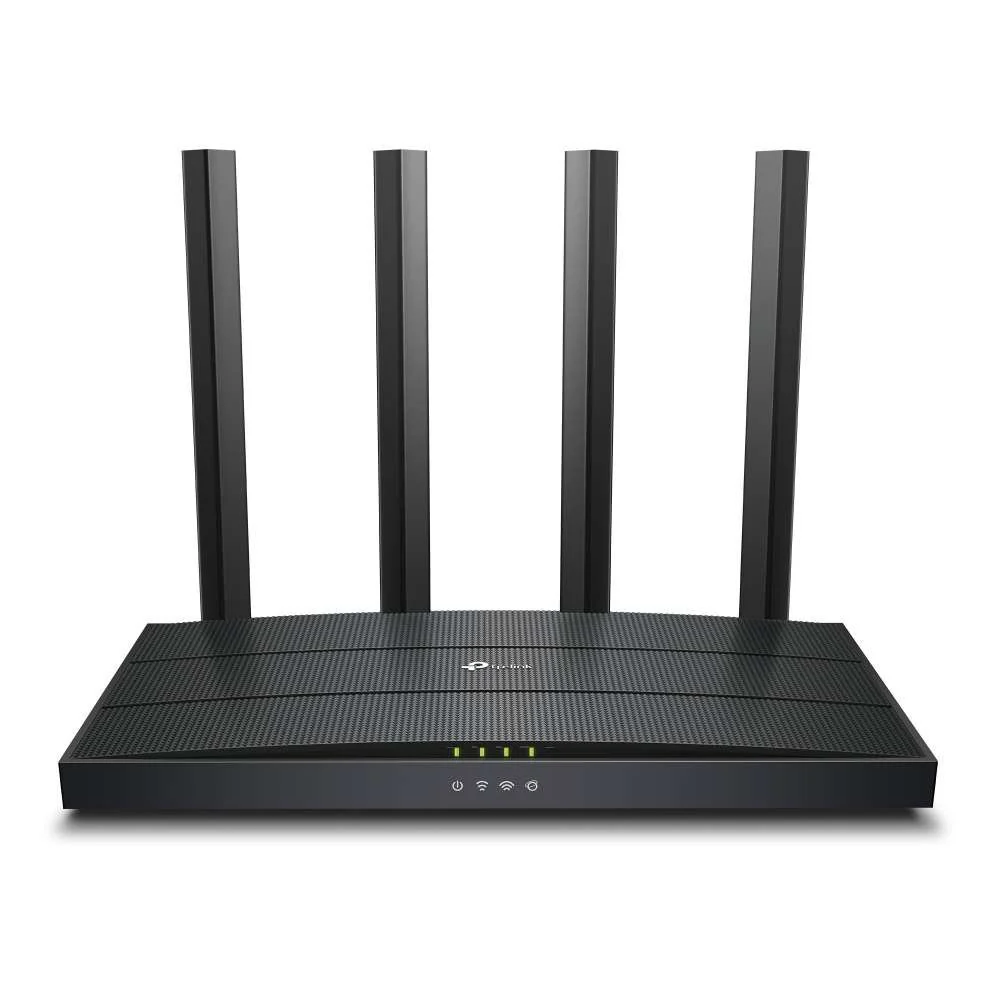
Credit: blog.jazzcybershield.com
Frequently Asked Questions
Can I Replace My Dual Band Router With A Tri Band Router?
Yes, you can replace a dual band router with a tri band router. It often requires resetting your network settings and reconnecting devices for optimal performance.
What Benefits Does A Tri Band Router Offer Over Dual Band?
A tri band router provides an extra 5GHz band. This reduces network congestion and improves speed when multiple devices connect simultaneously.
Is Upgrading To A Tri Band Router Worth The Cost?
Upgrading is worth it if you have many devices or stream high-quality content. It enhances speed, reduces interference, and improves overall network stability.
Will My Existing Devices Work With A Tri Band Router?
Yes, all your devices will work with a tri band router. Older devices connect to 2. 4GHz or 5GHz bands as usual without issues.
Conclusion
Upgrading from a dual band to a tri band router can improve your Wi-Fi. It offers more channels and less traffic on each band. This means better speed and fewer connection drops. Your home or office devices can connect more smoothly.
Make sure your devices support tri band for best results. The upgrade can help if many devices use Wi-Fi at once. Choose a router that fits your needs and budget. A tri band router brings stronger and faster internet to your space.