Are you struggling with slow internet or frequent drops on your current router? You might be wondering if upgrading from a single band to a dual band router can solve these issues.
The good news is, switching to a dual band router could significantly improve your Wi-Fi experience. But before you make the leap, it’s important to understand what this upgrade means for your home network. Keep reading to find out how a dual band router can boost your speed, reduce interference, and give you a smoother connection every time you go online.
Benefits Of Dual Band Routers
Dual band routers offer several key benefits over single band models. They provide better speed, less interference, and improved management of multiple devices. These advantages make dual band routers ideal for busy homes and offices with many gadgets connected at once.
Improved Speed And Performance
Dual band routers operate on two frequencies: 2.4 GHz and 5 GHz. The 5 GHz band supports faster data transfer and handles high-bandwidth tasks better. This means smoother streaming, quicker downloads, and faster gaming. Devices can switch to the best band for optimal speed.
Reduced Interference
The 2.4 GHz band is often crowded with other devices like microwaves and Bluetooth gadgets. This can cause slow connections and dropouts. Dual band routers allow some devices to use the 5 GHz band, which is less crowded. This separation reduces interference and keeps the network stable.
Better Device Management
Dual band routers can manage multiple devices more efficiently. They assign devices to different bands depending on their needs. For example, smart TVs and laptops may use 5 GHz for speed, while smart home devices stay on 2.4 GHz. This balance prevents network overload and keeps everything running smoothly.
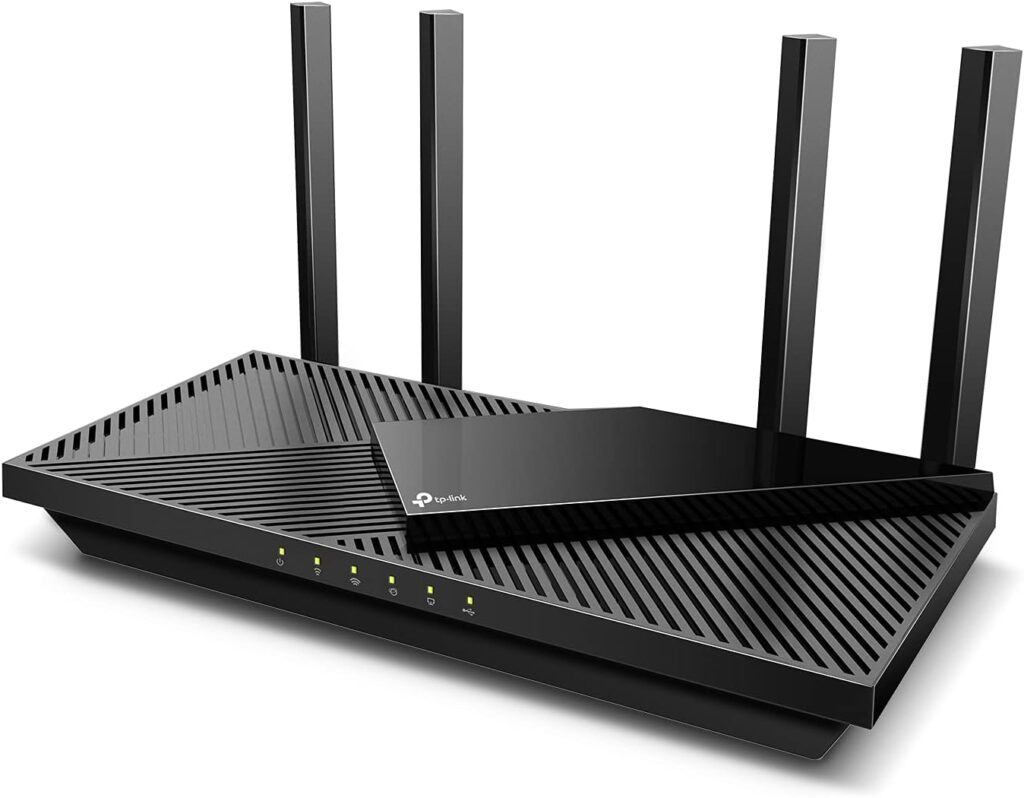
Credit: www.highspeedoptions.com
Signs You Need An Upgrade
Knowing when to upgrade your router helps keep your internet strong. Single band routers may not handle today’s online needs well. Watch for these signs to decide if a dual band router fits better.
Slow Internet Speeds
Webpages load slowly or videos buffer often. Downloads take longer than usual. This can mean your router cannot keep up with your internet plan. Dual band routers can offer faster speeds on less crowded channels.
Frequent Connection Drops
Your Wi-Fi disconnects without warning. Devices lose connection in certain rooms. Single band routers struggle with interference from other electronics. Dual band routers switch between 2.4 GHz and 5 GHz to stay stable.
Multiple Devices Struggling
Many devices connect but performance drops. Streaming, gaming, and browsing slow down at the same time. Single band routers can get overloaded with many users. Dual band routers spread the load across two bands for better support.
Checking Router Compatibility
Before upgrading from a single band to a dual band router, it’s crucial to check if your current setup supports the change. Compatibility ensures you don’t waste money on a device that won’t work well with your internet service or existing gadgets. Let’s break down what you need to look at to make a smooth transition.
Current Router Features
Start by identifying your current router’s specifications. Look for details like supported frequency bands, Wi-Fi standards (such as 802.11n or 802.11ac), and hardware capabilities. If your router only supports 2.4 GHz, switching to a dual band device means you’ll be adding the 5 GHz band, which can boost speed and reduce interference.
Check if your router’s firmware is up to date. Sometimes, manufacturers release updates that improve compatibility with new devices or features. Knowing these details helps you decide whether you need a full upgrade or just a firmware refresh.
Isp Requirements
Your internet service provider (ISP) can influence which routers work best with your connection. Some ISPs require routers with specific firmware or settings, especially if they provide the router themselves. Ask yourself: does your ISP support dual band routers, or are there restrictions?
Contacting your ISP or reviewing their website can save you from compatibility headaches. They might even offer a dual band router as part of your plan, which can simplify setup and ensure optimal performance.
Device Support
Think about the devices you use daily. Most modern smartphones, laptops, and smart TVs support dual band Wi-Fi, but some older gadgets might only work with 2.4 GHz. Will upgrading to a dual band router improve your overall experience or create connection issues for certain devices?
Try checking your devices’ Wi-Fi capabilities in their settings or user manuals. If most can connect to 5 GHz, a dual band router can help reduce network congestion and improve speed. If not, you might still benefit, but keep device compatibility in mind to avoid surprises.
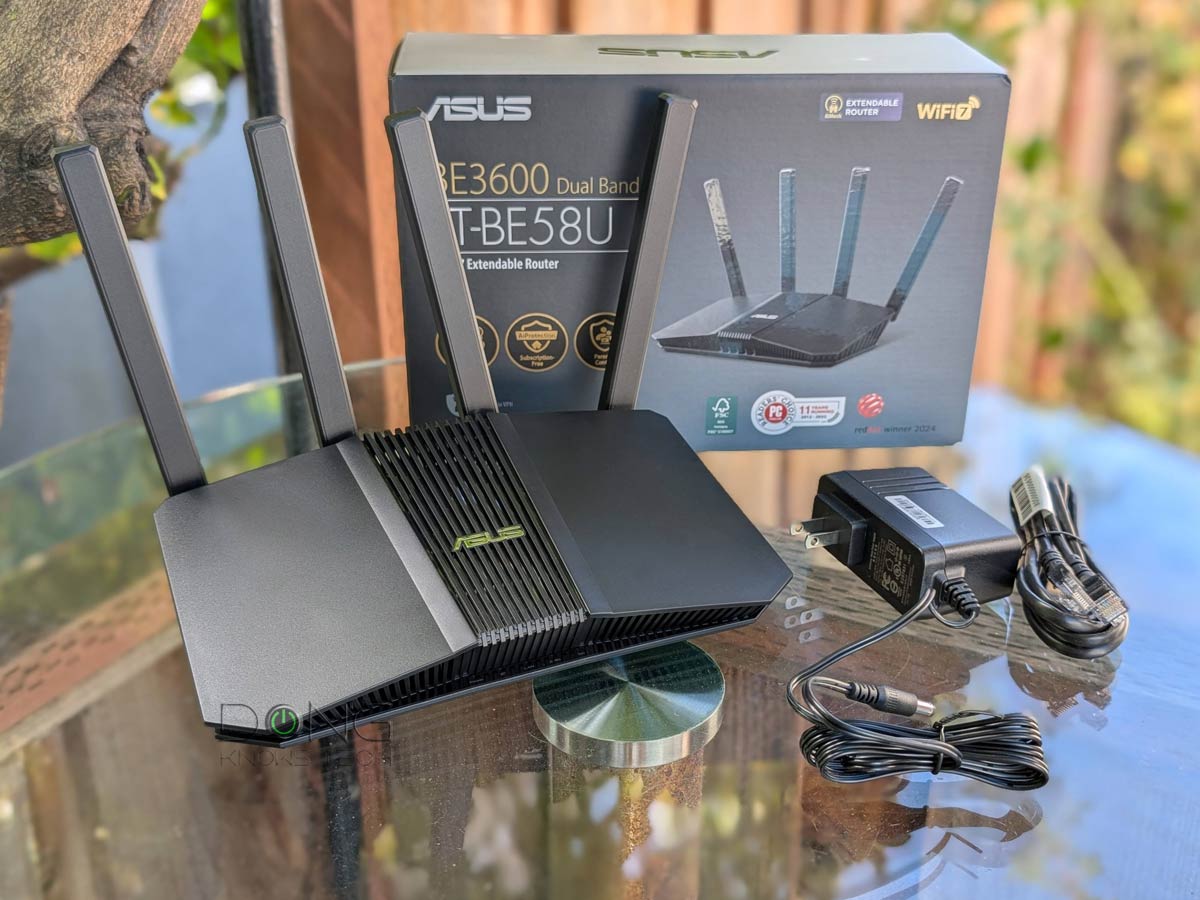
Credit: dongknows.com
Choosing The Right Dual Band Router
Upgrading from a single band to a dual band router improves Wi-Fi speed and reduces interference. Dual band routers offer better coverage by using both 2. 4 GHz and 5 GHz frequencies. This upgrade suits homes with many devices or heavy internet use.
Choosing the right dual band router can feel like picking the perfect puzzle piece for your home network. With so many options available, it’s crucial to understand the essentials that make a dual band router an ideal choice for your needs. Whether you’re a casual internet user or a heavy gamer, selecting the right router can significantly enhance your online experience.Frequency Bands Explained
Dual band routers operate on two frequency bands: 2.4 GHz and 5 GHz. The 2.4 GHz band is great for general internet browsing and basic tasks, as it offers a broader range but at slower speeds. The 5 GHz band, on the other hand, provides faster speeds for data-heavy activities like streaming and gaming, but with a more limited range. Understanding how these bands work can help you decide which devices to connect to which band. For instance, your smart TV or gaming console might benefit from the high speed of the 5 GHz band, while your smartphone could comfortably surf on the 2.4 GHz band.Key Features To Look For
When selecting a dual band router, consider features that align with your internet usage. Look for routers with multiple antennas for better signal strength and range. Advanced security features like WPA3 encryption can keep your network secure from intruders. Additionally, routers with Quality of Service (QoS) settings allow you to prioritize internet traffic, ensuring that your video calls or gaming sessions don’t lag. Check for USB ports if you want to connect external storage devices or printers directly to your network.Budget Considerations
The price range for dual band routers can vary significantly, from budget-friendly options to high-end models with advanced features. Determine your budget based on your specific needs. If your primary use is browsing and occasional streaming, an entry-level router might suffice. However, for a smart home or heavy streaming and gaming, investing in a higher-end model could be worthwhile. Think about the long-term benefits of a slightly higher investment. Would a more expensive router save you from future upgrades? Balancing cost with functionality ensures that you get the best value for your money without compromising on performance. Choosing the right dual band router involves a balance of understanding frequency bands, evaluating key features, and considering your budget. With this knowledge, you’re well-equipped to make a decision that boosts your internet performance and caters to your specific needs.Steps To Upgrade Your Router
Upgrading your router from single band to dual band can improve your internet experience. The process is simple and helps you enjoy better speed and coverage. Follow clear steps to make the switch smoothly.
Backing Up Settings
Start by saving your current router settings. Access your router’s admin page through a web browser. Look for options like “Backup” or “Save Settings.” Download the file to your computer. This keeps your network details safe. It helps restore settings if needed later.
Installing The New Router
Unplug your old router from power and internet cables. Connect your new dual band router to the modem using an Ethernet cable. Plug in the power adapter and turn on the router. Wait a few minutes for it to start. Check for indicator lights showing it is ready.
Configuring Network Settings
Open a web browser and enter the new router’s IP address. Log in with the default username and password found in the manual. Set your Wi-Fi name (SSID) and password for both 2.4 GHz and 5 GHz bands. Adjust security settings to WPA2 or higher. Save changes and restart the router. Connect your devices to the new dual band network.

Credit: cyberraiden.wordpress.com
Optimizing Dual Band Performance
Optimizing dual band router performance helps improve your Wi-Fi speed and coverage. Dual band routers operate on two frequency bands: 2.4 GHz and 5 GHz. Each band serves different needs. The 2.4 GHz band covers longer distances but with slower speeds. The 5 GHz band offers faster speeds but with shorter range. Proper setup and management ensure you get the best from both bands.
Channel Selection Tips
Choosing the right channel reduces interference and boosts signal strength. Use apps or tools to scan nearby networks. Avoid channels crowded by other routers. The 2.4 GHz band has only three non-overlapping channels: 1, 6, and 11. The 5 GHz band offers more channels with less interference. Pick a channel with the least traffic for a cleaner signal.
Placement For Best Coverage
Router location plays a key role in Wi-Fi performance. Place your router in a central spot in your home. Keep it away from thick walls, metal objects, and electronics. Elevate the router on a shelf or table for better reach. Avoid placing it near microwaves or cordless phones. Open spaces help the signal travel farther and stronger.
Firmware Updates
Router firmware updates fix bugs and improve performance. Check the manufacturer’s website or router settings for updates. Install updates regularly to keep your router secure and efficient. Updated firmware can enhance dual band management and add new features. Automatic updates can simplify this process and keep your router current.
Troubleshooting Common Issues
Upgrading from a single band to a dual band router can improve your wireless experience significantly, but you might run into some common issues along the way. Troubleshooting these problems quickly helps you enjoy better connectivity without frustration. Let’s break down some typical challenges and how you can solve them.
Connection Problems
Sometimes, after upgrading, devices fail to connect or keep dropping the signal. Check if your devices support the 5 GHz band since dual band routers broadcast on both 2.4 GHz and 5 GHz frequencies.
Interference from walls or other electronics can weaken the 5 GHz signal. Try placing your router in a central, open area. Also, rebooting your router after the upgrade often fixes temporary glitches.
Speed Fluctuations
You might notice inconsistent speeds even with a dual band router. This can happen if your device automatically switches between bands based on signal strength, which isn’t always ideal.
Manually connecting to the 5 GHz band can stabilize your speed. Also, check for firmware updates on your router. Updated software often optimizes performance and reduces speed drops.
Device Compatibility
Not all devices can use the 5 GHz band. Older smartphones or laptops might only support 2.4 GHz, limiting your ability to enjoy the faster band.
Verify each device’s wireless specs before expecting improvements. If some devices don’t connect, it’s not a router problem but a compatibility issue. Consider upgrading key devices to fully benefit from your dual band router.
Frequently Asked Questions
Can I Upgrade My Single Band Router To Dual Band?
No, you cannot upgrade a single band router to dual band. You must buy a new dual band router for better performance and connectivity.
What Benefits Does A Dual Band Router Offer?
Dual band routers provide faster speeds, less interference, and better device management by using 2. 4 GHz and 5 GHz bands simultaneously.
Will My Devices Work With A Dual Band Router?
Yes, dual band routers are backward compatible. Older devices will connect on the 2. 4 GHz band, while newer devices can use 5 GHz.
How Do I Switch From Single Band To Dual Band?
To switch, purchase a dual band router, connect it to your modem, and configure network settings via the router’s setup interface.
Conclusion
Upgrading from a single band to a dual band router can improve your internet experience. Dual band routers reduce interference and offer better speed. They help connect more devices smoothly. The upgrade is simple and worth considering for better coverage.
Check your needs and budget before deciding. A dual band router fits well in busy homes or offices. It supports faster streaming, gaming, and browsing. Think about your internet use and choose wisely. This small change can make a big difference in daily online activities.