Are you struggling with weak WiFi signals in some parts of your home or office? You might be wondering if using two long range WiFi extenders can solve your problem.
The idea sounds simple: double the extenders, double the coverage. But is it really that easy? Before you invest in more devices, it’s important to understand how these extenders work together, what benefits you can expect, and what pitfalls to avoid.
Keep reading to discover if using two long range WiFi extenders is the right choice for your network—and how to get the best performance out of them.
Credit: www.amazon.ca
Benefits Of Long Range Wifi Extenders
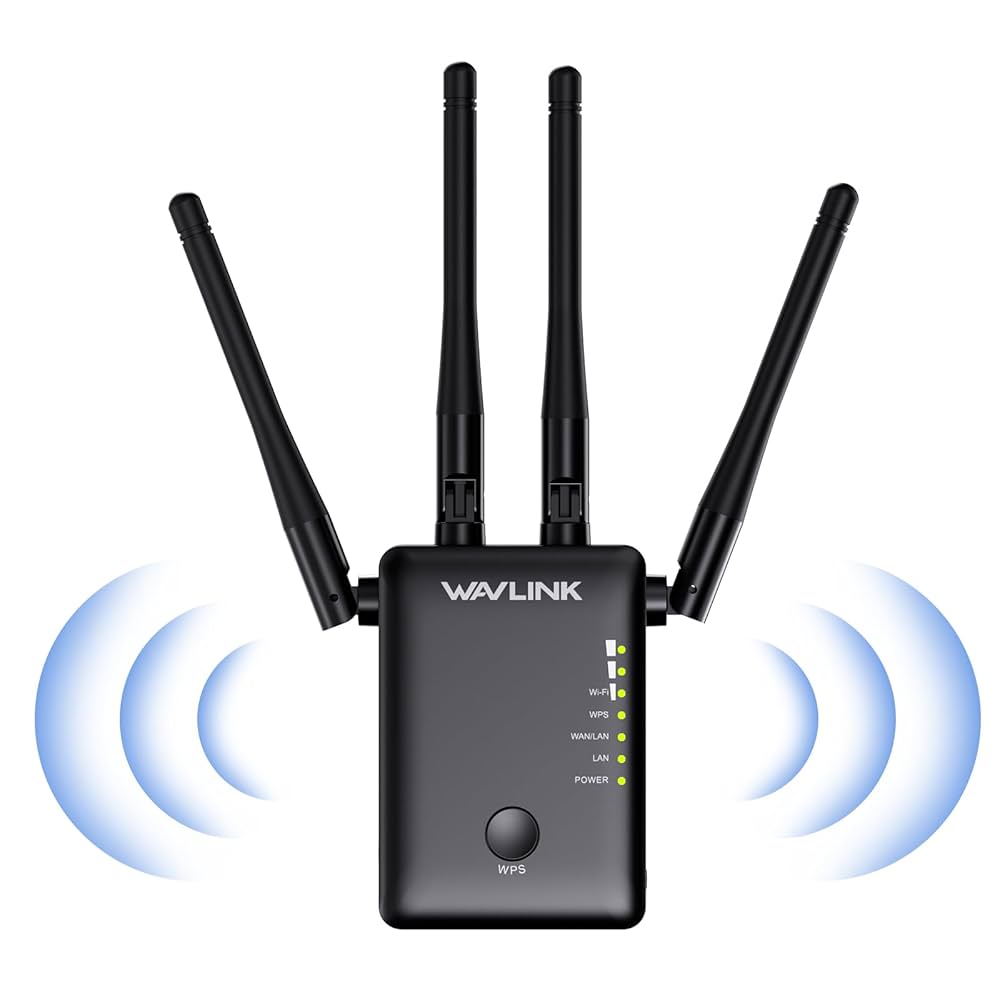
Long range wifi extendershelp cover large areas. They make wifi available in spots far from the main router. This means fewer dead zones and better internet access.
Extenders boost signal strength. They catch weak signals and send them stronger. This helps devices get a better connection with less interruption.
- Improved coveragemeans wifi reaches more rooms and outdoor areas.
- Stronger signalsreduce buffering and slow speeds.
- Better device connectivityallows more gadgets to connect smoothly.

Credit: www.amazon.ca
Using Two Extenders Together
Using two long range WiFi extenders can help cover larger areas. They work best when set up in a chain, where the first extender connects to the router and the second connects to the first extender. This setup extends the signal further than one extender alone.
- Place extenders halfway between the router and the dead zone.
- Avoid walls or metal objects blocking the signal.
- Keep extenders away from microwaves or cordless phones to reduce interference.
| Compatibility | Details |
|---|---|
| Brand Matching | Extenders from the same brand usually work better together. |
| WiFi Standards | Ensure both extenders support the same WiFi version (e.g., 802.11ac). |
| Frequency Bands | Use extenders that support dual-band (2.4 GHz & 5 GHz) for better performance. |
Potential Challenges
Using two long range wifi extenders can cause signal interference. Both devices might send signals on the same channel. This overlap can weaken the wifi signal and slow down the connection.
Network latency may increase when two extenders are used. Each extender adds a small delay in data transfer. This delay can make loading websites or videos slower.
Bandwidth sharing issues also happen with multiple extenders. The total wifi speed is split between devices. More extenders mean less speed for each connected device.
Credit: www.engadget.com
Setup And Optimization
Start by placing the first WiFi extender near your router. Plug it in and connect to your network. Next, place the second extender far enough from the first to avoid overlap but close enough for a strong signal. Connect it to your network as well.
- Place extenders to cover different areas of your home.
- Avoid placing both too close; this causes overlapping signals.
- Use different WiFi channels for each extender to reduce interference.
Check your extenders for firmware updates regularly. Updates improve performance and security. Restart your extenders after updating for best results. Clean dust from devices and keep them in open spaces. This helps maintain strong signals and long device life.
Alternatives To Multiple Extenders
Mesh Wifi Systemscreate one large network. They use several devices to cover your whole home. Each device talks to others. This avoids weak signal spots and slow speeds. Setup is easy and devices work together well.
Powerline Adapterssend internet through your home’s electrical wires. Plug one near your router and another where you want better wifi. They are good if walls block wifi signals. Setup is simple and no new wires needed.
Upgrading Router Hardwaremeans getting a stronger router. New routers have better range and speed. This can fix wifi problems without extra devices. Look for routers with latest wifi standards and strong antennas.
Frequently Asked Questions
Can I Use Two Wifi Extenders Simultaneously?
Yes, you can use two WiFi extenders simultaneously to boost your network range. Placing them strategically will help cover larger areas. Ensure they don’t overlap too much, as this could cause interference. Proper setup ensures that your devices seamlessly switch between extenders for optimal performance.
Do Wifi Extenders Slow Down The Internet Speed?
WiFi extenders can slightly reduce internet speed due to signal rebroadcasting. However, they significantly improve coverage and connectivity in dead zones. To minimize speed reduction, place extenders within the main router’s range. Modern extenders with advanced technology usually offer better speed retention.
How Far Apart Should Wifi Extenders Be Placed?
WiFi extenders should ideally be placed about halfway between the router and the dead zone. Ensure they are within the router’s range to receive a strong signal. Avoid placing them near thick walls or electronic devices, as these can interfere with signal strength.
Can Wifi Extenders Work With Any Router?
Most WiFi extenders are compatible with any router, as they adhere to universal standards. However, for best results, check compatibility with your router’s specifications. Using extenders from the same brand as your router might offer enhanced features and better performance.
Conclusion
Using two long-range WiFi extenders can help cover bigger areas. Place them wisely to avoid signal overlap and interference. Each extender boosts your WiFi, but too many may cause slow speeds. Test your setup to find the best positions. This way, you keep a strong and steady internet connection.
Enjoy better coverage without extra cost or complexity. Simple steps lead to better WiFi at home or work.