If you live in a large home, you’ve probably faced frustrating Wi-Fi dead zones or slow internet in certain rooms. You might wonder if using multiple access points can solve this problem and give you strong, reliable Wi-Fi everywhere.
The good news is, yes—you can use multiple access points to boost your network. But there are important things you need to know to make it work right. Keep reading to discover how multiple access points can transform your home Wi-Fi experience and what steps you should take to set them up perfectly.

Credit: dongknows.com
Benefits Of Multiple Access Points
Multiple access points help cover large homesbetter. They spread Wi-Fi signals to every corner. This means no spots with weak or no signal.
Network speed gets a boost. Devices connect to the nearest access point. This lowers traffic on one device, making internet faster.
Dead zones disappear. These are areas where Wi-Fi cannot reach. Multiple access points fill those gaps and keep you online.
- Expanded Wi-Fi Coverage: Covers all rooms, even far ones.
- Improved Network Speed: Shares load for faster internet.
- Reduced Dead Zones: No more spots without Wi-Fi.

Credit: www.nokia.com
Types Of Access Points
Large homes benefit from multiple access points to enhance Wi-Fi coverage. These devices help eliminate dead zones, ensuring seamless connectivity throughout the space. By strategically placing access points, every corner of a large home can enjoy strong and stable internet connections.
Standalone Access Points
Standalone access pointsare single devices that connect to your router. They extend Wi-Fi signals to areas with weak coverage. These devices are easy to set up and control. Great for small to medium homes. Each access point works independently and needs its own settings.
Mesh Wi-fi Systems
Mesh Wi-Fi systemsuse multiple devices working as one network. They share the same network name and password. This setup gives smooth Wi-Fi coverage across large homes. Devices communicate with each other to avoid dead spots. Ideal for big houses with many rooms.
Wi-fi Extenders Vs Access Points
| Wi-Fi Extenders | Access Points | |
|---|---|---|
| Connection | Repeats signal wirelessly | Connects via cable to router |
| Speed | May reduce speed | Maintains full speed |
| Setup | Easy but less stable | Needs cable, more stable |
| Best Use | Small coverage boost | Large home coverage |
Planning Your Network Layout
Placing access points in large homes needs careful thought. Each access point should be spread outto cover all areas well. Avoid placing them too close to each other. Walls and furniture can block signals, so position access points in open spaces.
Using a wired backhaulmeans access points connect with cables. This offers faster and stableconnections. Wireless backhaul uses Wi-Fi to link access points. It is easier to set up but may have slower speedsor interruptions.
| Home Size | Layout | Access Point Tips |
|---|---|---|
| Large | Open Plan | Place access points evenly, focus on center areas |
| Large | Many Rooms | Use wired backhaul, place access points near hallways |
| Medium | Standard | Fewer access points, place in main living areas |
Setting Up Multiple Access Points
Multiple access points help cover large homes with strong Wi-Fi. Each access point can have its own SSIDor share a common one. Using the same SSID lets devices switch smoothly between points.
Choose Wi-Fi channels carefully to avoid interference. Access points on different channels reduce overlap and improve speed. For example, use channels 1, 6, and 11 on 2.4 GHz.
Managing IP addresses is key. Use a single router to assign IPs via DHCP. Access points should not give out IP addresses to avoid conflicts.
Seamless roaming means devices connect to the strongest signal without dropping the link. Enable 802.11ror fast roaming on your access points if supported. This keeps video calls and games smooth.
Troubleshooting Common Issues
Interferencecan cause slow or dropped connections in large homes. Multiple access points may overlap signals. Overlapping signals create noise, reducing speed and reliability. Place access points far enough to avoid overlap. Use different channels to reduce interference.
Bandwidth managementhelps keep the network fast. Too many devices can slow down the internet. Set limits for each access point to share bandwidth fairly. Prioritize devices that need more speed, like work laptops or streaming devices.
Some devices may not work well with multiple access points. Older gadgets might disconnect or switch slowly between access points. Check device settings and update firmware. Use access points from the same brand for better compatibility.
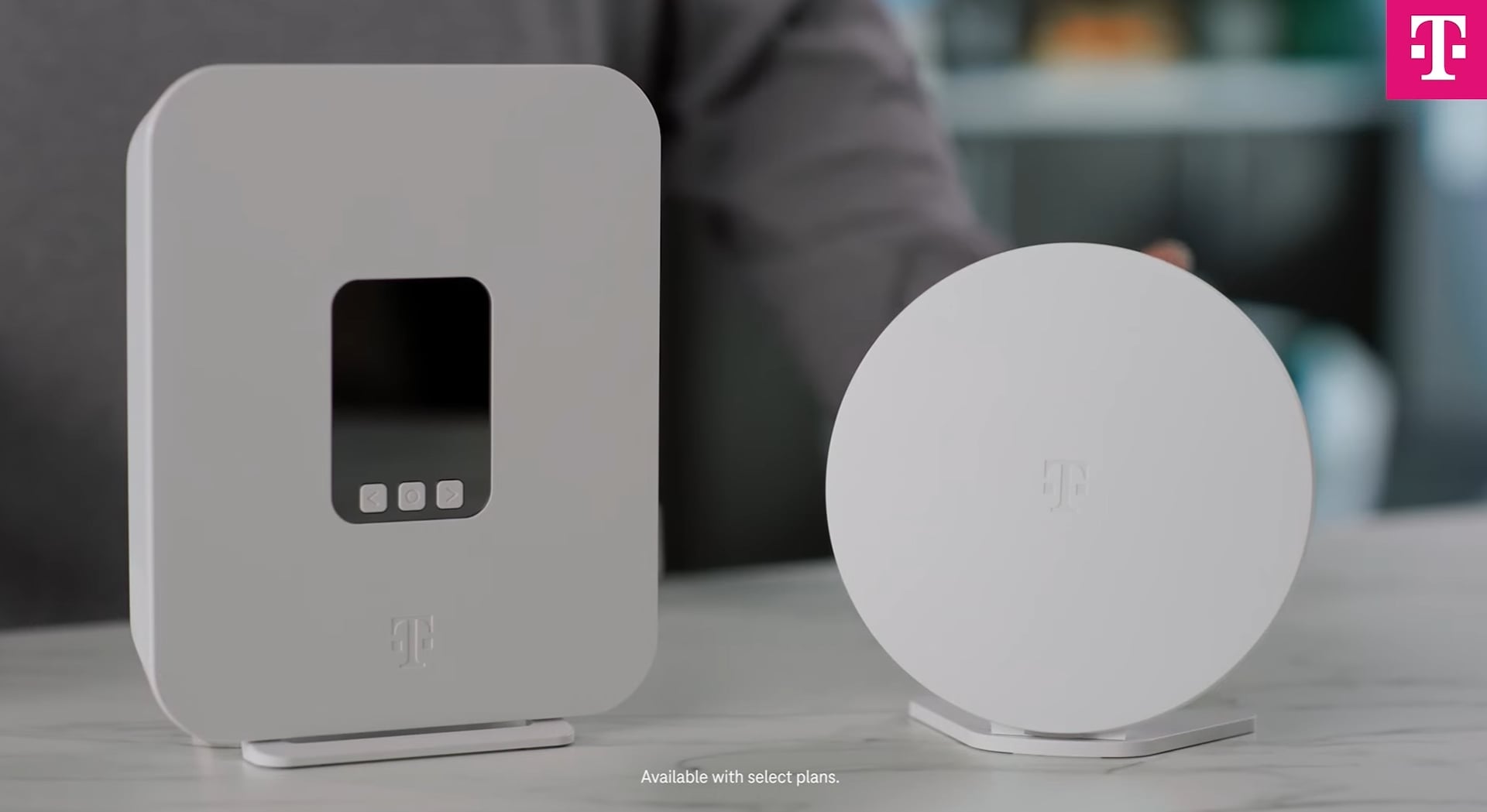
Credit: www.t-mobile.com
Optimizing Performance
Large homes benefit from multiple access points to boost Wi-Fi coverage and reduce dead zones. This setup ensures faster, more stable internet throughout the house. Proper placement of access points improves overall network performance and user experience.
Firmware Updates
Keeping firmware updatedis crucial for optimal performance. New updates fix bugs and improve speed. Check your device settings for updates often. Download and install them when available. This ensures your network runs smoothly.
Quality Of Service Settings
Quality of Service (QoS)helps prioritize important tasks. Set it to give more bandwidth to critical activities. This can help reduce lag for video calls and gaming. Adjust these settings in your router’s dashboard. This ensures a better experience for all users.
Regular Network Monitoring
Monitoring your network helps identify issues quickly. Use tools to check signal strength and coverage. Spot weak areas and adjust access points accordingly. Regular checks keep your network healthy. This ensures everyone enjoys a stable connection.
Frequently Asked Questions
Can Multiple Access Points Improve Wi-fi In Large Homes?
Yes, multiple access points enhance Wi-Fi coverage and reduce dead zones in large homes. They ensure strong, consistent signals throughout the space.
How Many Access Points Does A Large Home Need?
The number depends on home size and layout. Typically, 2-4 access points cover large homes effectively, ensuring seamless connectivity.
Will Multiple Access Points Cause Network Interference?
Properly configured access points use different channels to minimize interference. This setup maintains strong, reliable Wi-Fi without signal conflicts.
Are Multiple Access Points Easy To Set Up In Homes?
Yes, many access points offer user-friendly setup guides or apps. Professional installation can also ensure optimal placement and performance.
Conclusion
Large homes often face Wi-Fi dead zones and weak signals. Using multiple access points helps spread Wi-Fi evenly. Each access point covers a specific area well. This setup keeps your connection strong everywhere in your house. It also supports many devices without slowing down.
Setting up multiple access points can take time but improves user experience. Choosing the right equipment matters for the best results. Overall, multiple access points offer a practical way to boost Wi-Fi in big homes.