Are you frustrated with slow internet that keeps you waiting and interrupts your work or streaming? You might wonder if a portable router can actually boost your internet speed and give you a smoother online experience.
Imagine cutting down lag time and enjoying faster downloads, no matter where you are. You’ll discover how a portable router works, whether it can really improve your internet speed, and what you need to know before making the switch. Keep reading to find out if this simple device could be the key to a faster, more reliable connection for you.
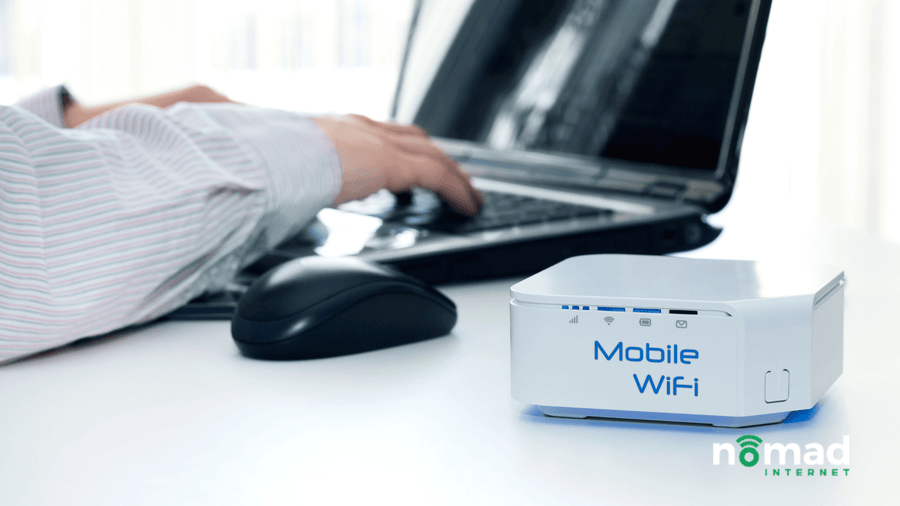
Credit: nomadinternet.com
How Portable Routers Work
Understanding how portable routers work can help you decide if they’ll truly boost your internet speed. These small devices create a personal Wi-Fi hotspot by connecting to various internet sources. You get the flexibility to bring your own internet wherever you go, but how exactly do they manage this?
Basic Functions
Portable routers primarily act as a bridge between your devices and the internet. They receive internet data from a source like a SIM card or wired connection, then share it wirelessly with your smartphones, laptops, or tablets. This means you can connect multiple devices without needing a fixed router or wired setup.
One key function is managing data traffic efficiently. Good portable routers optimize signal strength and reduce interference, which can directly impact your browsing speed and connection stability. Have you ever noticed your internet slowing down when too many devices connect? A capable portable router can help manage that better.
Connection Types Supported
Portable routers support various connection types to get you online. Most commonly, they use:
- 4G/5G SIM cards:They tap into mobile cellular networks, ideal for on-the-go internet access.
- Ethernet ports:Some models allow you to plug into wired internet, converting it into a wireless signal.
- Wi-Fi Repeater mode:They can extend an existing Wi-Fi signal by rebroadcasting it, helping in areas with weak coverage.
Each connection type comes with its own speed limits and reliability factors. For example, 5G SIM-based routers can deliver faster speeds than 4G, but your actual experience depends on network quality and location. What kind of internet connection do you usually rely on when working remotely or traveling?

Credit: www.theverge.com
Factors Affecting Internet Speed
Internet speed depends on many factors. Understanding these helps to know if a portable router can improve speed. Various elements impact how fast your connection feels and performs. Some are outside your control, but others can be managed.
Network Congestion
Network congestion happens when many users share the same internet connection. This slows down the speed for everyone connected. Peak hours often cause congestion, reducing performance. Portable routers cannot fix congestion but may help by managing connections better.
Signal Strength
Strong signal strength improves internet speed and stability. Walls, distance, and interference weaken signals. Portable routers often have better antennas than phones or laptops. They can boost signal strength, improving speed in weak areas.
Device Limitations
Old or low-quality devices can limit internet speed. Some devices do not support fast Wi-Fi standards. Portable routers support newer standards and can increase speed if your device is compatible. Still, the device’s capabilities set a maximum speed limit.
Benefits Of Using Portable Routers
Portable routers offer several benefits that enhance internet use. They provide better control over your connection and improve overall experience. These devices help maintain fast and stable internet in various settings. Below are key advantages of using portable routers.
Enhanced Signal Coverage
Portable routers extend your Wi-Fi range effectively. They reduce dead zones around your home or office. By placing the router in a central spot, signals reach farther. This helps devices connect more reliably and with stronger signals. You get consistent internet without interruptions or weak spots.
Multiple Device Support
Portable routers can handle many devices at once. Smartphones, laptops, tablets, and more stay connected smoothly. This avoids slowdowns caused by too many users on one network. Everyone gets enough bandwidth for browsing, streaming, or work. The router manages traffic to keep speeds steady for all devices.
Improved Security
Portable routers offer better security features than public Wi-Fi. They use strong encryption to protect your data from hackers. You can set passwords and control who joins your network. This keeps your personal and work information safe. Using a portable router lowers risks of cyber threats during online activities.
Choosing The Right Portable Router
Choosing the right portable router can make a big difference in your internet experience. The right device balances speed, battery life, and compatibility. Each factor affects how well your internet connection performs on the go. Understanding these points helps find a router that fits your needs.
Speed Ratings
Speed ratings show how fast a router can transfer data. Look for routers with high Mbps numbers for faster internet. Pay attention to Wi-Fi standards like Wi-Fi 5 or Wi-Fi 6. Newer standards offer better speed and signal strength. Choose a router with speeds that match your internet plan.
Battery Life
Battery life matters if you use your router outdoors or during travel. Longer battery life means more hours of internet without charging. Some portable routers offer up to 10 hours or more. Check for quick charging features to reduce downtime. A good battery life keeps you connected longer.
Compatibility
Compatibility ensures the router works with your devices and network. Check if the router supports your mobile carrier or SIM card. Make sure it works with your phone, laptop, or tablet. Also, verify the router supports the right frequency bands. Proper compatibility avoids connection issues and slow speeds.
Setting Up For Optimal Speed
Setting up a portable router can enhance internet speed by providing a stable connection. It reduces interference and improves signal strength, ensuring faster data transfer. This setup is ideal for users seeking better internet performance.
Setting up your portable router for optimal speed is crucial. A proper setup can significantly boost your internet experience. Let’s dive into some key areas that need attention.Placement Tips
Position your portable router centrally in your home. Avoid placing it near thick walls or metal objects. High shelves work best to reduce obstructions. Keep it away from electronic devices like microwaves. This reduces signal interference.Firmware Updates
Always update your router’s firmware. New updates can improve performance and security. Check the manufacturer’s website for updates regularly. Many routers offer automatic updates. Enable this feature for convenience.Network Settings
Access your router’s settings through a web browser. Use a strong, unique password for your network. Enable WPA3 security if available for better protection. Set your Wi-Fi channel to the least crowded one. This minimizes interference and enhances speed. With these steps, you can enjoy faster internet at home. Your portable router is now set for optimal speed.Common Misconceptions
Many people believe that simply adding a portable router will instantly speed up their internet. This is a common misconception that often leads to disappointment. Understanding what portable routers can and cannot do helps set realistic expectations.
Speed Boost Expectations
A portable router can improve your internet experience, but it won’t magically increase your internet speed beyond what your service provider offers. Its main role is to create a Wi-Fi hotspot, allowing multiple devices to connect easily and manage connections better.
Think about a coffee shop Wi-Fi. The speed depends on their internet plan, not the router they use. Similarly, if your internet plan is slow, a portable router won’t change that.
Have you noticed your connection feels faster in some rooms but slower in others? Portable routers can help by placing the signal closer to your device, reducing obstacles and improving connection quality. However, this is about optimizing coverage, not increasing raw speed.
Limitations Of Portable Routers
Portable routers rely on existing internet signals like cellular networks or a wired connection. If the original signal is weak or congested, the router can’t fix that. It’s like trying to fill a glass from an almost empty pitcher.
Many users expect these devices to replace a full home router with advanced features. Portable routers usually lack the power to handle heavy traffic or complex network settings found in home routers. This can affect performance when many devices connect simultaneously.
Also, battery life and range are practical limits. Using a portable router on the go means balancing speed, battery, and signal strength. If you need constant high-speed internet, relying solely on a portable router may not meet your needs.
Alternatives To Portable Routers
Portable routers are helpful but not the only option to boost internet speed. Several alternatives can improve your Wi-Fi coverage and connection quality. These options often work well in homes and offices where a single router does not reach every corner.
Each alternative has its strengths. Choosing the right one depends on your space size, budget, and internet needs. Here are two popular choices that many users consider.
Wi-fi Extenders
Wi-Fi extenders catch the signal from your main router and send it further. They are easy to set up and usually cost less than other solutions. Extenders help cover dead zones in your home where Wi-Fi is weak or non-existent.
Keep in mind, extenders may reduce speed slightly because they repeat the signal. Still, they provide a quick fix for spots with poor connectivity. Place them halfway between your router and the weak signal area for best results.
Mesh Networks
Mesh networks use multiple devices called nodes to create one large Wi-Fi system. Each node communicates with others, providing strong signals throughout your home. This system offers seamless coverage and reduces dead zones effectively.
Mesh networks handle many devices at once without slowing down. They are ideal for bigger homes or offices where a single router or extender is not enough. Installation is simple, and management is often done via a smartphone app.
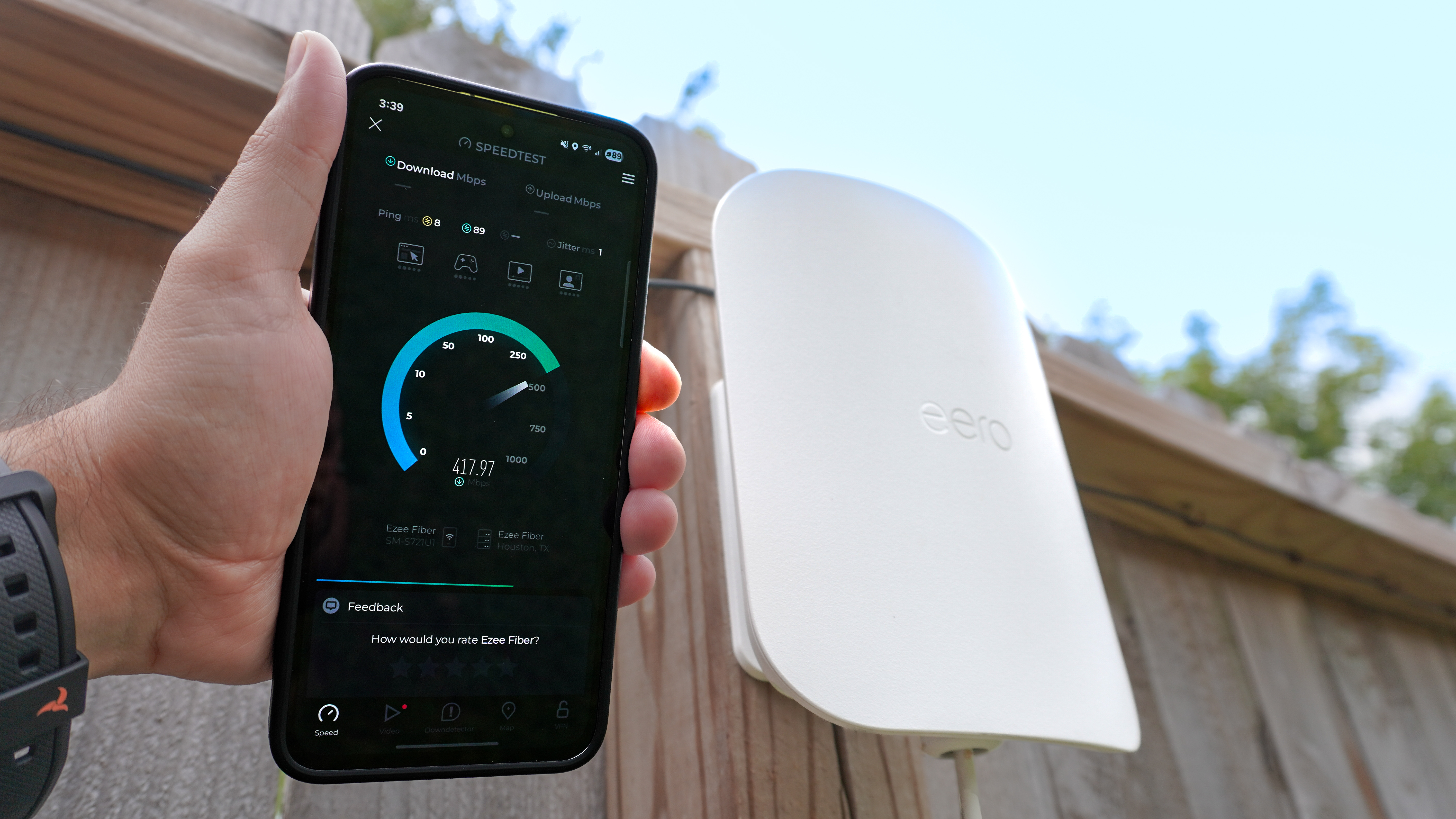
Credit: www.tomsguide.com
Frequently Asked Questions
Can A Portable Router Boost My Internet Speed?
Yes, a portable router can improve internet speed by optimizing signal strength. It reduces interference and provides a stable connection, especially in weak coverage areas.
How Does A Portable Router Differ From A Regular Router?
Portable routers are compact and designed for mobility. They connect via cellular networks or existing Wi-Fi, unlike regular routers that rely on wired connections.
Will Using A Portable Router Reduce My Data Usage?
No, a portable router does not reduce data usage. It manages connections better but data consumption depends on your online activities.
Are Portable Routers Compatible With All Internet Providers?
Most portable routers work with major providers, but compatibility varies. Check your provider’s network bands and router specifications before purchasing.
Conclusion
A portable router can help improve your internet speed in many cases. It offers better signal strength and more stable connections. You get more control over your network settings too. Small size means you can take it anywhere easily. It works well for travel or home use.
Yet, results depend on your internet provider and location. Consider your needs before buying one. A portable router can make your online experience smoother and faster. Worth trying if you want better internet on the go.