Are you worried about the safety of your smart devices at home? With so many gadgets connected to your Wi-Fi, it’s natural to wonder if your router can keep them secure.
What if your router could act as a shield, stopping hackers before they reach your devices? You’ll discover how routers work to protect your smart devices and what steps you can take to boost your home security. Keep reading to find out how to make your network a fortress for your technology.
Credit: www.foxnews.com
Router Security Basics
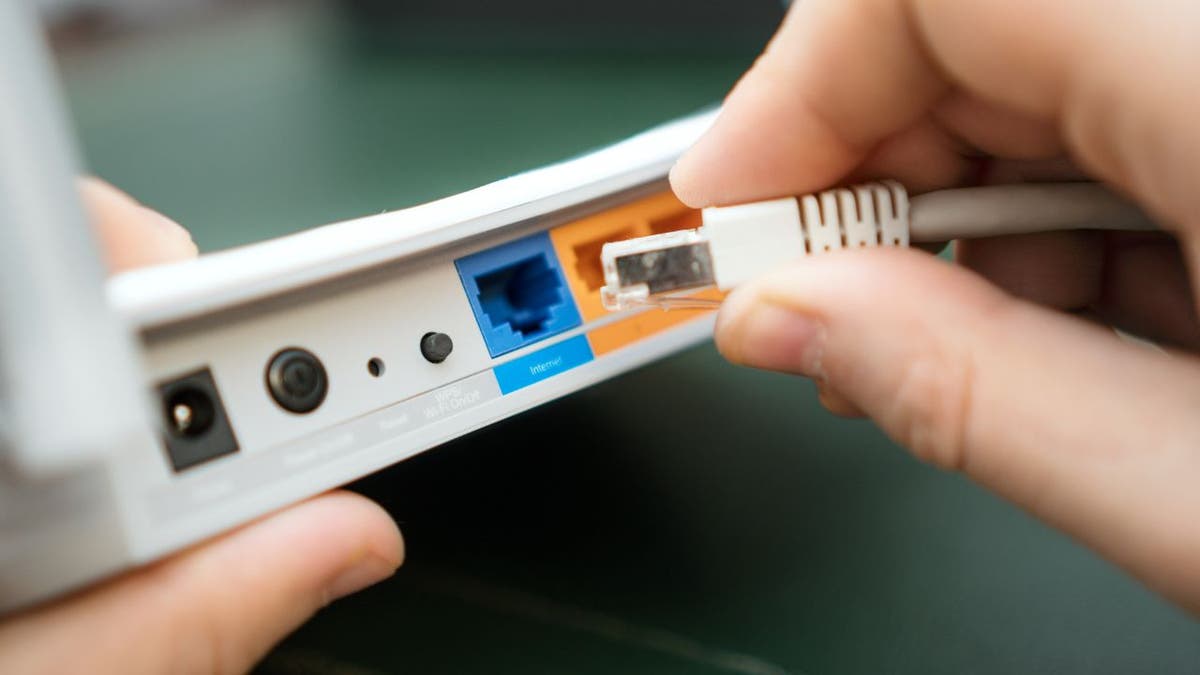
Routers act as gatekeepersby connecting smart devices to the internet. They control what data enters and leaves your home network. This helps stop harmful traffic from reaching your devices.
Most routers use firewallsto block bad connections and allow safe ones. They also offer settings to manage device access. This lets you decide which devices can join your network.
| Common Router Vulnerabilities | Details |
|---|---|
| Weak Passwords | Easy to guess passwords let hackers in quickly. |
| Outdated Firmware | Old software may have security bugs hackers exploit. |
| Open Ports | Unsecured ports allow unauthorized access to devices. |
| Default Settings | Factory settings often lack strong security protections. |
Smart Device Risks
Smart devices include home assistants, security cameras, smart thermostats, and wearable gadgets. These devices connect to the internet to make life easier. Many devices collect personal information and control important home functions.
Common threats facing smart devices are:
- Hacking:Attackers can access devices to steal data or control them.
- Privacy breaches:Sensitive information can be exposed or shared without permission.
- Malware:Harmful software can disrupt device operation or steal data.
- Weak passwords:Easy-to-guess passwords make devices vulnerable.
- Outdated software:Old software can have security holes.
Enhancing Router Security
Changing default settingson your router is a simple way to boost security. Default usernames and passwords are easy targets for hackers. Change them to strong, unique credentials. Also, rename your Wi-Fi network to something that does not reveal your identity or router brand.
Regular firmware updateskeep your router protected from new threats. These updates fix bugs and close security holes. Check for updates often and install them promptly.
Strong passwordsare key to safeguarding your smart devices. Use a mix of letters, numbers, and symbols. Avoid common words or easy patterns. Change passwords regularly to keep your network safe.

Credit: www.accentondesign.net
Network Segmentation
Creating guest networkshelps keep smart devices separate from main devices. Guests get internet access but cannot reach your private data. This stops unwanted access to important devices like computers and phones.
Isolating smart devicesmeans putting them on a different part of your network. This way, if one device is hacked, others stay safe. It also limits how much damage a virus or malware can do.
- Guest networks limit access to home files and devices.
- Smart devices stay separate from work or personal gadgets.
- Easy to set up on most modern routers.
- Improves overall security for your home network.
Advanced Router Features
Firewallsact as a shield between your smart devices and the internet. They block unwanted traffic and stop hackers from entering your network. Many routers come with built-in firewalls that you can easily turn on.
VPNs(Virtual Private Networks) help hide your online activity. They create a secure tunnel for your data, making it hard for outsiders to see what you do. Some routers support VPNs to protect all connected devices at once.
An Intrusion Detection System (IDS)watches your network for suspicious activity. It alerts you if someone tries to break in. Enabling IDS on your router can add a strong layer of security for your smart devices.

Credit: www.livemint.com
Monitoring And Maintenance
Regular monitoring keeps your router secure and helps protect smart devices from threats. Routine maintenance ensures firmware updates fix vulnerabilities and improve performance. Staying alert to unusual activity strengthens your home network’s safety.
Regular Network Scans
Routers can scan networks to find problems. They look for strange activity. Regular scans help keep smart devices safe. Scans can find weak spots in the network. Fixing these spots stops hackers. Keeping the network healthy is important.Recognizing Signs Of Compromise
Signs of trouble mean danger for smart devices. Strange slowdowns or unexpected alerts are signs. New devices connecting without permission is a red flag. A good router helps spot these problems. Alerting users quickly can prevent damage. Protecting devices keeps personal data safe. `Additional Security Tips
Routers add a layer of protection by managing device connections and blocking threats. Changing default passwords and updating firmware boosts security further. Separating smart devices on a guest network limits potential risks.
Disabling Unused Services
Smart devices often have many features. Some of these features are not needed. Disable any services you do not use. This reduces the risk of attacks. It also helps your device run better. Always check your device settings. Look for services or apps you do not need. Turn them off or remove them.
Limiting Device Access
Only allow trusted people to access your smart devices. Set strong passwords to protect them. Use a mix of letters, numbers, and symbols. Change passwords regularly. Enable two-factor authentication if possible. This adds an extra layer of security. Keep a list of who has access to your devices.
Educating Users On Security Best Practices
Teach everyone in your home about device security. Show them how to use passwords. Explain why security is important. Encourage regular updates on devices. Share simple safety tips. Keep the conversation ongoing. This helps everyone stay safe online.
Frequently Asked Questions
Can Routers Block Cyberattacks On Smart Devices?
Yes, routers can block many cyberattacks by filtering malicious traffic and using built-in firewalls. They act as a first defense layer to protect smart devices from unauthorized access and threats.
Do Routers Provide Encryption For Smart Device Data?
Most modern routers support encryption protocols like WPA3. Encryption secures data transmitted between smart devices and the router, preventing hackers from intercepting sensitive information.
How Often Should Router Firmware Be Updated?
Router firmware should be updated regularly, ideally every few months. Updates fix security flaws, improve performance, and enhance protection for connected smart devices.
Can Routers Isolate Smart Devices For Better Security?
Yes, routers can create separate networks or guest Wi-Fi zones. Isolating smart devices reduces risks by limiting access to your main network and sensitive data.
Conclusion
Routers play a key role in protecting smart devices from threats. They block many attacks before reaching your gadgets. Still, they cannot stop all dangers alone. Combining router security with strong passwords and updates helps a lot. Always stay aware of new risks and act quickly.
Protecting smart devices takes simple, smart steps every day. Keep your home network safe and enjoy peace of mind.