Are you wondering if cheap routers can really work with mesh systems? You’re not alone.
Many people want to boost their home Wi-Fi without spending a fortune. But does going for a budget router mean you’ll face slow speeds or dropped connections? You’ll discover the truth about using affordable routers with mesh networks. By the end, you’ll know exactly what to expect and how to get the best performance without breaking the bank.
Keep reading to find out if your cheap router can keep up with a mesh system—and what you should watch out for.
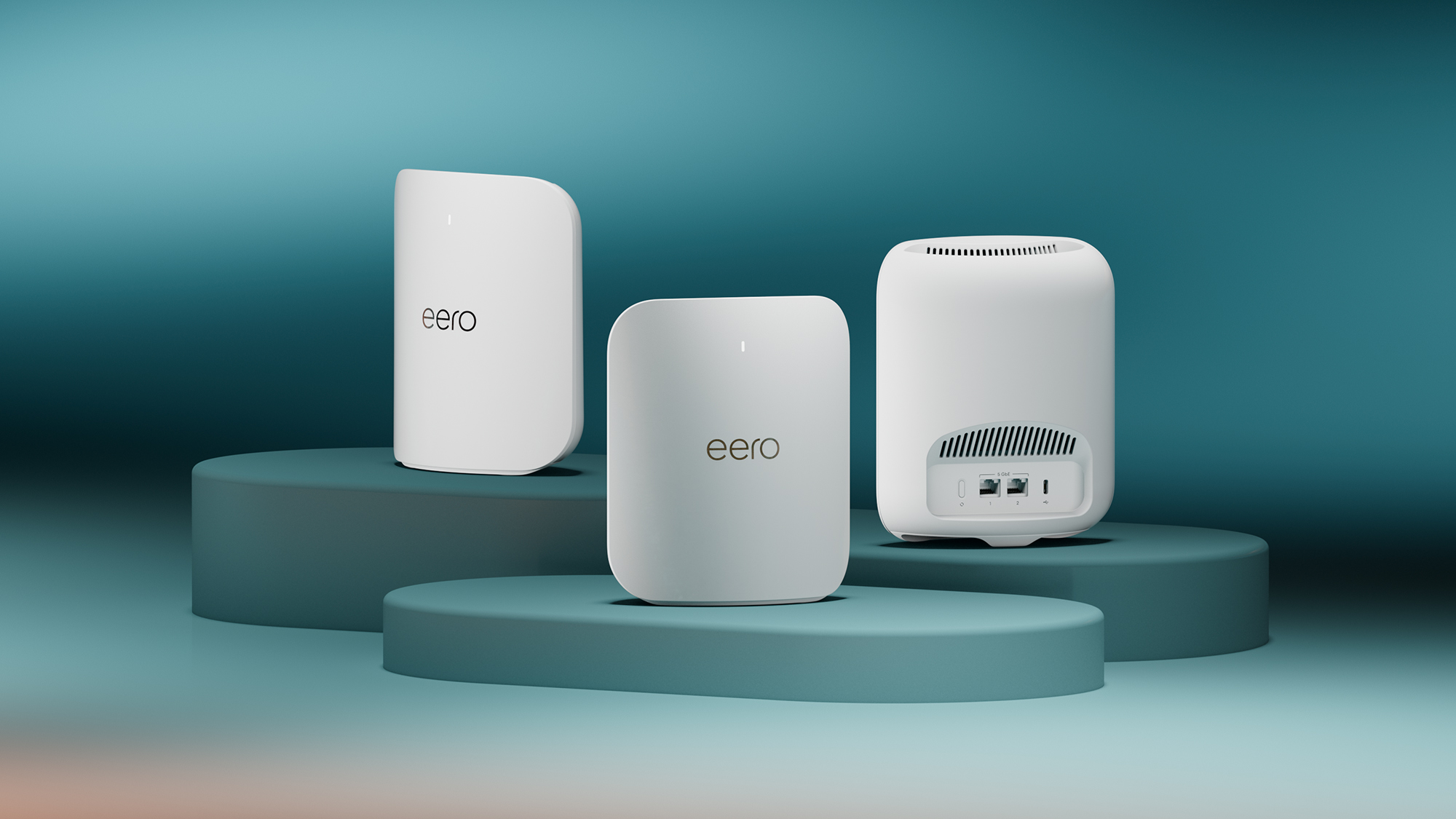
Credit: www.t3.com
Cheap Routers And Mesh Systems
Basic routers offer simple features like Wi-Fi accessand wired connections. They usually have fewer settings and slower speeds. Many cheap routers lack support for advanced mesh networking. This can cause issues when connecting with mesh nodes.
Mesh systems need routers that support seamless communicationbetween nodes. They require features like fast data transfer, stable connections, and easy setup. A cheap router might not meet these needs, leading to weak signalsor network drops.
| Basic Router Features | Mesh Network Requirements |
|---|---|
| Wi-Fi for few devices | Support for multiple nodes |
| Limited settings | Advanced settings for mesh control |
| Slower speeds | High-speed data transfer |
| Basic security | Strong, updated security features |

Credit: dongknows.com
Compatibility Issues
Choosing cheap routers might lead to compatibility issues with mesh systems. Some routers lack the necessary features for seamless mesh integration. It’s important to check specifications before purchasing to ensure smooth connectivity.
Firmware Limitations
Cheap routers often come with limited firmware. This can cause problems when trying to connect with mesh systems. Mesh networks need routers that support specific protocols. Older or basic routers may lack these features. Firmware updates are sometimes unavailable for cheap models. This limits their ability to work with new mesh technology.
Hardware Constraints
Cheap routers usually have basic hardware. Their processors and memory may be too weak for mesh networking tasks. Mesh systems require good hardware to manage multiple devices. Poor hardware can cause slow speedsand connection drops. Also, some cheap routers have limited ports or antennas, reducing mesh system performance.
Performance Factors
Cheap routers may struggle to handle the demands of mesh networks. Limited speed and range can reduce overall performance. Choosing reliable hardware ensures smoother connections and better coverage.
Signal Strength And Range
Cheap routersoften have weaker signal strength. This limits how far the Wi-Fi can reach. Walls and furniture can block signals. Mesh systems need strong signals to connect all points well. A weak signal means parts of the mesh may not work right.
Network Speed And Stability
Lower-cost routers usually have lower network speeds. This affects how fast devices connect to the internet. Stability can also be a problem. Connections may drop or slow down often. Mesh systems work better with routers that provide consistent and fast speeds. This keeps the network smooth and reliable.
Setting Up Cheap Routers With Mesh
Setting up cheap routerswith mesh networks can be tricky but possible. First, check if your router supports bridge mode. This lets the mesh system control the network. Without this, there might be conflicts causing slow speeds or connection drops.
Use these tips for easier setup:
- Place the mesh nodes in open areas, away from thick walls.
- Update the router’s firmware to the latest version.
- Assign different IP ranges to avoid conflicts.
- Restart devices after configuration changes.
- Use Ethernet cables for backhaul if possible.
Common challenges include:
- Routers not supporting mesh protocol well.
- Signal interference from other devices.
- Difficulty in syncing the mesh nodes.
- Limited range and bandwidth of cheap routers.
When To Upgrade Your Router
Internet feels slow? Your router might be the cause. Check for signs. Frequent disconnections are a warning. Devices struggle to connect? It’s another clue. Older routers can’t handle many devices. Newer models support more connections. Spotty Wi-Fi in some rooms? That’s a signal. Routers have limited range. A mesh system can help. High buffering times? It’s frustrating, right? Streaming services need strong signals. If you experience these issues, consider an upgrade. A better router can improve your experience.
Better routers offer faster speeds. They handle more devices smoothly. Enjoy seamless video calls and gaming. Higher-end models provide stronger security. This keeps your data safe. Advanced features like parental controls are handy. They help manage internet usage. Some models come with smart home integration. This makes managing devices easier. Investing in a quality router is wise. It enhances your internet experience significantly.

Credit: www.tomsguide.com
Cost Vs. Performance Balance
Cheap routers can work with mesh systems but may limit performance. They often have fewer features and weaker signals. This can cause slower speeds and dropped connections in large homes.
Understanding your needs helps choose the right gear. Small homes may do fine with basic routers. Bigger houses or many devices need stronger mesh setups.
- Basic internet use: Cheap routers might be enough.
- Streaming or gaming: Better mesh systems improve experience.
- Multiple users: Mesh with good range is important.
| Factor | Cheap Routers | Mesh Systems |
|---|---|---|
| Price | Low | Moderate to High |
| Coverage | Limited | Wide |
| Speed | Basic | Fast |
| Setup | Simple | Moderate |
Frequently Asked Questions
Do Cheap Routers Support Mesh Networking?
Cheap routers often lack mesh networking features. Most mesh systems require compatible hardware for seamless connectivity. Basic routers might work but won’t deliver optimal mesh performance or coverage.
Can I Use Any Router With A Mesh System?
Not all routers are compatible with mesh systems. Mesh nodes usually need specific protocols to communicate. Using incompatible routers may cause network issues or reduce mesh benefits.
Will A Cheap Router Affect Mesh Network Speed?
Yes, cheap routers can limit mesh network speed. Lower-quality hardware means slower data processing and weaker signal strength. This results in reduced internet speed and reliability across your mesh network.
Are Cheap Routers Reliable For Large Mesh Coverage?
Cheap routers generally struggle with large mesh coverage. They have limited range and weaker antennas. For extensive coverage, investing in quality routers designed for mesh is recommended.
Conclusion
Cheap routers can work with mesh systems, but expect limits. They may slow your network or cause weak signals. Mesh systems often need stable, fast routers to perform well. Choosing a budget router might save money but reduce speed and coverage.
For simple home use, cheap routers could be enough. For larger homes or many devices, invest in better gear. Test your setup to see if performance meets your needs. Balance cost and quality to keep your Wi-Fi smooth and reliable.