Are you wondering if your gaming router can handle Voice over IP (VoIP) calls without dropping a beat? You want clear, uninterrupted conversations just like you want lag-free gaming.
But can one device really deliver both? If you’ve been asking yourself, “Do gaming routers work with VoIP? ” You’re in the right place. Keep reading to find out how your router impacts your call quality and what you can do to make sure your voice always comes through loud and clear.
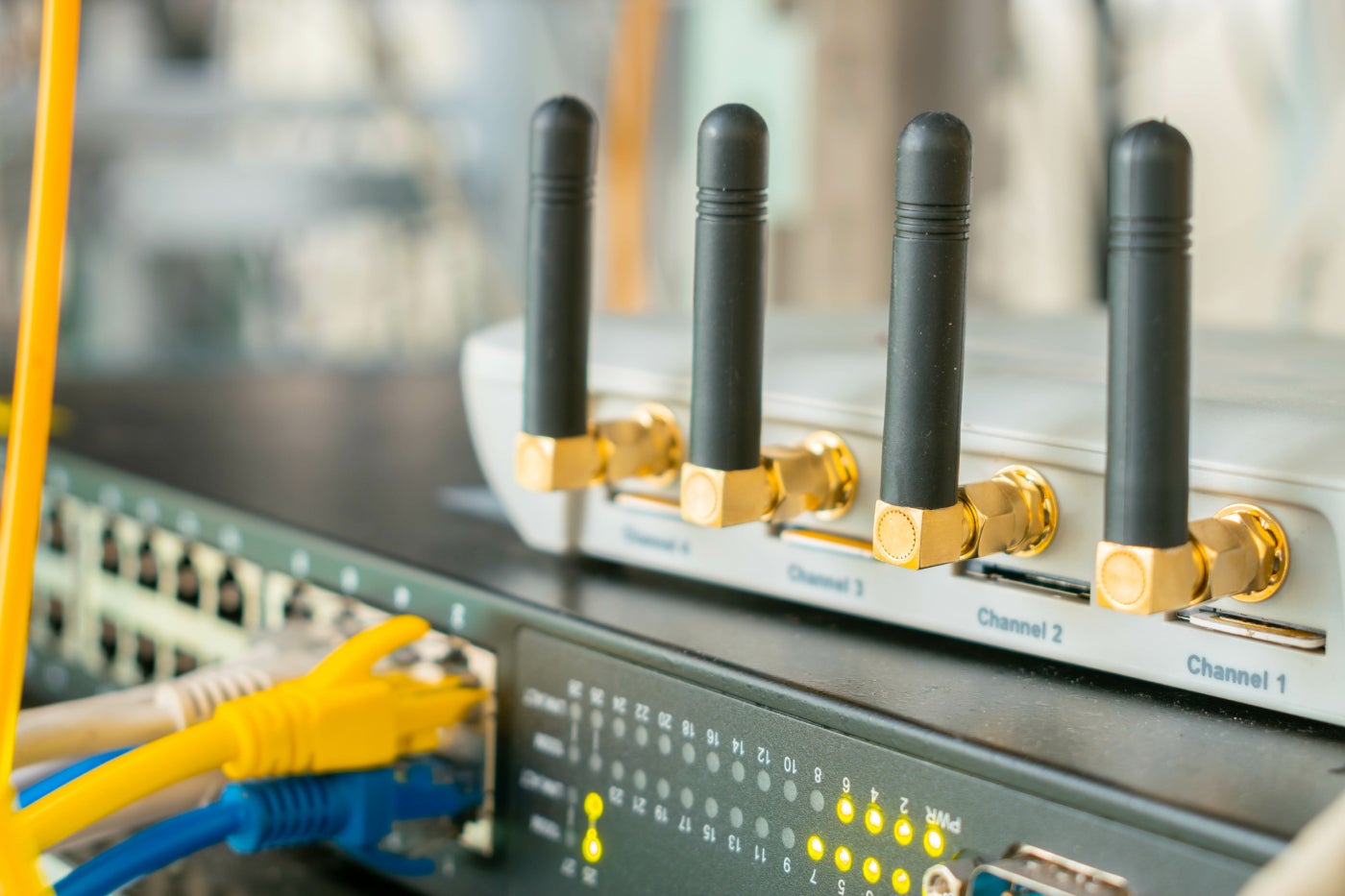
Credit: www.techrepublic.com
Gaming Routers And Voip Basics
Understanding the basics of gaming routers and VoIP is essential before deciding if they can work well together. Both gaming and VoIP rely heavily on a stable, fast internet connection, but their needs differ in key ways. Knowing how these devices operate will help you optimize your setup for smooth gaming and clear calls.
How Gaming Routers Differ
Gaming routers are designed to prioritize speed and reduce lag during online gameplay. They often include features like Quality of Service (QoS) settings that allow you to give gaming traffic higher priority over other types of data. This helps prevent interruptions during critical moments in your game.
Besides speed, gaming routers usually support advanced hardware and firmware optimized for heavy data loads. This means they can handle multiple devices streaming, downloading, and gaming simultaneously without slowing down. But does this focus on gaming traffic affect other applications like VoIP?
Voip Call Requirements
VoIP calls need a steady, low-latency connection to maintain clear audio and avoid dropped calls. Unlike gaming, which can tolerate occasional minor delays, VoIP is sensitive to jitter and packet loss. Even small interruptions can make conversations frustrating or unintelligible.
To keep VoIP calls smooth, your router should prioritize voice packets and manage bandwidth effectively. This is where QoS settings become crucial—you want your router to recognize VoIP traffic and give it the necessary priority alongside gaming data. Have you checked if your gaming router allows customizing QoS for VoIP?

Credit: www.amazon.com
Impact Of Gaming Routers On Voip Quality
Gaming routers are designed to handle high-speed internet traffic with minimal delays, which seems like a perfect match for Voice over IP (VoIP) calls. But how exactly do these routers impact your VoIP call quality? Understanding the specific factors at play can help you optimize your setup and avoid frustrating call issues.
Latency And Jitter Effects
Latency is the delay between sending and receiving data, and jitter is the variation in that delay. Both can seriously affect VoIP quality by causing echoes, delays, or robotic voices during calls.
Gaming routers often reduce latency for gaming packets, but if VoIP traffic isn’t prioritized, your calls might still experience jitter. Have you noticed your VoIP calls getting choppy when someone starts gaming or streaming? That’s a sign your router’s handling latency and jitter unevenly across different services.
Bandwidth Prioritization
One of the biggest advantages gaming routers offer is bandwidth prioritization, also called Quality of Service (QoS). This feature lets you assign higher priority to VoIP packets so calls stay clear even when the network is busy.
Without proper prioritization, VoIP calls compete with gaming downloads and video streams, which can cause voice delays or dropouts. Make sure your router’s QoS settings give VoIP traffic a top spot to keep your conversations smooth and uninterrupted.
Packet Loss And Call Drops
Packet loss happens when data packets don’t reach their destination, leading to broken audio or dropped calls. Gaming routers typically have advanced traffic management to reduce packet loss during intense online activity.
Still, if your router’s firmware isn’t optimized for VoIP, or if settings are misconfigured, you could face frequent call drops. Have you checked if your gaming router supports VoIP-friendly features or firmware updates? This step can be crucial for reliable voice communication.
Key Features In Gaming Routers For Voip
Choosing the right gaming router can significantly improve your VoIP call quality. Certain features in these routers help reduce lag, jitter, and dropped calls, making your voice chats clear and reliable. Understanding these features lets you pick a router that supports both intense gaming and smooth VoIP communication.
Quality Of Service (qos) Settings
QoS settings let you prioritize VoIP traffic over other types of data. This means your voice calls get bandwidth preference, reducing delays and interruptions. If you’ve ever experienced choppy calls while downloading large files, QoS can prevent that by managing your network traffic smartly.
Look for routers that allow you to customize QoS rules easily. Some models even let you prioritize specific devices, ensuring your phone or computer gets the best connection for calls.
Dual-band And Tri-band Support
Gaming routers often offer dual-band or tri-band frequencies to split network traffic. Using different bands for gaming and VoIP keeps your calls stable even when others are streaming or downloading. Imagine your VoIP call on the 5GHz band while your gaming console uses 2.4GHz; this separation reduces interference and congestion.
If your household has many devices, tri-band routers can handle multiple high-demand tasks simultaneously. This setup ensures your VoIP calls won’t suffer when multiple users are online.
Advanced Traffic Management
Advanced traffic management features help monitor and control the flow of data in real-time. This ensures that sudden spikes in network usage don’t disrupt your VoIP calls. Some routers come with built-in analytics, allowing you to see which devices or applications consume the most bandwidth.
With this insight, you can adjust settings or limit bandwidth hogs to keep your voice calls clear. Have you noticed how your call quality drops when someone in your home starts streaming 4K video? Traffic management tackles exactly that issue.
Optimizing Gaming Routers For Clear Voip Calls
Gaming routers offer powerful features that can improve your internet connection. These features also help make VoIP calls clearer and more reliable. Optimizing your gaming router ensures voice data gets priority and reduces delays or dropped calls.
Adjusting settings and organizing your network improves call quality. Simple changes can create a smoother experience for both gaming and VoIP communication.
Configuring Qos For Voip
Quality of Service (QoS) lets you prioritize voice traffic over other data. This setting reduces lag and packet loss during calls.
- Access your router’s admin panel.
- Find the QoS section in the settings menu.
- Set VoIP applications or device IPs to high priority.
- Save changes and restart the router if needed.
This prioritization ensures voice packets travel faster than gaming or download data.
Firmware Updates And Compatibility
Firmware updates fix bugs and improve router performance. Updated software often enhances VoIP support.
- Check your router’s update section regularly.
- Download and install the latest firmware from the official site.
- Confirm the router supports your VoIP service.
Keeping firmware current prevents compatibility issues and improves stability.
Network Segmentation Tips
Separating gaming and VoIP traffic reduces interference. Use network segmentation for clearer calls.
- Create separate SSIDs for gaming and VoIP devices.
- Assign different IP ranges or VLANs to each network.
- Limit bandwidth on gaming devices during calls if possible.
This separation prevents gaming traffic from disrupting voice communication.
Common Issues And Troubleshooting
Gaming routers are popular for their speed and performance. But, using them with VoIP can present challenges. Understanding these issues and knowing how to troubleshoot them is crucial. Let’s explore some common problems and their solutions.
Interference And Signal Strength
Wireless interference can disrupt VoIP calls. Thick walls and other devices might weaken signals. Place the router in an open space, away from walls. This can improve signal strength. Reduce interference by keeping the router away from microwaves and cordless phones. Using a wired connection can also enhance VoIP call quality.
Port Forwarding Challenges
Port forwarding is essential for VoIP functionality. Incorrect settings can block calls. Check your router settings to ensure ports are open for VoIP. Consult your VoIP provider for specific port numbers. Enter the correct numbers in the router’s port forwarding section. This can resolve call connectivity issues.
Device Compatibility Problems
Not all routers are compatible with every VoIP device. Ensure your router supports Quality of Service (QoS) features. QoS prioritizes VoIP traffic, improving call quality. Update your router’s firmware for better compatibility. Contact your VoIP provider for device-specific recommendations. This can help avoid compatibility-related problems.
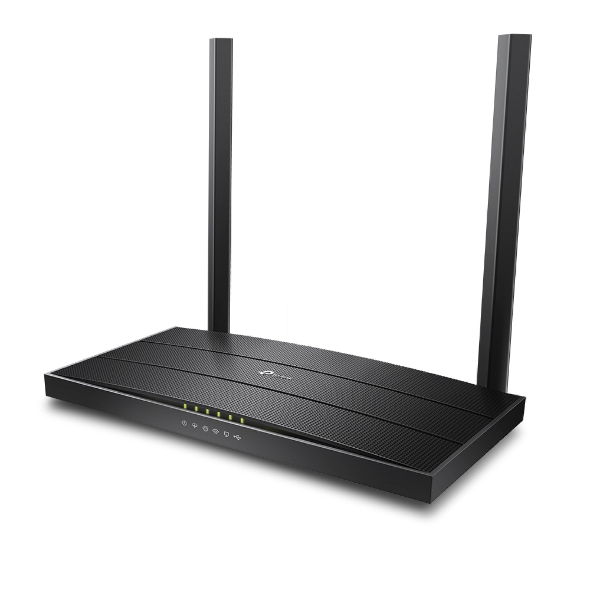
Credit: fgtechstore.com
Comparing Gaming Routers With Standard Routers
Choosing the right router can make a big difference in your VoIP experience. Gaming routers and standard routers serve different purposes, but how do they stack up when it comes to handling VoIP calls? Understanding their differences helps you decide what fits your needs and budget without overspending on features you might not use.
Performance Differences
Gaming routers are designed to prioritize low latency and reduce lag during online games. This focus means they often have Quality of Service (QoS) settings that can prioritize VoIP traffic, which is crucial for clear, uninterrupted calls.
Standard routers, on the other hand, provide solid performance for everyday internet use but might lack advanced traffic management features. If your VoIP calls are mostly casual or occasional, a good standard router can still deliver decent call quality.
Think about how often you use VoIP and the number of devices connected simultaneously. If you juggle multiple calls or streams, gaming routers could keep your connection smoother.
Cost Vs. Benefit Analysis
Gaming routers tend to be more expensive due to their advanced features and hardware. But does the price justify the benefit for VoIP users? If your primary use is voice calls, the extra cost might not bring noticeable improvements.
Standard routers come at a lower price point and often include enough features to support reliable VoIP calls for most home users. You might want to invest in a mid-range router that balances cost and functionality.
Ask yourself: Are you paying for gaming perks you’ll never use, or do you truly need that extra performance for your calls and internet activities?
Best Router Choices For Voip
Look for routers that highlight QoS controls and strong Wi-Fi coverage. Brands like ASUS, Netgear, and TP-Link offer models catering to both gamers and everyday users.
- ASUS RT-AX58U:Offers robust QoS and good bandwidth for VoIP and gaming alike.
- Netgear Nighthawk R7000:Known for reliable performance and easy setup for VoIP prioritization.
- TP-Link Archer A7:Budget-friendly option with decent QoS settings for smooth calls.
Remember, the best router for your VoIP setup depends on your network size, call frequency, and budget. Have you checked if your current router supports traffic prioritization? That could be a quick fix before considering an upgrade.
Frequently Asked Questions
Do Gaming Routers Support Voip Services Effectively?
Yes, gaming routers support VoIP effectively by prioritizing voice traffic. They reduce latency and packet loss, ensuring clear and stable calls.
Can Voip Calls Work Without Internet On Gaming Routers?
No, VoIP calls require an active internet connection. Gaming routers only manage traffic but cannot enable calls without internet.
Do Gaming Routers Improve Voip Call Quality?
Gaming routers improve VoIP call quality by minimizing lag and jitter. Their QoS features prioritize voice packets for smoother communication.
Are Gaming Routers Compatible With All Voip Providers?
Most gaming routers are compatible with major VoIP providers. However, checking specific provider requirements and router firmware is recommended for best performance.
Conclusion
Gaming routers can work well with VoIP services. They offer stable connections and reduce lag. This helps calls stay clear and uninterrupted. Choosing the right settings is important for best results. Quality of service (QoS) features prioritize voice traffic effectively.
Simple setup steps make integration easy. Overall, gaming routers support good VoIP experiences. They suit users wanting both gaming and clear calls. Consider your needs before deciding on a router. Reliable internet and proper configuration make the biggest difference.