Are you struggling with slow internet even after using a long range WiFi extender? You might wonder if these devices are actually making your connection worse.
The truth is, many people don’t realize how WiFi extenders work and why they can sometimes slow down your internet speed. If you want to enjoy fast and reliable WiFi throughout your home or office, it’s crucial to understand what’s really happening behind the scenes.
Keep reading, and you’ll discover the surprising facts that can help you get the most out of your WiFi extender without losing speed.

Credit: www.theardor.com.au
How Wifi Extenders Work
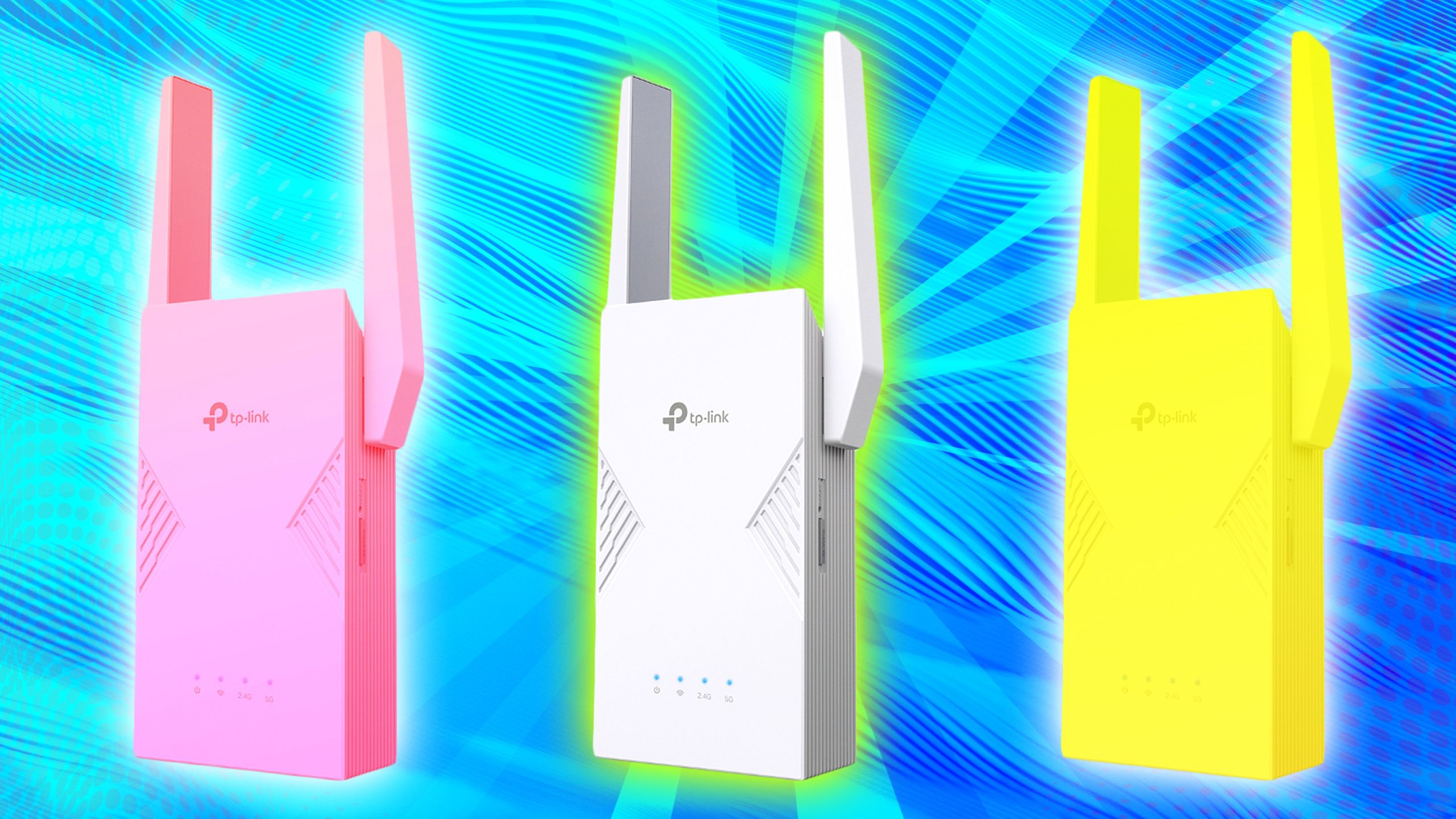
Wifi extenders help increase the rangeof your wireless network. They catch the signal from your router and send it furtherto reach places with weak coverage. This helps devices far from the router get a better connection.
Types of extendersvary by design and function. Some connect using the same wifi channel, while others use a separate band to avoid traffic. Common types include:
- Repeater extendersthat copy and resend the signal.
- Access point extendersthat connect via cable and create a new wifi zone.
- Mesh systemsthat use multiple devices to cover large areas smoothly.
The signal transmission processinvolves receiving the signal, amplifying it, and sending it out again. Each time the signal is repeated, some speed may be lost because the extender uses part of the bandwidth to communicate with the router. This can cause slower internet speeds compared to direct router connections.
Factors Affecting Internet Speed
Signal strengthplays a big role in internet speed. A weak signal can cause slowdowns. Long-range WiFi extenders may reduce signal quality over distance. This can lower your connection speed. Walls, floors, and other obstacles block signals. This weakens the WiFibefore it reaches your device.
Bandwidth sharingmeans the internet speed is split among devices. More devices using the extender share the same bandwidth. This can slow down each deviceconnected to the network.
Interferencefrom other electronics can cause WiFi problems. Microwaves, cordless phones, and other WiFi networks can disturb the signal. This leads to slower internet speedsand unstable connections.
Impact Of Long Range Extenders
Long range WiFi extenders can cause latencyand speed reduction. The signal travels farther, but data takes longer to move. This delay can slow down your internet. The farther the extender, the more the speed drops.
There is a clear range vs performance trade-off. Extenders increase coverage but often reduce speed. WiFi signals weaken over distance, and extenders repeat the weak signal. This can cause slower internet on devices far from the main router.
| Distance from Router | Typical Speed Reduction | Latency Impact |
|---|---|---|
| Near (0-20 feet) | Minimal | Low |
| Medium (20-50 feet) | Moderate | Medium |
| Far (50+ feet) | High | High |
Real-world speed tests show extenders usually cut speeds by 30%-50%. The exact loss depends on walls, interference, and extender quality. Using wired connections or mesh systems can reduce speed loss.
Optimizing Extender Performance
Proper placement of a wifi extenderis key to good performance. Place the extender where the original router signal is still strong. Avoid walls or large objects that block signals. Keep the extender midwaybetween the router and the area needing coverage.
Choosing the right extender matters. Pick one that matches your router’s speedand frequency bands. Dual-band extenders offer better performance than single-band ones. Look for extenders with good reviewsfor stable connections.
| Firmware and Settings | Importance |
|---|---|
| Keep firmware updated | Fixes bugs and improves speed |
| Use recommended settings | Optimizes signal strength and stability |
| Change channels if crowded | Reduces interference from other networks |
Alternatives To Long Range Extenders
Mesh Wifi Systemsoffer a strong and steady connection throughout your home. They use several devices that work together, creating a large, seamless network. This reduces weak spots and keeps your internet fast.
Powerline Adaptersuse your home’s electrical wiring to send internet signals. Plug one adapter near your router and the other where you need internet. It is a simple way to extend internet without losing speed.
Wired Connectionslike Ethernet cables give the fastest and most reliable internet. They are not affected by walls or distance. Connecting devices directly with cables can avoid slowdowns caused by wireless signals.
Credit: www.pocket-lint.com

Credit: www.reddit.com
Frequently Asked Questions
Do Long Range Wifi Extenders Reduce Internet Speed?
Yes, long range WiFi extenders can reduce internet speed. They retransmit signals, causing some data loss and latency. The farther the extender, the more noticeable the slowdown. Quality extenders minimize this, but some speed reduction is common with any wireless extension.
Why Does Wifi Speed Drop With Extenders?
WiFi speed drops because extenders share bandwidth between devices and the router. They use the same channel to receive and send data, which halves the effective speed. Interference and signal strength also impact overall performance.
Can A Wired Connection Improve Extender Speed?
Yes, using a wired backhaul improves extender speed significantly. It connects the extender directly to the router via Ethernet, eliminating wireless retransmission delays. This method offers stable and faster internet compared to purely wireless extenders.
How To Minimize Speed Loss With Wifi Extenders?
To minimize speed loss, place extenders midway between router and weak signal areas. Use dual-band or tri-band extenders for better performance. Regularly update extender firmware and avoid physical obstructions for optimal speeds.
Conclusion
Long range WiFi extenders can affect your internet speed. They boost signal range but may lower speeds slightly. Placement plays a crucial role in performance. Ensure they are positioned correctly. Consider your internet needs before buying. Some extenders are better for large homes.
Others work best for small spaces. Always check compatibility with your router. Customer reviews can offer real-world insights. Regular updates keep extenders running efficiently. Investing in the right extender can enhance your internet experience. Choose wisely for balanced speed and coverage.