Imagine sitting in your favorite park, laptop or smartphone in hand, ready to dive into work or stream your favorite show, only to find the public WiFi signal is weak or nonexistent. Frustrating, right?
You might wonder if an outdoor WiFi extender could be your solution. These nifty devices promise to boost WiFi signals, allowing you to stay connected in those hard-to-reach spots. But do they really work with public WiFi networks? Before you invest your time and money, it’s crucial to understand how these extenders interact with public WiFi.
We’ll explore the capabilities and limitations of outdoor WiFi extenders when used with public networks, helping you make an informed decision and potentially transform your outdoor internet experience. Keep reading to discover if this tech could be your answer to seamless connectivity, wherever you choose to go.
Credit: simplewifi.com
How Outdoor Wifi Extenders Work
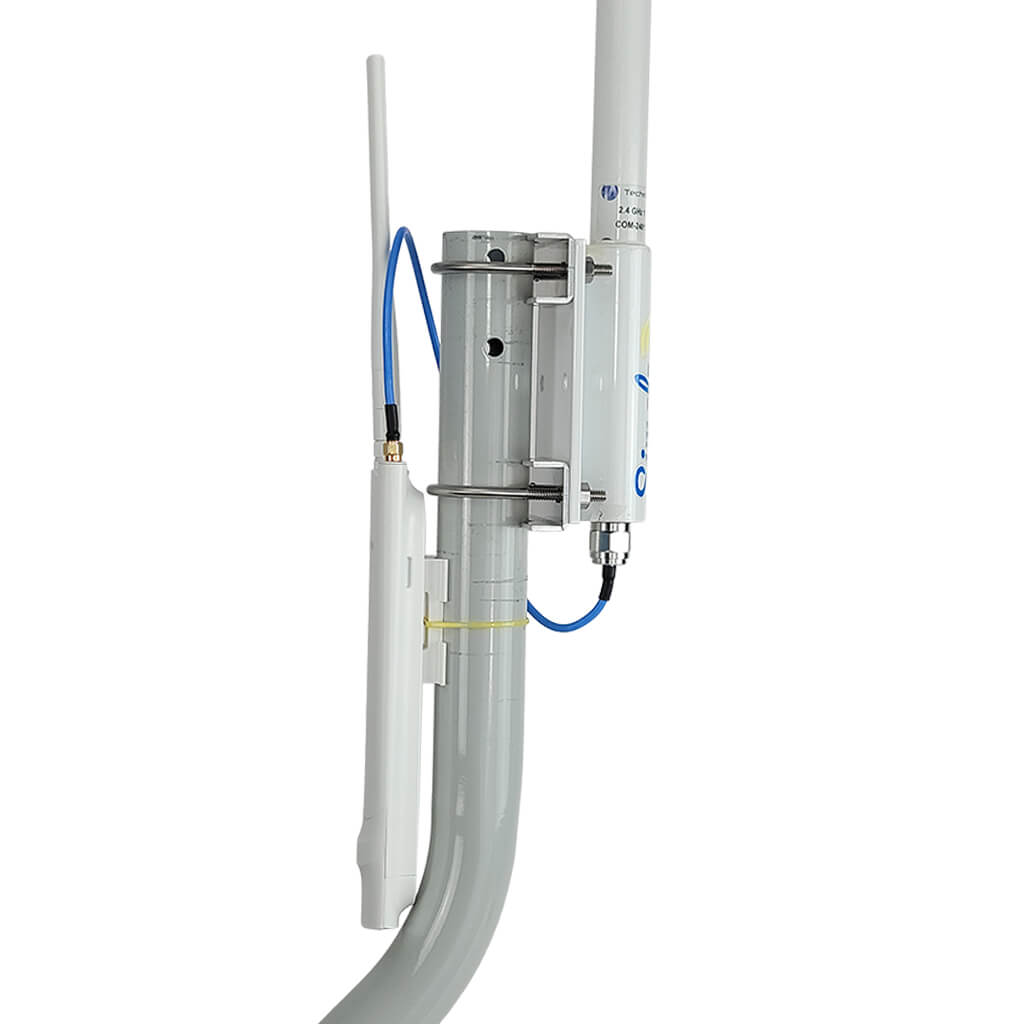
Outdoor WiFi extenders help expand the rangeof an existing WiFi signal. They catch the signal from the main router or hotspot and send it farther. This helps cover large outdoor areas with internet access.
These devices work by amplifying weak signalsand then rebroadcasting them. They pick up signals that are too weak for your device to use directly. Then, they make the signal stronger so your phone or laptop can connect easily.
- They connect to the original WiFi source, like a public hotspot.
- They boost the signal strength using built-in antennas.
- The extended signal covers areas that are far from the main source.
Types Of Outdoor Wifi Extenders
Outdoor WiFi extenders come in various types like repeaters, mesh systems, and antennas. Most can boost public WiFi signals but may need login or permissions. Signal strength and security depend on the extender’s design and location.
Repeater Extenders
Repeater extenderscatch the WiFi signal from the router. Then, they send the same signal further away. These are simple devices. They help increase WiFi range but can lower speed. Good for small outdoor areas.
Mesh Network Extenders
Mesh extenderswork as part of a group of devices. Each device talks to others, creating a strong network. They cover large areas better and keep fast speeds. Ideal for big yards or parks.
Directional Antenna Extenders
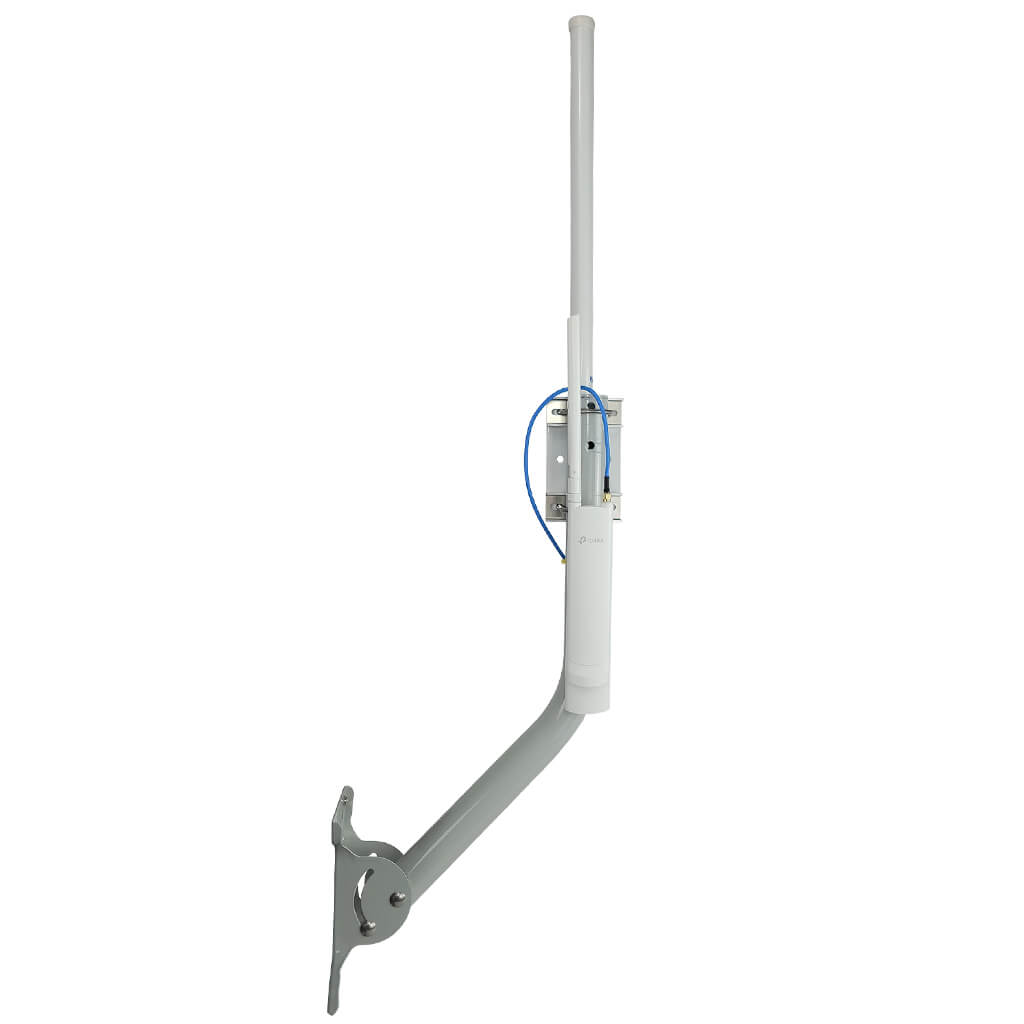
Directional antennasfocus WiFi signal in one direction. They send and receive signal from far away. Best for targeting specific spots outside. Not good for wide, round coverage.
Compatibility With Public Wifi Networks
Outdoor WiFi extenders can connect to open public WiFi networkseasily. These networks do not need a password or extra login steps. They simply boost the signal for better coverage.
Secured networks require a password or other security keys. Extenders must support these to connect properly. Some extenders may struggle with this and fail to extend the network.
Captive portals ask users to log in or accept termsbefore using WiFi. Extenders often cannot handle these pages. This means they may not work well with networks that need web login.
| Network Type | Extender Compatibility | Notes |
|---|---|---|
| Open Network | Works well | No password or login needed |
| Secured Network | May work | Password required; extender must support security |
| Captive Portal | Often does not work | Login page blocks extender connection |

Credit: simplewifi.com
Setting Up Outdoor Extenders For Public Wifi
Outdoor WiFi extenders can boost signals but may face limits with public WiFi security and access controls. Setting them up requires careful placement and network compatibility checks. They help improve range but might not always guarantee faster speeds or stable connections.
Choosing The Right Location
Place the extender where the public WiFi signal is strong. Avoid walls and metal objects that block signals. The device should be near a power source. Higher spots often give better coverage. Test a few spots to find the best one.
Connecting To Public Networks
Public WiFi usually needs a login page. Connect the extender to the WiFi network using its setup page. Enter any username or password if required. Some networks may limit extender use. Check if the connection is stable before moving on.
Configuring Extender Settings
- Set the extender to repeat the public network’s SSID or create a new one.
- Choose the same security type as the public WiFi.
- Use a strong password if creating a new network.
- Update the extender’s firmware for better performance.
Common Challenges And Solutions
Signal interferenceis a big problem for outdoor WiFi extenders. Other devices like microwaves, Bluetooth gadgets, and nearby WiFi networks can weaken the signal. This causes slow speeds or dropped connections. Placing the extender away from these devices helps a lot.
Limited bandwidthmeans many people share the same WiFi network. Public WiFi often has many users, which slows down the internet. Extenders cannot increase the total bandwidth. They only spread the existing signal to a larger area.
Security concernsarise because public WiFi networks are often open and unprotected. Using an extender on public WiFi can expose your data to hackers. Always use a VPN or secure connection to keep your information safe.
Benefits Of Using Outdoor Extenders With Public Wifi
Outdoor WiFi extenders help expand the reachof public WiFi networks. They make the signal available in larger outdoor areas. This means more people can connect from farther away.
These extenders also provide better connection stability. They reduce drops and interruptions that happen with weak signals. Users can enjoy smoother browsing and streaming.
Using extenders in parks, cafes, or stadiums brings convenience. People can stay connected without moving close to the router. It supports outdoor work, socializing, and entertainment.
Alternatives To Outdoor Wifi Extenders
Mobile hotspotscreate a private WiFi network using cellular data. They offer internet access anywhere with good cell signal. Great for travel or outdoor use where public WiFi is weak or unavailable.
Powerline adaptersuse your home’s electrical wiring to extend internet signals. They work well indoors but need a power source at each end. Not ideal for outdoor use but useful for extending WiFi inside buildings.
Mesh systemsuse multiple devices to create one strong, seamless WiFi network. They cover large areas better than single routers or extenders. Good choice for outdoor spaces if you want reliable, wide coverage.
Credit: simplewifi.com
Tips For Maximizing Public Wifi Performance
Public WiFi gets crowded during busy times. Try to connect during off-peak hoursfor faster speeds. Less users mean better performance.
Using a VPNkeeps your data safe on public networks. It hides your information from hackers. Always enable VPN on public WiFi.
Keep your WiFi extender’s firmware updated. Updates fix bugs and improve connection quality. Check regularly for new updates online.
Frequently Asked Questions
Can Outdoor Wifi Extenders Boost Public Wifi Signals?
Yes, outdoor WiFi extenders can amplify public WiFi signals. They capture weak signals and rebroadcast stronger coverage outdoors. This improves signal range and connection stability in open areas.
Are Outdoor Wifi Extenders Compatible With Public Wifi Networks?
Most outdoor WiFi extenders support standard WiFi protocols, making them compatible with public networks. However, access restrictions or login portals may limit extender functionality.
Do Outdoor Wifi Extenders Improve Speed On Public Wifi?
Extenders can enhance signal strength but don’t increase the original internet speed. Speeds depend on the public WiFi provider’s bandwidth and user load.
Is It Safe To Use Outdoor Wifi Extenders On Public Networks?
Using extenders on public WiFi is generally safe but exercise caution. Public networks can be insecure, so use VPNs and avoid sensitive activities.
Conclusion
Outdoor WiFi extenders can help boost public WiFi signals. They work best in open spaces with a clear line of sight. Security is a key concern when using public networks. Extenders do not add extra protection. Always use a VPN for safer browsing.
Not every extender works the same with public WiFi. Check compatibility before buying. In the end, extenders can improve your connection but don’t expect perfect speeds or full security. Choose wisely and stay safe online.