Are you wondering if your travel router needs a modem to work? You’re not alone.
Many travelers ask this question before packing their tech gear. Understanding how these devices work together can save you time, money, and frustration on the road. Keep reading to discover what you really need for a smooth and reliable internet connection wherever you go.
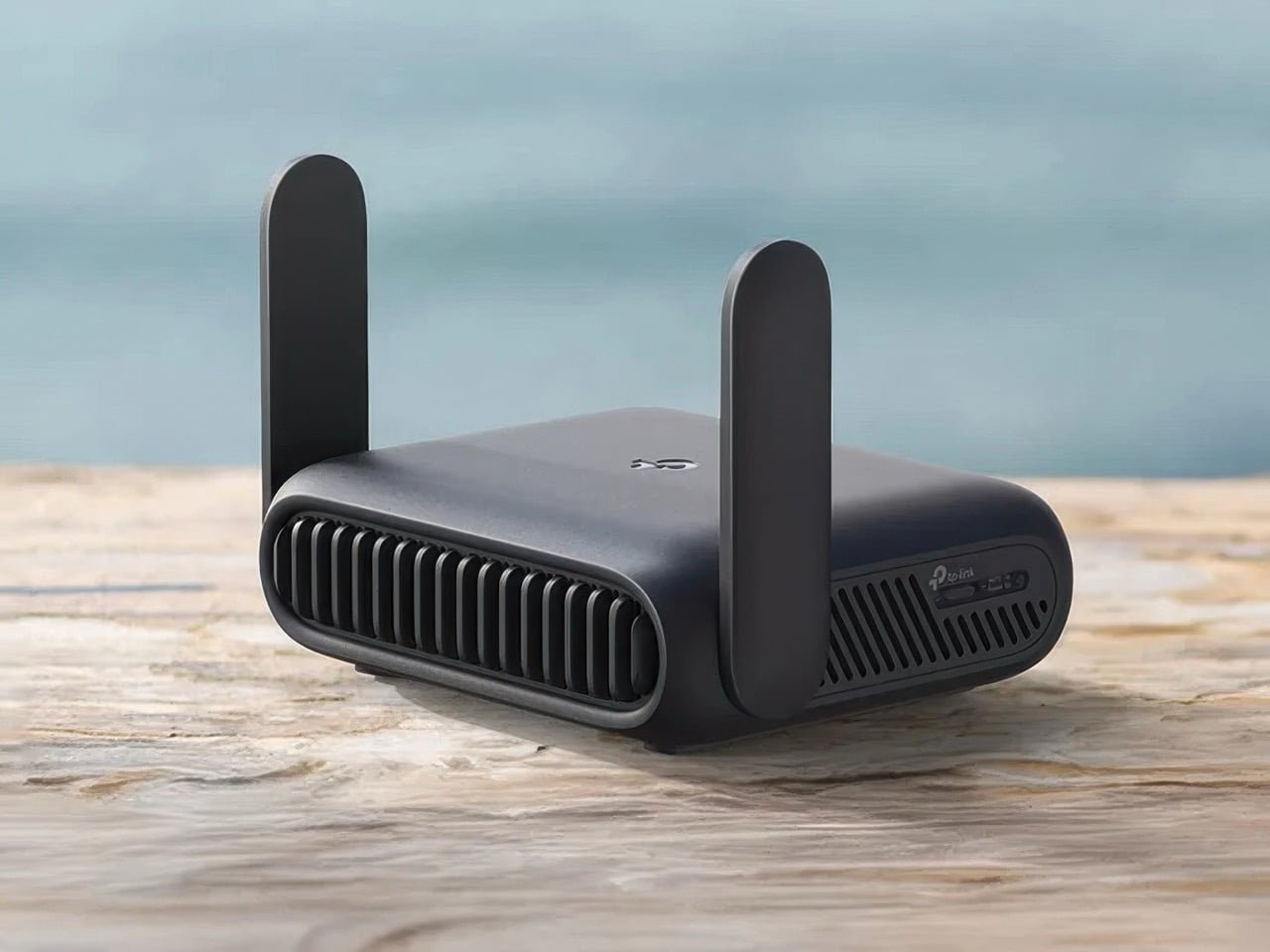
Credit: www.yankodesign.com
How Travel Routers Work
Travel routers offer a simple way to create a personal Wi-Fi network anywhere. They help share internet with multiple devices, making travel more convenient. Understanding how travel routers work clarifies their role and limitations. This helps decide if a modem is necessary for your setup.
Connection Basics
Travel routers connect to an internet source and share it wirelessly. They receive internet through a cable or Wi-Fi signal. Then, they create a secure local network. Devices like phones, laptops, and tablets join this network to access the internet.
Travel routers often have Ethernet ports for wired connections. They also support Wi-Fi to serve multiple devices at once. This creates a private network, even in public places. The router manages data traffic and keeps connections stable.
Role Of Modem In Networking
A modem translates signals from your internet provider into usable data. It connects your home or device to the wider internet. Without a modem, the internet signal cannot reach your router or devices.
Modems connect to phone lines, cable, or fiber optic networks. They convert these signals into digital data for your router. Travel routers do not replace modems. They need a modem or an internet source to access the web.
Some travel routers have built-in modems for mobile data SIM cards. These routers work without separate modems by using cellular networks. For standard home or hotel internet, a modem is still required. The modem and router work together to provide internet access.
Modem Vs. Router Functions
Understanding the difference between a modem and a router helps clarify their roles in internet access. These devices work together but serve distinct purposes. Knowing what each does helps explain why travel routers may or may not need a modem.
What A Modem Does
A modem connects your home network to the internet provider’s network. It translates signals from your internet service into data your devices can use. Without a modem, devices cannot access the internet directly.
Modems handle:
- Receiving internet signals from cable, DSL, or fiber lines
- Converting those signals into digital data
- Sending data to your router or directly to one device
What A Router Does
A router manages the local network inside your home or hotel room. It directs data traffic between devices and the internet. Routers create a Wi-Fi network for multiple devices to connect wirelessly.
Routers handle:
- Connecting multiple devices to the internet
- Assigning local IP addresses to devices
- Managing data traffic to avoid collisions
- Creating secure wireless connections
Travel Routers Without Modems
Travel routers without modems are designed to extend or share an existing internet connection rather than create one from scratch. These devices rely on an external source of internet, such as a hotel’s Ethernet port or a mobile hotspot, to provide Wi-Fi access to your gadgets. If you’re wondering whether you need a modem built into your travel router, understanding what modem-free routers offer will help you decide what suits your travel needs best.
Use Cases For Modem-free Travel Routers
Modem-free travel routers are perfect if you frequently stay in places where internet is already available but limited to wired connections or a single device. For example, when you check into a hotel that provides Ethernet but only allows one device to connect, these routers can share that connection wirelessly with your phone, laptop, or tablet.
They also come in handy if you want to create a secure private network on public Wi-Fi. Instead of exposing all your devices directly to a shared network, the travel router acts as a protective layer. This setup is ideal for working remotely or streaming content without worrying about security risks.
Have you ever struggled with spotty Wi-Fi at a conference or café? A modem-free router can boost the signal range and stability, making your internet experience smoother. This can be a game-changer when you need reliable access for video calls or uploading large files on the go.
Limitations Without A Modem
One key limitation is that modem-free travel routers cannot connect directly to mobile networks like 4G or 5G. You’ll need an external modem or hotspot device to access cellular data. This means your internet source must be available first, or you risk having no connection at all.
Another downside is that these routers depend entirely on the quality and availability of the existing network. If the hotel’s Ethernet connection is slow or unstable, your wireless network will reflect those issues. So, you won’t get better speeds or reliability just by using a travel router without a modem.
Do you need to carry extra devices? Possibly yes, since you might require a separate modem or mobile hotspot if you want to access cellular networks. This adds weight and complexity to your travel gear, which might not be ideal if you prefer to travel light.

Credit: www.amazon.com
When A Modem Is Necessary
Travel routers are handy for creating secure Wi-Fi networks. But do they need a modem? Not always. Yet, some situations demand one. Knowing when a modem is necessary helps ensure a seamless internet experience. Let’s explore the instances where a modem is essential.
Internet Source Requirements
Travel routers work with various internet sources. A modem becomes necessary when using a wired connection. This setup often involves broadband or DSL lines. The modem translates these signals into data the router can distribute. Without a modem, your travel router won’t connect to such internet sources. Always check your internet type before starting.
Device Compatibility
Device compatibility plays a crucial role. Not all travel routers can connect directly to modems. Some routers need a specific type of modem for a stable connection. Verify the compatibility between your router and modem. This ensures they work together smoothly. A mismatch might lead to connection issues or no internet access. Always consult the device manuals or manufacturer support for guidance.
Alternatives To Using A Modem
Travel routers do not always require a modem to provide internet access. Several alternatives exist that allow you to connect devices on the go. These options offer flexibility and can save space and power during travel.
Using alternatives can keep you connected without bulky equipment. These choices suit various travel needs and internet sources.
Mobile Hotspots
Mobile hotspots create a Wi-Fi network using cellular data. They are small, portable devices that connect to 3G, 4G, or 5G networks. Travelers can share this connection with multiple devices through a travel router.
Mobile hotspots do not need a modem to work. They come with a SIM card and use mobile data plans. This option is ideal for areas without fixed broadband or when staying in hotels.
Tethering Options
Tethering allows a smartphone or tablet to share its internet connection. It creates a Wi-Fi or USB link between the device and the travel router. This method uses the mobile device’s data plan.
Tethering is easy to set up and requires no extra hardware. It works well for short trips or when a mobile hotspot is not available. Travel routers can extend the tethered connection to other devices.

Credit: mashable.com
Choosing The Right Travel Router Setup
Choosing the right travel router setup is important for smooth internet access on the go. The setup depends on the places you visit and the devices you use. A good setup keeps you connected without hassle.
Assessing Your Travel Needs
Think about where you will use the router. Some locations have Wi-Fi, others only wired internet. Decide if you need a router that works with public Wi-Fi or one that connects to an Ethernet cable. The number of devices also matters. A router that supports many devices helps if you travel with family or friends.
Budget And Portability Considerations
Travel routers come in different price ranges. Set a budget before choosing. Small and lightweight models fit better in a travel bag. Bigger routers may offer more features but can be bulky. Battery life is another factor. A router with a built-in battery is handy where power outlets are scarce.
Frequently Asked Questions
Do Travel Routers Require A Modem To Work?
No, travel routers do not need a modem. They connect to an existing modem or Wi-Fi source to share internet. Their main role is to create a private network for multiple devices while traveling.
Can Travel Routers Replace A Modem Completely?
No, travel routers cannot replace a modem. A modem connects to your internet service provider. The router then shares that connection with your devices, enhancing Wi-Fi coverage and security.
How Does A Travel Router Connect Without A Modem?
Travel routers connect by using Wi-Fi or Ethernet from existing modems or hotspots. They rebroadcast the signal, creating a secure local network for your devices to connect.
Are Travel Routers Compatible With All Modems?
Yes, most travel routers are compatible with standard modems. They work with cable, DSL, or fiber modems as long as the modem provides an internet connection via Ethernet or Wi-Fi.
Conclusion
Travel routers do not always need a modem to work. They often connect to existing Wi-Fi or wired networks. A modem is only necessary if you want to turn a wired internet signal into Wi-Fi. Many travel routers have built-in modems, but some do not.
Understanding your internet source helps you choose the right device. This keeps your connection simple and reliable while traveling. Always check your travel router’s features before buying. That way, you stay connected without extra hassle or cost.