Are you tired of weak Wi-Fi signals and constant buffering? You might be wondering if a dual band router can boost your internet range and give you better coverage at home.
Understanding how these routers work could change the way you connect to the internet every day. Keep reading to discover if a dual band router is the solution you’ve been searching for and how it can improve your online experience.
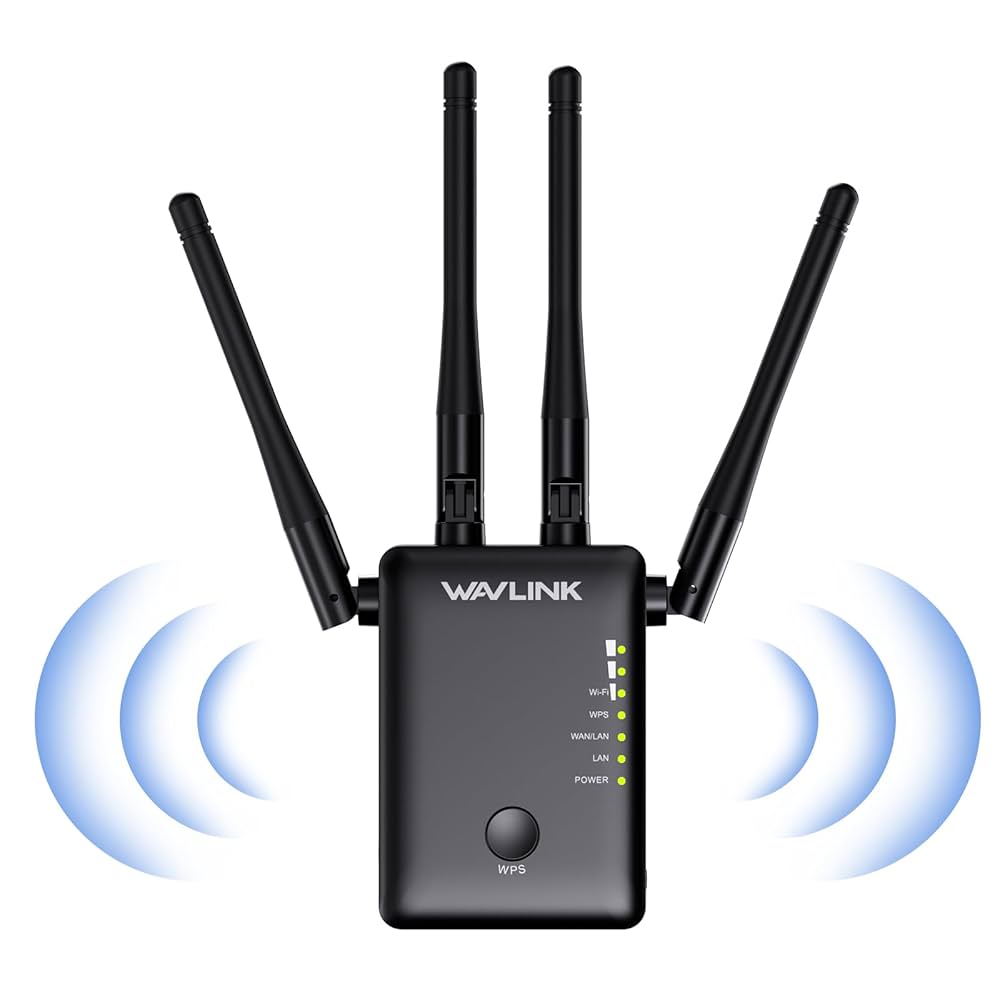
Credit: www.amazon.ca
Dual Band Router Basics
Understanding the basics of a dual band router helps in knowing how it affects your internet range and speed. These routers offer two separate frequency bands. Each band works differently to improve your wireless connection.
What Is A Dual Band Router
A dual band router sends wireless signals on two frequencies. It uses both 2.4 GHz and 5 GHz bands. This allows devices to connect to the best available band. It reduces interference and speeds up your network.
Frequency Bands Explained
- 2.4 GHz band:Covers a larger area but offers slower speeds. It works well through walls and obstacles.
- 5 GHz band:Provides faster speeds but covers a smaller area. It is less crowded, so interference is lower.
Each frequency has strengths and weaknesses. The choice depends on your needs and environment.
Single Band Vs Dual Band
| Feature | Single Band Router | Dual Band Router |
|---|---|---|
| Frequency | Only 2.4 GHz | 2.4 GHz and 5 GHz |
| Range | Longer but slower | Flexible, depends on band used |
| Speed | Lower | Higher, especially on 5 GHz |
| Interference | More prone | Less, due to dual options |
Dual band routers provide more options for better connectivity. They often handle crowded networks better than single band routers.

Credit: www.amazon.ca
Range Factors In Routers
The range of a router depends on several key factors. These elements affect how far the signal travels and how strong it remains. Understanding these factors helps in choosing the right router for your needs. Range is not just about the router model but also about how it operates in real-world conditions.
Frequency Impact On Range
Routers use different frequency bands, mainly 2.4 GHz and 5 GHz. The 2.4 GHz band covers a wider area but has slower speeds. The 5 GHz band offers faster speeds but covers a smaller area. Higher frequency signals lose strength faster over distance.
Choosing the right band depends on your space and speed needs. Dual band routers provide both options for flexibility.
Interference And Obstacles
Wireless signals face interference from devices like microwaves, cordless phones, and other Wi-Fi networks. Walls, floors, and furniture also block or weaken signals. Materials like metal and concrete reduce signal strength more than wood or drywall.
Clearer paths between the router and device improve signal range. Positioning the router in an open area helps reduce interference.
Router Power And Antennas
Router power affects how far signals travel. Higher power means stronger signals and better range. Antennas play a big role too. External antennas often provide better range than internal ones.
- Adjustable antennas allow better signal direction.
- Multiple antennas support better coverage and speed.
Look for routers with good power output and quality antennas for better range.
Dual Band Range Performance
Dual band routers operate on two frequency bands: 2.4 GHz and 5 GHz. Each band offers distinct range and performance features. Understanding how these bands perform helps users choose the best option for their space and needs.
Range performance depends on factors like walls, interference, and device capability. Both bands have strengths and weaknesses in coverage and speed. Knowing these differences clarifies how dual band routers affect wireless range.
2.4 Ghz Band Range
The 2.4 GHz band has a longer range than 5 GHz. It passes through walls and obstacles more easily. This band covers larger areas with fewer dead spots. It uses lower frequencies, which travel farther in indoor environments.
Devices using 2.4 GHz can connect at greater distances. However, this band often faces more interference from other electronics. Many household devices like microwaves and cordless phones operate here. This can reduce signal quality and speed.
5 Ghz Band Range
The 5 GHz band has a shorter range than 2.4 GHz. It struggles to penetrate walls and solid objects. This band is best for close-range, high-speed connections. It supports faster data rates and less interference.
5 GHz offers more channels, reducing network congestion. It works well in open spaces or single rooms. Devices near the router get stronger and faster connections. The trade-off is a smaller coverage area compared to 2.4 GHz.
Real-world Range Comparisons
- 2.4 GHz covers entire homes but may slow down with interference.
- 5 GHz performs better in crowded Wi-Fi areas with faster speeds.
- Walls and floors reduce 5 GHz range more than 2.4 GHz.
- Combining both bands offers flexible coverage and performance.
Dual band routers let devices switch to the best band automatically. This balance improves overall network experience. Users enjoy wider coverage and faster speeds in the same network.
Benefits Of Dual Band Routers
Dual band routers offer many advantages for users seeking better connectivity. They operate on two frequency bands: 2.4 GHz and 5 GHz. This dual operation provides enhanced performance for various devices.
Improved Speed And Coverage
Dual band routers can deliver faster internet speeds. The 5 GHz band supports higher data rates, ideal for streaming and gaming. The 2.4 GHz band covers a wider area, perfect for larger homes. Together, they ensure reliable internet access throughout your space.
Reduced Interference
Devices like microwaves and Bluetooth can cause interference. The 5 GHz band experiences less interference than the 2.4 GHz band. This results in a more stable connection, reducing lag and dropouts.
Better Device Management
Dual band routers allow you to manage device connections more effectively. Connect high-usage devices to the 5 GHz band for optimal performance. Assign lower-priority devices to the 2.4 GHz band. This smart allocation enhances overall network efficiency.
Limitations To Consider
While dual band routers offer the advantage of connecting on two frequencies, they come with certain limitations that might affect your network experience. Understanding these challenges can help you make smarter choices about your router setup and expectations.
Range Trade-offs Between Bands
The 2.4 GHz band generally covers a larger area but offers slower speeds. The 5 GHz band provides faster speeds but over a shorter distance.
If your home has thick walls or multiple floors, the 5 GHz signal might struggle to reach distant rooms. You might find yourself switching bands depending on where you are, which can be inconvenient.
Environmental Challenges
Physical obstacles like walls, furniture, and appliances can weaken both bands, but 5 GHz is more sensitive to interference.
Interference from other wireless devices, such as cordless phones or microwaves, can also reduce your effective range. This is especially true in densely populated areas with many Wi-Fi networks overlapping.
Compatibility Issues
Not all devices support both frequency bands. Older gadgets often connect only on 2.4 GHz.
This can limit your ability to fully benefit from the faster 5 GHz band. You might end up with a mixed network where some devices drag down overall performance.
Have you checked which bands your devices actually support? Ensuring compatibility can save you frustration and improve your Wi-Fi experience.
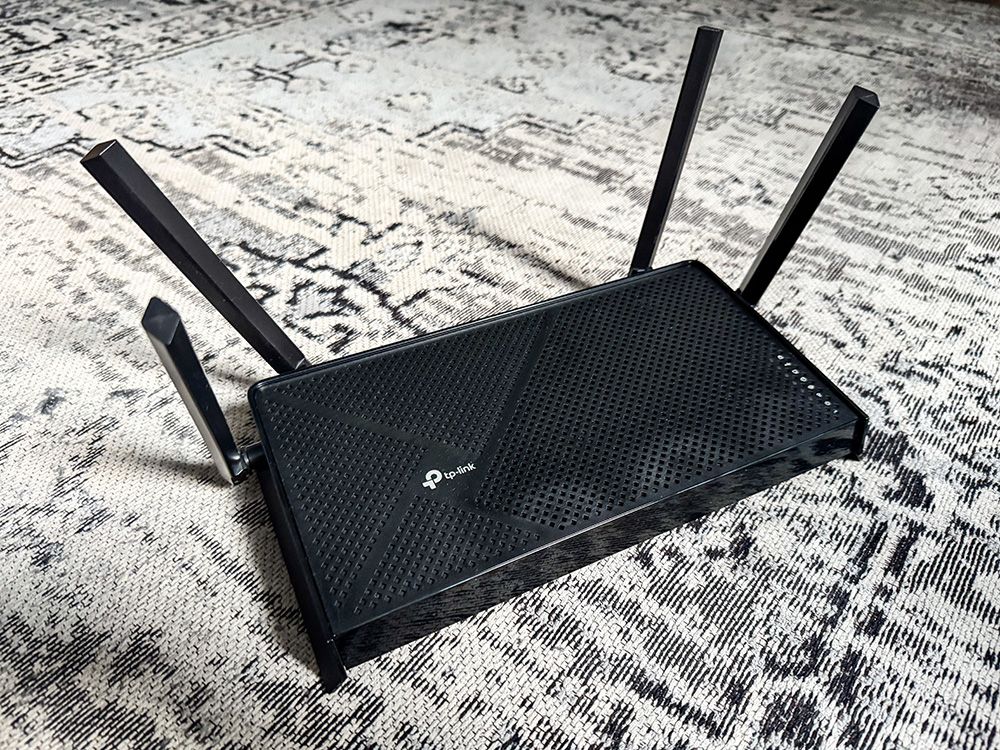
Credit: www.popularmechanics.com
Optimizing Dual Band Router Range
Optimizing the range of your dual band router can make a noticeable difference in your home or office Wi-Fi experience. It’s not just about buying a good router; how and where you use it plays a huge role. Small adjustments often lead to stronger, more reliable connections on both the 2.4 GHz and 5 GHz bands.
Ideal Router Placement
Placing your router in a central, elevated spot helps spread the signal evenly. Avoid hiding it inside cabinets or behind large furniture, as walls and obstacles block signals, especially on the 5 GHz band.
Think about where you use Wi-Fi most. Position the router near those areas, not tucked away in a corner or basement. You might be surprised how much a simple move can improve your coverage.
Channel Selection Tips
Wi-Fi channels can get crowded, especially in apartment buildings or busy neighborhoods. The 2.4 GHz band has fewer channels and more interference, so picking the right channel reduces signal clashes.
- Use apps or software to scan for the least crowded channel in your area.
- Try switching channels if your connection feels slow or unstable.
- Remember, the 5 GHz band usually faces less interference but has a shorter range.
Are you monitoring your Wi-Fi environment regularly? Adjusting channels can be a quick fix to avoid interference without changing your hardware.
Using Range Extenders
Range extenders can boost your dual band router’s coverage by amplifying the signal into weak areas. Place them halfway between your router and the dead zone for the best results.
Keep in mind that extenders may slightly reduce your speed because they rebroadcast the signal. Yet, they can be a lifesaver if moving your router isn’t an option.
Have you identified Wi-Fi dead zones in your space? A well-placed extender can turn those frustrating spots into reliable connection areas.
Choosing The Right Router
Choosing the right router can make a significant difference in your home or office network experience. It’s not just about speed; range, reliability, and future needs all play a crucial role. Understanding what fits your specific situation helps you avoid overspending or ending up with a device that doesn’t quite meet your expectations.
Assessing Your Coverage Needs
Start by examining the size of the area you want to cover. A small apartment might only require a basic router, while a larger house with multiple floors needs more powerful coverage.
Think about where you use your devices most. Are you streaming in the living room or working in a home office? Walls and furniture can block signals, reducing the effective range.
Consider the number of devices connecting at the same time. More devices mean higher demand on the router’s capacity and range.
Budget Vs Features
Set a clear budget but remain flexible if certain features are worth the extra cost. Dual band routers often cost more but can offer better performance for multiple devices.
Look for routers with adjustable antennas or mesh capabilities if range is a concern. Sometimes spending a bit more upfront saves you from frustrations later.
Don’t overlook security features like WPA3 and automatic updates. These ensure your network stays safe without constant manual intervention.
Future-proofing Your Network
Think about your network needs in the next 2-3 years. Will you add smart home devices, or start working remotely more often? Choosing a router that can handle increased traffic and new technology can save hassle down the line.
Check if the router supports the latest Wi-Fi standards like Wi-Fi 6. This can provide faster speeds and better range, even in crowded networks.
Upgrading your router less frequently reduces e-waste and can improve your overall experience. Ask yourself: Is this router ready to grow with my digital lifestyle?
Frequently Asked Questions
Does A Dual Band Router Improve Wi-fi Range?
A dual band router offers better range on the 2. 4 GHz band. The 5 GHz band has shorter range but faster speeds. Together, they balance coverage and performance for improved Wi-Fi experience.
Which Frequency Band Has Better Range: 2.4 Ghz Or 5 Ghz?
The 2. 4 GHz band has better range because it penetrates walls and obstacles well. The 5 GHz band is faster but covers less distance. Dual band routers combine both for optimal coverage.
Can Dual Band Routers Reduce Wi-fi Interference?
Yes, dual band routers reduce interference by using two separate bands. Devices can switch to less crowded bands, improving connection stability and speed in busy environments.
Is A Dual Band Router Worth It For Large Homes?
Yes, dual band routers are ideal for large homes. The 2. 4 GHz band covers distant rooms, while 5 GHz supports high-speed devices nearby. This balance enhances overall network performance.
Conclusion
Dual band routers often provide better range than single band models. They use two frequencies to reduce interference and improve coverage. The 2. 4 GHz band reaches farther but is slower. The 5 GHz band is faster but covers less area.
Together, they balance speed and distance for many homes. Still, walls and obstacles affect signal strength. Placement of your router also matters a lot. Choosing a dual band router can help you get a stable connection in larger spaces. It fits well for families or small offices needing reliable Wi-Fi.