Are you tired of weak WiFi signals in certain spots of your home? You might be wondering if your Spectrum internet service supports mesh WiFi systems.
Mesh WiFi can boost your connection, making slow or dropped signals a thing of the past. But before you invest in one, it’s important to know if Spectrum allows you to use these systems with their service. Keep reading to find out how mesh WiFi works with Spectrum and whether it’s the right choice to improve your home network.
Spectrum Internet And Wifi
Spectrum provides a standard router with its internet service. This router connects your devices to the internet wirelessly or by cable. It usually covers a single floor well but might struggle in larger homes. Walls and floors can block WiFi signals, causing slow internet or dropped connections. Many users ask if they can use mesh WiFi systems with Spectrum.
Mesh WiFi systems help spread the WiFi signal evenly across big spaces. They use multiple units that work together to create one large network. Spectrum routers can work with mesh systems, but some settings might need changes. Users often wonder if they should keep the Spectrum router or replace it with mesh units.
| Common User Questions | Brief Answers |
|---|---|
| Can I add a mesh system to my Spectrum router? | Yes, you can use mesh with your Spectrum router. |
| Do I need to disable the Spectrum router’s WiFi? | Turning off router WiFi can improve mesh performance. |
| Will mesh improve WiFi in big homes? | Mesh helps cover large areas with a strong signal. |
| Is extra setup needed for mesh systems? | Some setup may be needed, like changing router settings. |
Mesh Wifi Systems Explained
Mesh WiFi systemsuse multiple devices called nodes. These nodes work together to spread WiFi across your home. Unlike traditional routers, mesh systems create a single network. This means your devices connect seamlessly as you move around. Each node talks to the others to keep your connection strong. This helps cover large or tricky spaces well.
Traditional routers send WiFi from one point. This can cause weak signals far from the router. Mesh systems fix this by placing nodes in different rooms. This setup offers better coverageand fewer dead zones. It also allows easier network management through apps. Plus, many mesh systems support multiple devices without slowing down.
| Popular Mesh Brands | Key Features |
|---|---|
| Google Nest Wifi | Easy setup, good coverage, smart home integration |
| Netgear Orbi | High speed, strong signal, supports many devices |
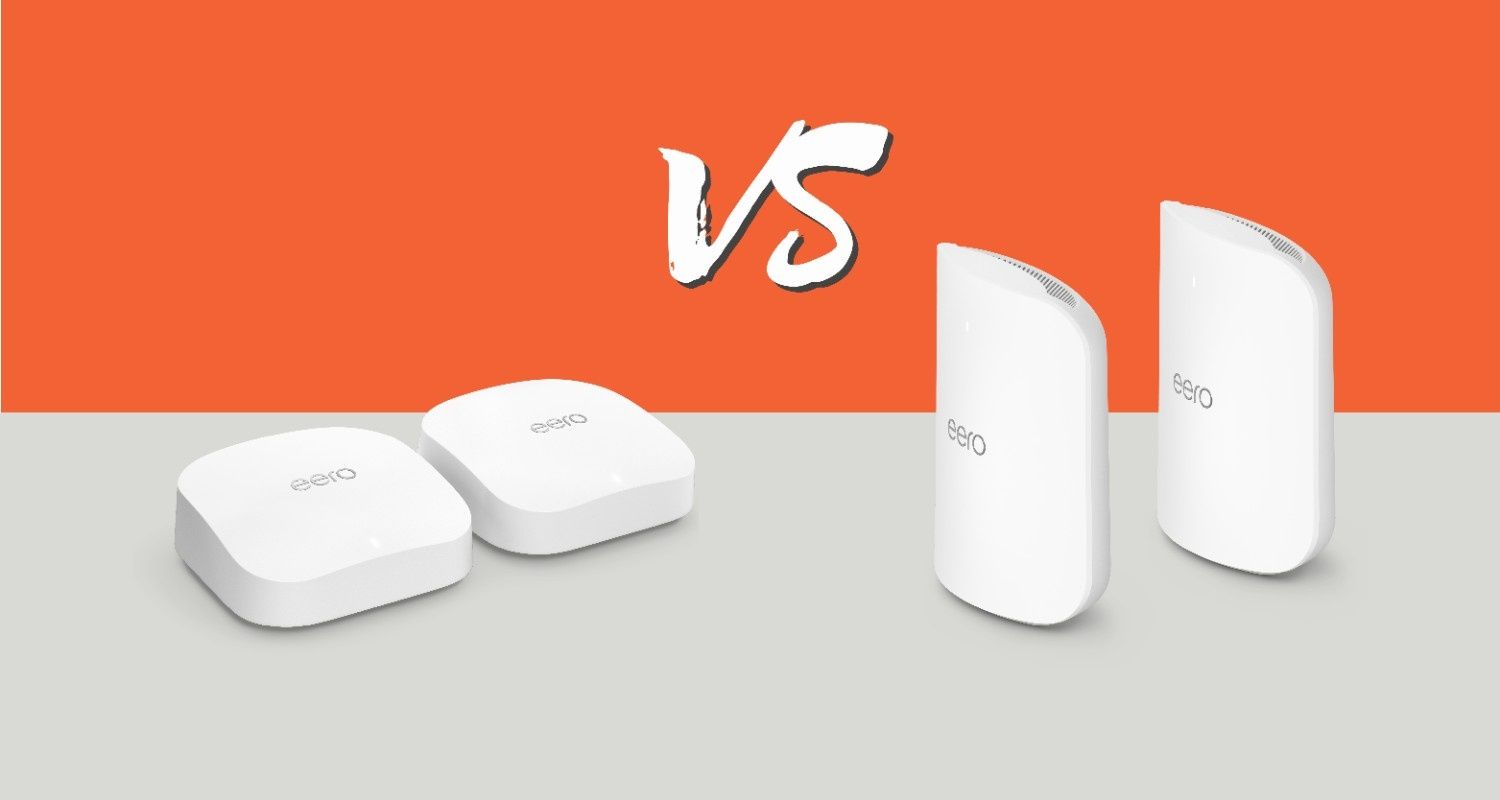
| Amazon Eero | User-friendly, automatic updates, good security |
Compatibility With Spectrum
Spectrum works with many mesh WiFi systems. Most modern mesh systems connect easilyto Spectrum modems. They make your internet fasterand cover more space. Ensure your mesh system is compatiblewith Spectrum modems for best results.
- Netgear Orbi
- Eero
- Google Nest WiFi
These devices are trustedby Spectrum. They work well with Spectrum services. Choose one for a smooth internetexperience.
Setup can have problemssometimes. You may face connection dropsor slow speeds. Restart your modem and mesh system to fix issues. Check all cables for secure connections. Contact support if problems continue.

Credit: www.reddit.com
Setting Up Mesh With Spectrum
Spectrum supports mesh WiFi systems, allowing better coverage and fewer dead zones. You can connect a mesh system alongside the Spectrum router for stronger signals throughout your home. This setup improves internet speed and reliability in every room.
Step-by-step Installation
Unplugyour Spectrum modem and router. Connect the mesh router to the modem with an Ethernet cable. Power on the modem and wait for the lights to stabilize. Turn on the mesh router. Use the mesh system’s app to connect and follow the instructions to add nodes. Place nodes around your home for better coverage. Make sure each node has a strong signal to the main router.
Configuring Network Settings
Access the mesh app or web interface. Change the network name (SSID) and password to match your preferences. Disable the Spectrum router’s Wi-Fi to avoid conflicts, or set it to bridge mode. Check that all nodes appear connected. Update the firmware if the app suggests.
Troubleshooting Tips
- Restart modem, router, and nodes if connection is slow.
- Move nodes closer if signal is weak.
- Check cables for damage or loose connections.
- Ensure firmware is up to date for all devices.
- Use the app’s help section for specific errors.
Improving Wifi Performance
Placing mesh WiFi nodesin open spaces helps coverage. Avoid walls and metal objects. Place nodes where signals overlap slightly to keep a strong connection. Keep the main router near the center of your home for best results.
Regular firmware updatesimprove mesh system performance. Updates fix bugs and add new features. Check the app or website of your mesh system to install updates easily.
Managing network trafficmeans limiting devices that use too much data. Pause downloads or streaming on devices not in use. Prioritize important devices like work computers or phones for better speed.
Alternatives To Mesh Systems
WiFi extendershelp increase the range of your current network. They pick up the signal from your main router and boost it to reach farther areas. This is a simple way to cover dead zones without replacing your equipment. Extenders are usually easy to set up and cost less than mesh systems.
Upgrading Spectrum equipmentmeans getting newer routers or modems from Spectrum. Newer devices often have better range and faster speeds. This can improve your WiFi without adding extra devices. Renting or buying a newer router can give your network a quick boost.
| Wired Solutions | Benefits |
|---|---|
| Ethernet cables | Fast, reliable, no signal loss |
| Powerline adapters | Use home wiring to extend internet |
| MoCA adapters | Use coaxial cables, stable connection |
Wired solutions provide steady internet without wireless drops. They work best for large homes or places with thick walls.
Future Trends In Home Wifi
Spectrum supports mesh WiFi systems, allowing better coverage and stronger signals throughout your home. These systems work well with Spectrum routers to reduce dead zones. Mesh WiFi is becoming popular for smoother internet connections in larger spaces.
Wifi 6 And Beyond
WiFi 6 is the next step in home internet. It offers faster speeds and better connections. This means less waiting and smoother streaming. Future updates will improve it even more. WiFi 6E is already here, using new frequencies. This reduces network crowding. It’s like having more lanes on a busy road. More lanes mean faster travel for everyone.
Spectrum’s Upcoming Services
Spectrum is planning to offer better WiFi services. New plans may include enhanced mesh systems. Mesh systems use several devices to boost signals. This helps in large homes or areas with weak signals. Spectrum aims to provide more reliable connections. This is important for work, school, and fun online. Watch for new updates from Spectrum soon.
Smart Home Integration
Smart homes need strong WiFi to work well. Devices like lights and cameras use the internet. Mesh WiFi helps all these devices connect better. Spectrum is looking to support smart home devices more. This will make homes safer and more comfortable. Smart homes can save energy and time. A good WiFi system is key to this future.

Credit: cybernews.com
Credit: ezeefiber.com
Frequently Asked Questions
Does Spectrum Support Mesh Wifi Systems?
Yes, Spectrum supports mesh WiFi systems. You can use mesh routers with their internet service. This helps improve WiFi coverage and reduce dead zones in your home.
Can I Use Any Mesh Wifi With Spectrum?
Generally, yes. Spectrum allows most mesh WiFi systems that work with standard modems. Make sure your modem is compatible or rent one from Spectrum.
Do I Need A Special Modem For Mesh Wifi?
No special modem is required. Any compatible modem from Spectrum or your own will work with mesh WiFi systems. Just connect the mesh router to the modem.
Will Mesh Wifi Improve My Spectrum Internet Speed?
Mesh WiFi improves coverage, not the internet speed itself. It reduces dead zones and provides stable connections across your home, enhancing overall user experience.
Conclusion
Spectrum supports many mesh WiFi systems for better coverage. You can easily connect these systems with your Spectrum internet. Mesh WiFi helps reduce dead zones in your home. It offers a stronger and more stable connection. Choosing the right mesh system depends on your needs and budget.
Always check compatibility with Spectrum before buying. A mesh system can improve your internet experience a lot. Simple setup and wide coverage make it worth considering. Enjoy faster speeds and fewer interruptions with mesh WiFi.