Have you ever noticed your Wi-Fi signal dropping suddenly when you move to another room? You might wonder if those thick walls in your home are to blame.
If your router’s range feels limited, understanding how walls affect your connection can help you get better coverage. You’ll discover how thick walls impact your router’s range and what you can do to improve your Wi-Fi signal throughout your space.
Keep reading to unlock simple tips that could boost your internet experience right now.
How Walls Affect Wi-fi Signals
Walls absorb Wi-Fi signals, which weakens the connection. Thick walls block more signals than thin ones. This happens because signals lose strength as they pass through dense material.
Different materials affect Wi-Fi differently. Wood and drywall cause less signal loss. Concrete, brick, and metal walls block signals more. Metal is the toughest barrier, often causing the biggest drop in Wi-Fi range.
| Material | Effect on Wi-Fi |
|---|---|
| Drywall | Low signal loss |
| Wood | Low to moderate signal loss |
| Brick | Moderate signal loss |
| Concrete | High signal loss |
| Metal | Very high signal loss |

Credit: www.reddit.com
Thick Walls Vs Thin Walls
Thick wallsblock Wi-Fi signals more than thin walls. Signals lose strength passing through heavy materials like concrete or brick. Thin walls, such as drywall or wood, allow better signal flow.
Signal penetration depends on wall material and thickness. Thick walls cause more signal drop. Thin walls let signals pass with less loss.
| Wall Type | Material | Signal Penetration |
|---|---|---|
| Thick Wall | Concrete, Brick | Low |
| Thin Wall | Drywall, Wood | High |
- In a house with concrete walls, Wi-Fi may not reach all rooms.
- In an office with glass partitions, signals travel easily.
- Thick walls require routers placed closer to devices.
Router Placement And Wall Effects
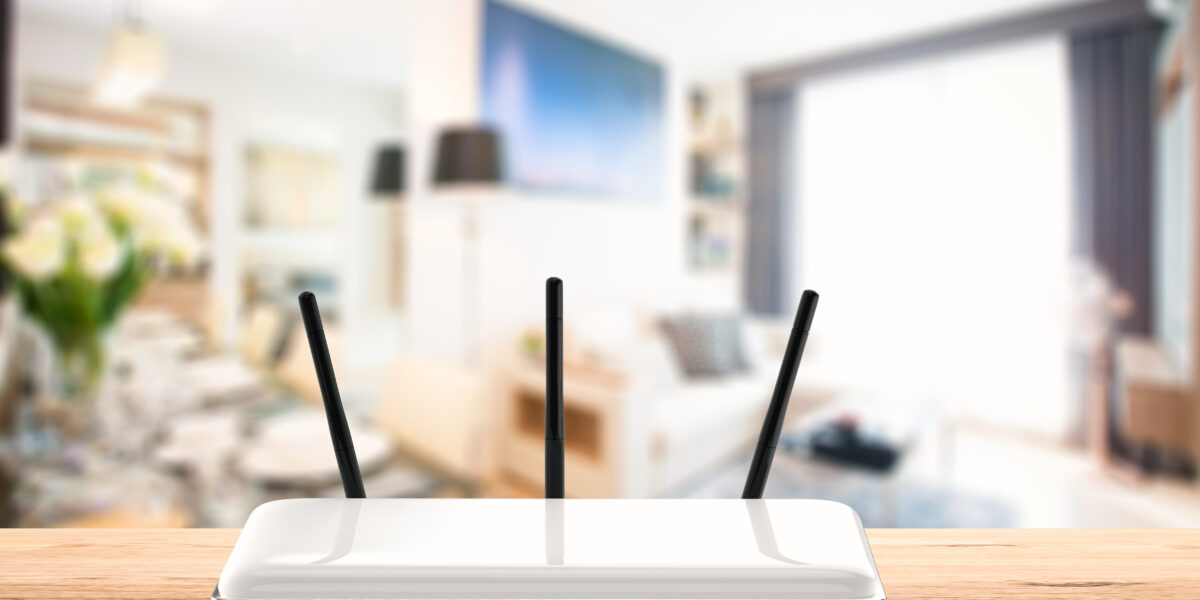
Router placementgreatly affects Wi-Fi signal strength. Thick walls often block or weaken signals, reducing range. Position the router in a central spotto spread signal evenly.
Keep the router away from thick walls and metal objects. Place it higher up, like on a shelf, for better coverage. Open spaces allow signals to travel further with less interference.
- Place router in the center of your home.
- Avoid placing it near thick walls.
- Keep it off the floor, preferably on a shelf.
- Do not hide router inside cabinets or behind metal objects.
- Try to keep line of sight between the router and devices.
Credit: www.allwest.com
Technology To Combat Wall Interference
Thick walls can significantly reduce a router’s range by blocking signals. Materials like concrete and brick are major obstacles. Using technology to combat wall interference helps improve connectivity and maintain strong internet signals throughout your home.
Wi-fi Mesh Systems
Wi-Fi mesh systemsuse multiple devices to spread internet evenly. Each device talks to others to cover large areas. This helps bypass thick walls by creating many small zones. Mesh systems give better coveragethan single routers.
Range Extenders And Repeaters
Range extenders and repeaters catch Wi-Fi signals and send them further. They work well in homes with thick walls. Placing them near walls helps boost weak signals. They are easy to set up but may lower speed a bit.
Using 5ghz Vs 2.4ghz Bands
| Band | Signal Strength | Wall Penetration | Speed |
|---|---|---|---|
| 2.4GHz | Stronger | Better | Slower |
| 5GHz | Weaker | Worse | Faster |
The 2.4GHz band travels through walls easier but is slower. The 5GHz band is faster but struggles with thick walls.
Measuring And Improving Router Range
Many tools can check Wi-Fi signal strength. These help find weak spots and improve coverage.
- Use apps on phones like Wi-Fi Analyzeror NetSpot.
- These apps show signal bars and signal quality.
- Look for areas with low signalto focus on improvements.
Improving Wi-Fi range is simple with some tips.
- Place the router in a central, open spotin your home.
- Avoid thick walls that can block signals.
- Raise the router higher, like on a shelf.
- Use Wi-Fi extendersto cover larger areas.
- Keep router away from other electronics that cause interference.

Credit: optimizemyairbnb.com
Frequently Asked Questions
Does Thick Wall Material Block Wi-fi Signals?
Yes, thick walls, especially concrete or brick, absorb and weaken Wi-Fi signals. This reduces the router’s effective range and signal strength inside rooms behind thick walls.
How Much Does A Thick Wall Reduce Router Range?
Thick walls can reduce Wi-Fi range by 30% to 70%, depending on material density. Denser walls cause greater signal loss, impacting connection speed and stability.
Can Thick Walls Cause Wi-fi Dead Zones?
Yes, thick walls often create Wi-Fi dead zones in homes or offices. These areas receive little to no signal, resulting in slow or lost connections.
What Wall Types Affect Router Range The Most?
Concrete, brick, and metal walls affect router range the most. Drywall and wood have less impact on Wi-Fi signal strength and coverage.
Conclusion
Thick walls do reduce a router’s signal range and strength. Walls block or weaken Wi-Fi signals as they pass through. Materials like concrete or brick cause more signal loss. This means your internet may slow down in other rooms. Placing your router in an open space helps improve coverage.
You can also use Wi-Fi extenders or mesh systems to boost range. Knowing how walls affect signals helps you set up better Wi-Fi at home. Strong signals mean smoother browsing and fewer interruptions. Small changes can make a big difference in your connection.