Are you wondering if Xfinity Gigabit service needs a special router to work properly? You’re not alone.
When you upgrade to blazing-fast internet speeds, it’s natural to ask if your current equipment can keep up. Using the right router can make a huge difference in how fast and reliable your connection feels at home. Keep reading to find out exactly what kind of router you need to get the most out of your Xfinity Gigabit plan—and avoid common pitfalls that could slow you down.
Your internet experience depends on it!
Xfinity Gigabit Basics
Xfinity Gigabitoffers very fast internet speeds. It can reach up to 1000 Mbps. This means quick downloads and smooth streaming. For best results, a strong router is needed.
Speed and performancedepend on both the service and the router. A regular router might slow down the speed. A router that supports gigabit speedshelps you get full benefits.
Service requirementsinclude:
- Active Xfinity Gigabit plan
- A modem that supports gigabit speeds
- A router capable of handling 1 Gbps or more
Using an older or basic router may limit your speed. For stable and fast internet, a router with gigabit Ethernet portsis best.
Router Compatibility
Xfinity Gigabit works best with routers that support high speeds. A router with gigabit Ethernet portsis needed. This allows full use of the internet speed. Also, the router should support dual-band Wi-Fito reduce interference and improve speed.
Look for routers that support the latest Wi-Fi standards like 802.11acor 802.11ax (Wi-Fi 6). These standards help deliver faster and more stable connections. Older routers may not handle gigabit speeds well.
| Required Features | Supported Standards |
|---|---|
| Gigabit Ethernet ports | 802.11ac (Wi-Fi 5) |
| Dual-band Wi-Fi (2.4 GHz and 5 GHz) | 802.11ax (Wi-Fi 6) |
| Supports QoS (Quality of Service) | |
| Good CPU and RAM for handling high data |
Xfinity Gateway Vs. Third-party Routers
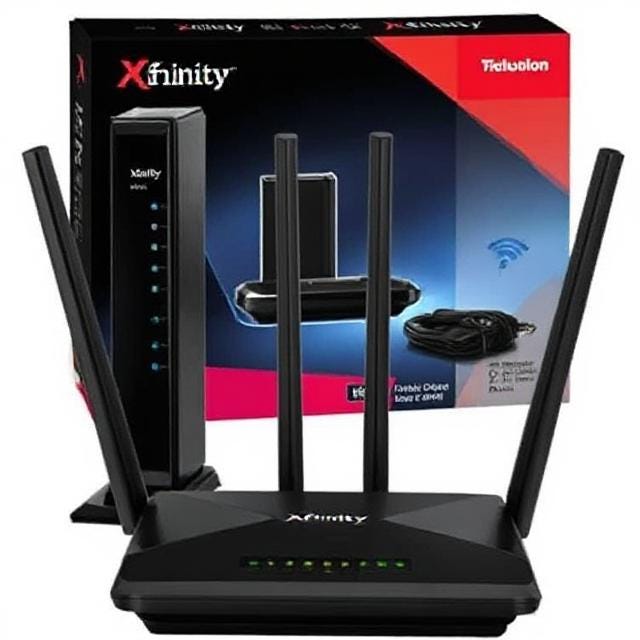
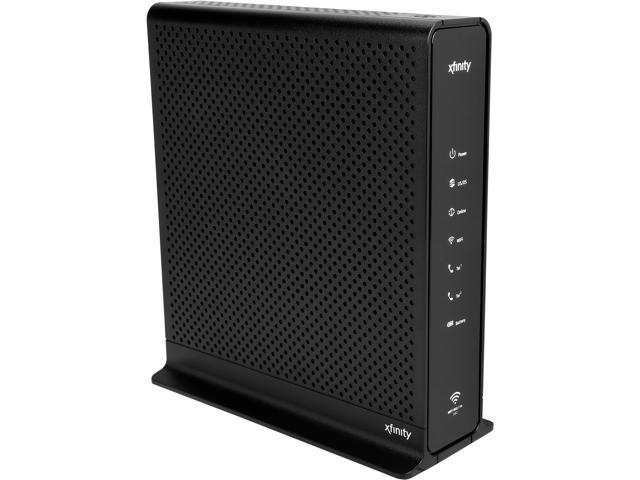
The Xfinity Gatewayis designed to work well with Xfinity Gigabit service. It offers easy setupand automatic updates for security. The Gateway combines a modem and router in one device, reducing clutter. It also supports Wi-Fi 6, which helps more devices connect faster.
Using a third-party routercan give more control over settings. It may offer better range or faster speeds if you pick a high-quality model. But you must still use the Xfinity modem or Gateway in bridge mode to connect to the internet. Not all routers support the full speed of Gigabit service, so check specs carefully.
| Benefit | Xfinity Gateway | Third-Party Router |
|---|---|---|
| Setup | Simple and quick | Requires manual setup |
| Speed Support | Optimized for Gigabit | Varies by model |
| Updates | Automatic and regular | User-managed |
| Features | Basic but reliable | Advanced options available |
Credit: medium.com
How To Choose The Right Router
Select a router that supports Gigabit speedsto match Xfinity Gigabit plans. Check for Wi-Fi 5 (802.11ac)or Wi-Fi 6 (802.11ax)standards for faster wireless connections. Ensure the router has a Gigabit Ethernet portto handle wired devices efficiently.
Look for dual-band or tri-bandrouters to reduce network traffic and improve speed. A strong processorand enough RAMhelp the router manage many devices without slowing down. Also, consider the coverage areato ensure good signal strength throughout your home.
| Model | Wi-Fi Standard | Max Speed | Features |
|---|---|---|---|
| Netgear Nighthawk AX12 | Wi-Fi 6 | Up to 6 Gbps | 12 Streams, 2.5Gbps WAN Port |
| TP-Link Archer AX50 | Wi-Fi 6 | Up to 3 Gbps | Dual-Band, Gigabit Ports |
| Asus RT-AC86U | Wi-Fi 5 | Up to 2.9 Gbps | Gaming Features, VPN Support |
Setting Up Your Router For Gigabit
To set up your router for Xfinity Gigabit, first connect the modem to the router using an Ethernet cable. Use a router that supports Gigabit speedsto get the best performance. Plug in the router and wait for the lights to stabilize. Then, connect your computer or device to the router via Wi-Fi or Ethernet cable.
Access the router’s settings page through a web browser. Enter the default IP address, usually 192.168.1.1or 192.168.0.1. Log in with the username and password found on the router label or manual.
| Connection Steps | Troubleshooting Tips |
|---|---|
|
|

Credit: www.reddit.com
Potential Issues Without A Special Router
Using Xfinity Gigabit without a special router can lead to slower internet speeds. Compatibility issues may arise, affecting connection stability and efficiency.
Speed Limitations
A regular router might slow down your internet speed. Gigabit internet is very fast. Some routers can’t handle it. They may not support the full speed. Your browsing experience might suffer. Downloads could be slower. Videos might buffer more. This can be frustrating. Choosing the right router helps avoid this.
Connectivity Problems
Regular routers might cause connectivity issues. Signals might drop often. Devices could disconnect unexpectedly. This can interrupt your online activities. Wi-Fi coverage might be weak. Some areas might have no signal. A special router offers better stability. It ensures a strong and consistent connection.
Credit: www.neweggbusiness.com
Frequently Asked Questions
Does Xfinity Gigabit Need A Special Router?
Yes, Xfinity Gigabit requires a router that supports gigabit speeds. A compatible router ensures you get the full speed. Older or basic routers may limit your internet performance significantly.
Can I Use My Own Router With Xfinity Gigabit?
You can use your own router if it supports DOCSIS 3. 1 and gigabit speeds. However, renting Xfinity’s gateway ensures compatibility and technical support. Using your own device may need manual setup.
What Router Features Are Essential For Xfinity Gigabit?
Look for routers with gigabit Ethernet ports, DOCSIS 3. 1 support, and dual-band Wi-Fi. These features maximize speed, reduce latency, and provide reliable connections for multiple devices.
Will A Standard Router Slow Down Xfinity Gigabit Speeds?
Yes, a standard router may bottleneck your connection. It might not handle gigabit speeds properly, causing slower internet and buffering issues. Upgrading to a gigabit-capable router is recommended.
Conclusion
Xfinity Gigabit works best with a good router. A special router is not always needed. But, a router that supports high speeds helps a lot. It keeps your connection fast and stable. Many regular routers may slow down your internet.
Choose one that matches your speed needs. This way, you get the most from your service. Fast internet needs fast equipment. Simple and smart choices make a big difference.