Are you thinking about upgrading your home internet with a WiFi 6 router? You might be wondering if Xfinity supports this latest technology.
Choosing the right router can make a big difference in your internet speed and connection reliability. But before you spend money on a new device, it’s important to know if Xfinity will fully support it. This article will clear up all your questions and help you get the best performance from your internet service.
Keep reading to find out what you need to know about Xfinity and WiFi 6 routers.
Credit: iphonedocomoss.com
Xfinity And Wifi 6 Compatibility
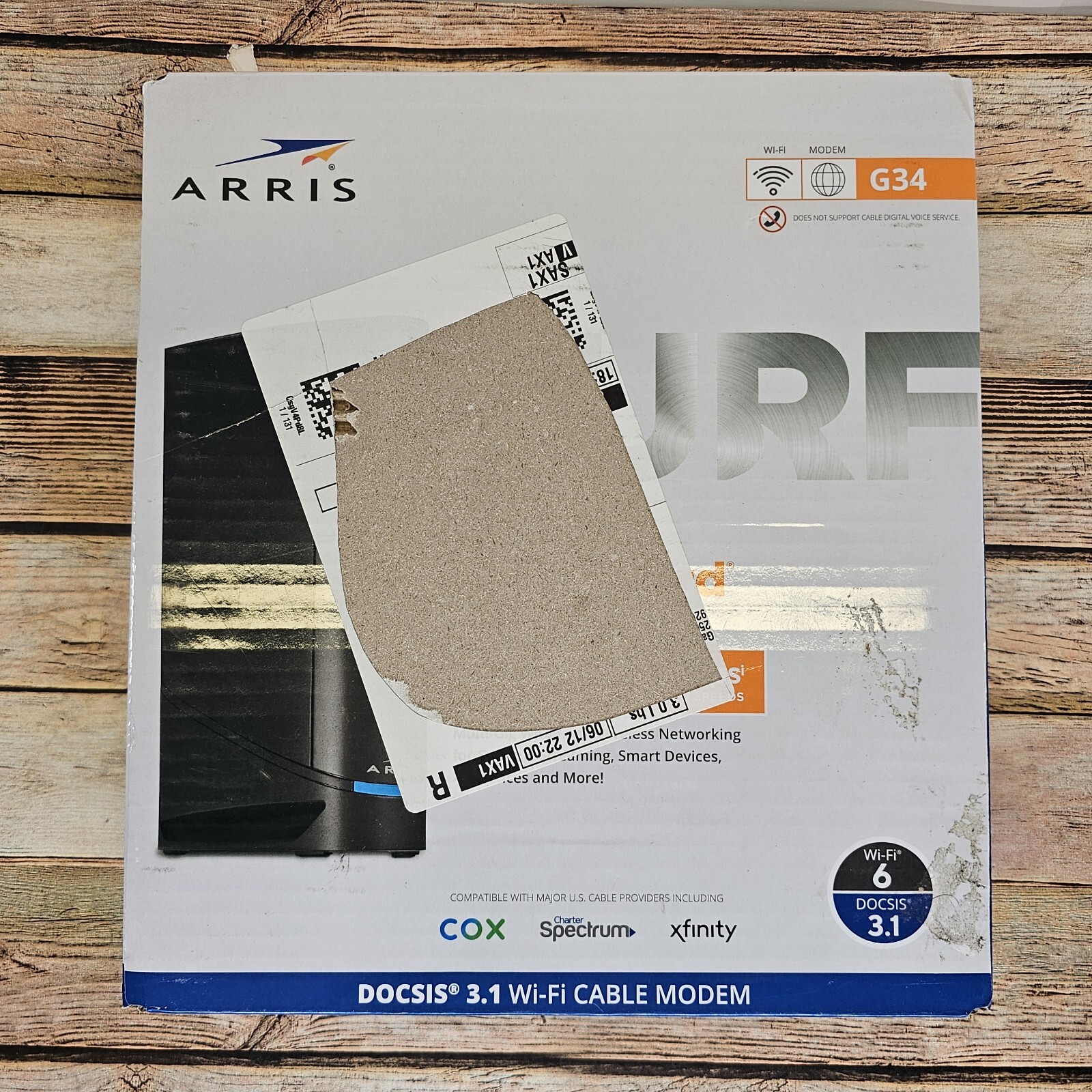
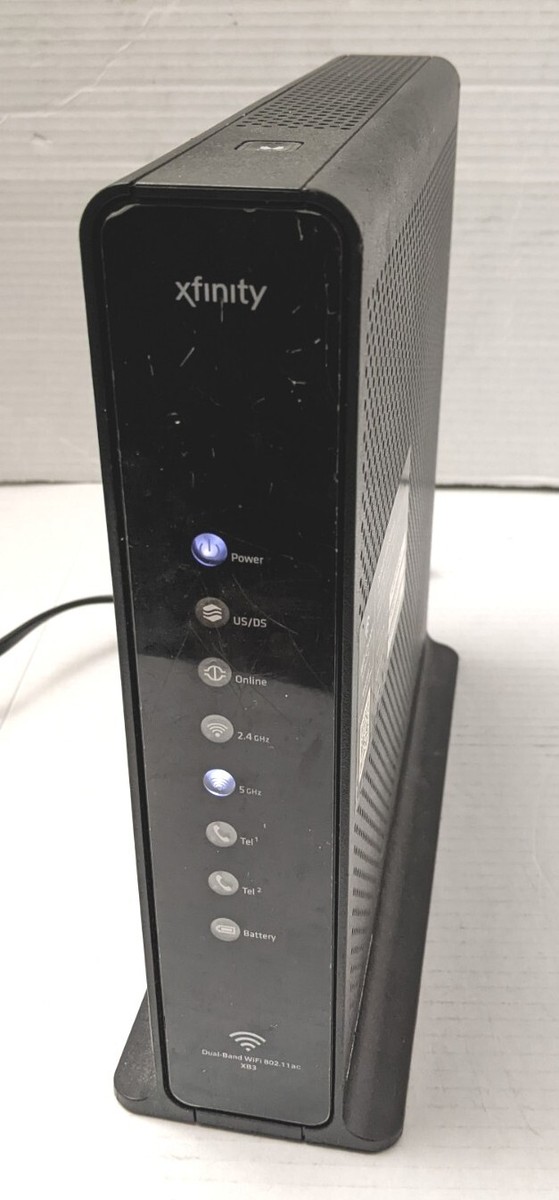
Xfinity supports many Wifi 6 routers, including some of its own models. The XB6 and XB7routers are popular choices provided by Xfinity that support Wifi 6 technology. Customers can also use their own compatible Wifi 6 routers with Xfinity internet service.
Wifi 6 offers faster speeds and better device handling. It improves network efficiencywhen many devices are connected. This means less lag and better streaming or gaming experience in busy homes.
There are some limits to keep in mind. Some older Xfinity routers do not support Wifi 6. Also, Xfinity may not offer full support for all third-party Wifi 6 routers. Firmware updates and settings may affect performance.

Credit: www.youtube.com
Choosing The Right Wifi 6 Router
Wifi 6 routersbring faster speeds and better connections. Check for dual-band supportto avoid interference. Look for MU-MIMO technologyto connect many devices at once. A good router has strong security featureslike WPA3 encryption. Also, consider the rangeto cover your entire home. Easy setup helps save time and avoid frustration. Compatibility with Xfinity ensures smooth service without extra fees.
| Router Model | Speed (Gbps) | Price Range | Best For |
|---|---|---|---|
| Netgear Nighthawk AX12 | 6 | Premium | Large homes, many devices |
| TP-Link Archer AX50 | 3 | Budget | Small to medium homes |
| Asus RT-AX3000 | 3 | Mid-range | Gaming and streaming |
- Budget optionsoffer good speed for fewer devices.
- Premium routershandle more devices and wider range.
- Choose based on your home sizeand internet use.
Setting Up Wifi 6 With Xfinity
To set up Wifi 6with Xfinity, start by connecting the Wifi 6 router to the modem using an Ethernet cable. Power on both devices and wait for the lights to stabilize. Access the router’s setup page via a web browser by entering the IP address provided in the manual.
Follow the on-screen instructions to create a new network name (SSID) and password. Save the settings and connect your devices to the new Wifi 6 network for faster and more reliable internet.
- Place the router in a central location for best coverage.
- Avoid walls or metal objects that block signals.
- Keep the router away from other electronics that cause interference.
Common issues include slow speeds or connection drops. Restart the router and modem to fix many problems. Make sure your devices support Wifi 6 for the best experience. Update the router’s firmware regularly to improve performance and security.
Speed And Performance Insights
Wifi 6 routersbring faster speeds and better performance to homes. Real-world tests show speed boosts up to 40% over Wifi 5. This means downloads and streaming are smoother with less buffering.
Wifi 6 handles many devices at once without slowing down. This is perfect for homes with multiple phones, laptops, and smart gadgets. The technology reduces delays and keeps connections stable.
| Wifi 5 | Wifi 6 | |
|---|---|---|
| Max Speed | Up to 3.5 Gbps | Up to 9.6 Gbps |
| Device Handling | Moderate | High |
| Latency | Higher | Lower |
| Battery Usage | Standard | Improved Efficiency |
Security Enhancements With Wifi 6
WiFi 6uses advanced encryptionto protect your data. It makes it harder for hackers to access your network. This means your personal info stays safe.
With WiFi 6, devices use stronger passwordsand better security checks. This helps stop unauthorized connections quickly.
- Improved encryption standardskeep data private.
- Networks are safer from hacking attempts.
- Device connections are checked more carefully.
- Network privacy is increased for all users.
Keeping your network safe means less worry about online threats. WiFi 6 helps keep your home internet secure.
Credit: www.ebay.ca
Future Of Wifi With Xfinity
Wifi 6 is the newest technology in wireless networks. It offers faster speeds and better performance. Many devices can connect at once without slowing down. This is great for homes with many smart gadgets. Xfinity is working on using Wifi 6 to help customers. This will make internet surfing faster and smoother. People can stream movies and play games with less lag.
Xfinity plans to adopt Wifi 6E soon. This will improve internet connections even more. Wifi 6E uses a new frequency band. It reduces interference from other networks. This means a clearer and stronger signal. Future plans include exploring new technologies beyond Wifi 6E. Xfinity aims to keep improving internet quality. Customers can expect better speeds and reliability.
Frequently Asked Questions
Does Xfinity Support Wifi 6 Routers?
Yes, Xfinity supports WiFi 6 routers. Their latest gateways and modems are compatible with WiFi 6 technology, offering faster speeds and improved connectivity for compatible devices.
Can I Use My Own Wifi 6 Router With Xfinity?
You can use your own WiFi 6 router with Xfinity. Just connect it to the Xfinity modem or gateway in bridge mode for optimal performance.
Does Xfinity Provide Wifi 6 Routers For Rent?
Xfinity offers WiFi 6 routers for rent with certain plans. These routers provide better speed and coverage compared to older models.
Will Wifi 6 Improve My Xfinity Internet Speed?
WiFi 6 can improve your Xfinity internet speed by optimizing network efficiency. It supports faster data transfer and better device management for high-traffic homes.
Conclusion
Xfinity supports Wifi 6 routers for faster and better connections. You can use your own Wifi 6 router with their service. This helps improve speed and device support at home. Remember to check compatibility before buying a new router. Xfinity also offers Wifi 6 modems and gateways for easy setup.
Upgrading to Wifi 6 can make your internet experience smoother. Enjoy faster downloads and more reliable connections with the right equipment. Wifi 6 is the future, and Xfinity is ready for it.